1My Payments
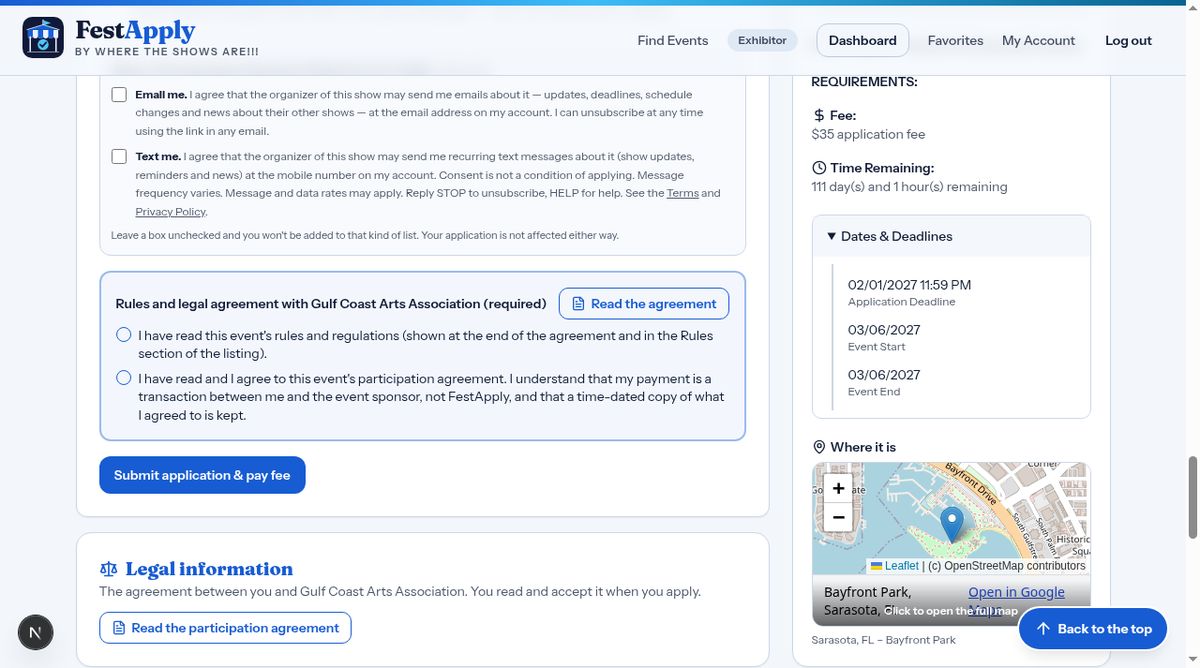
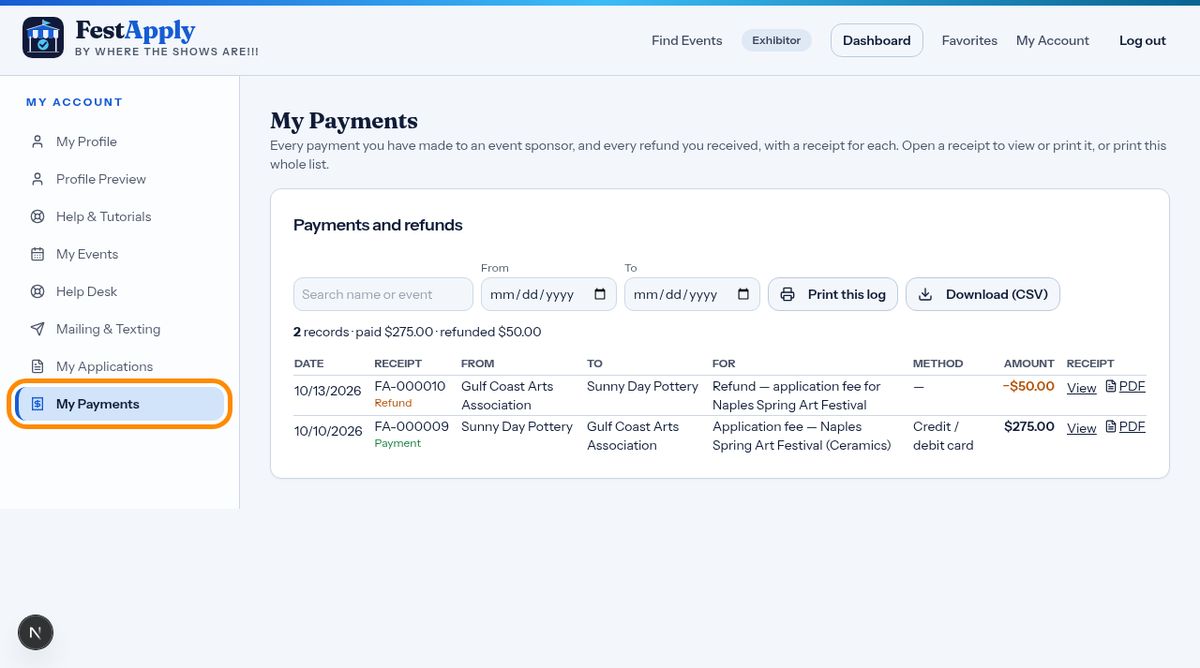
Open My Payments from your menu. It lists every payment you have made to an event sponsor, and every refund a sponsor has sent back to you. Each row shows the date, who you paid, what it was for, how you paid, and the amount.
Lesson 8 of 8
See what you have paid and to whom, open or print every receipt, and find your signed agreements.
Open My Payments from your menu. It lists every payment you have made to an event sponsor, and every refund a sponsor has sent back to you. Each row shows the date, who you paid, what it was for, how you paid, and the amount.
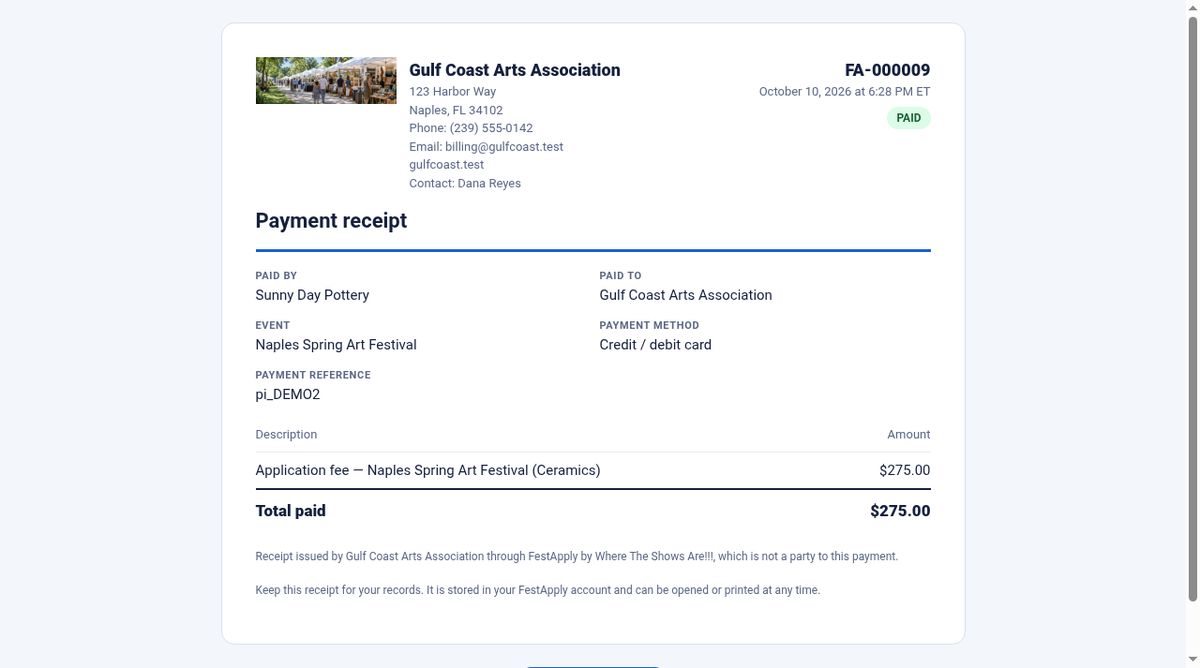
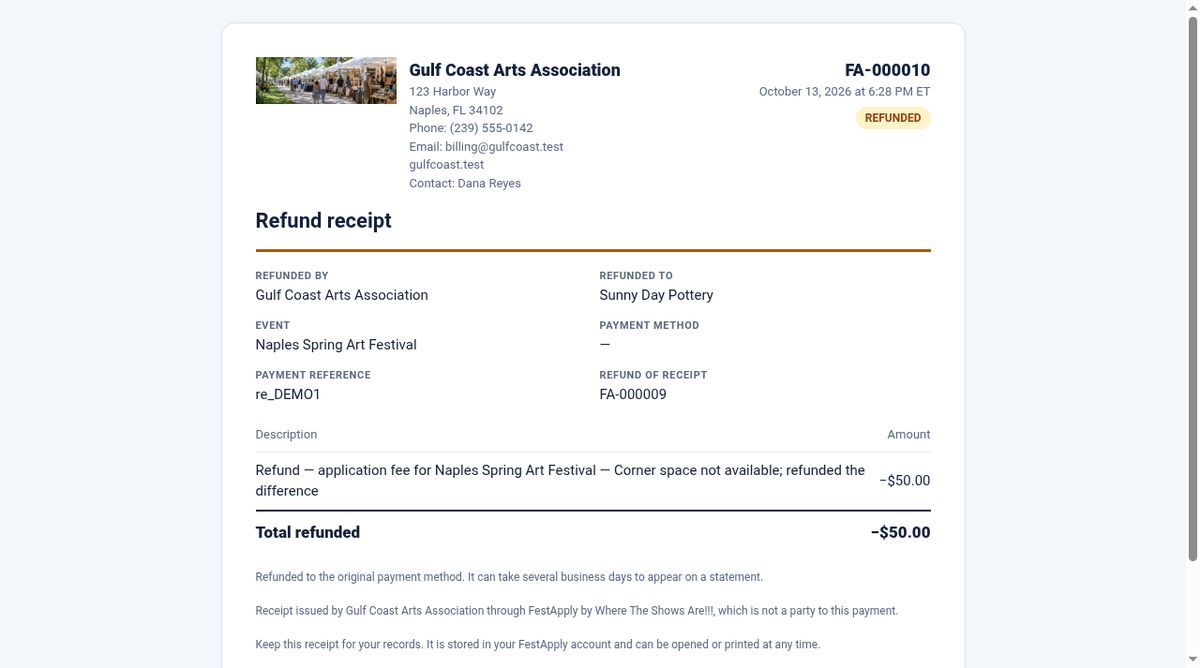
Click View to open the receipt for any payment. The receipt shows the event sponsor's logo and contact details, what you paid for, and how you paid. Each receipt has its own number.
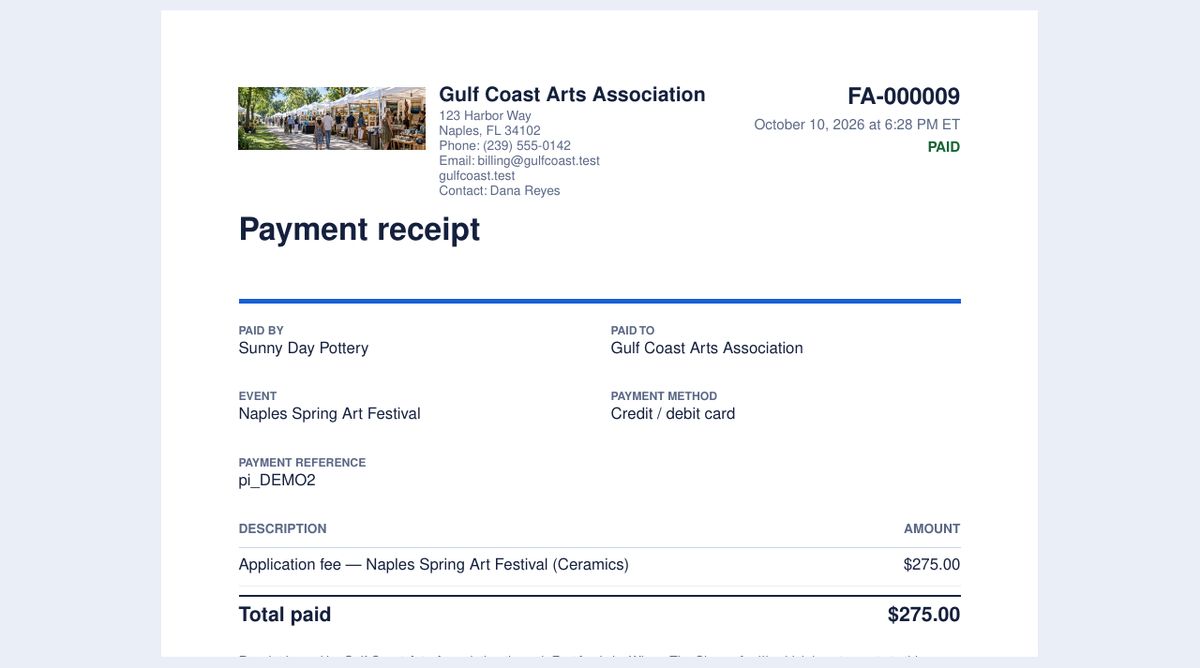
Click PDF to get the same receipt as a PDF you can save or print. Receipts are also emailed to you when you pay, with the PDF attached.
When a sponsor refunds you, a refund receipt is made. It points back to the receipt of your original payment, and says why the refund was made.
Use the buttons at the top of the list to print it, or to download it as a spreadsheet. That is useful for your taxes and your bookkeeping.
Every time you apply, a dated copy of the rules and legal agreement you accepted is stored. You also accepted the FestApply Exhibitor Participation Agreement when you signed up. Your payment is always a transaction between you and the event sponsor, so questions about a refund go to the sponsor first.