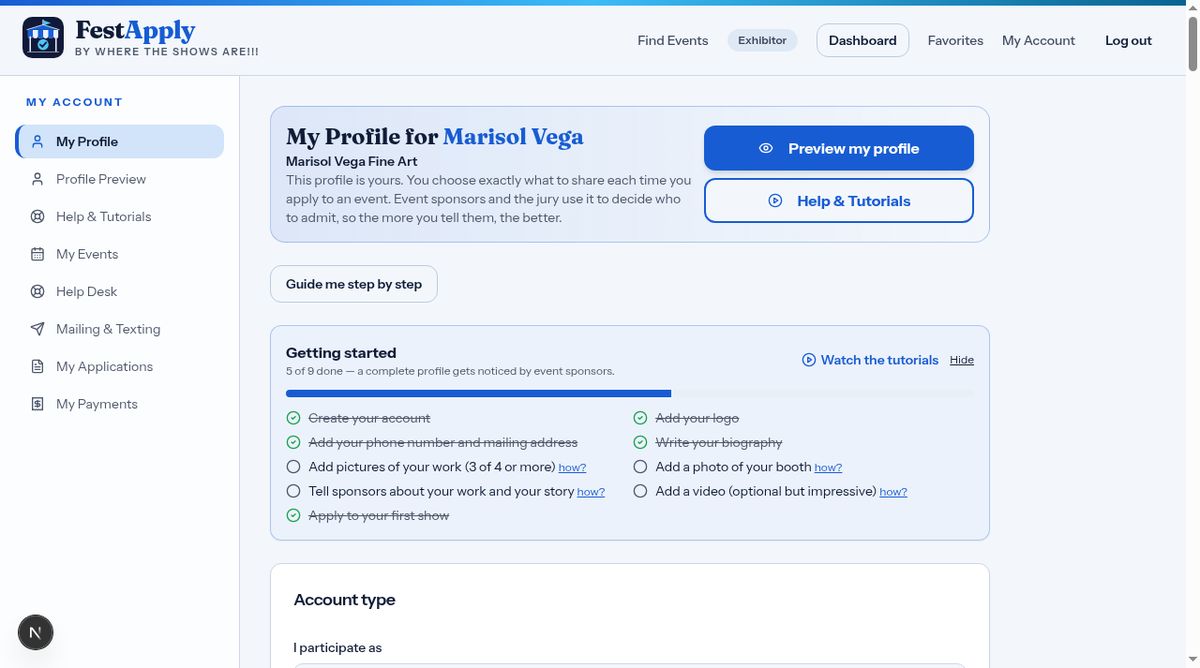
1My Applications
After you apply, go to My Applications to see each show you've applied to, and where it stands.
Lesson 7 of 8
Track applications, get help, and manage your notifications.
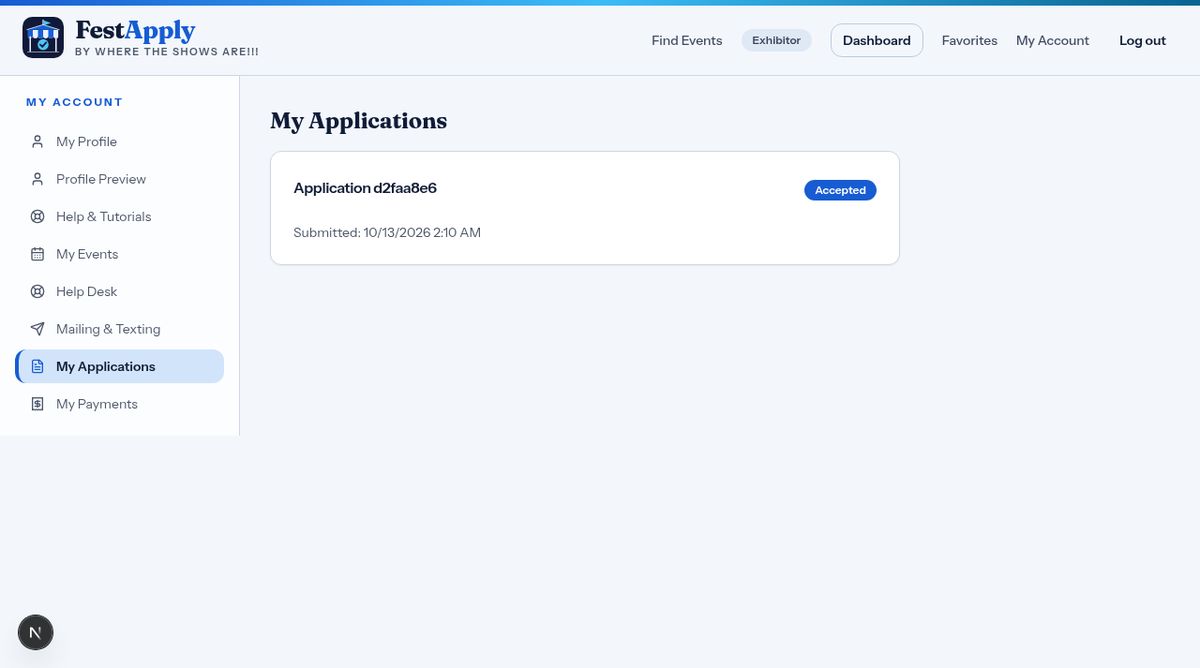
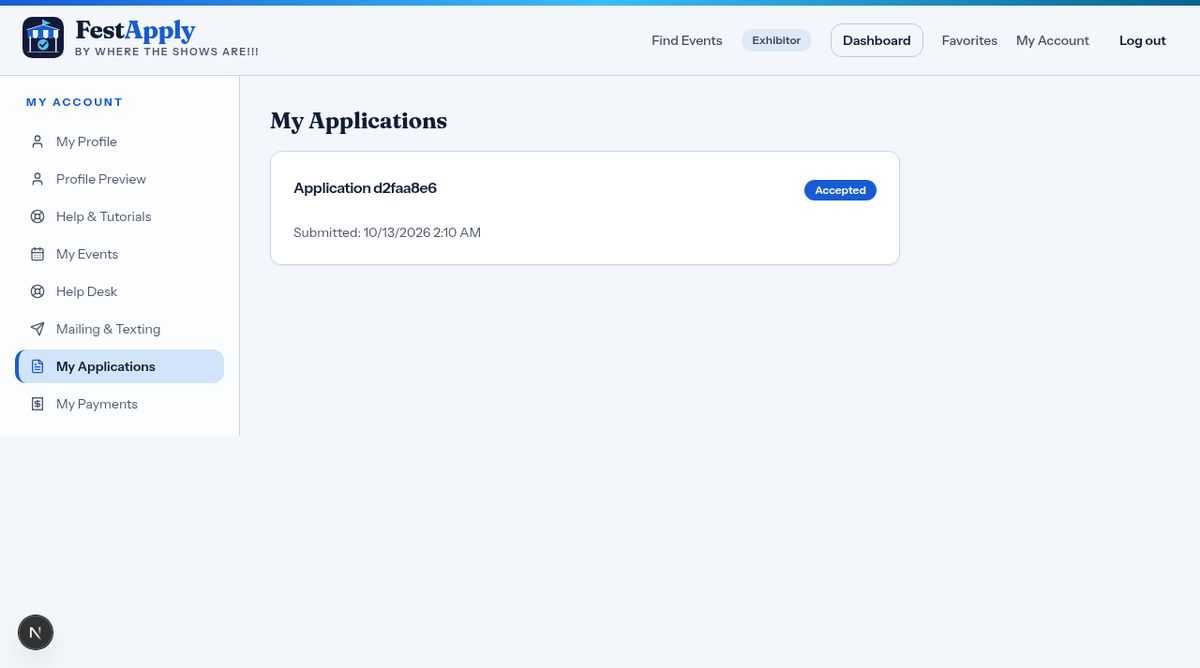
After you apply, go to My Applications to see each show you've applied to, and where it stands.
When a sponsor accepts you, the status changes to Accepted. Congratulations!
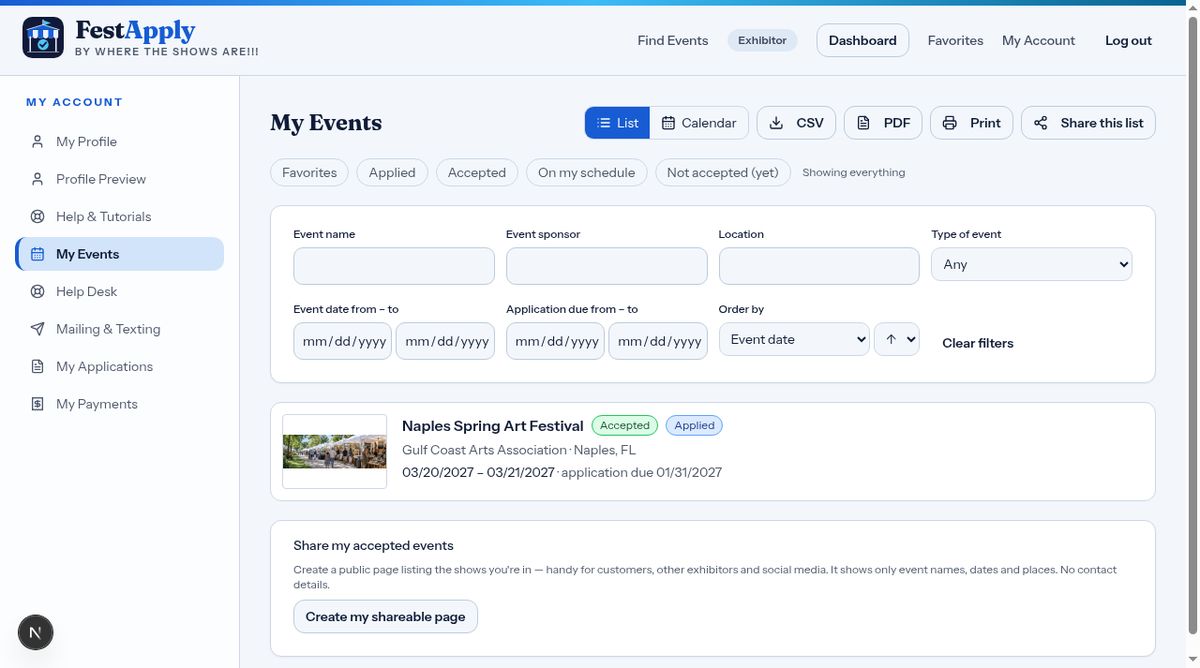
My Events keeps all your shows together, including the ones you've favorited, applied to, been accepted to, and put on your schedule. The next lesson shows you where your payments and receipts are.
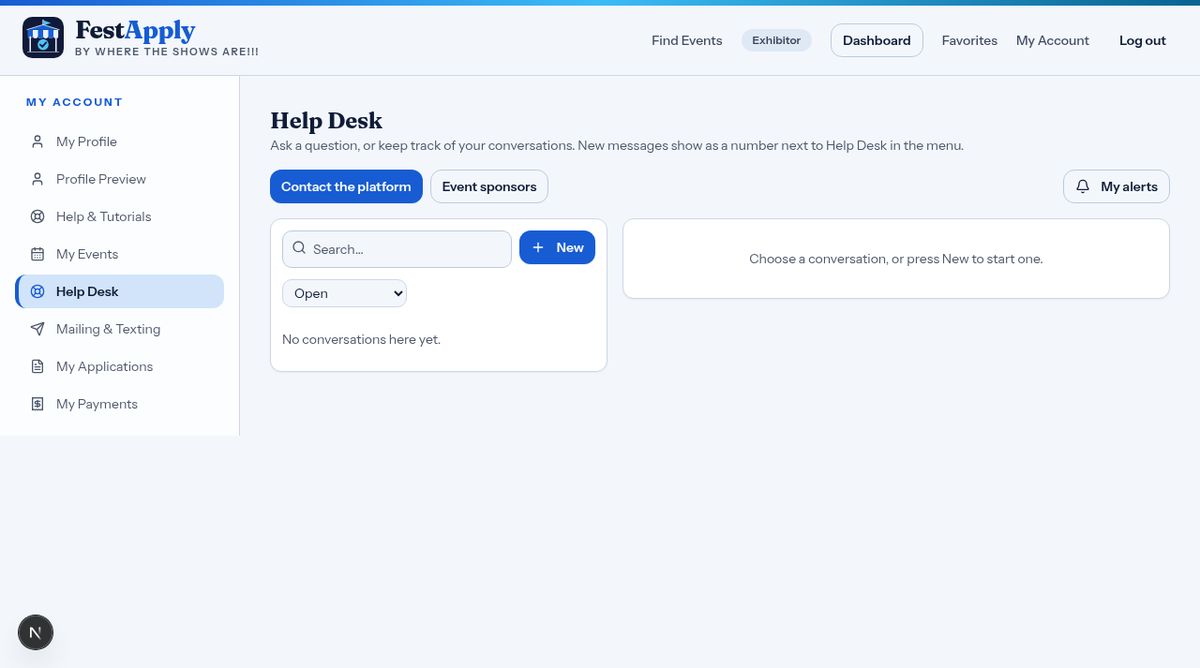
Need help? Use the Help Desk to send a message to the FestApply team or ask a question.
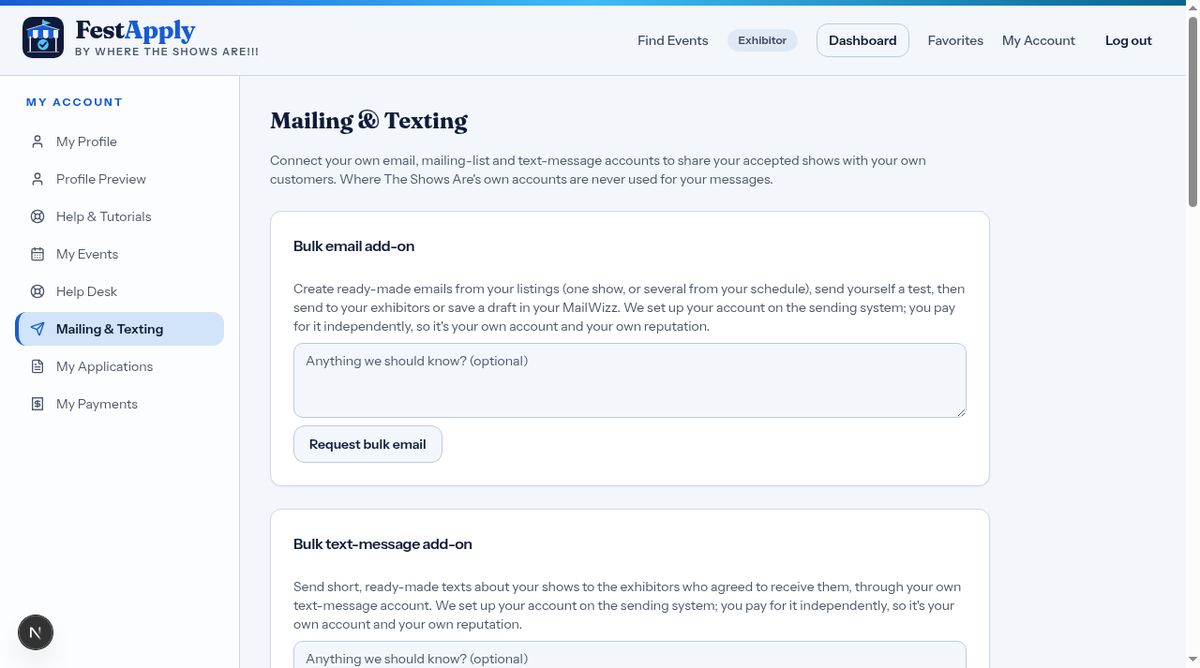
Mailing and Texting is where you can connect your own email and text accounts, to message your customers about the shows you'll be at.
At the bottom of your profile you can turn email and text notifications on or off at any time.
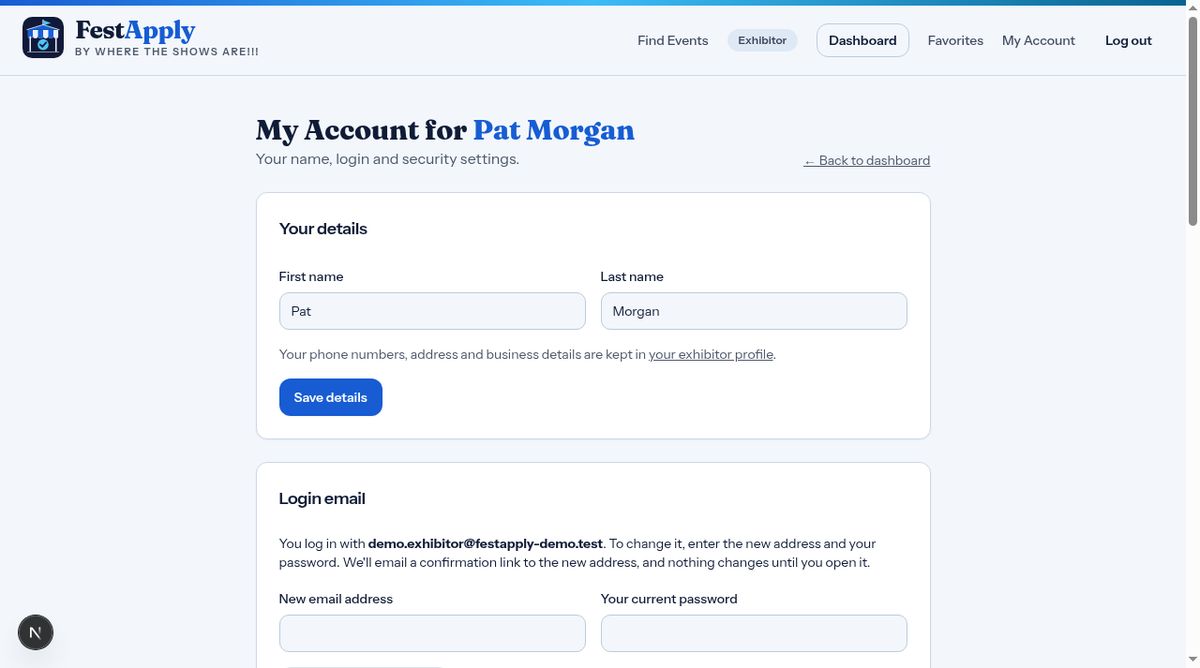
Keep your profile current. Update your pictures and your story before each season, and preview it again. Thanks for watching, and good luck at your shows.