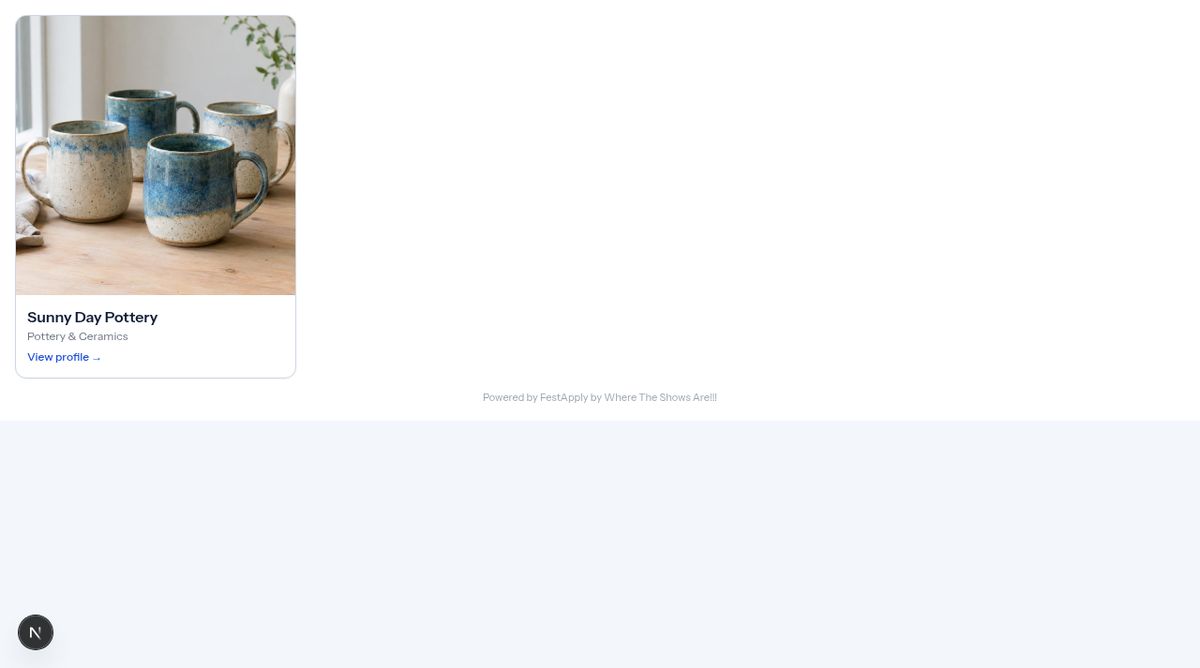
1The Participating Artists page
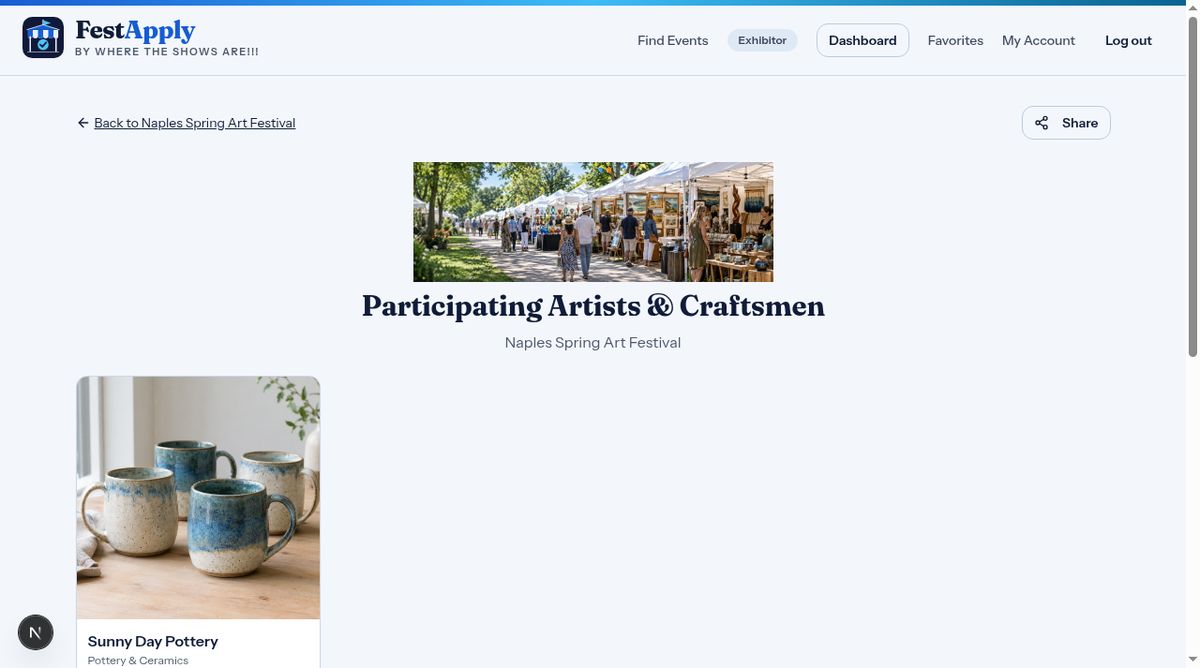
Many shows have a Participating Artists page, a gallery that helps attract visitors and buyers to the event. Accepted exhibitors who choose to be featured appear here.
Lesson 6 of 8
How accepted exhibitors are featured to the public, and what you control.
Many shows have a Participating Artists page, a gallery that helps attract visitors and buyers to the event. Accepted exhibitors who choose to be featured appear here.
Each artist shows a picture, a name and the type of work.
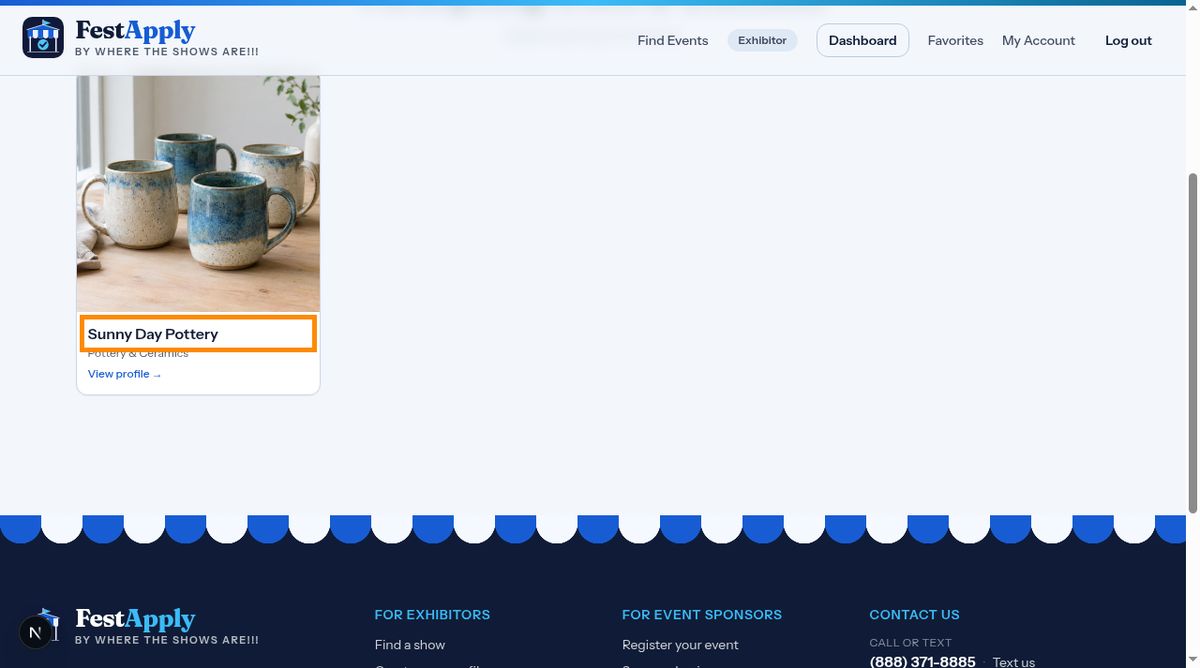
Visitors click an artist to open that artist's public profile.
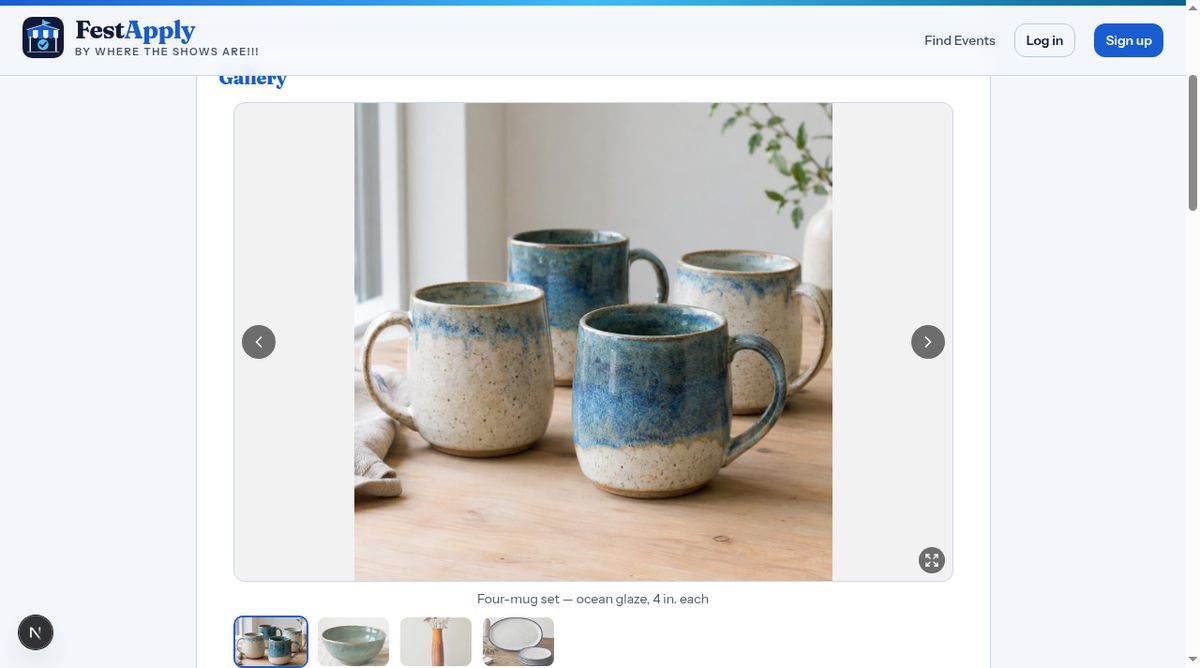
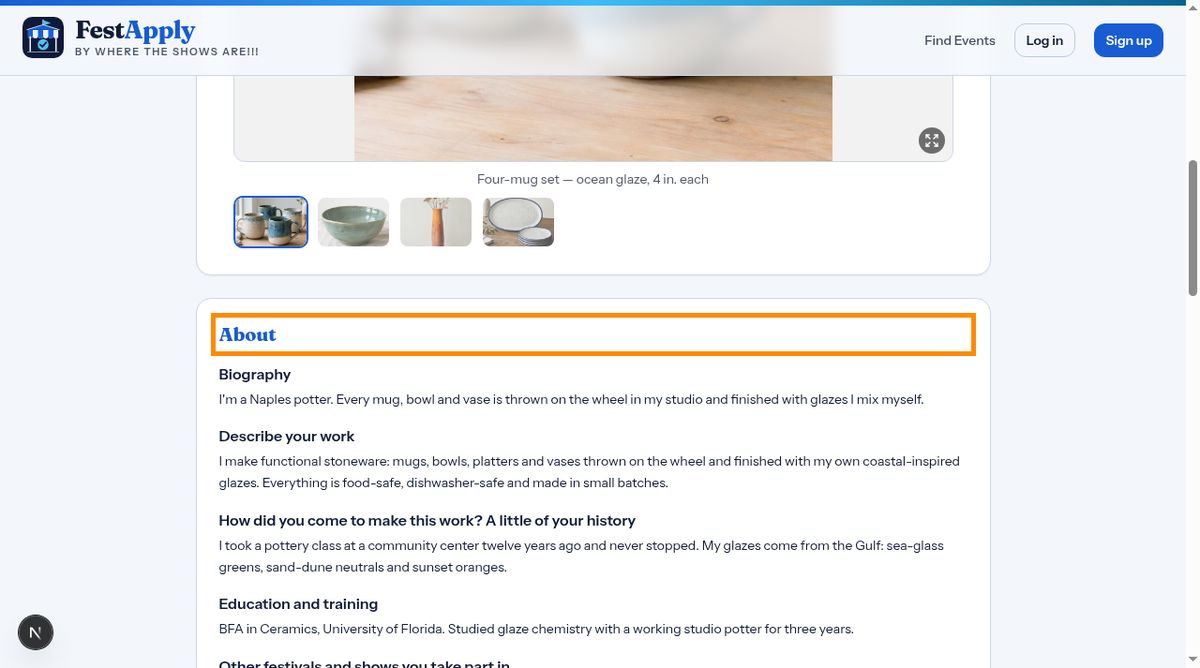
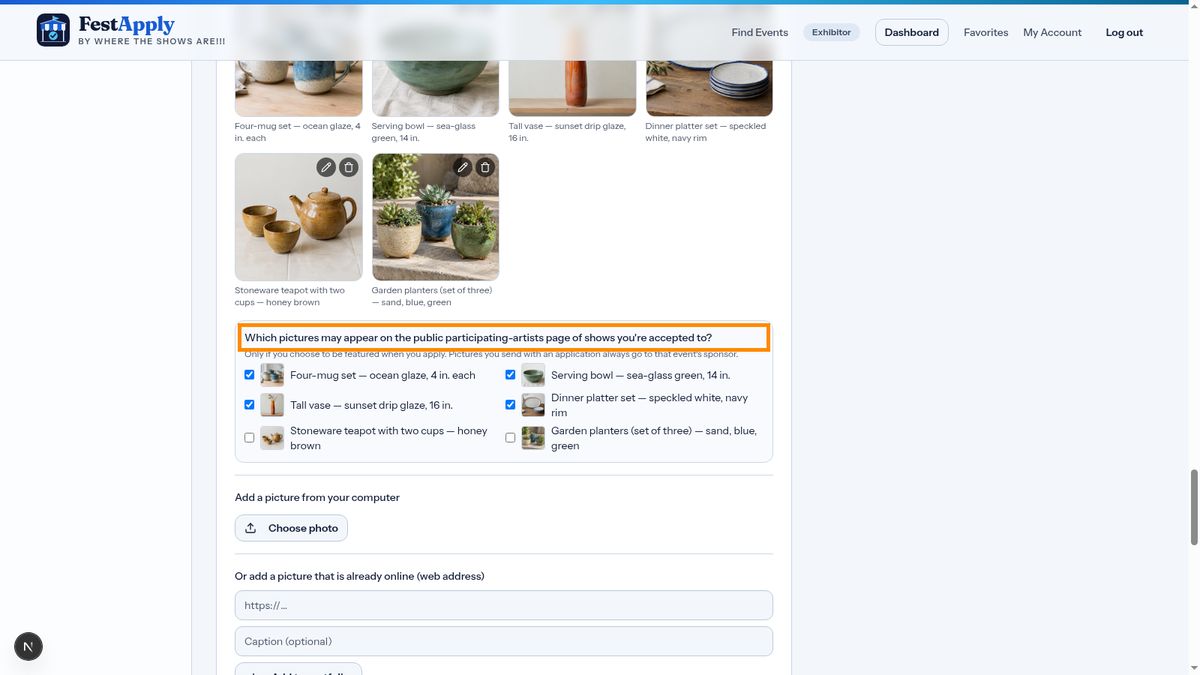
The gallery shows only the pictures you marked for the public.
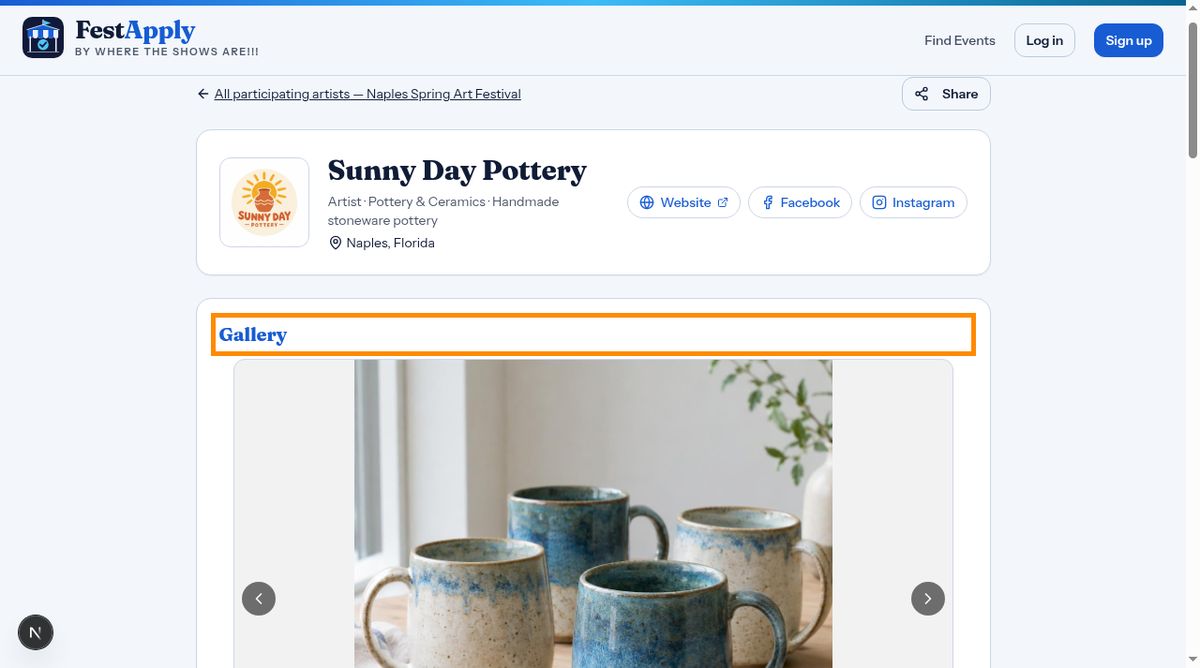
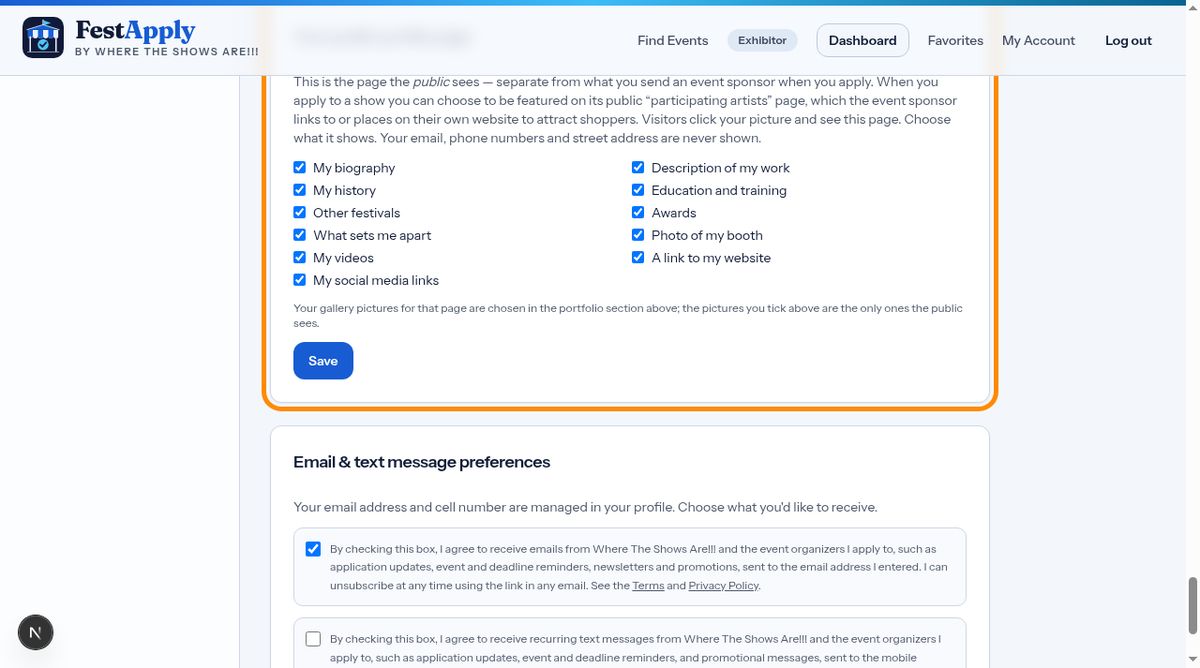
Below it, visitors can read the sections you chose to show, like your biography, history and awards. Notice there's no email, phone number or street address.
You control all of this on your profile. Tick the pictures the public may see, and choose which sections to show.
Event sponsors can also place this gallery on their own website, so your work reaches even more people.