1Find a show
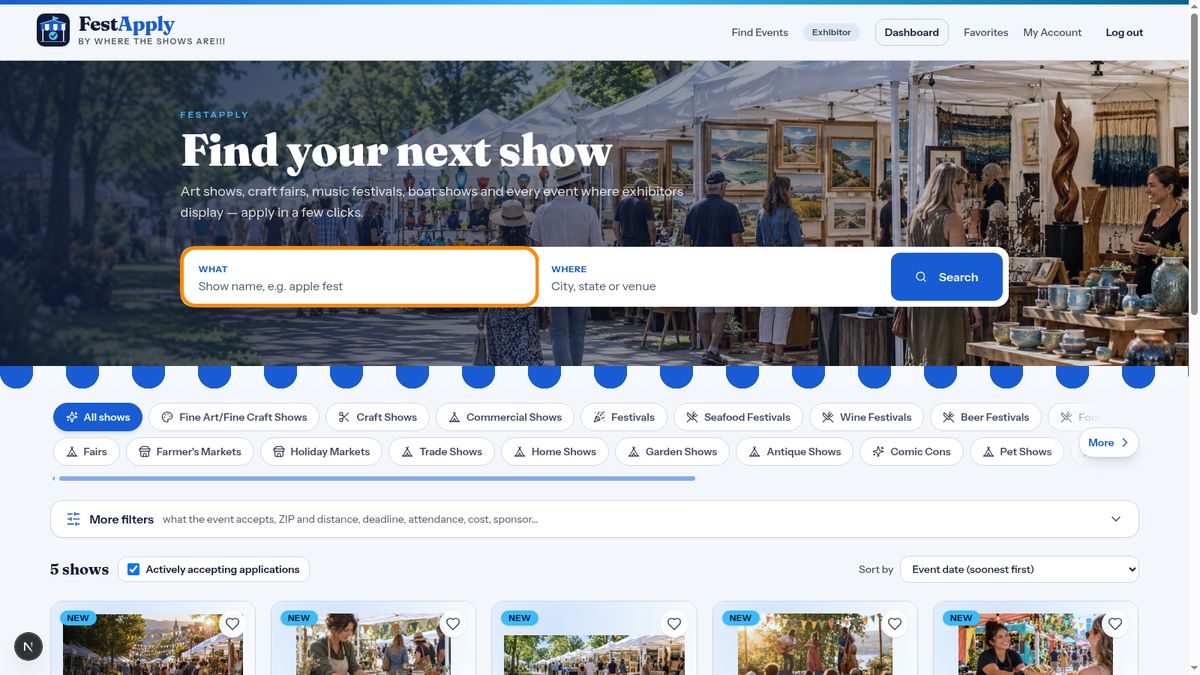
Ready to apply? Click Find a show. Type part of a show's name or a city to search.
Lesson 5 of 8
Search for shows, read the details, and send your application.
Ready to apply? Click Find a show. Type part of a show's name or a city to search.
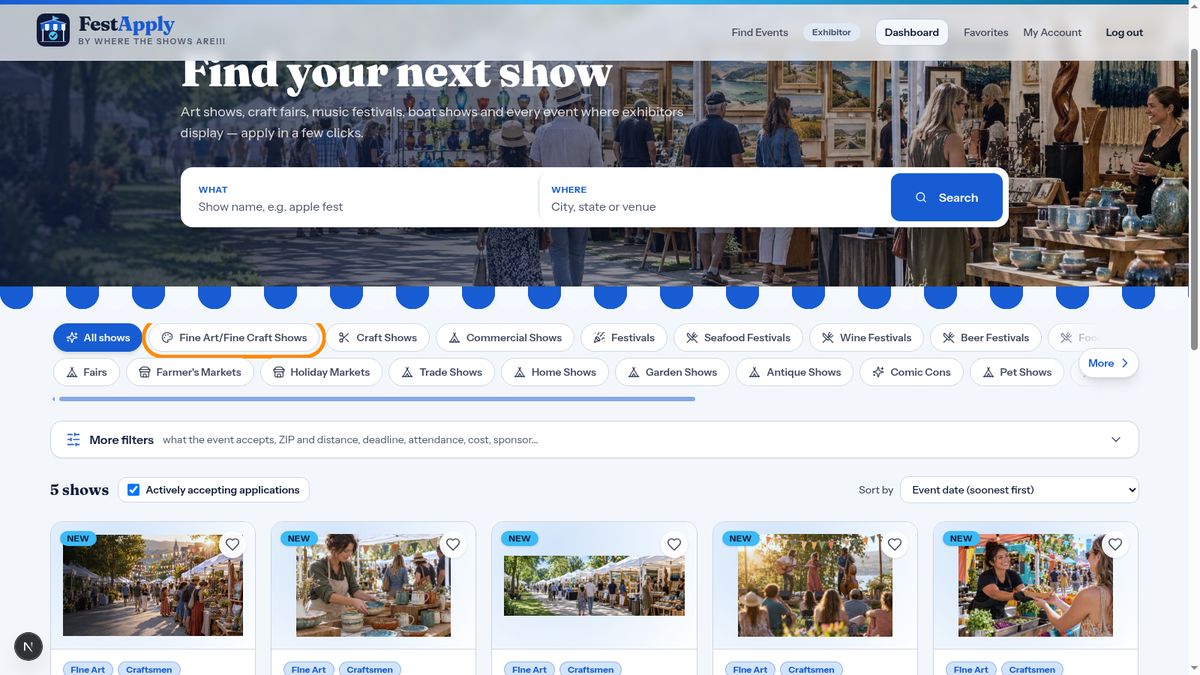
Use the type buttons to narrow the list, for example fine art and fine craft shows.
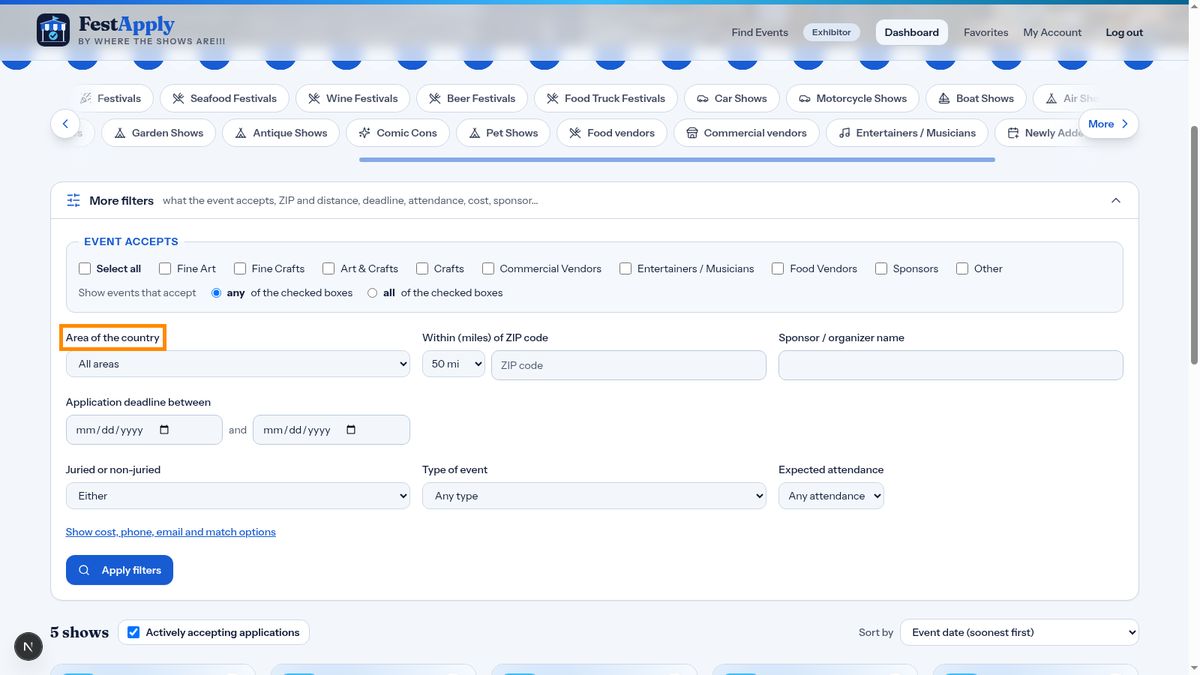
Click More filters to search by area. Choose a region of the country, a part of Florida, or a single state.
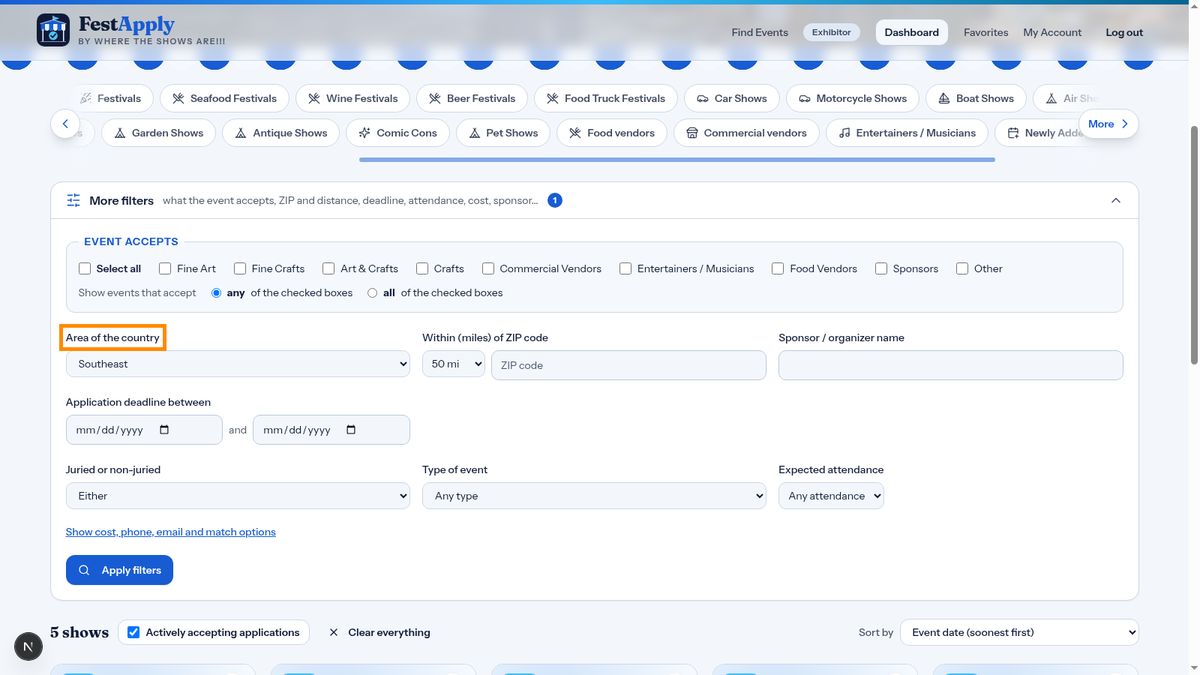
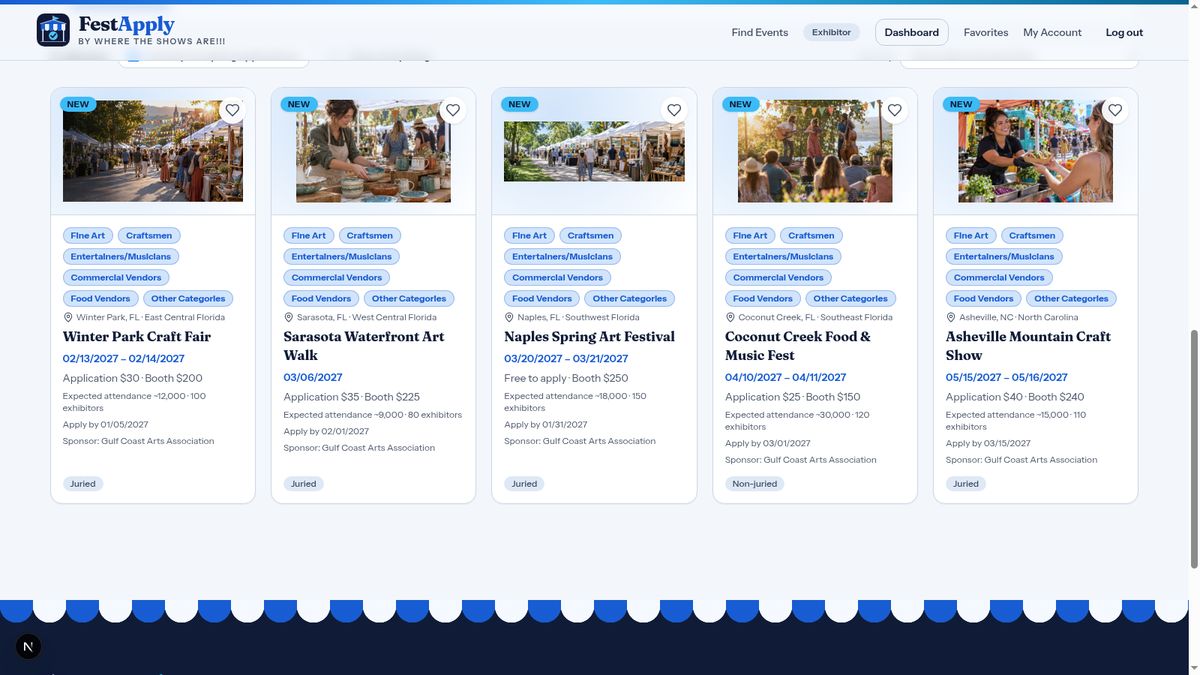
Shows that match appear as cards. Click one to open its page.
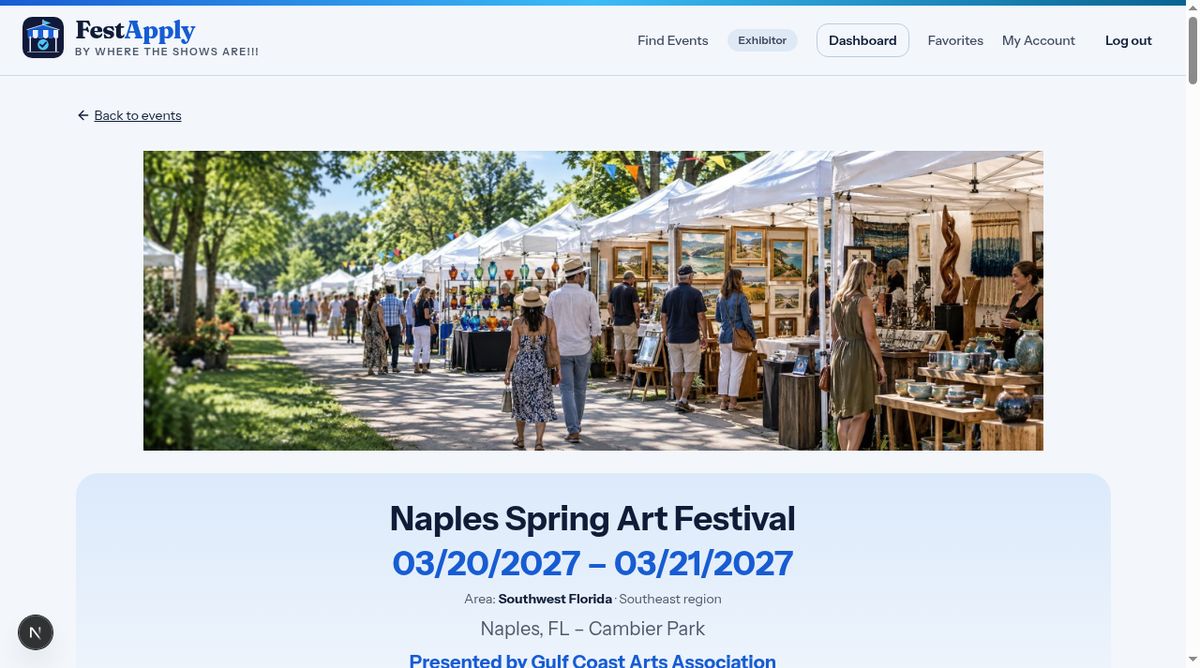
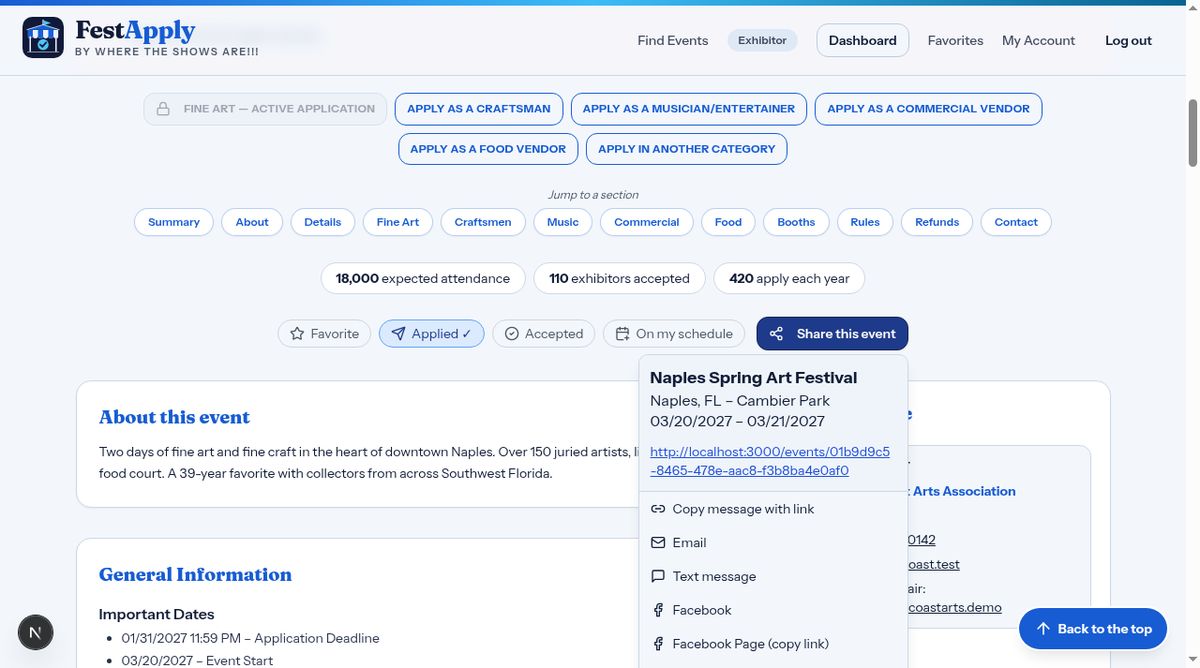
The show's page opens with the name, the dates, and the location. Under the location, in blue, you can see who is presenting the event. You can save the show to your favorites, or share it with a friend. Sharing sends the name, the place and the dates, followed by the link.
Click Share this event to send the show to someone. The message starts with the name of the show, the location and the dates, each on its own line, followed by the link. You can copy it, email it, or send it as a text message.
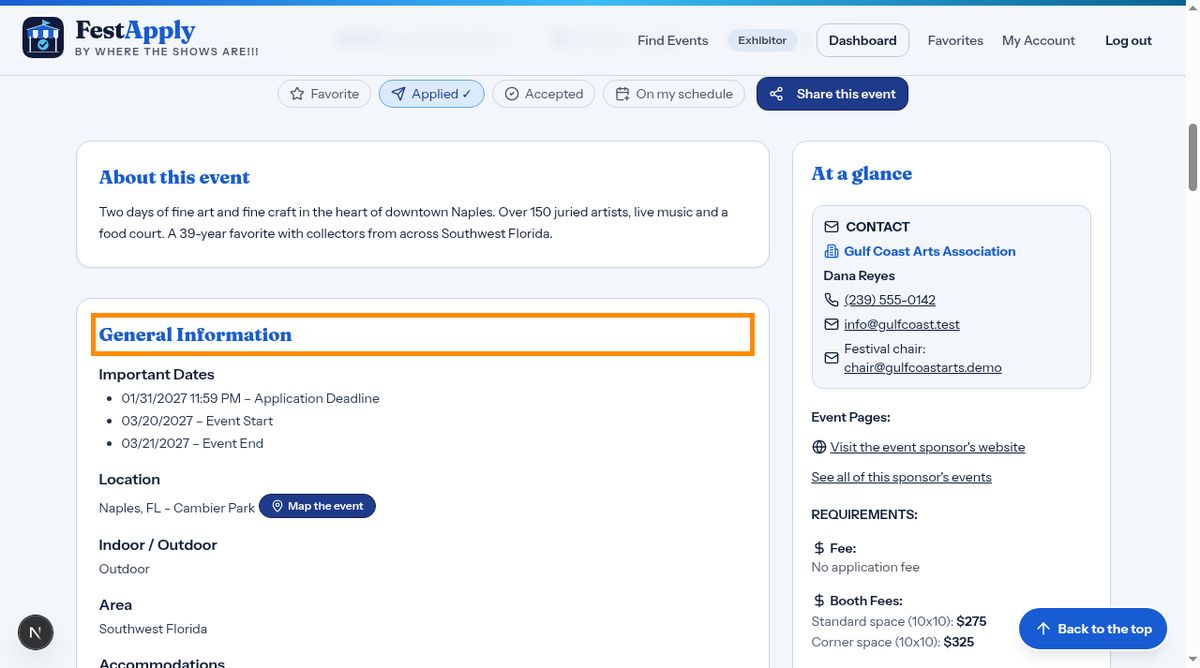
Read General Information carefully. Check the dates, the location, whether the event is indoors or outdoors, and the load in details. Further down you will see how many exhibitors apply each year and how many are accepted, and whether emerging artists are welcome.
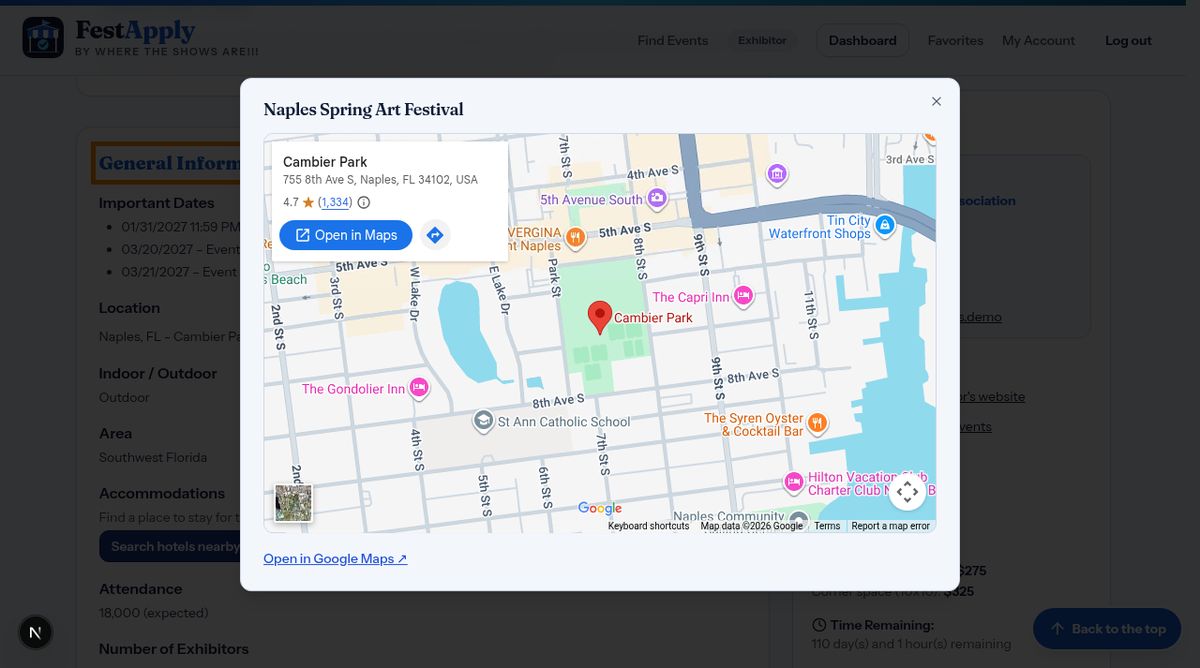
Click Map the event, and a map opens over the page. Click the dark area outside the map to come back to where you were.
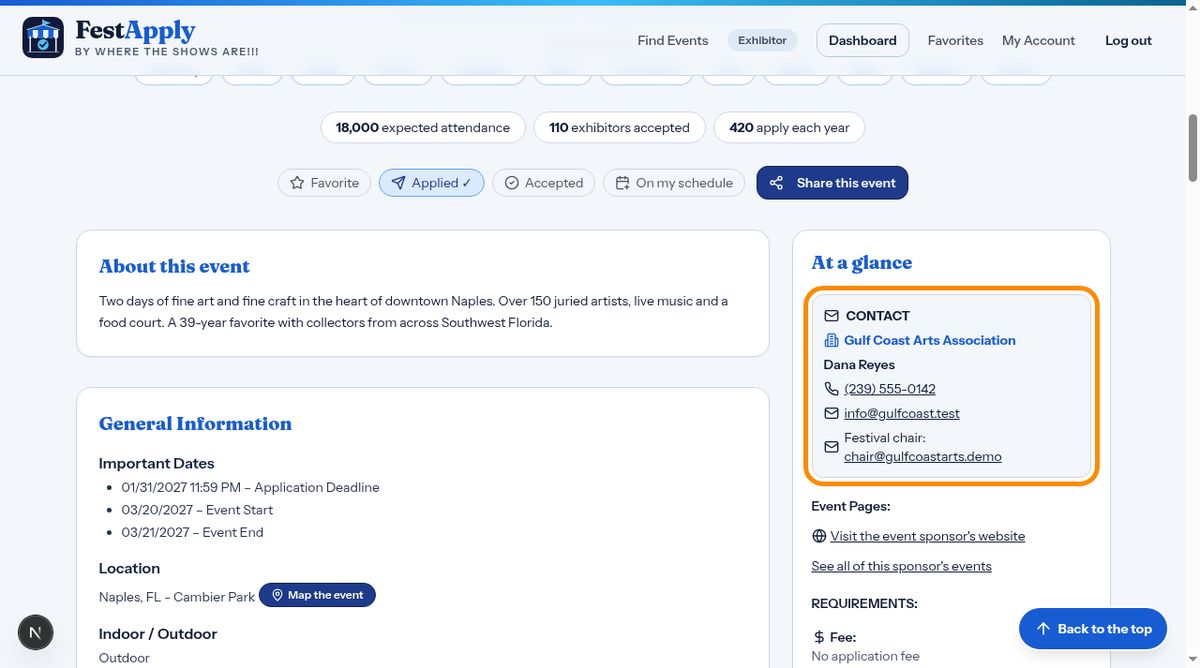
On the right, the contact box shows the organization, the contact person, a phone number you can tap to call, and an email address. Under it, you will find the booth fees.
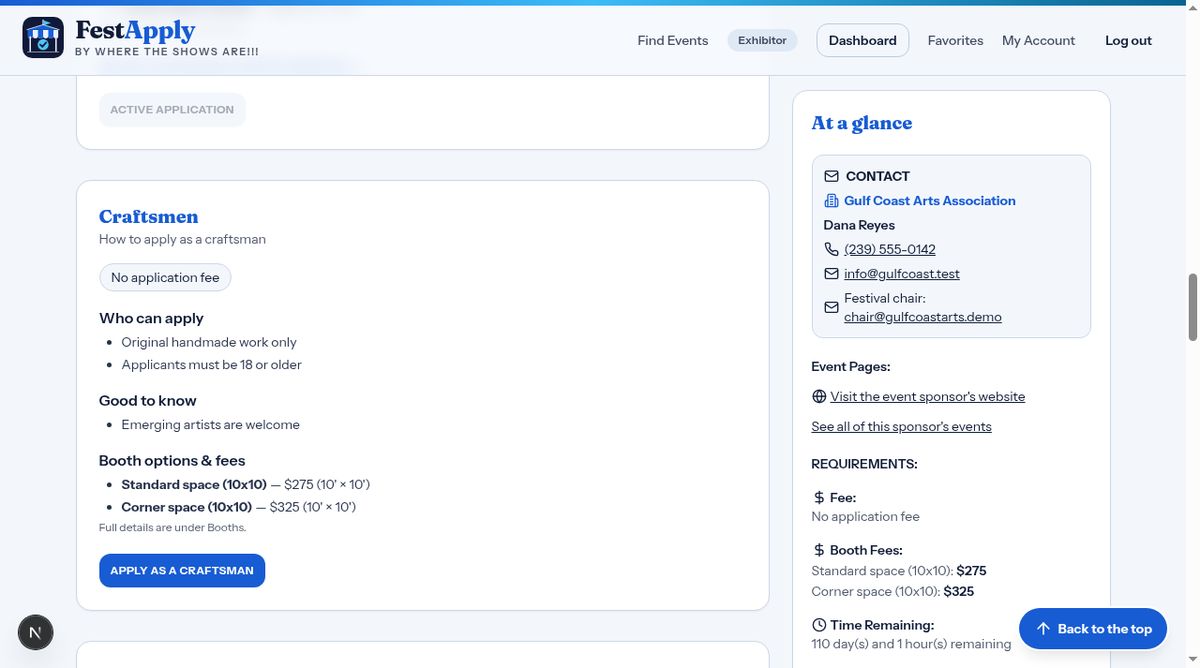
Every kind of exhibitor has its own section: fine art, craftsmen, musicians, commercial vendors and food vendors. A section only appears if the show accepts that kind of exhibitor. Each one shows who can apply, what is good to know, and the booth fees. When you're ready, click the Apply button for your category.
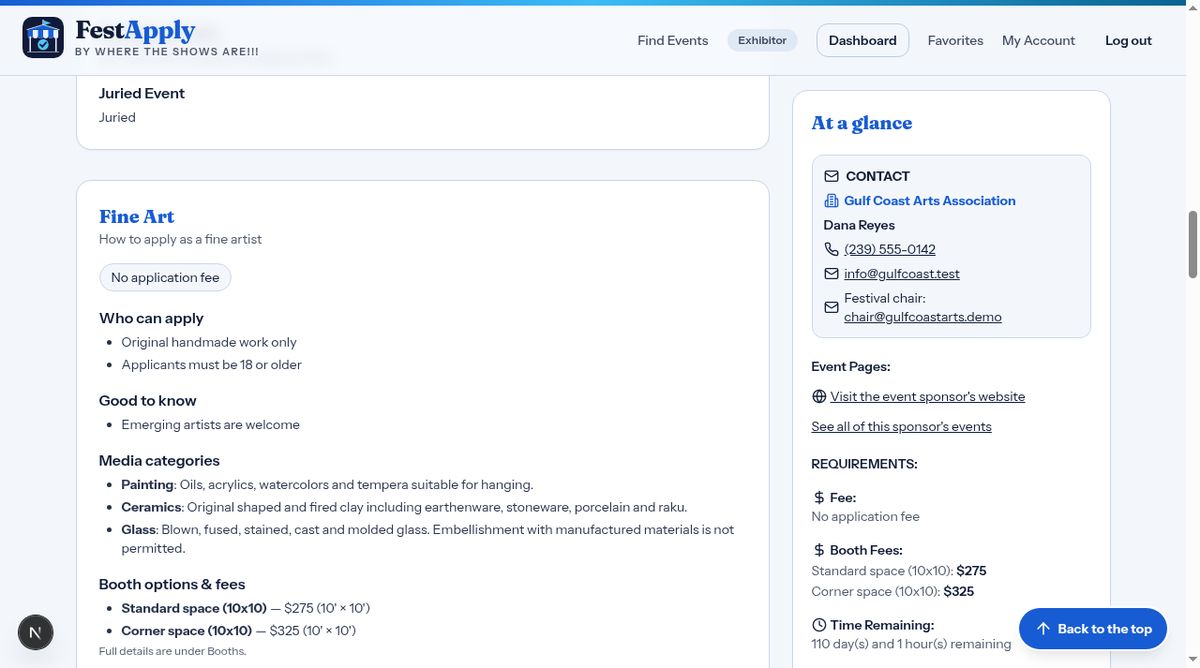
Each section lists the requirements for your category. If the sponsor did not write special rules for your category, you will see the same information as the fine art section.
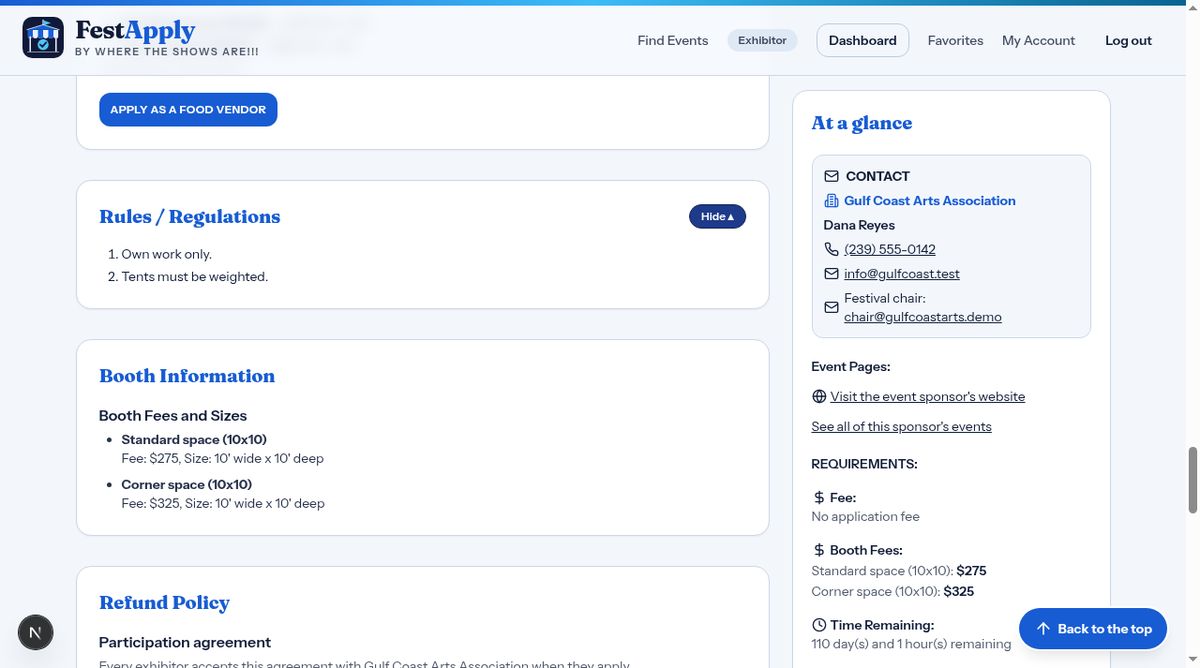
The rules and regulations are in a section you open by clicking it. Read them before you apply. Because they can be long, they stay folded away until you want them.
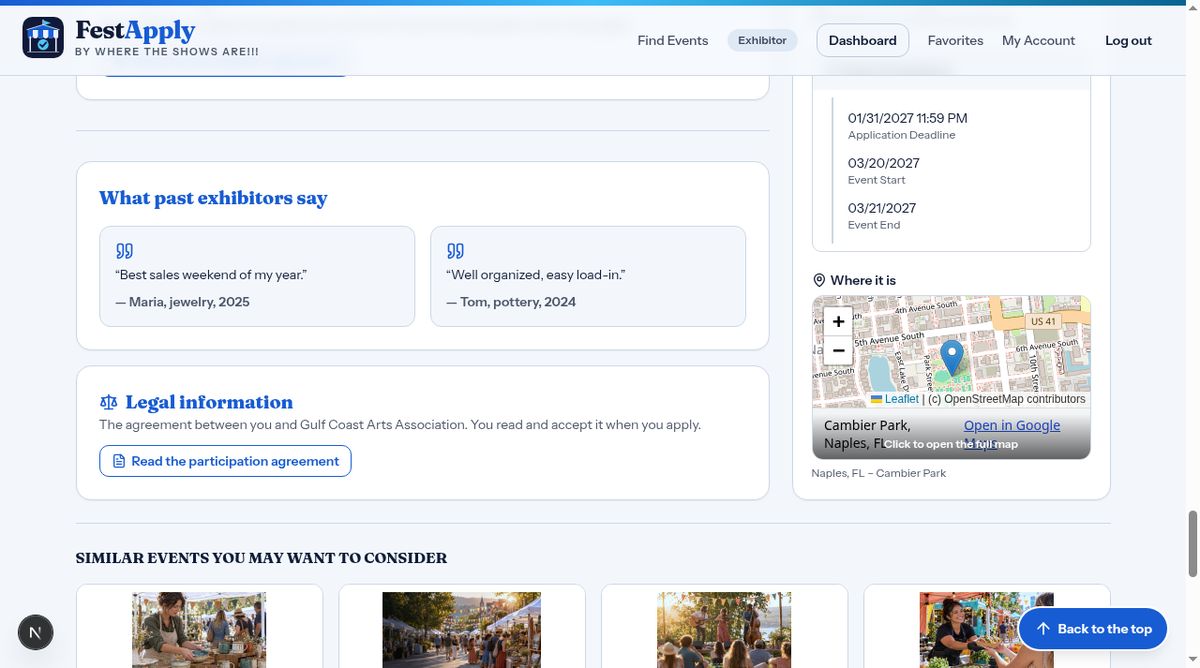
Near the bottom, past exhibitors may share what they think of the show. Under that is the Legal information button, which opens the agreement between you and the event sponsor.
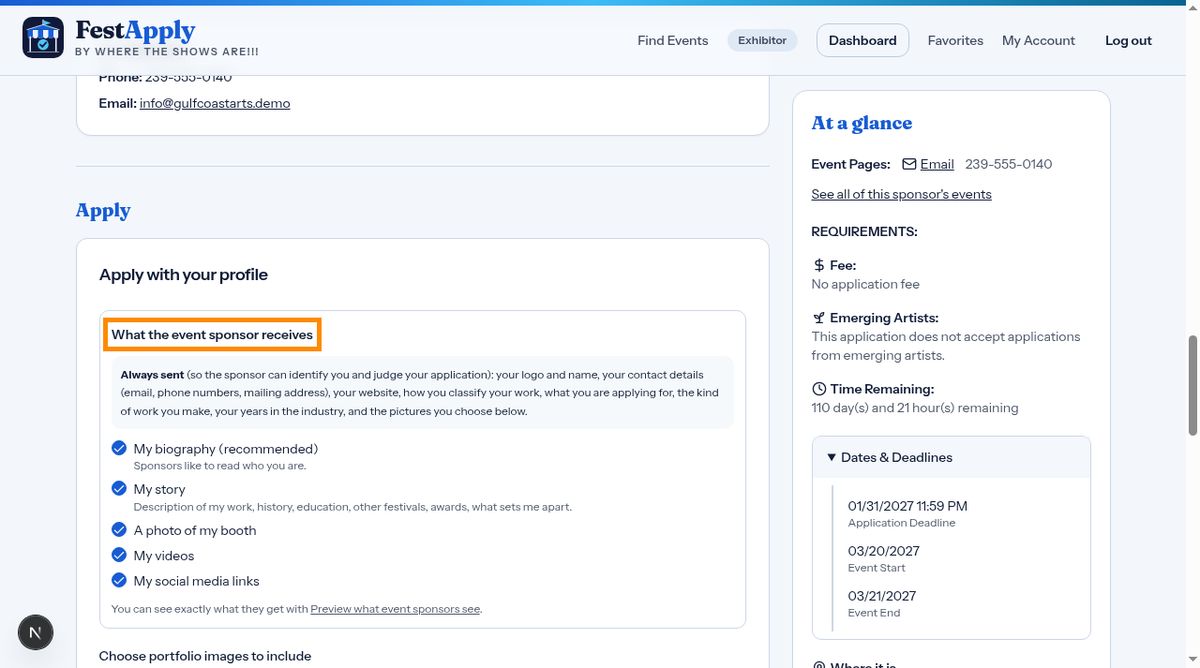
Before you submit, you'll see what the sponsor receives. Your logo, contact details, website, classification and pictures are always sent. You choose whether to add your biography, story, booth photo, videos and social links.
Choose the pictures to send with this application. Pick your strongest work.
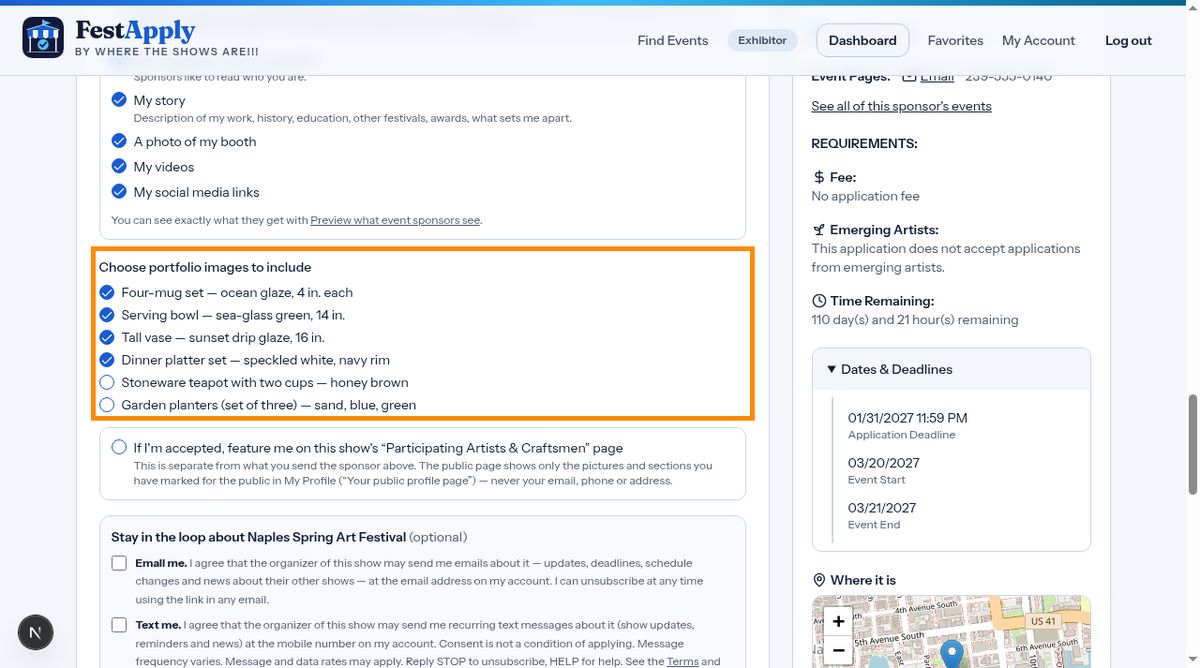
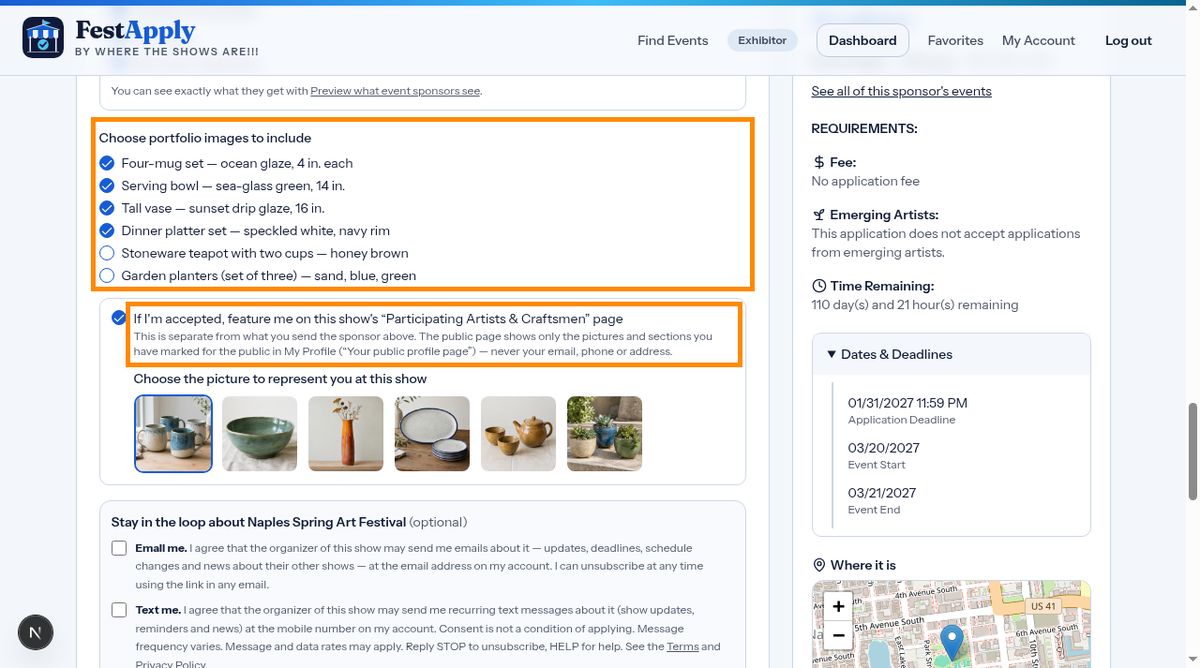
If you'd like, ask to be featured on the show's public participating artists page, if you're accepted.
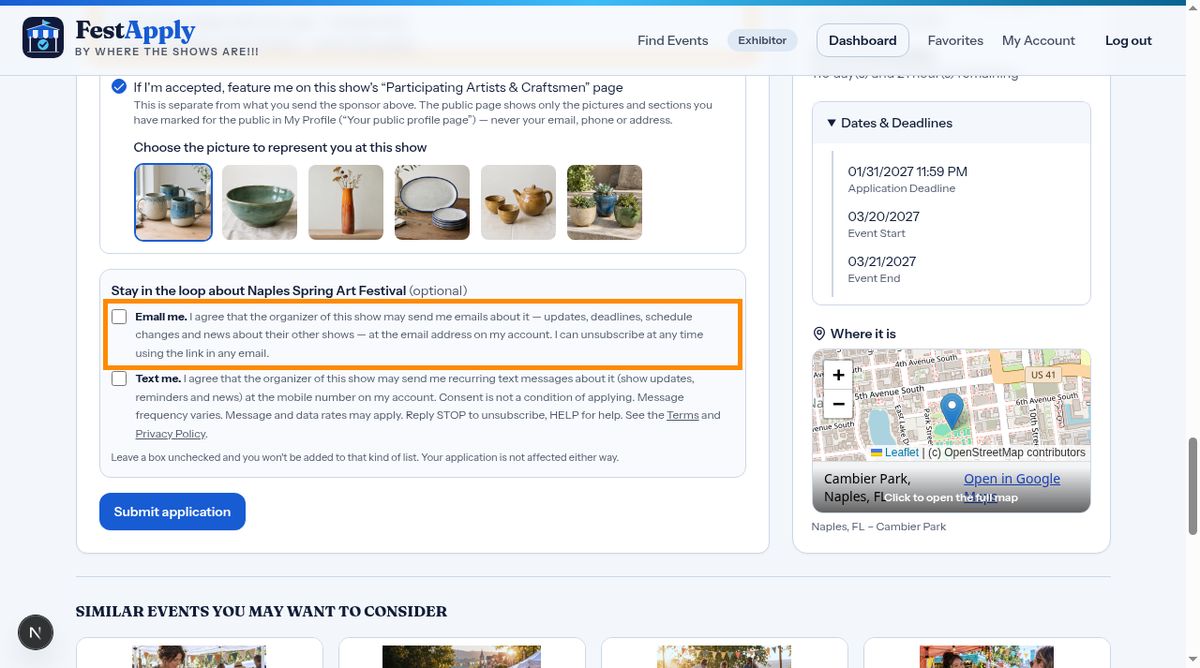
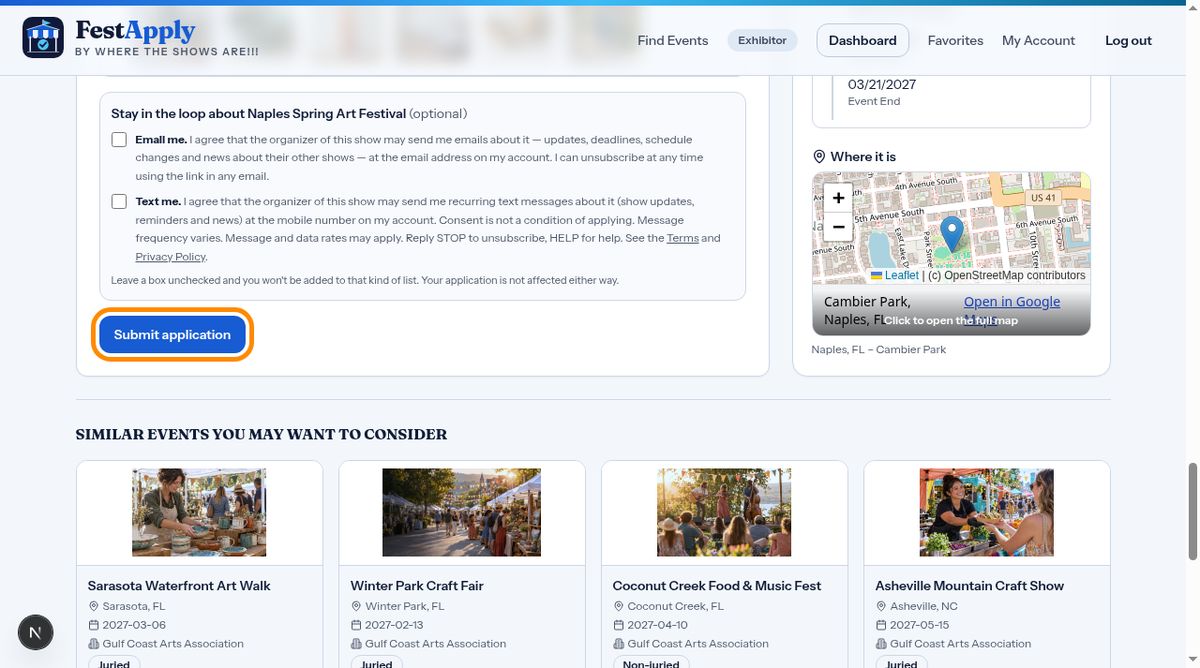
You can also agree to hear from the show's organizer by email or text. It's your choice.
At the bottom of the application, you must confirm two things. First, that you have read the rules and regulations. Second, that you agree to the event's legal agreement. Click the button to read it, then tick both boxes. A dated copy of what you accepted is kept for you and for the sponsor.
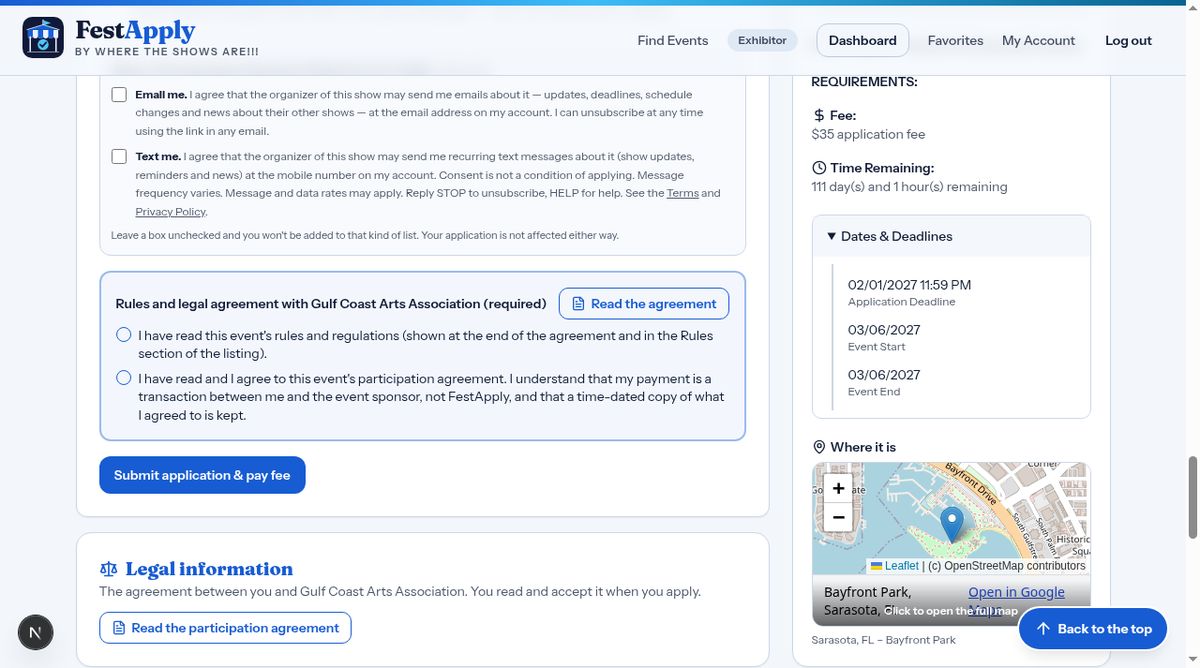
Then click Submit application.
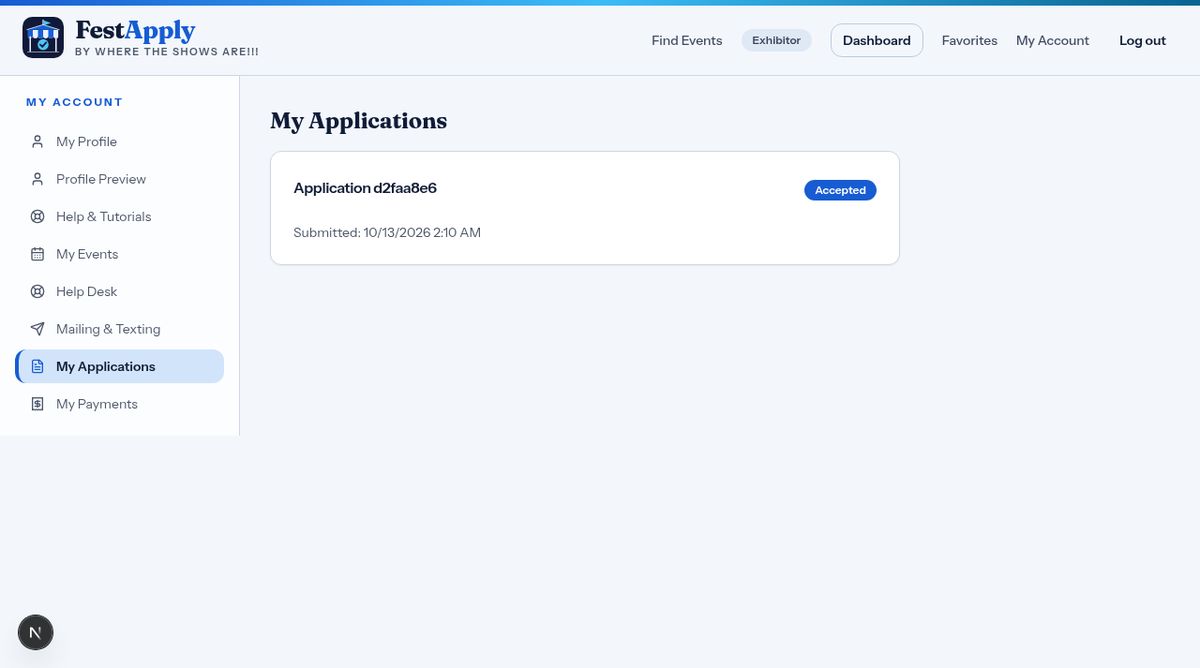
Your application now appears under My Applications, where you can follow its status.