1Tell sponsors about yourself
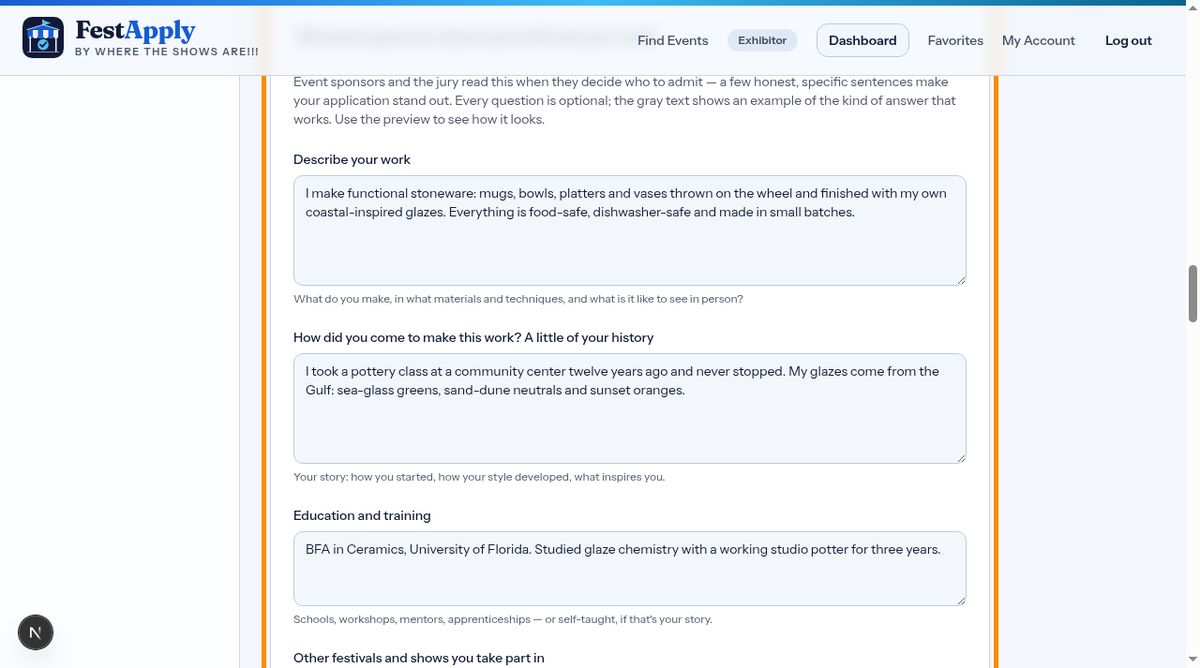
Now tell sponsors about yourself. Sponsors read this when deciding who to accept, so a few honest, specific answers can set you apart. Every question is optional.
Lesson 4 of 8
Tell sponsors about your work, then preview exactly what they will see.
Now tell sponsors about yourself. Sponsors read this when deciding who to accept, so a few honest, specific answers can set you apart. Every question is optional.
Describe your work, your history, your education and training, the other shows you take part in, and any awards. The gray example in each box shows what a good answer looks like.
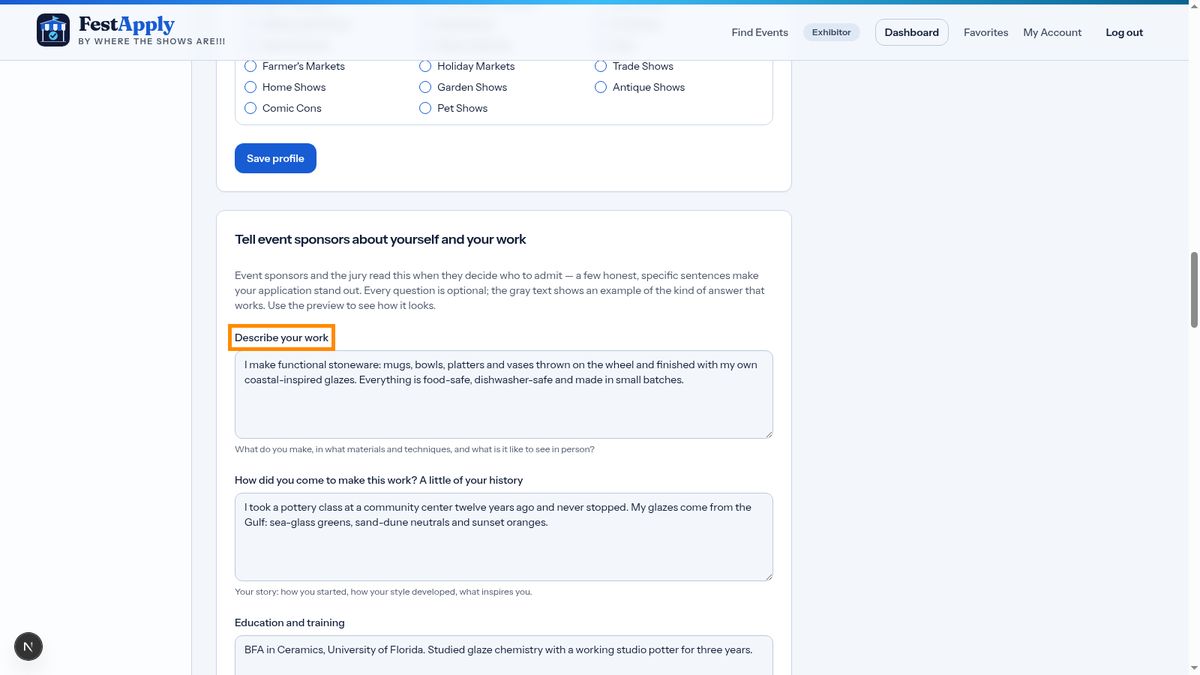
Don't forget to say what sets you apart from other exhibitors.
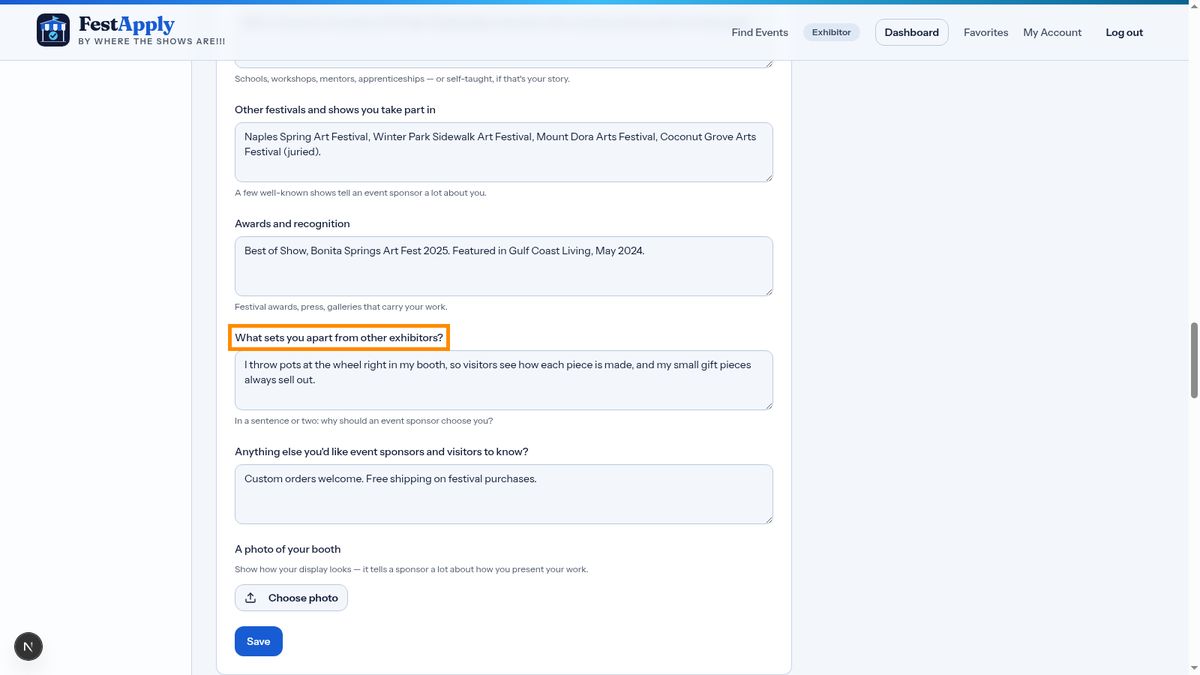
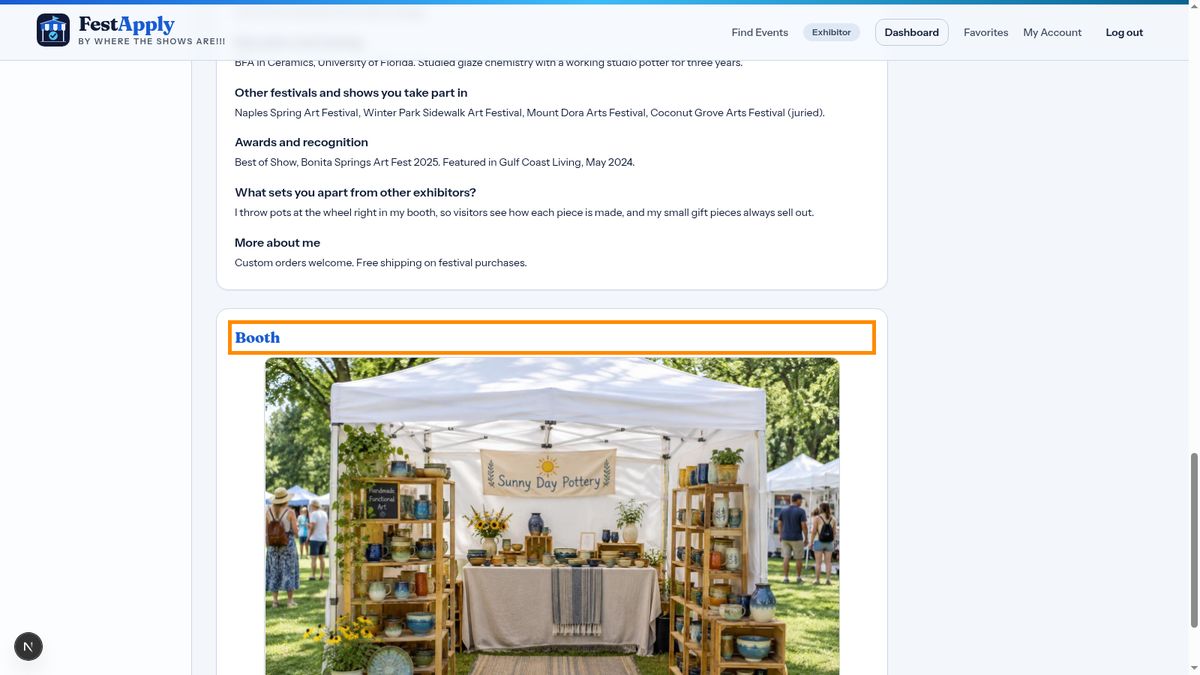
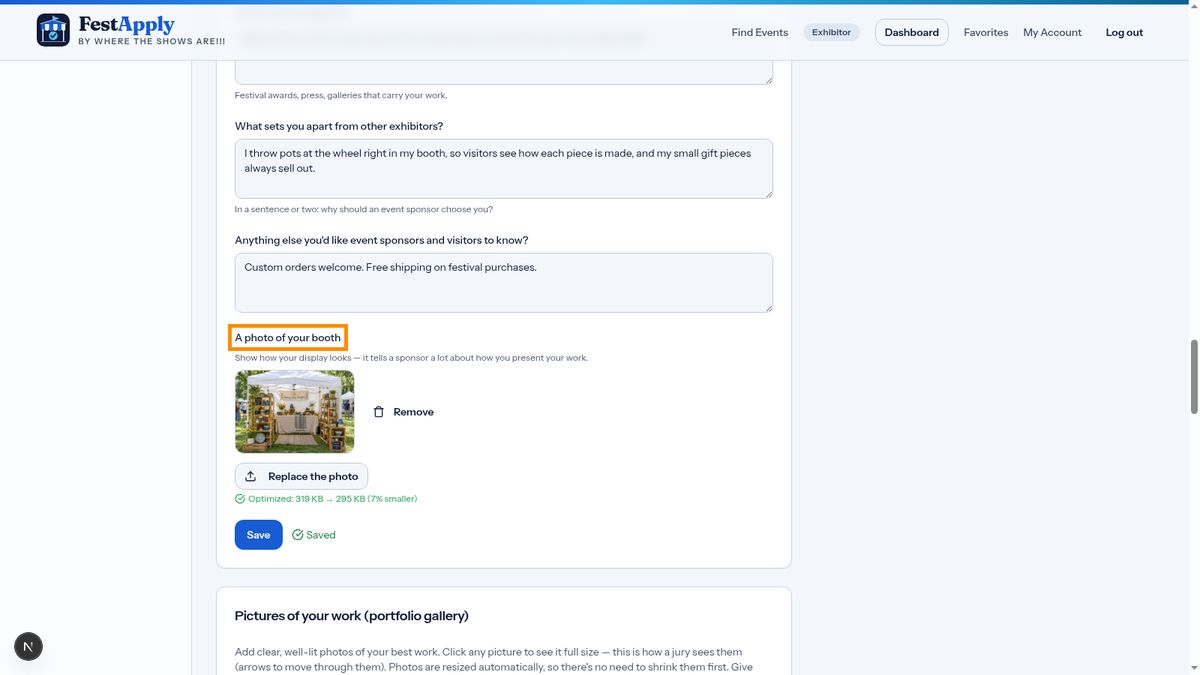
Add a photo of your booth, then click Save.
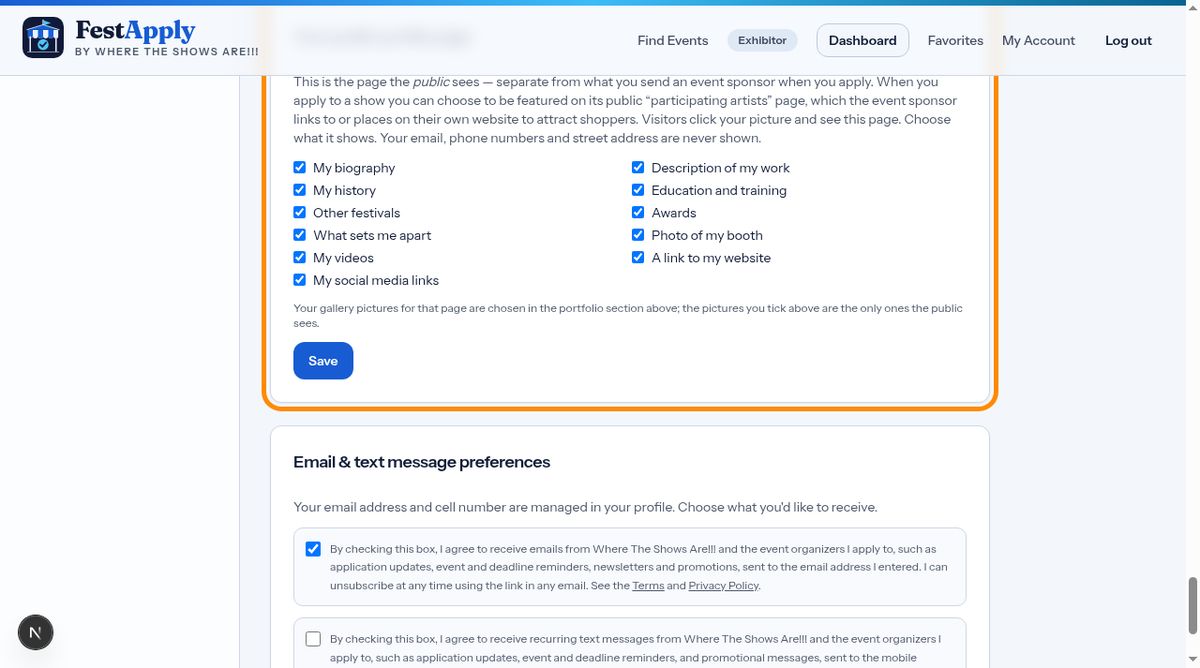
This section controls your public page, which is separate from what you send to sponsors. Choose which parts of your profile the public can see. Your email, phone number and street address are never shown.
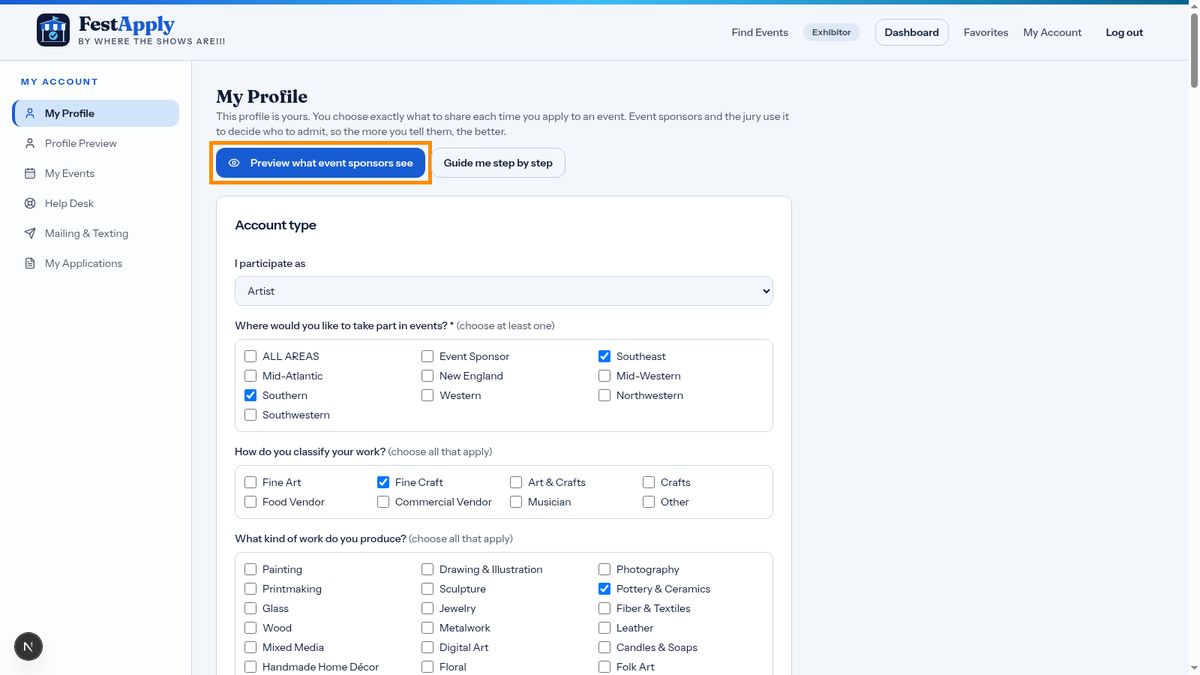
To see exactly what a sponsor sees, click Preview what event sponsors see.
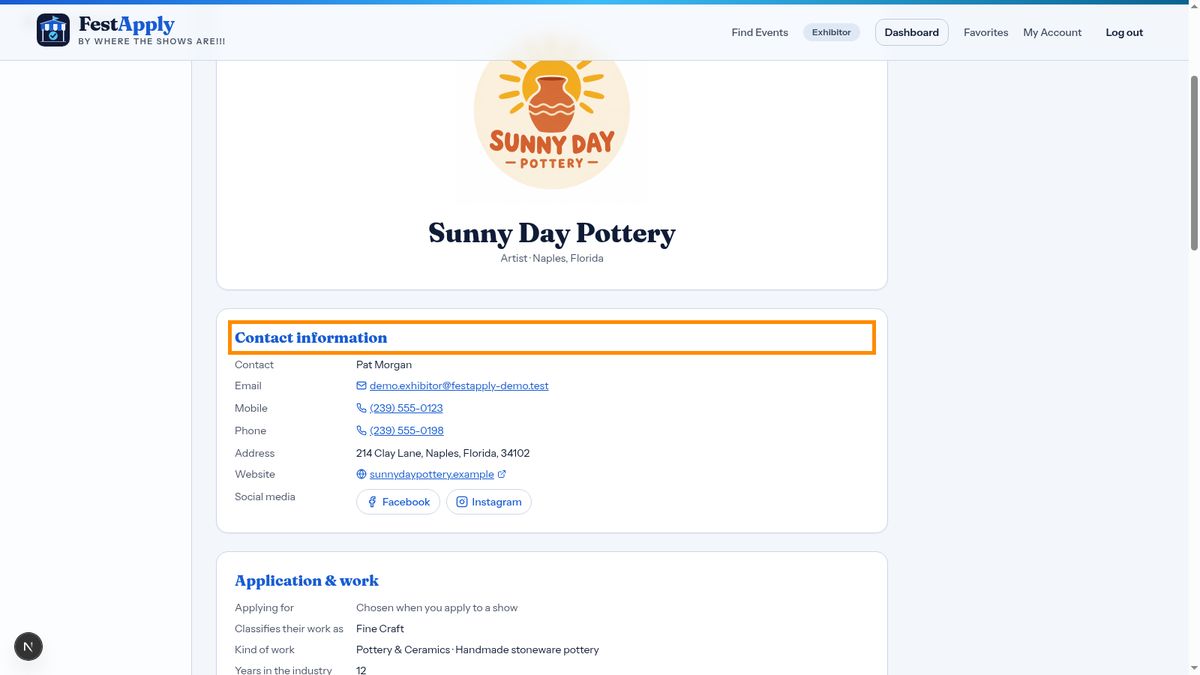
At the top is your logo, large and clear.
Below it is your contact information: your name, email, phone numbers, address and website. Sponsors always receive this, so they know who you are.
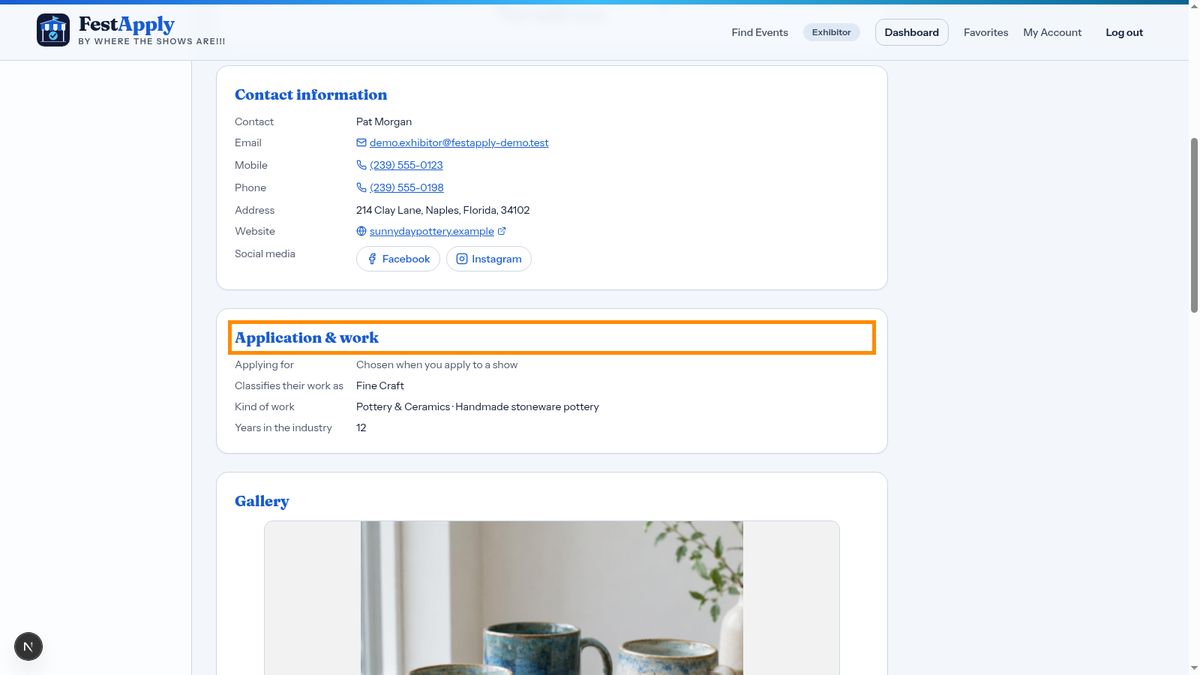
Next is what you're applying for, how you classify your work, the kind of work you make, and your years in the industry. When you apply to a show, the category you apply under appears here.
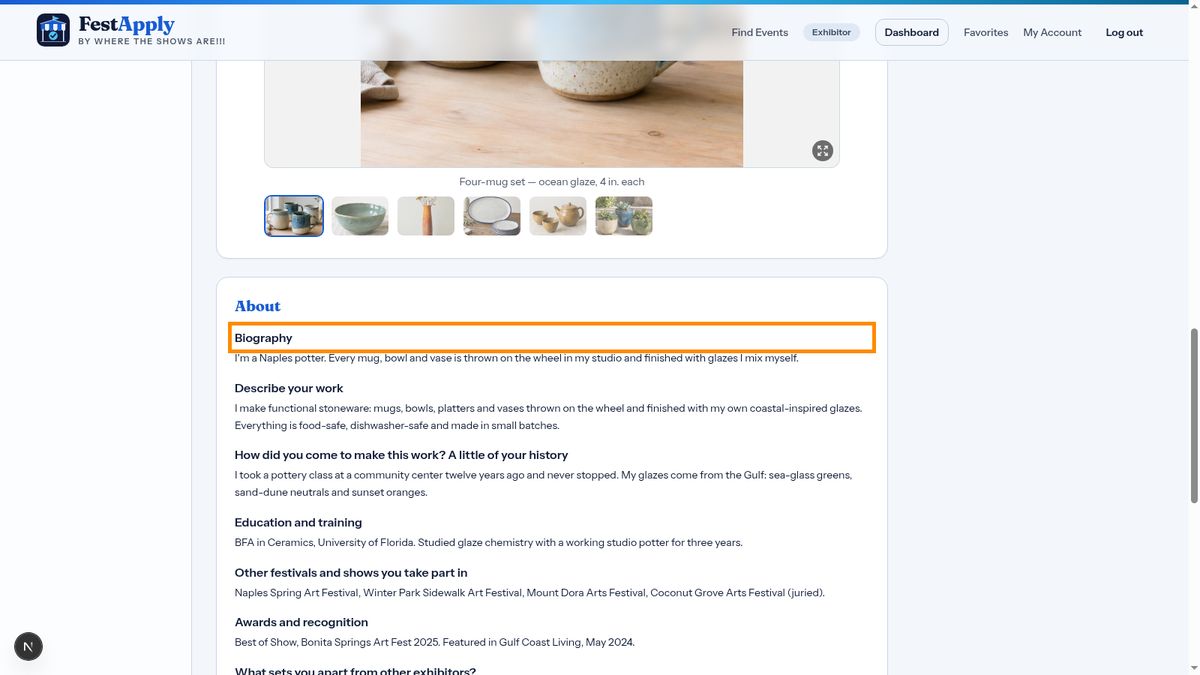
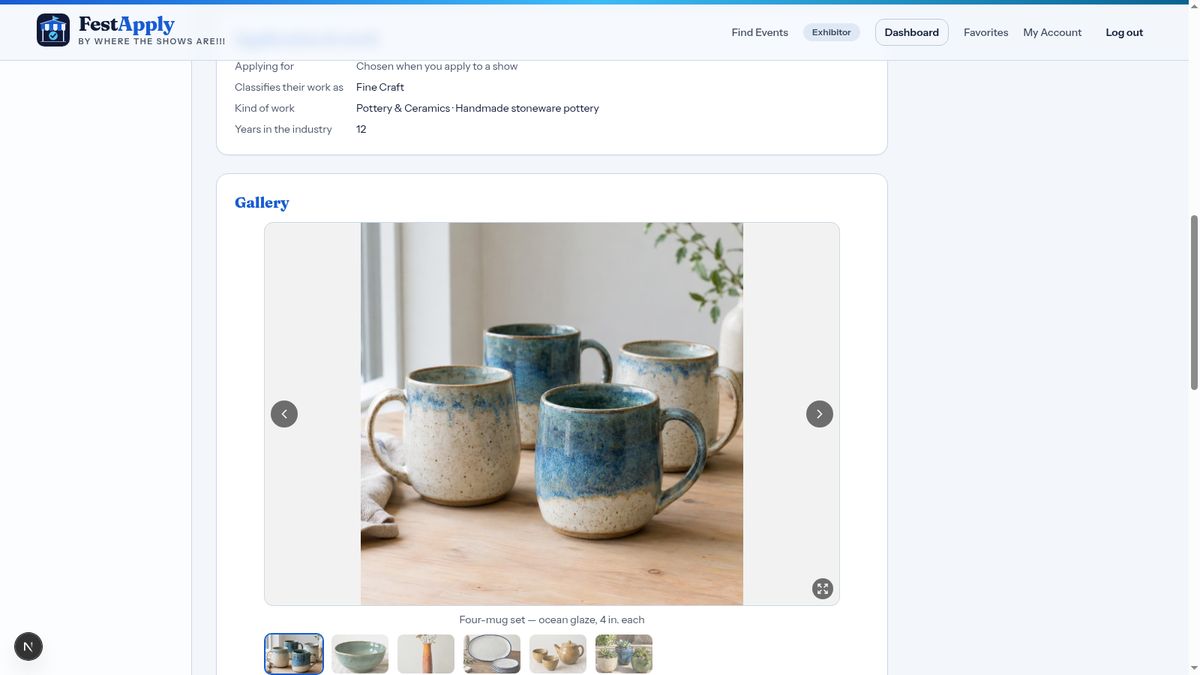
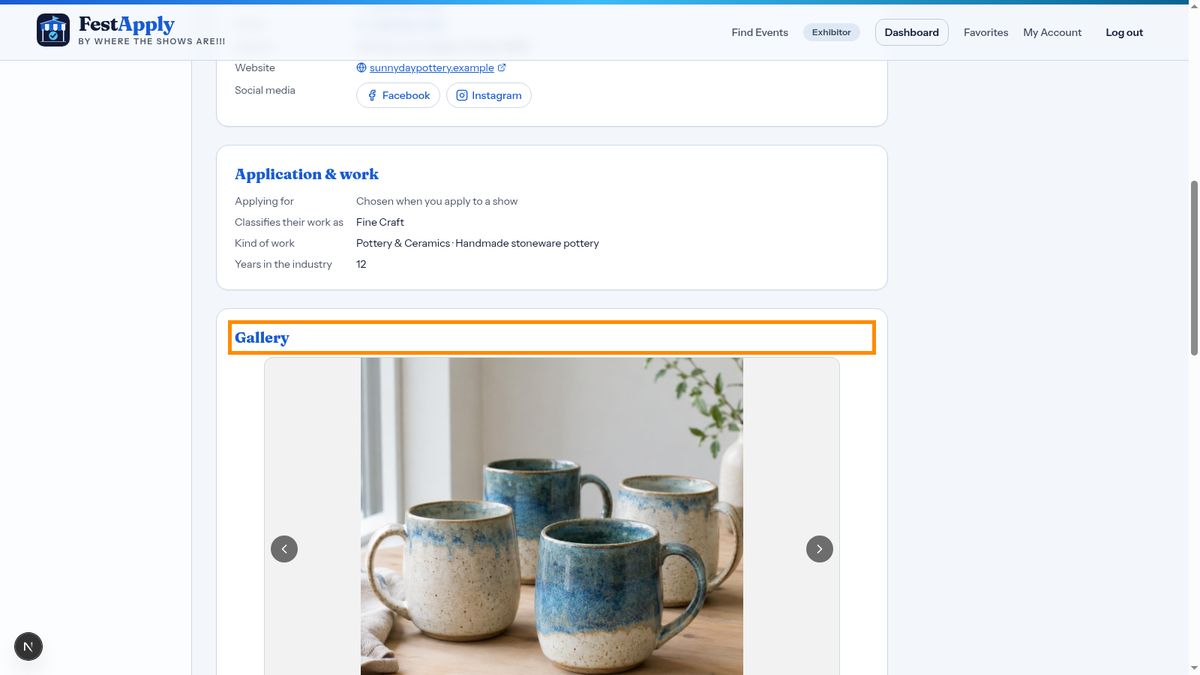
Then your gallery, using the pictures you choose to send with each application.
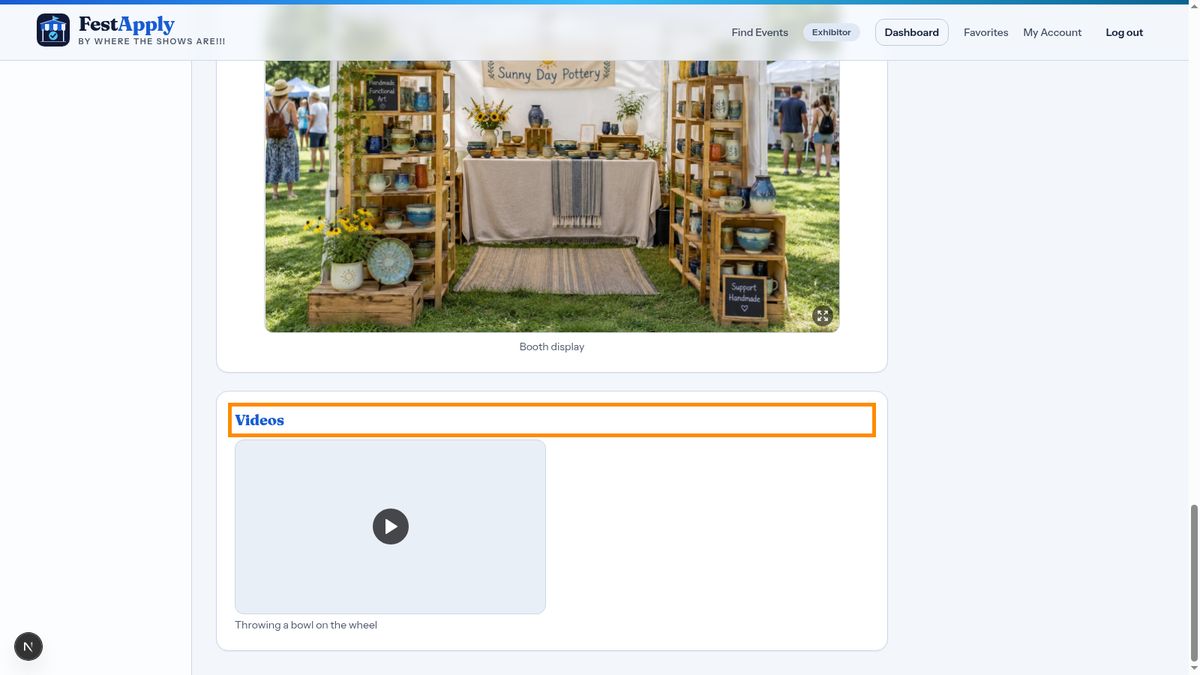
Your biography and story come next, followed by your booth photo and your videos. If anything looks wrong, go back, fix it, and preview again.