1Pictures matter most
Pictures are the most important part of your application. Sponsors and jurors decide mostly by looking at your work. This lesson shows you how to add pictures, a booth photo, and videos.
Lesson 3 of 8
Build your gallery, add a booth photo, and share videos of your work.
Pictures are the most important part of your application. Sponsors and jurors decide mostly by looking at your work. This lesson shows you how to add pictures, a booth photo, and videos.
In the pictures section, upload photos from your computer. Choose clear, well lit photos of your best work. They are resized automatically, so you don't need to shrink them first.
As you add pictures, they form a gallery, exactly like the one sponsors see. Use the arrows to move through them.
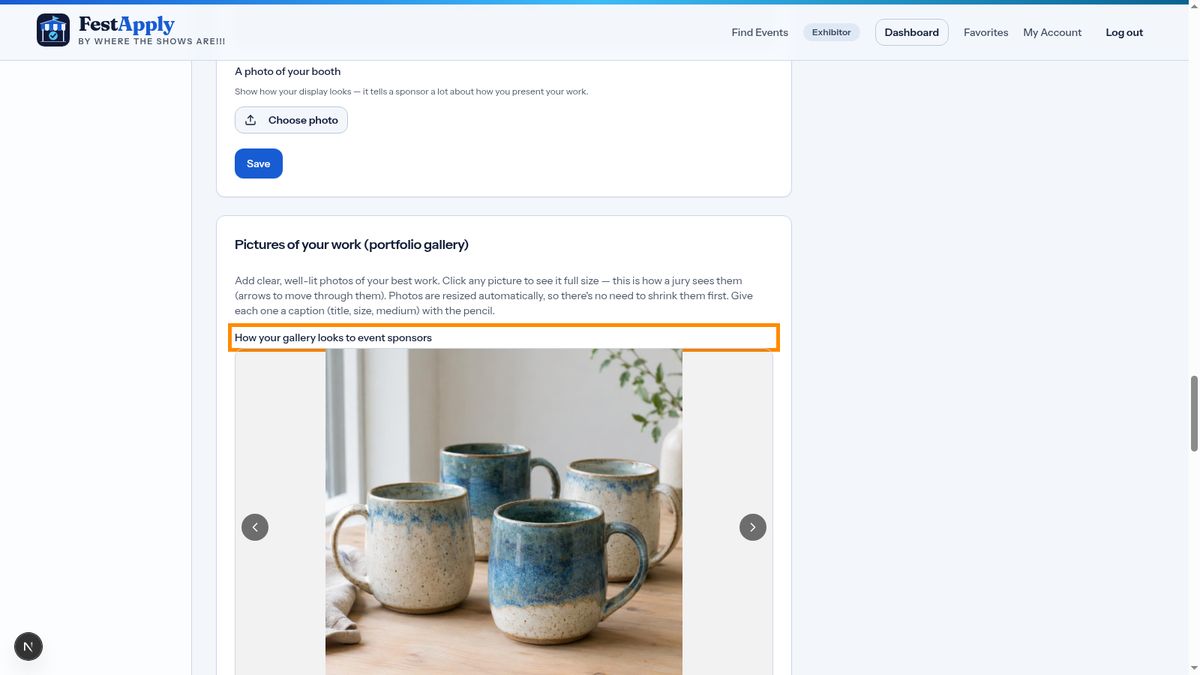
Click a picture to see it full size. This is how a jury will look at your work.
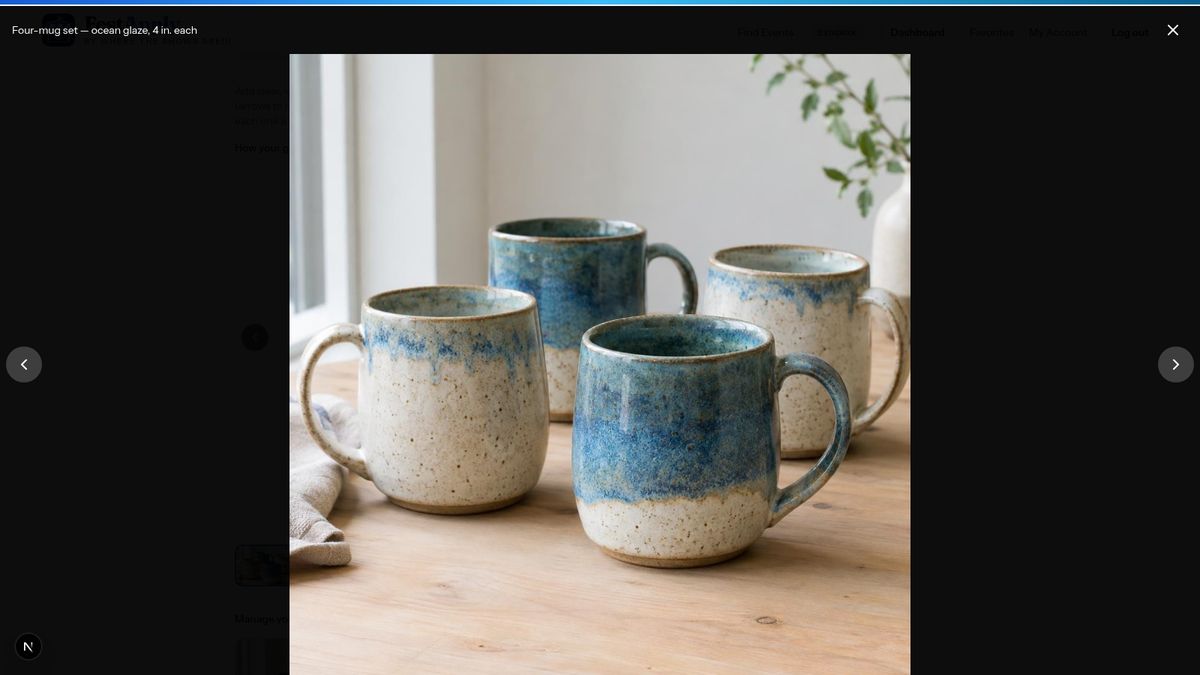
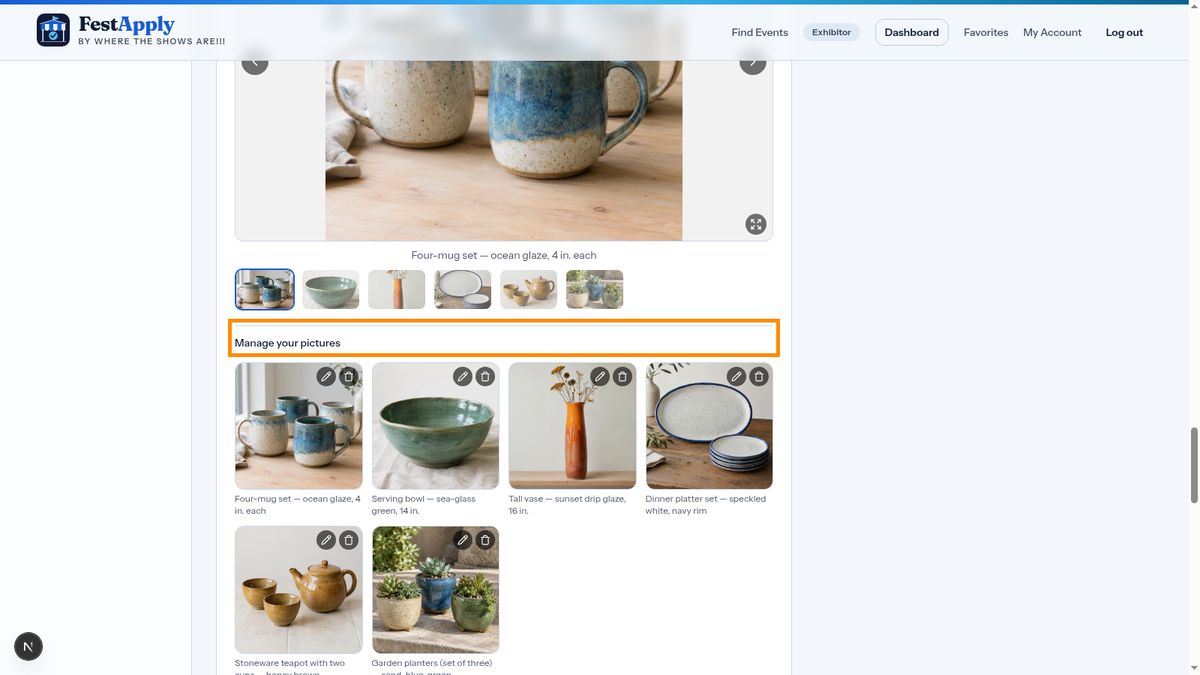
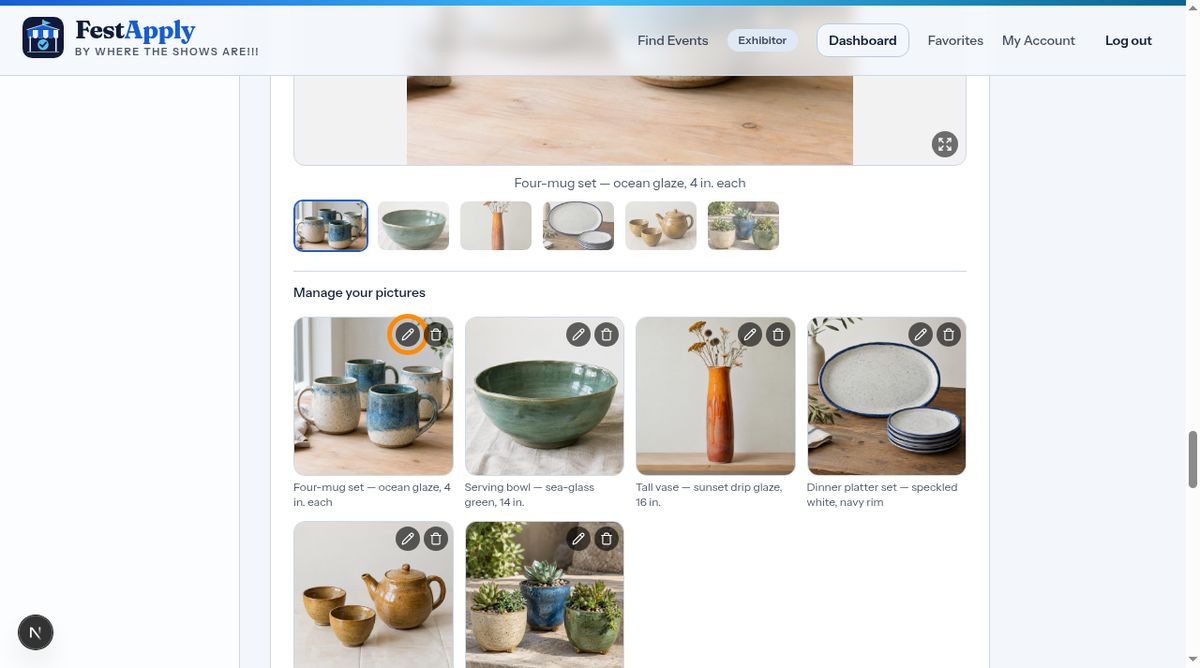
Click the pencil on a picture to give it a caption, such as the title, size and materials. Click the X to remove a picture.
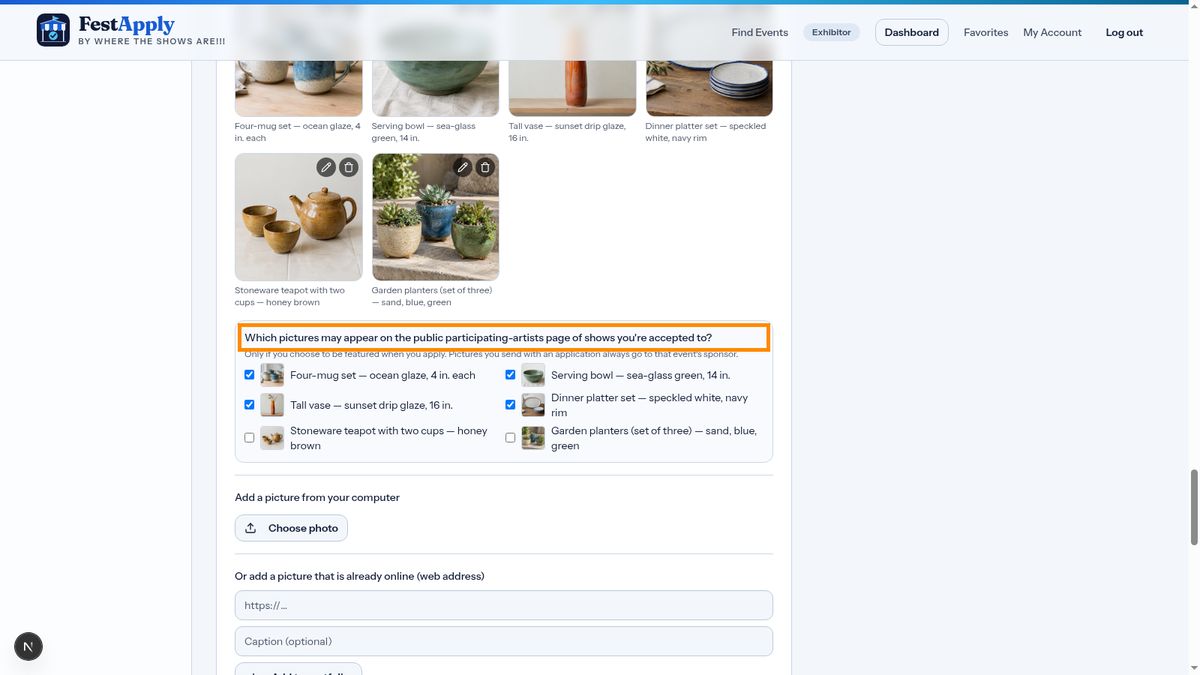
Here you choose which pictures may appear on the public page of shows you're accepted to. Pictures you send with an application always go to that show's sponsor, but the public sees only the ones you tick.
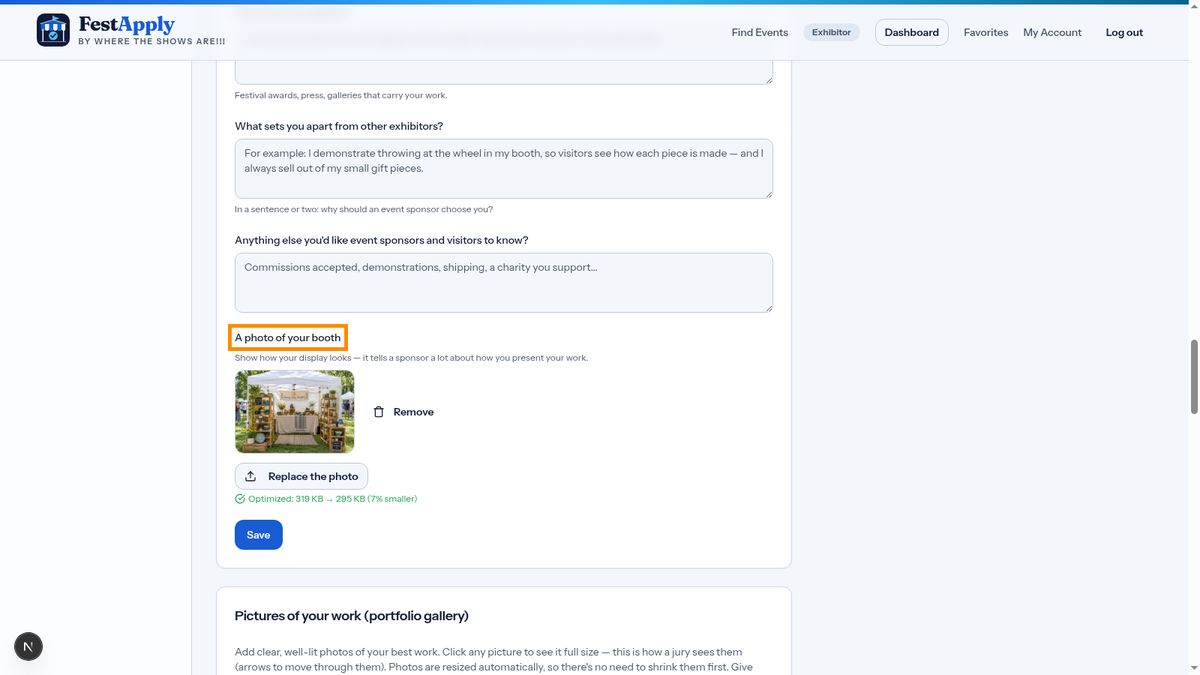
Add a photo of your booth. It shows a sponsor how you present your work.
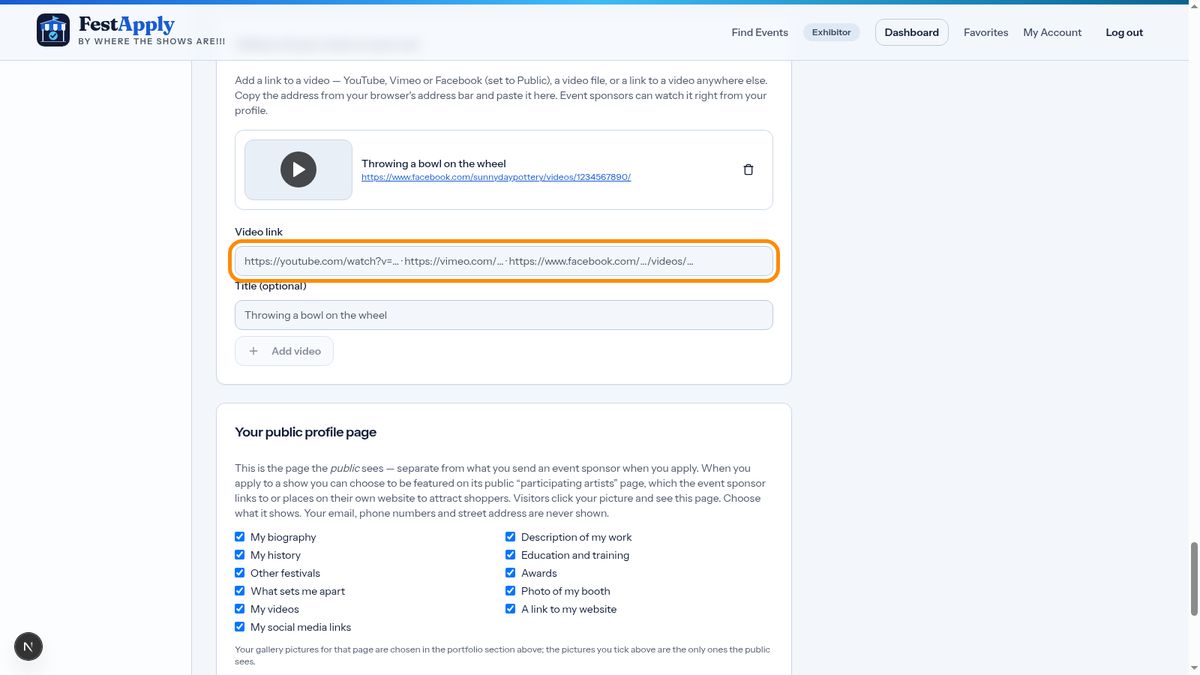
To add a video, paste the link from YouTube, Vimeo, or Facebook, add a title, and click Add video. Facebook videos must be set to public. A link to a video on any other site works too.
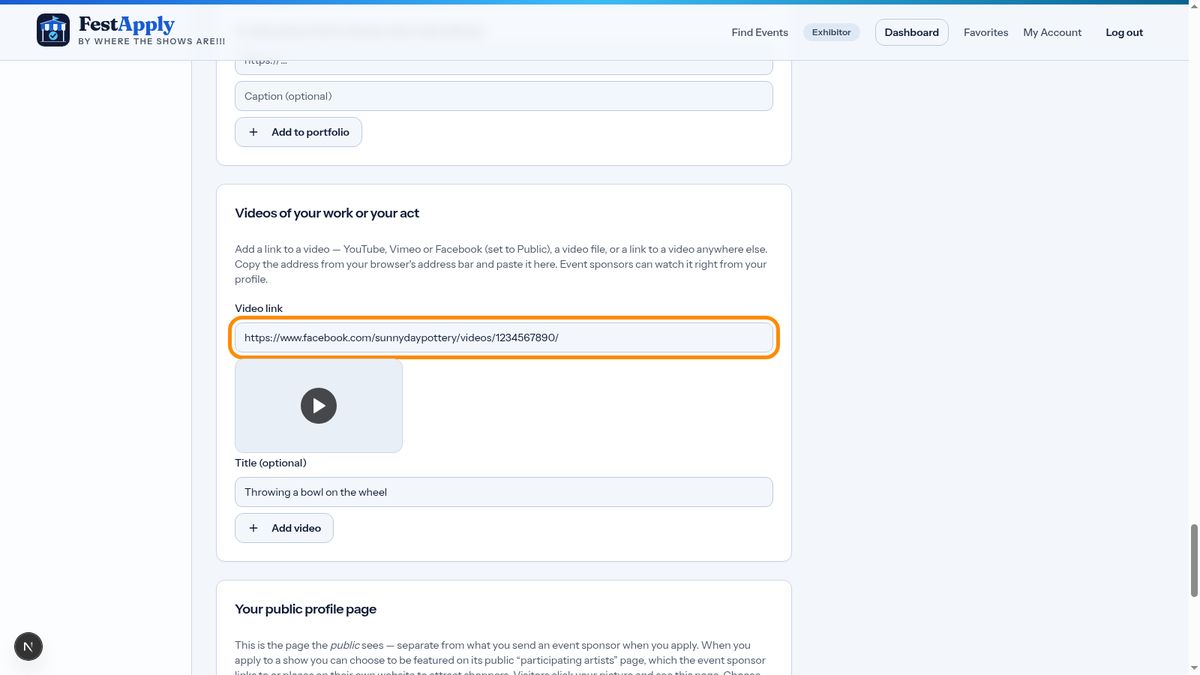
Your video now appears on your profile, and sponsors can watch it right from there.