1Your profile is your resume
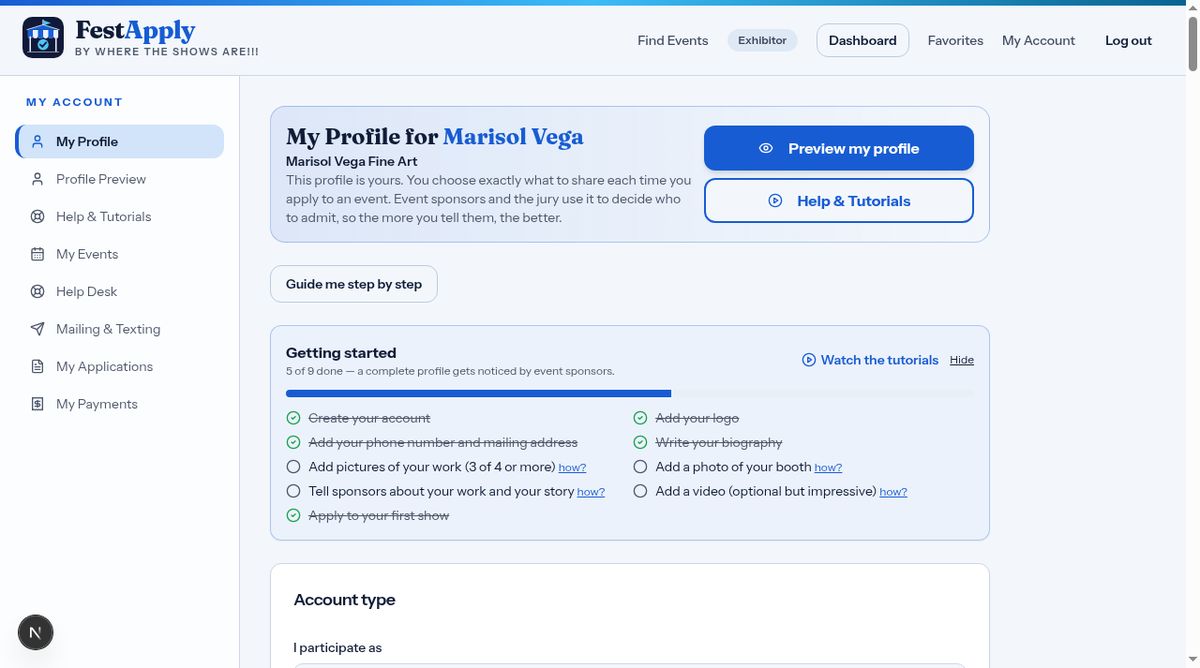
Your profile is your resume for event sponsors. The more complete it is, the better your chances of being accepted. This lesson covers your business details and contact information.
Lesson 2 of 8
Logo, biography, contact details and links, so sponsors know who you are.
Your profile is your resume for event sponsors. The more complete it is, the better your chances of being accepted. This lesson covers your business details and contact information.
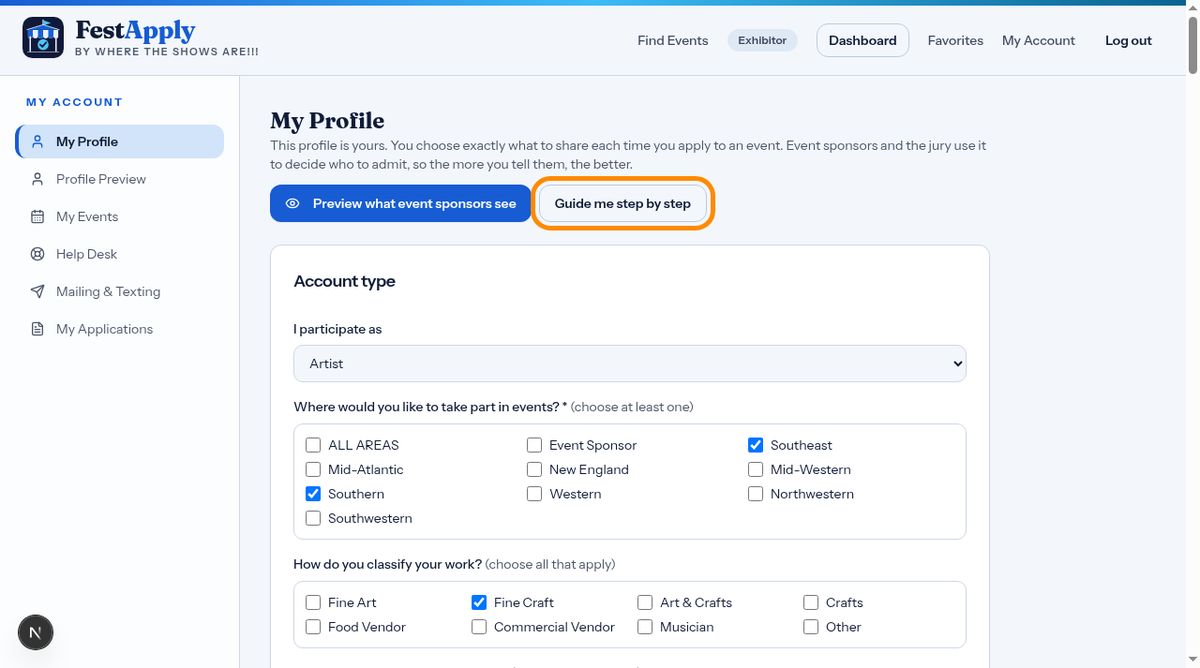
If you'd like help, click Guide me step by step. It walks you through your profile one section at a time. Use Next and Back to move around, or switch back to see everything on one page.
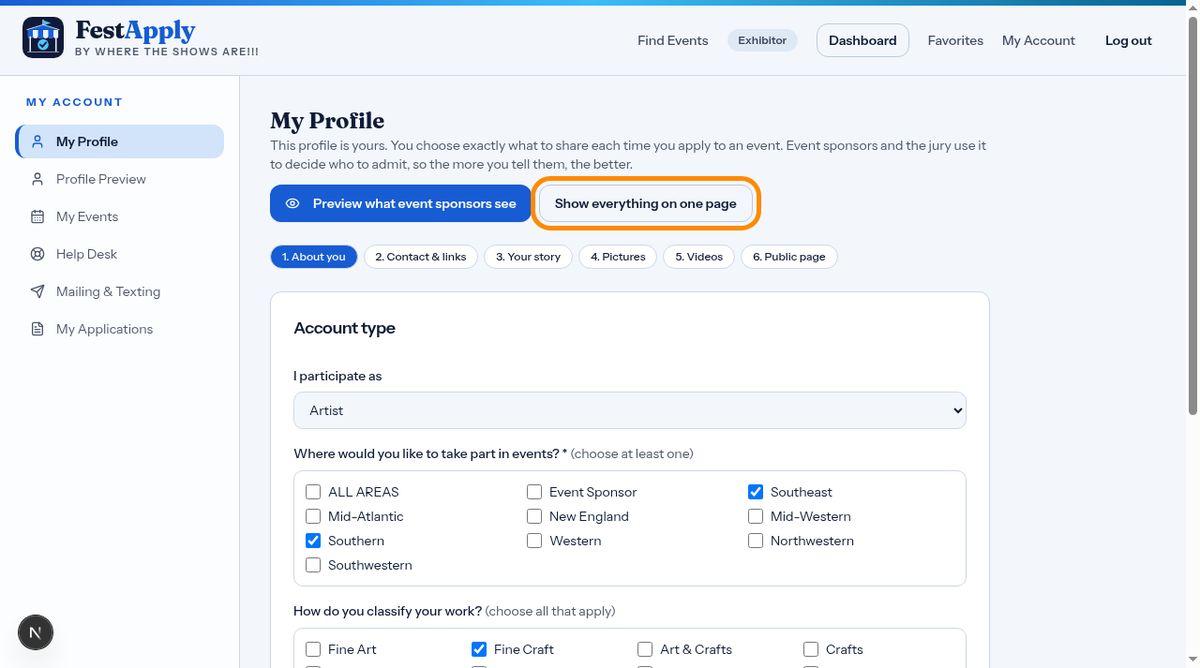
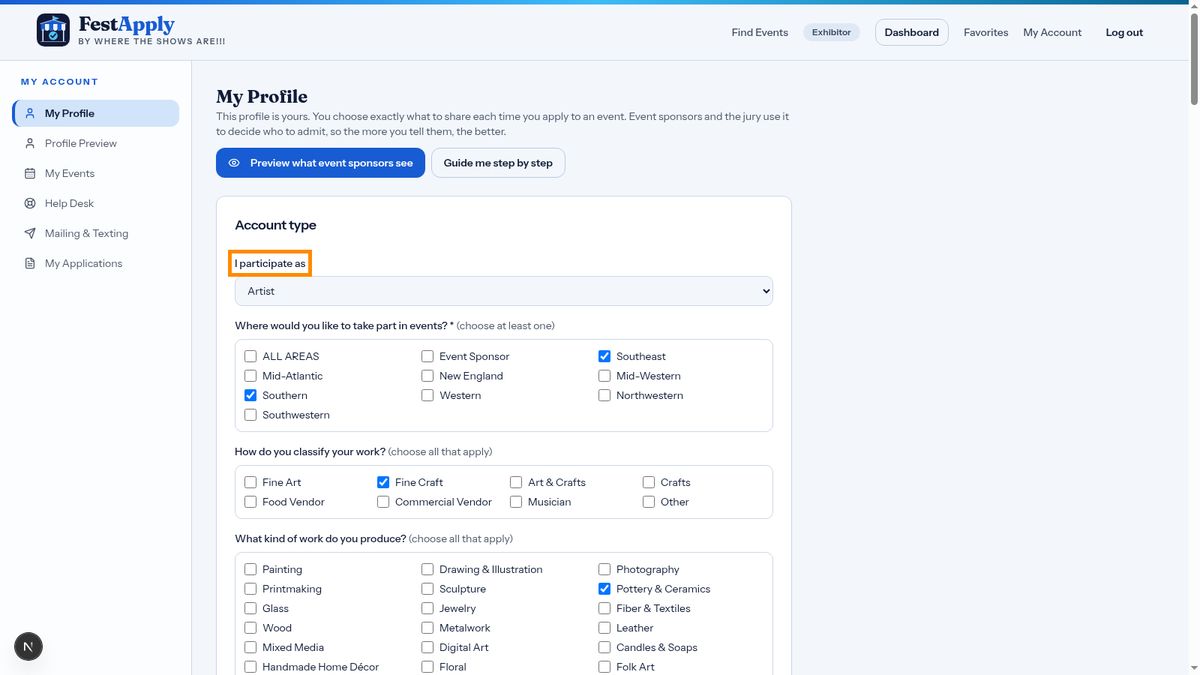
At the top, confirm what kind of exhibitor you are, and the regions you want news about. You can change these whenever your plans change.
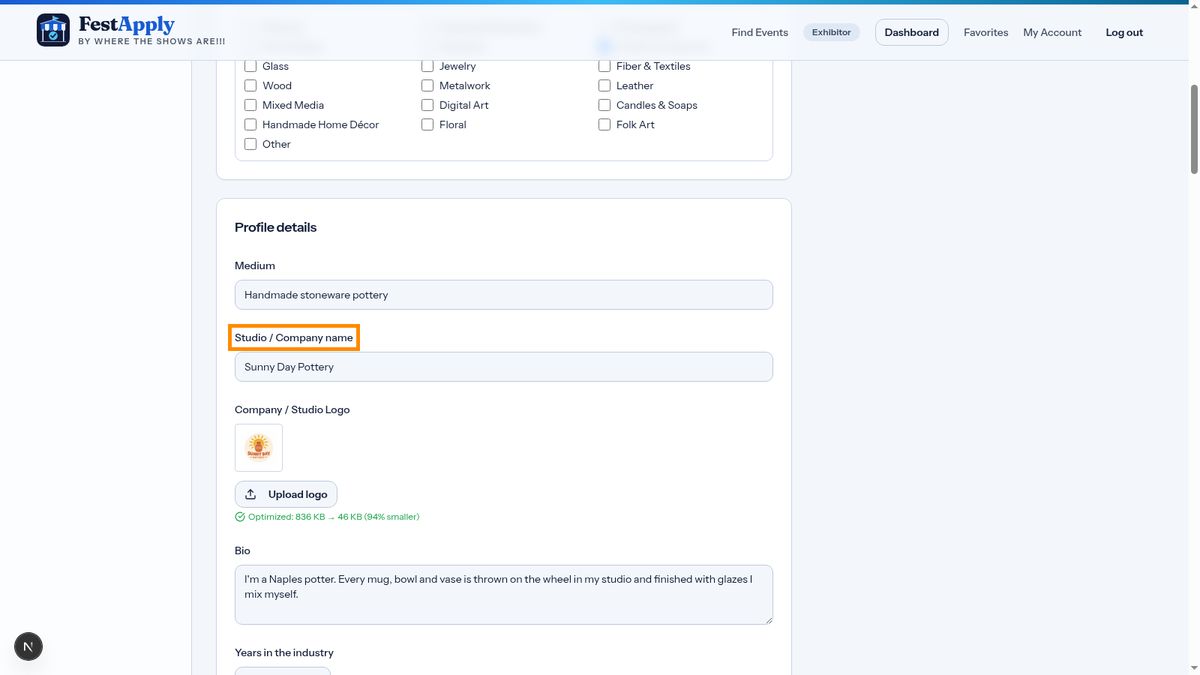
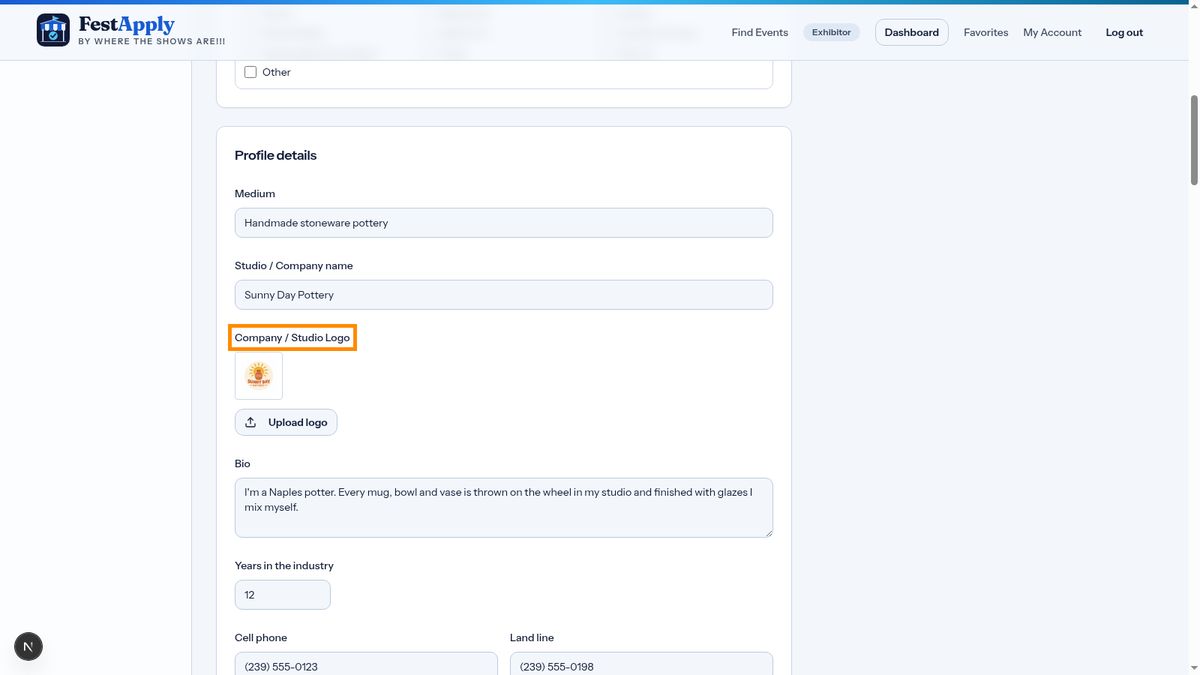
Add your studio or company name, then upload your logo. Your logo appears large at the top of the profile that sponsors see, so choose a clear, square image.
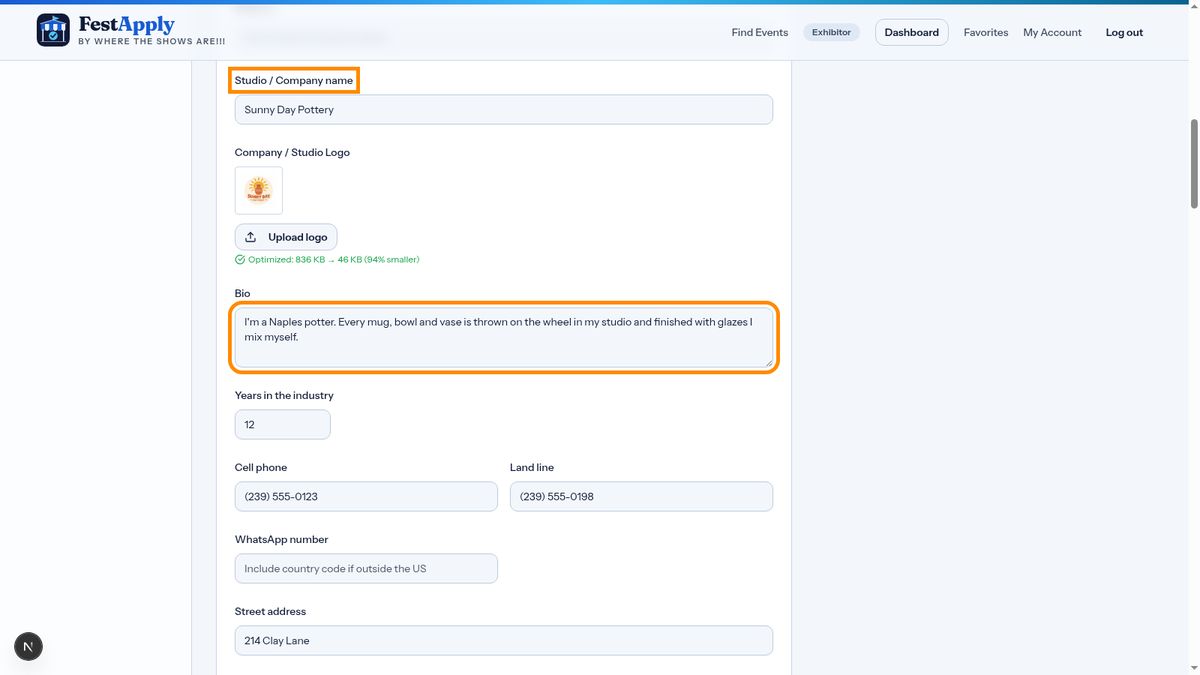
Write a short biography. Say who you are and what you make. A few friendly, specific sentences work best. Also enter how many years you have been in the industry.
Add your phone numbers. Sponsors need to be able to reach you, so your contact information is always sent with your application.
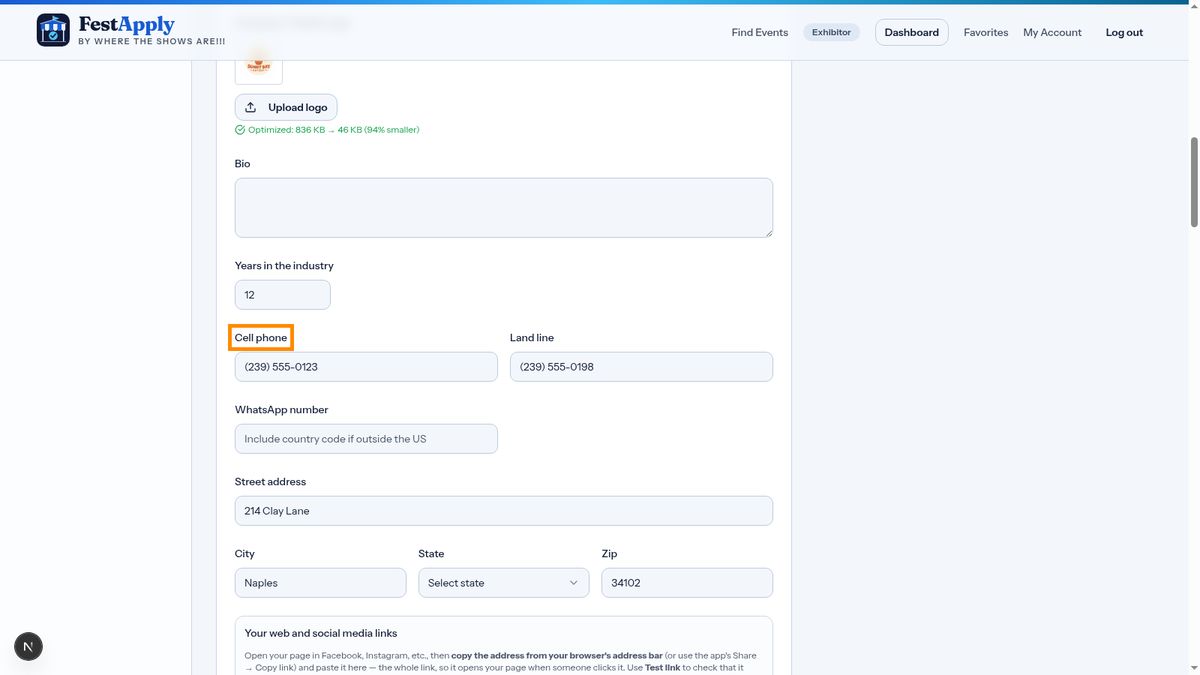
Enter your mailing address, city, state and zip code.
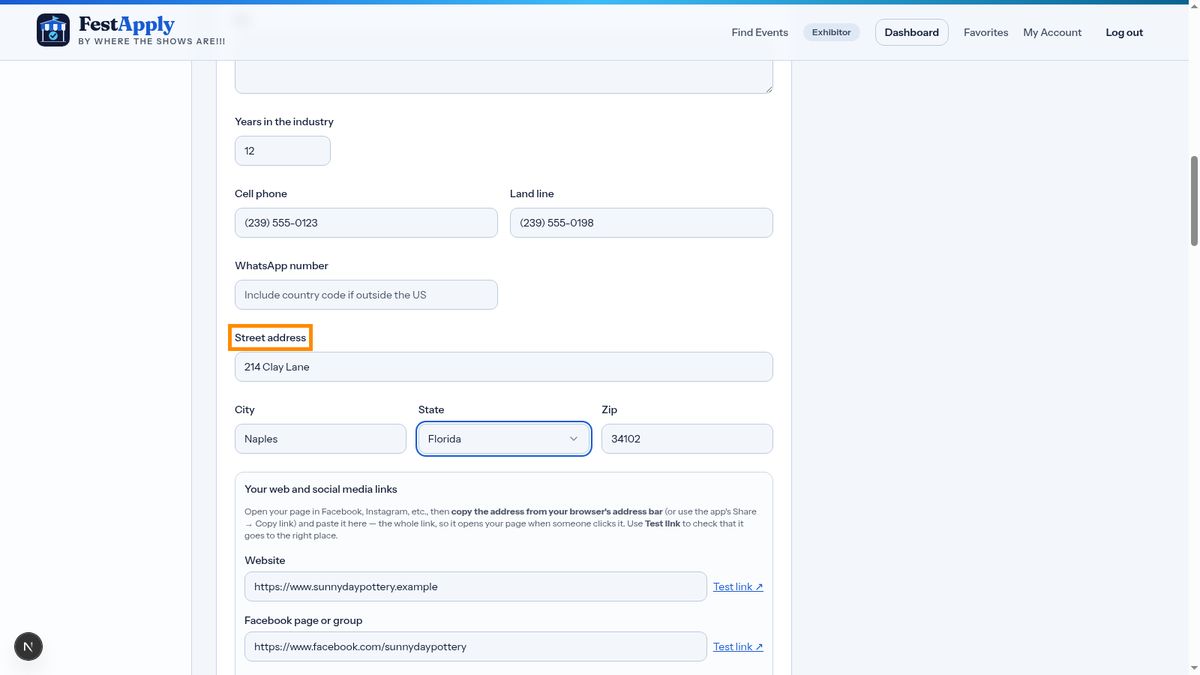
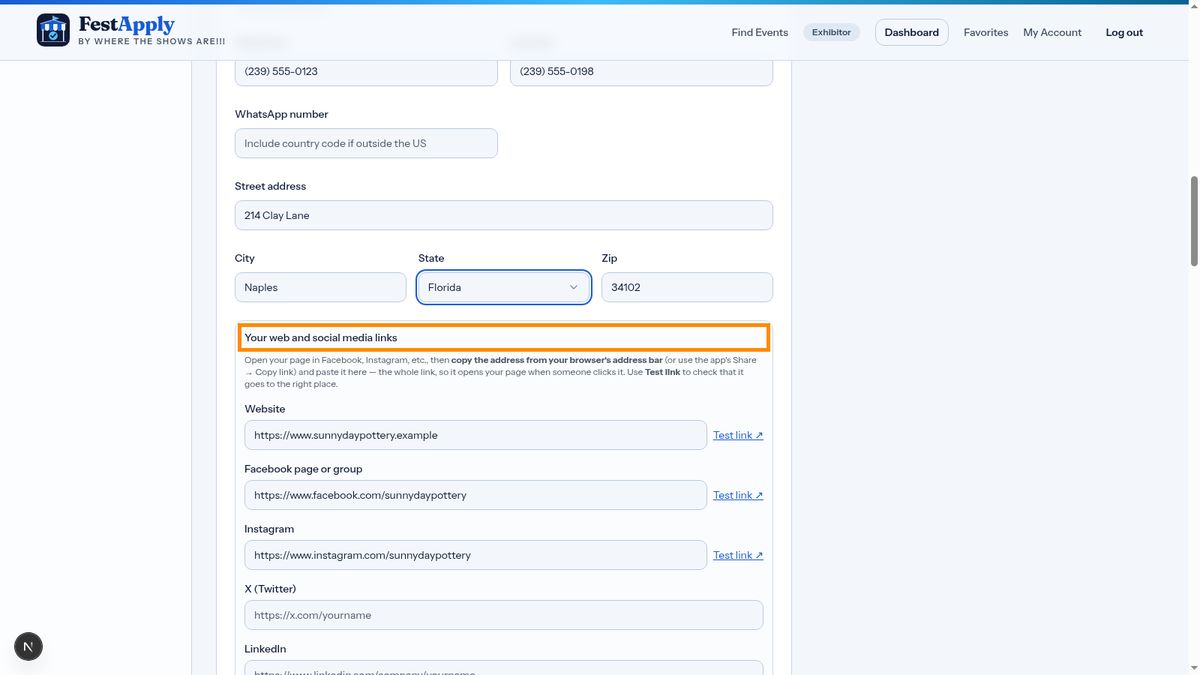
Now add your website and social media links. Open your page, copy the full address from your browser's address bar, and paste it here. Include the https part, so the link works when someone clicks it.
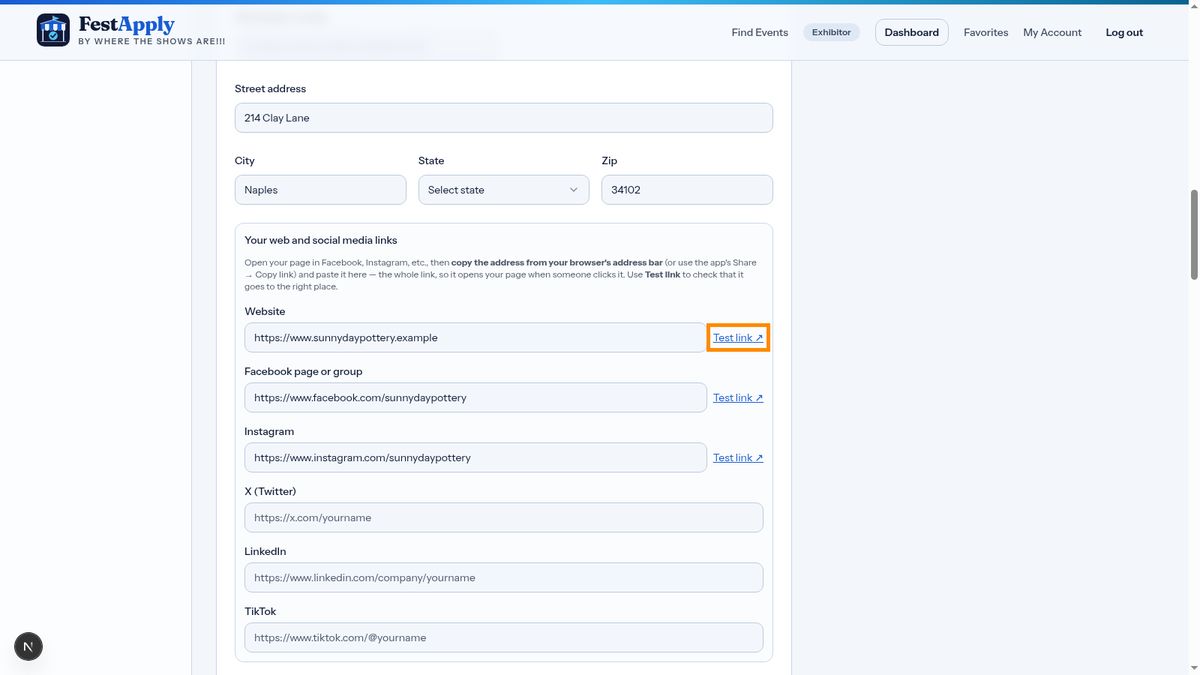
Click Test link beside any address to make sure it opens the right page.
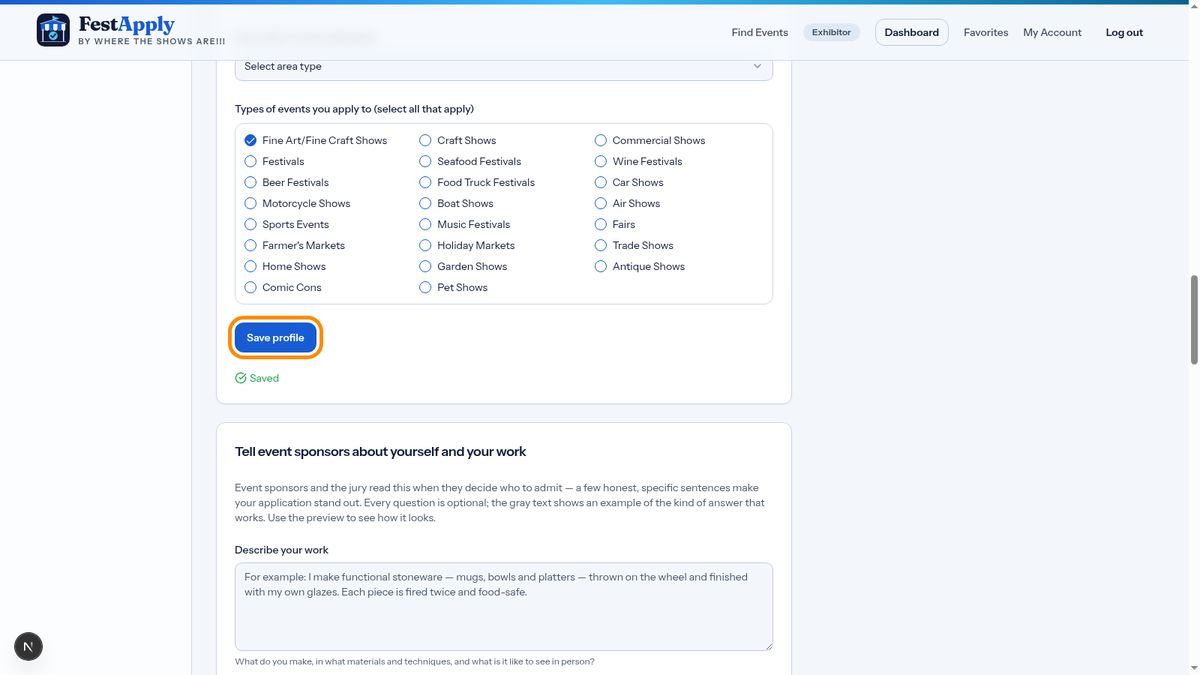
When you're finished, click Save profile.