1Add your own application link
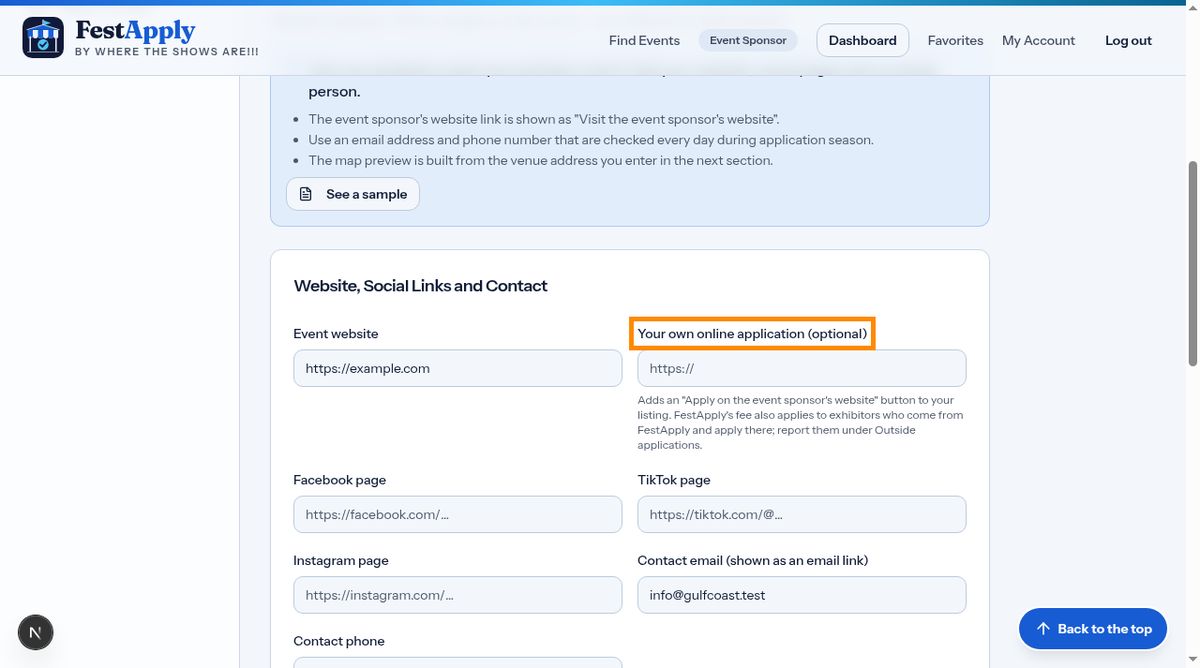
If you also take applications on your own website, paste its address under Links and Contact, in the box called Your own online application.
Lesson 11 of 11
Send exhibitors to your own application, and report anyone who applies or pays outside FestApply.
If you also take applications on your own website, paste its address under Links and Contact, in the box called Your own online application.
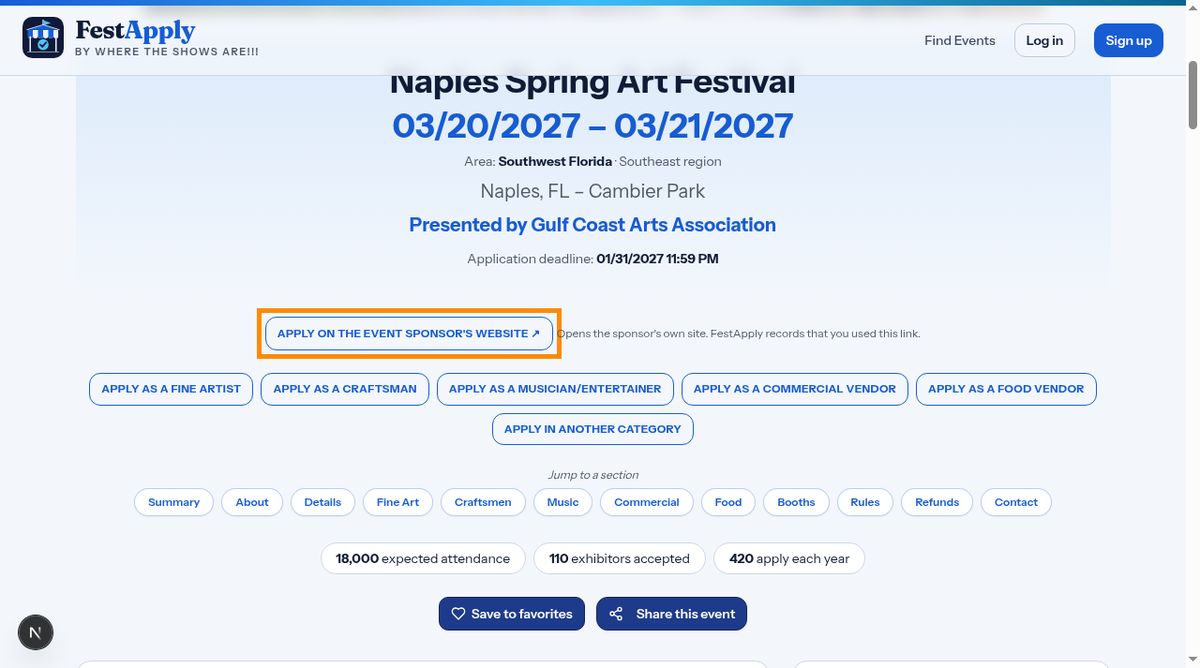
Your listing then shows an Apply on the event sponsor's website button. The link passes through FestApply, which records the click, then sends the exhibitor to your site.
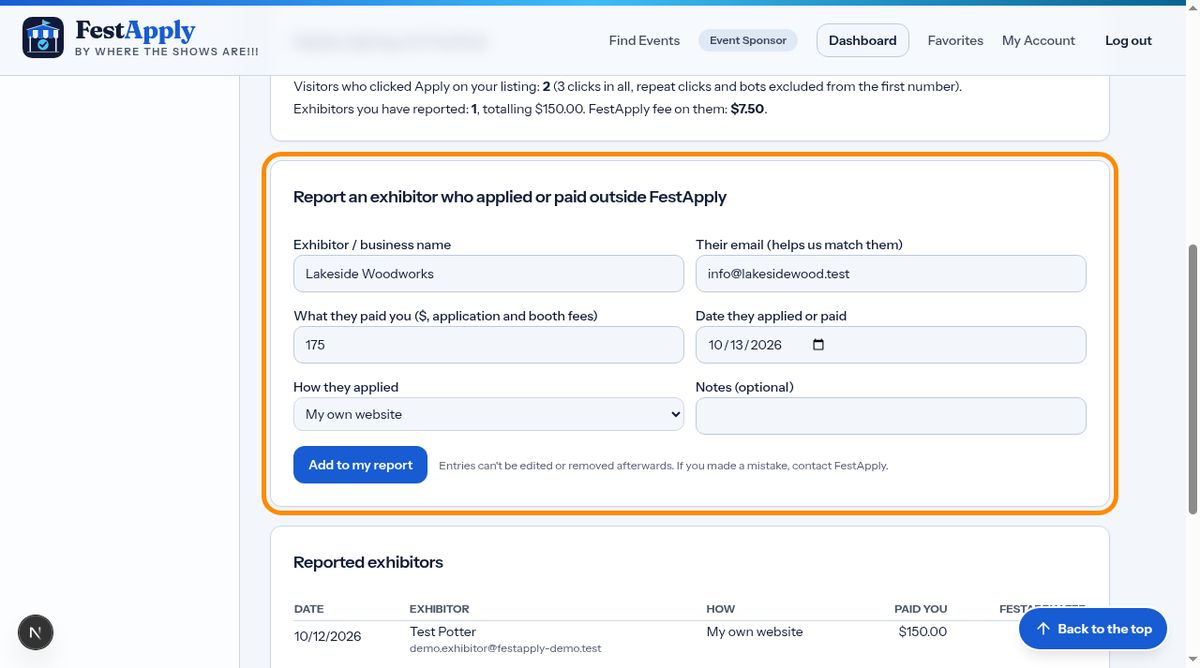
Under your agreement, the platform fee applies to every exhibitor who found you through FestApply, even if they apply or pay you somewhere else. Open Outside applications, and choose your event.
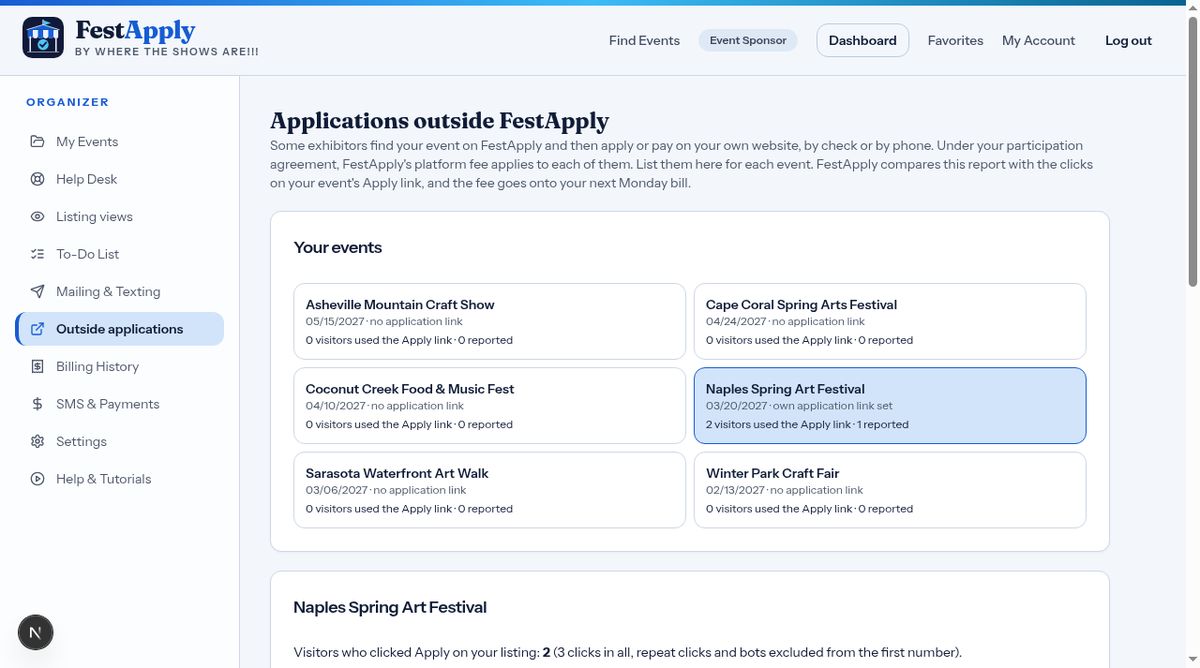
Add each exhibitor who applied or paid outside FestApply. Enter the name, the email if you have it, what they paid, the date and how they applied. The fee is worked out for you and added to your next Monday bill. Entries cannot be edited afterwards, so check them first.
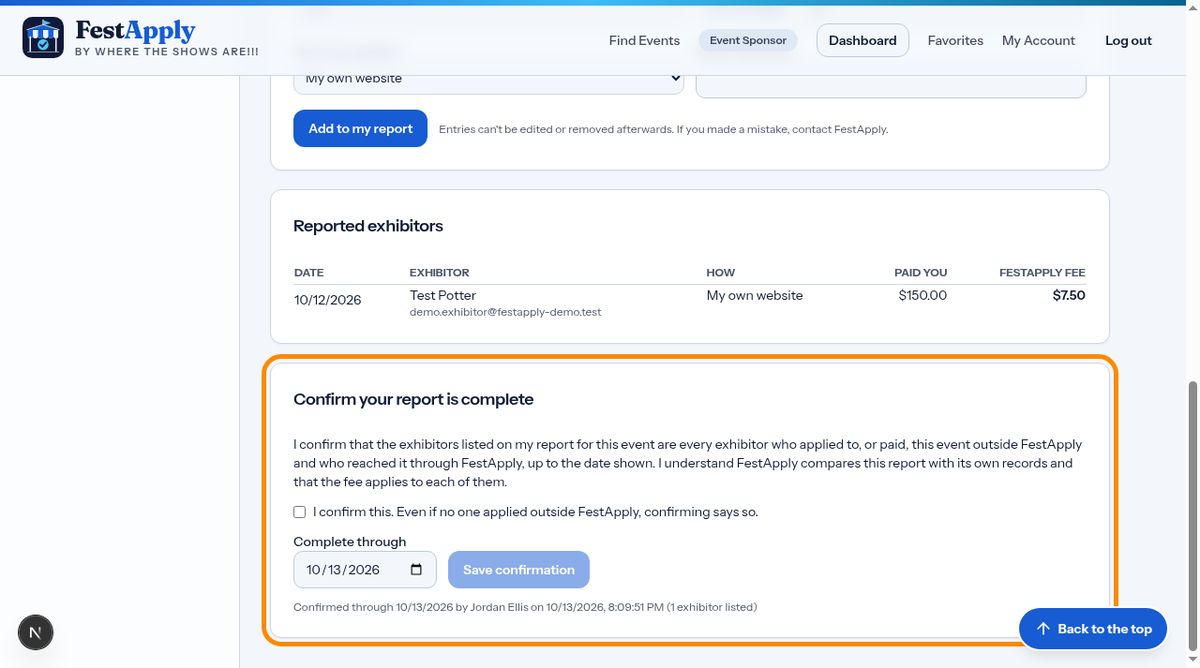
When your list is complete, tick the confirmation and save it. It is dated and stored. Do this even when nobody applied outside FestApply. FestApply compares your report with the clicks on your Apply link. Hiding or leaving out an exhibitor breaks your agreement, and can lead to extra charges and the closing of your account.