Welcome to FestApply. This short lesson shows you the whole journey of a show, so that every other lesson makes sense. FestApply helps you collect applications, have them judged, collect fees, and keep in touch with your exhibitors, all in one place.
Here is the journey. One, create your sponsor account. Two, build your event listing. Three, submit it for approval. Four, exhibitors apply and your jury scores their work. Five, you accept exhibitors and they pay their entry fee. Six, you place them on a booth map and stay in touch until show day.
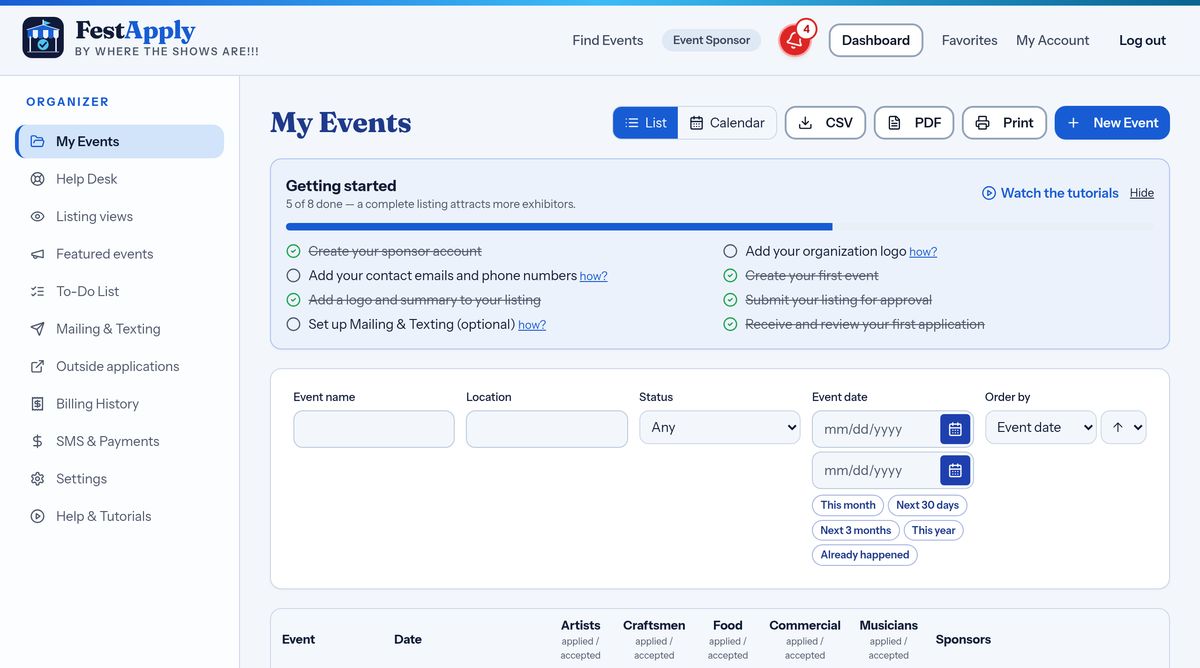
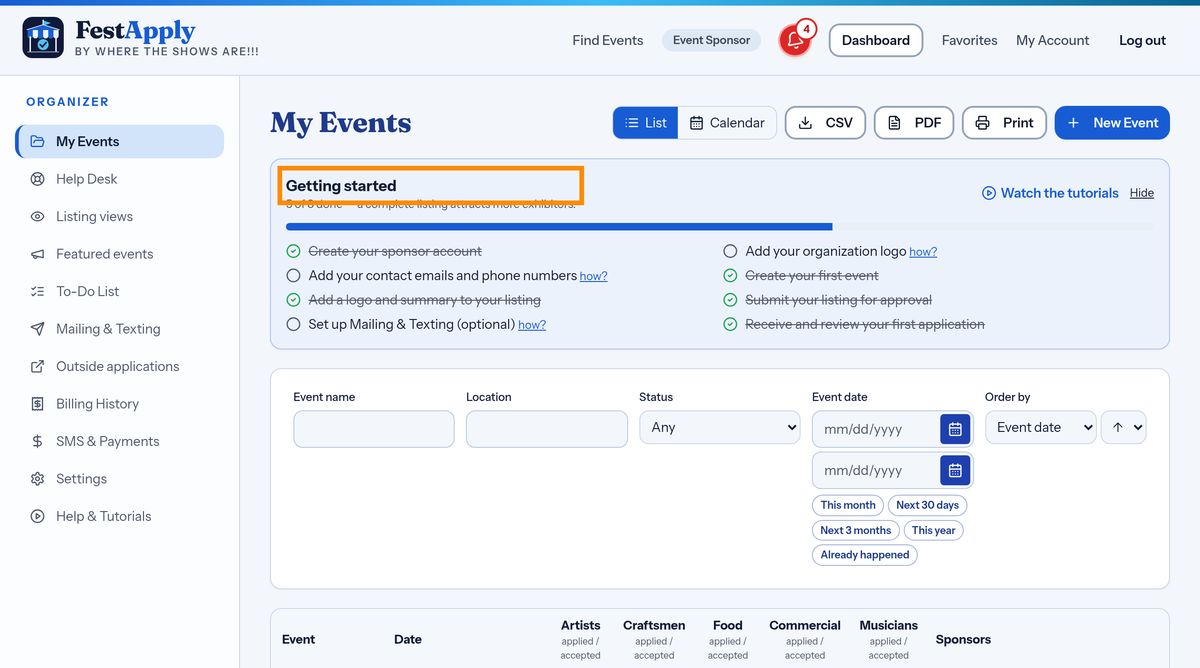
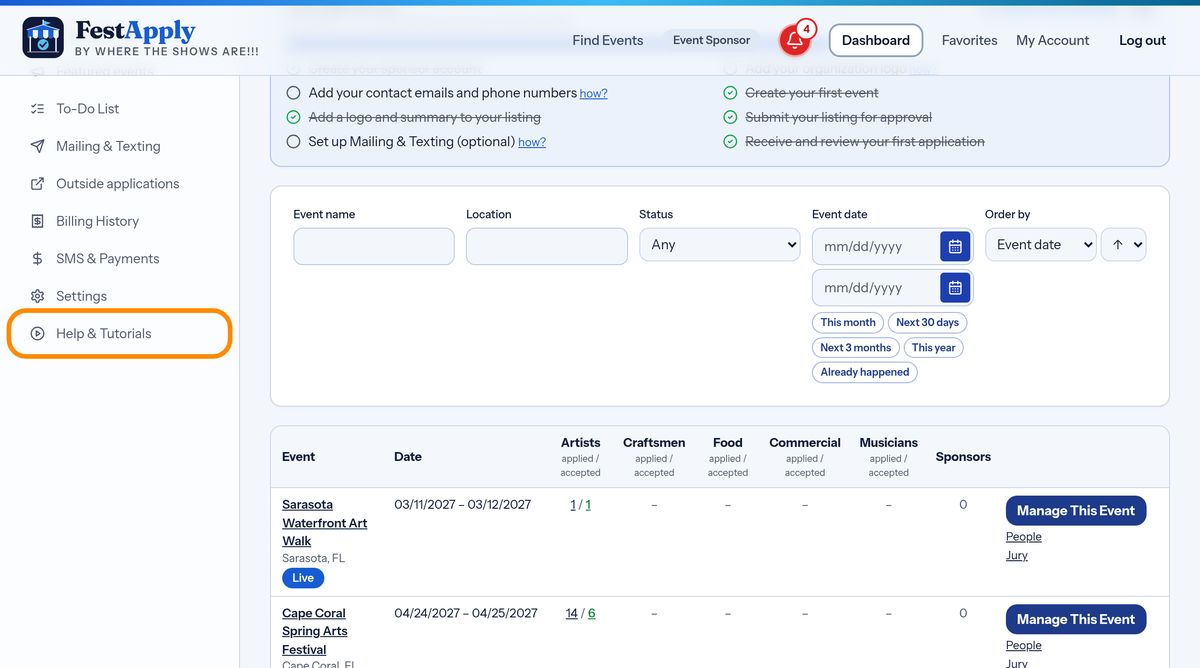
On your dashboard, the Getting started box lists your first steps and ticks them off for you as you finish them. Whenever you wonder what to do next, look here.
Every show you run is listed under My Events. The dark blue Manage This Event button beside a show opens everything about it.
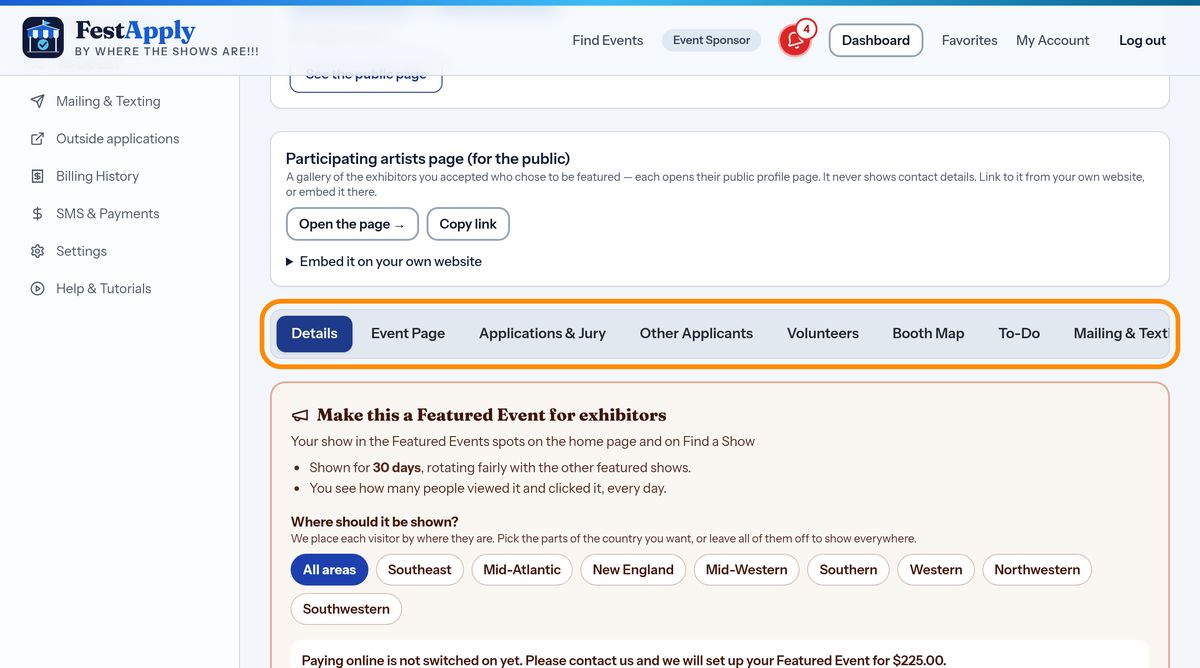
Inside Manage Event, the tabs along the top are your control room: Details, Event Page, Applications and Jury, Other Applicants, Volunteers, Booth Map, To-Do, Mailing and Texting, and Billing.
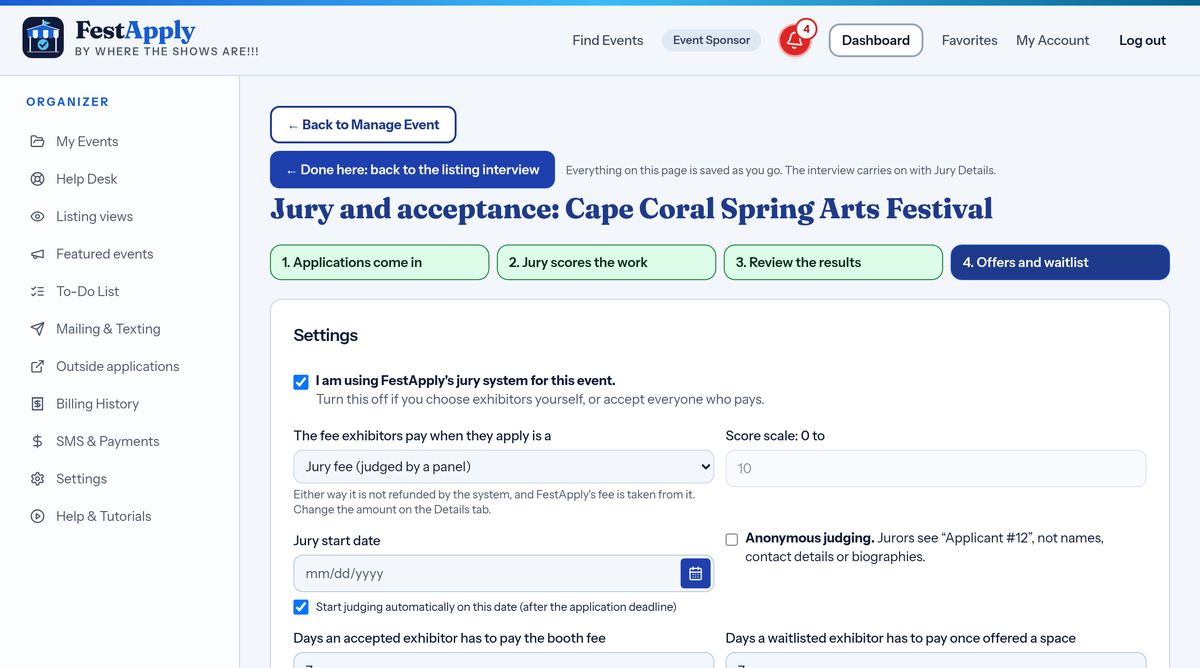
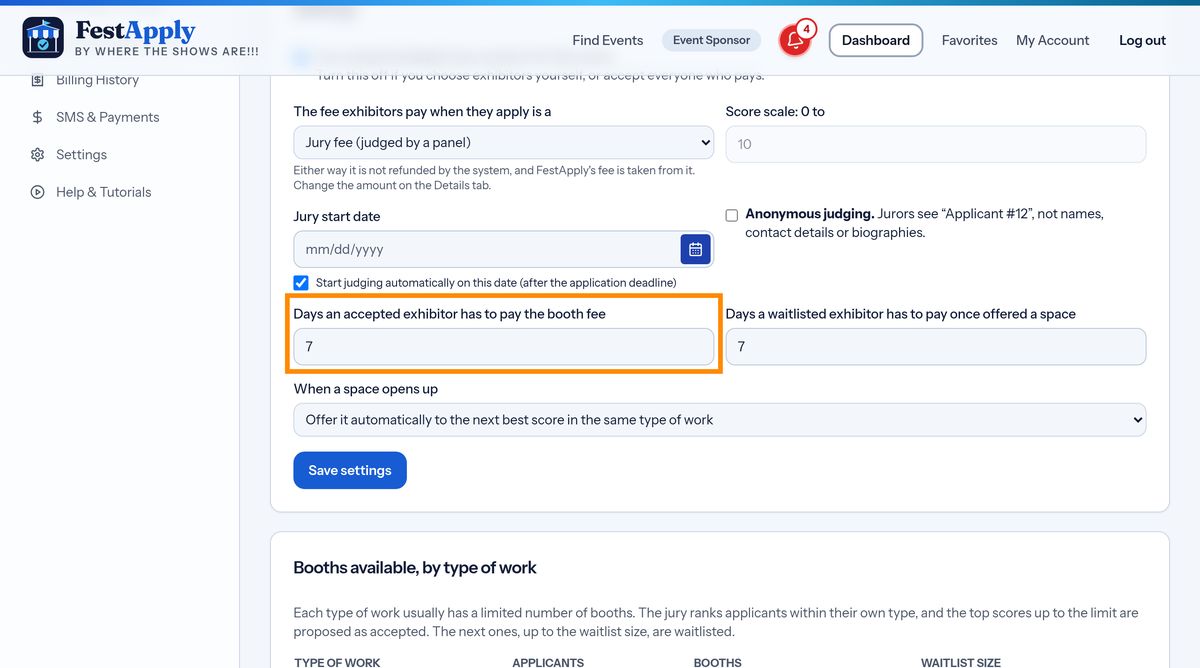
The Jury and acceptance page runs your jury, your entry fee deadline and your waitlist. Four stages are shown across the top: applications come in, the jury scores the work, you review the results, and then offers and waitlist.
A few words you will hear. The jury fee, also called the application fee, is paid by an exhibitor when they apply. The entry fee, also called the booth fee, is paid only after you accept them. A waitlist holds exhibitors who may get a space if someone does not pay.
You are never alone. Help and Tutorials, in the left menu, has written lessons and videos for everything. The Help Desk reaches the FestApply team, and the how links beside the checklist items explain each step.