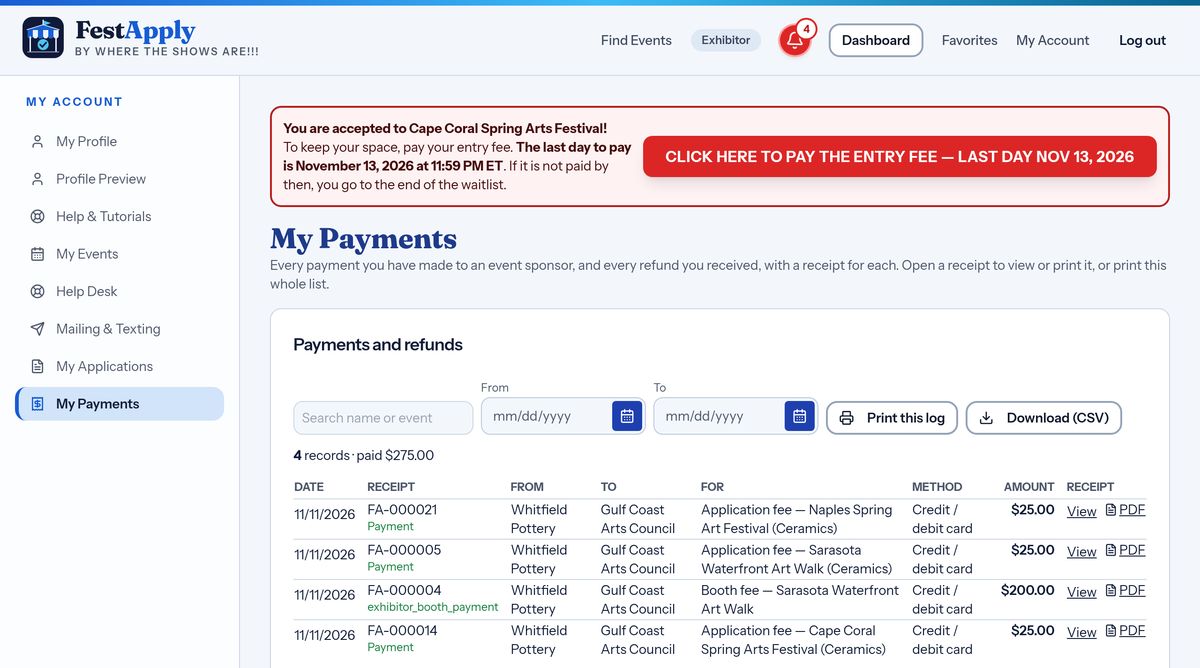
1A red banner
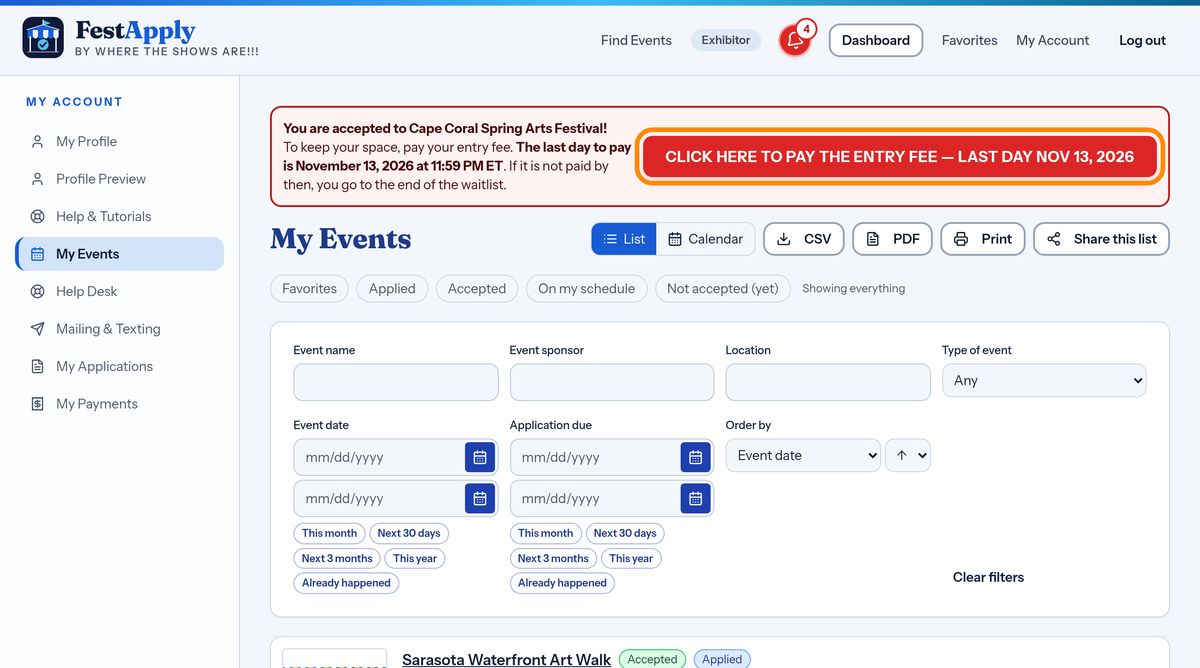
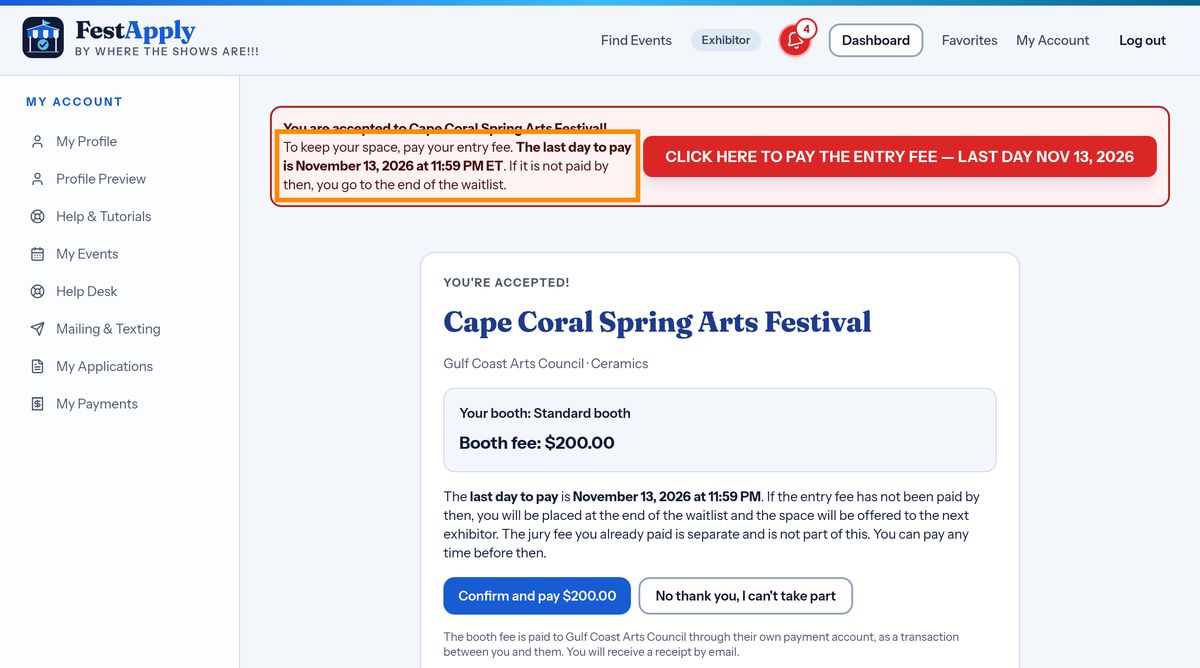
When a sponsor accepts you, congratulations! A red banner appears at the top of your page, for every show where you still owe an entry fee.
Lesson 9 of 13
Where to pay, the last day to pay, the reminders, and how to get your letter and receipt.
When a sponsor accepts you, congratulations! A red banner appears at the top of your page, for every show where you still owe an entry fee.
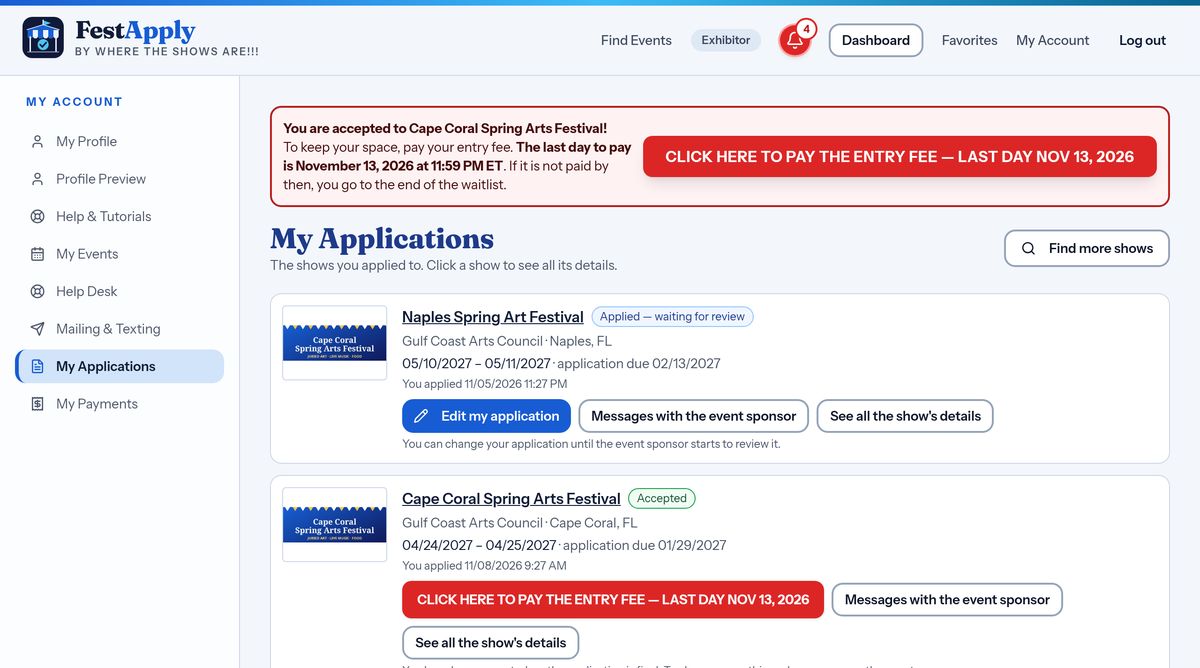
The banner shows the show and the last day to pay. The last day counts until the very end of that day, 11:59 PM Eastern time.
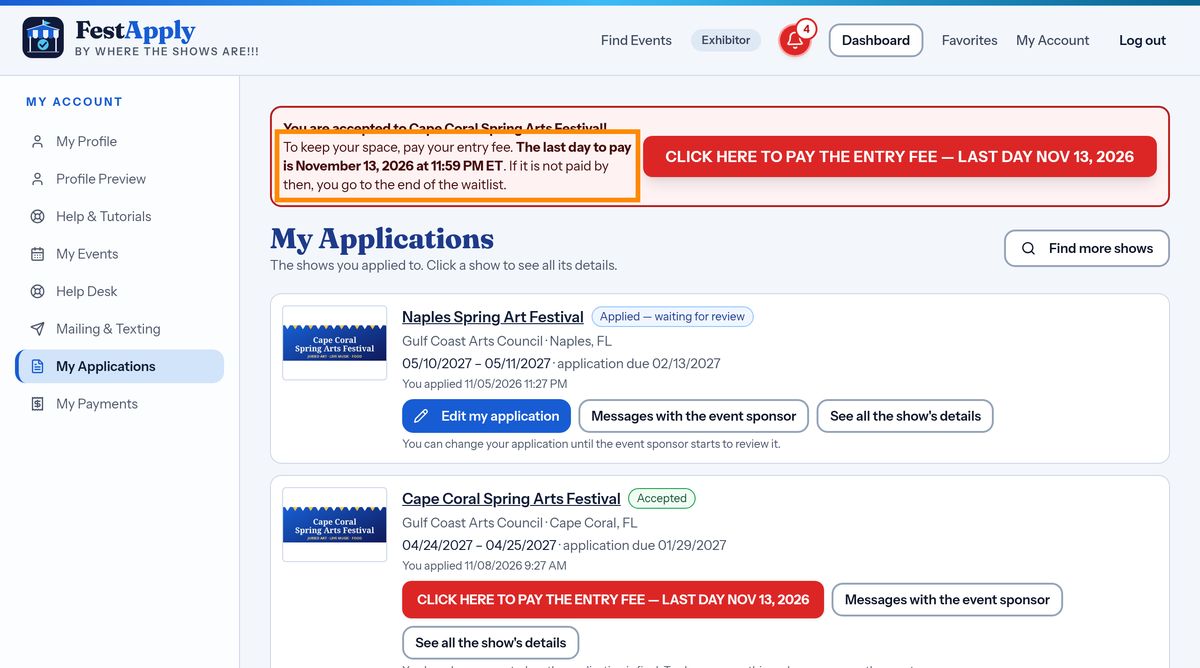
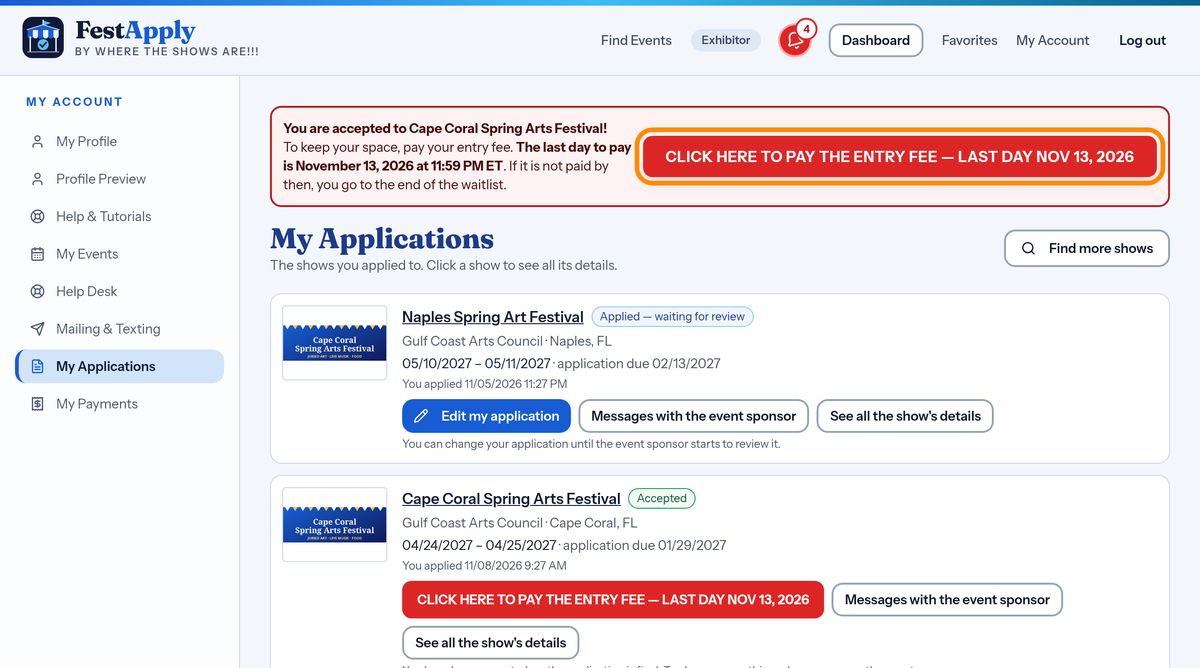
On My Applications, the big red button says Click here to pay the entry fee, and shows the last day.
The same button is on My Events, beside the show.
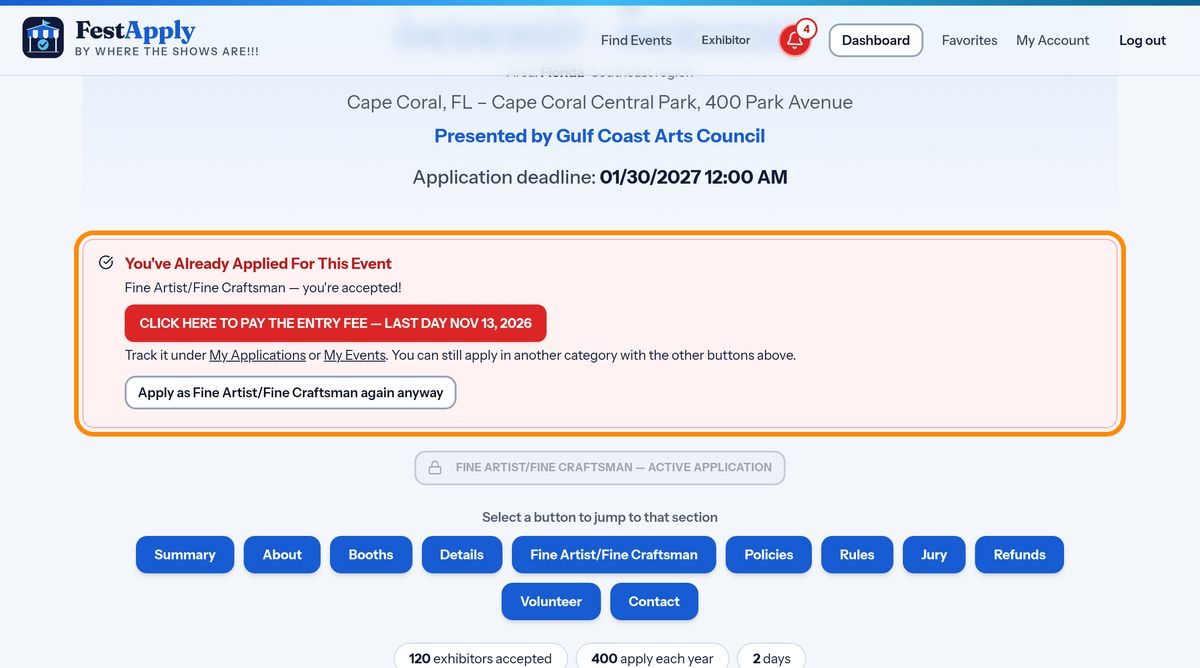
It is also in the already applied box on the show's own page. Wherever you look, the pay button is waiting for you.
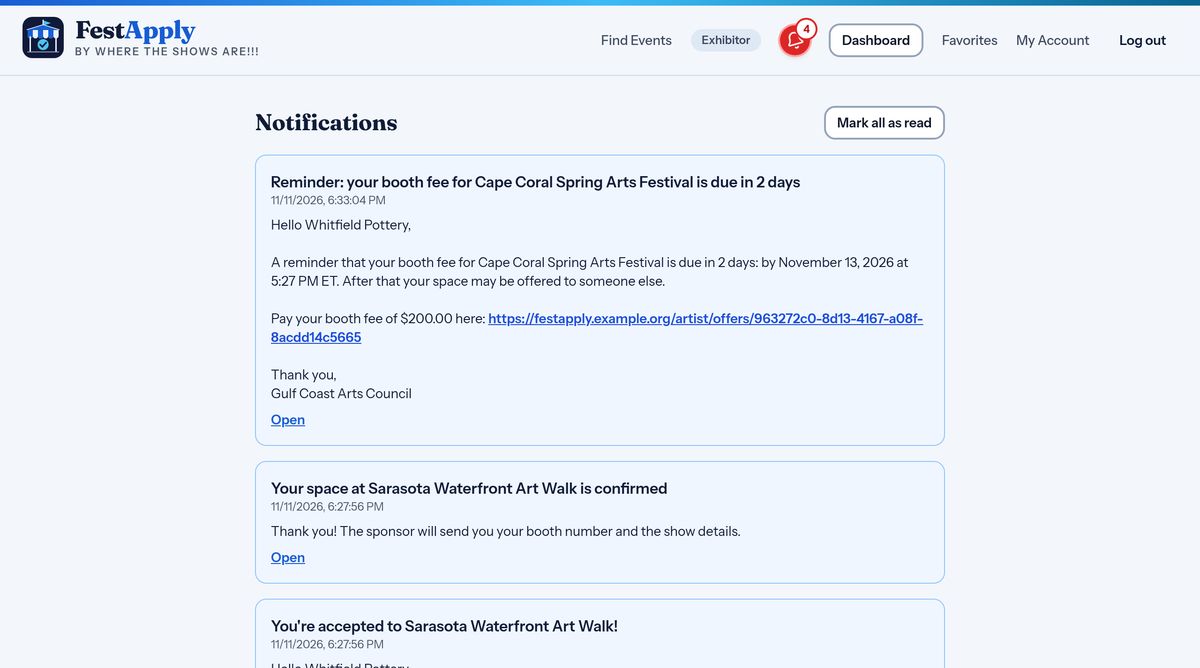
You are told by email and by text as well. The message carries a link that goes straight to the payment page. Every web address in a message is clickable.
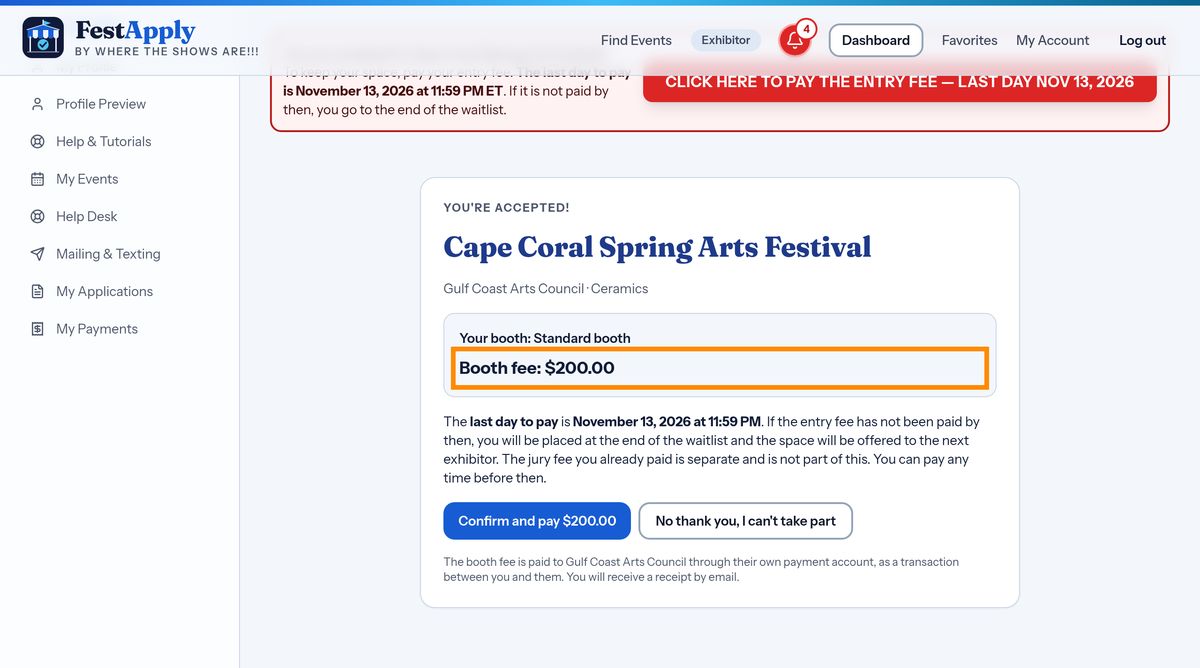
The offer page shows the show, your booth type, the fee, and the last day to pay. Read it carefully.
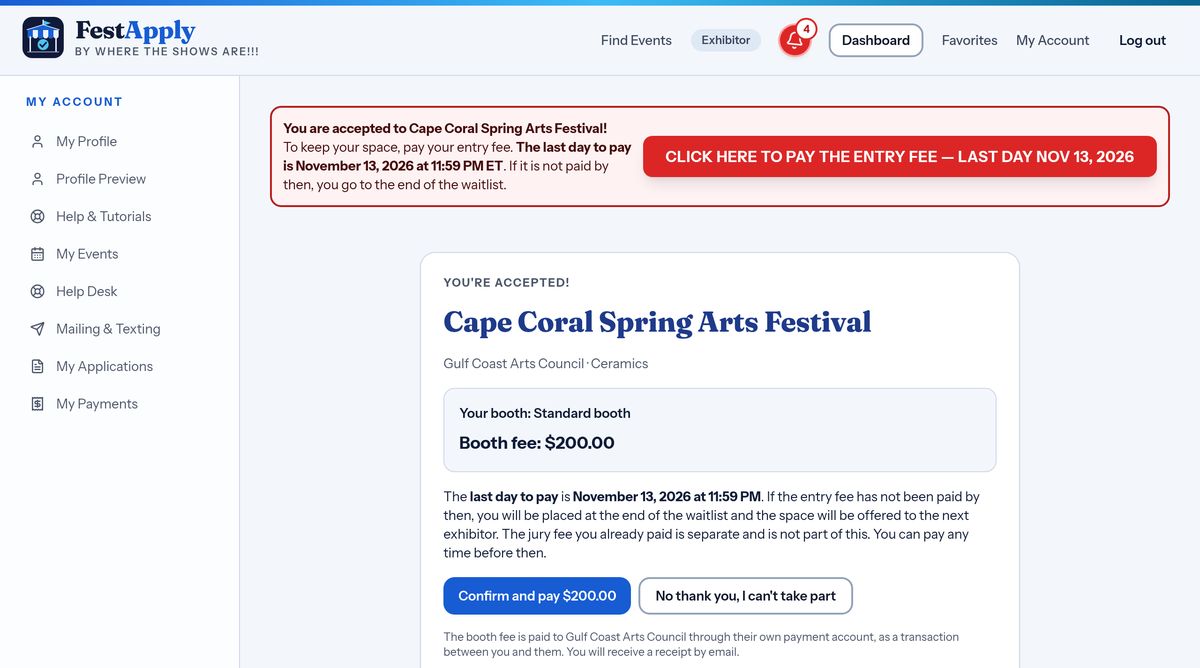
Here is your entry fee, also called the booth fee. The price depends on the booth you were offered.
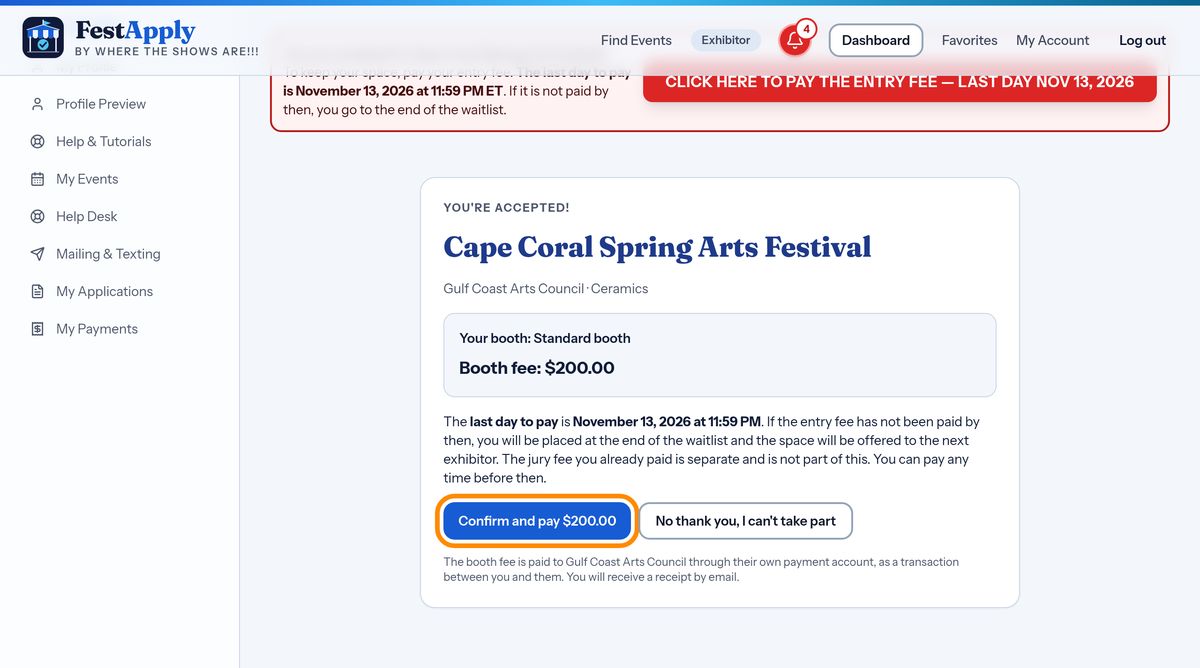
Press the button to confirm, and complete the secure payment page.
Pay by the last day. If you do not, your space is offered to the next artist on the waitlist, and you move to the end of the waitlist.
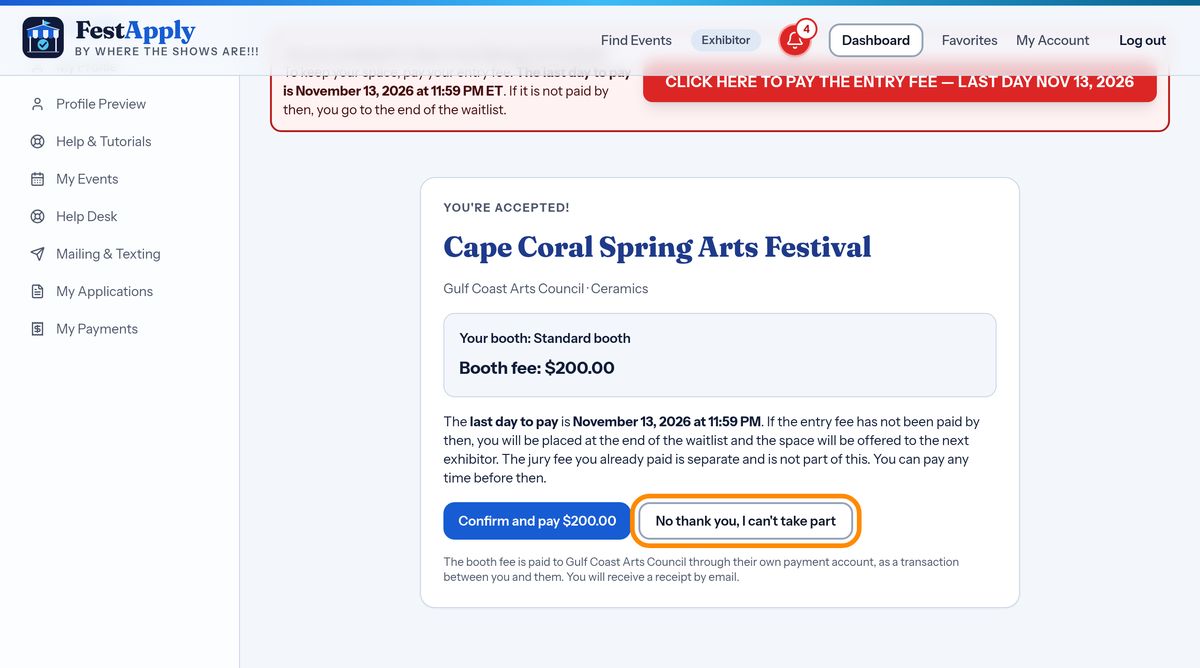
If you cannot take part after all, choose No thank you, so the space can go to someone else right away.
FestApply reminds you by email and text three days before the last day, one day before, and on the last day. In the last days, the red pay button flashes.
Once you have paid, the red button turns into Entry Fee Paid.
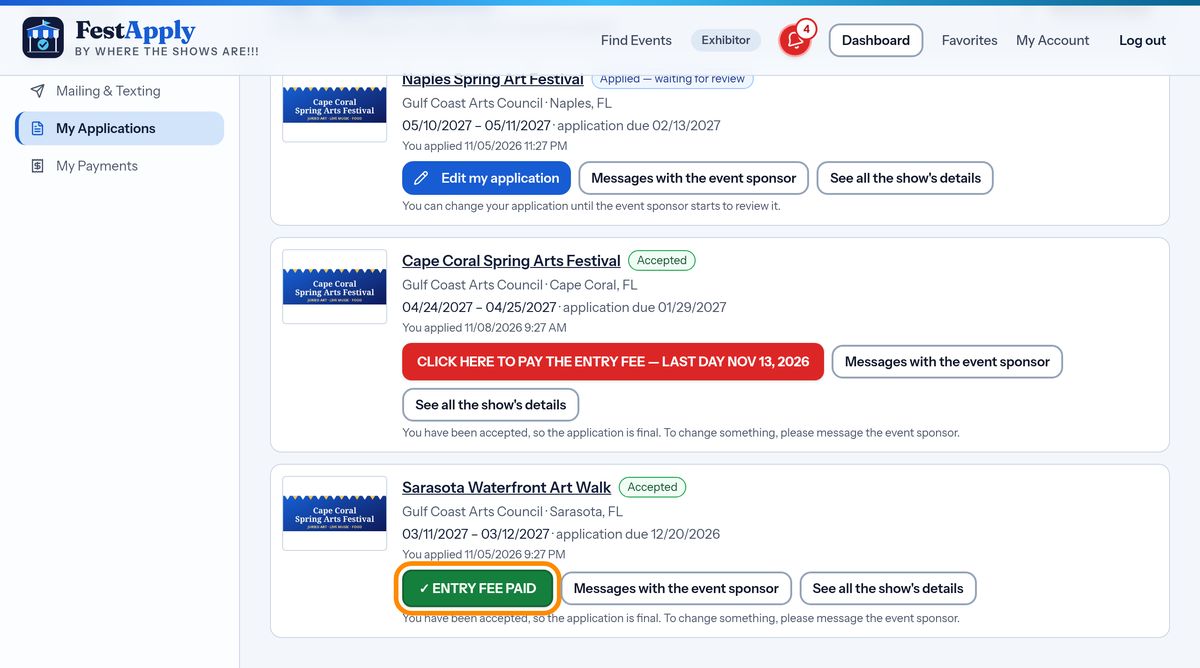
Press Entry Fee Paid at any time to reprint your letter of acceptance and your receipt.
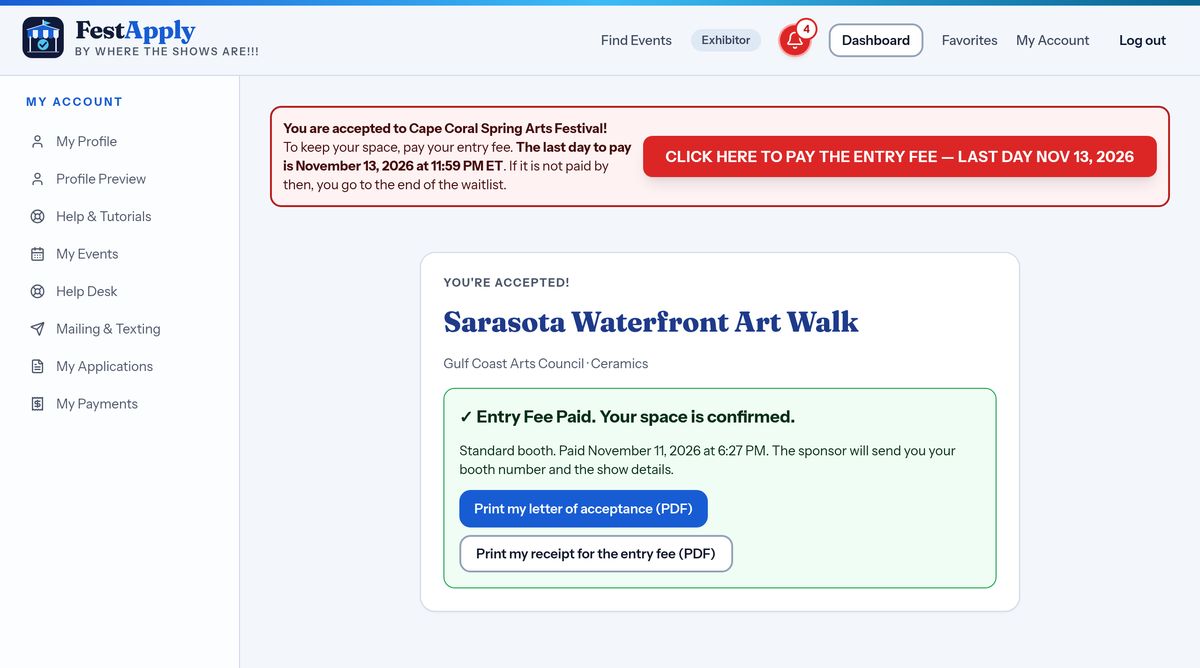
Your receipts are also kept in My Payments, which we visit in a later lesson.