1Your applications, one card each
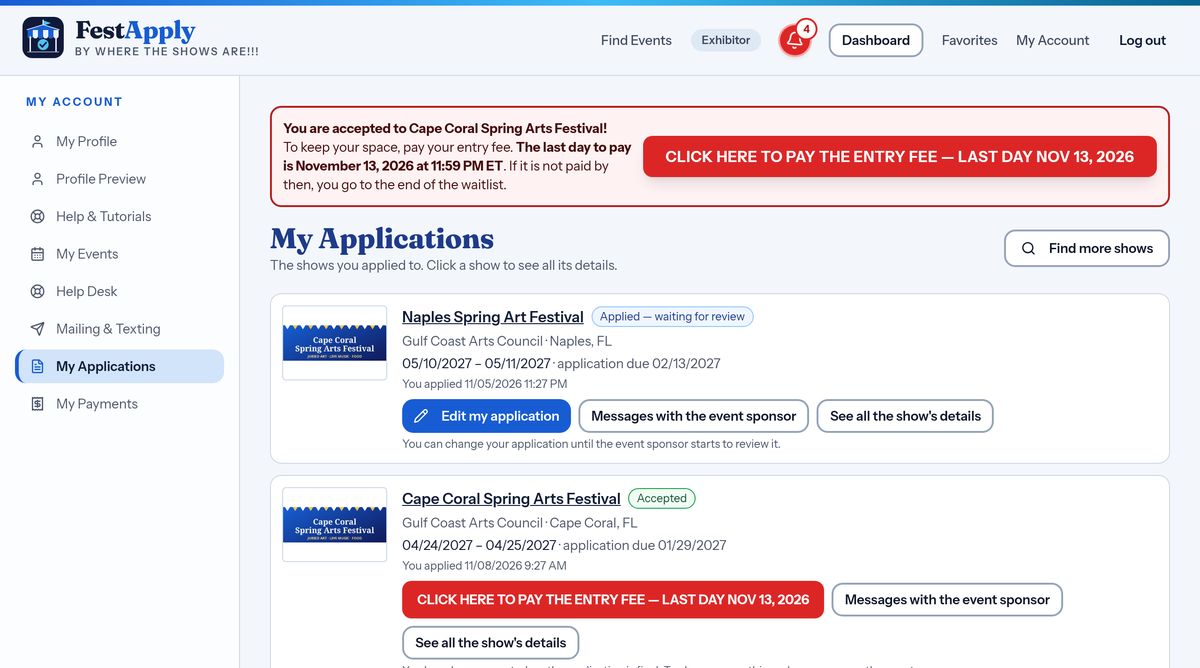
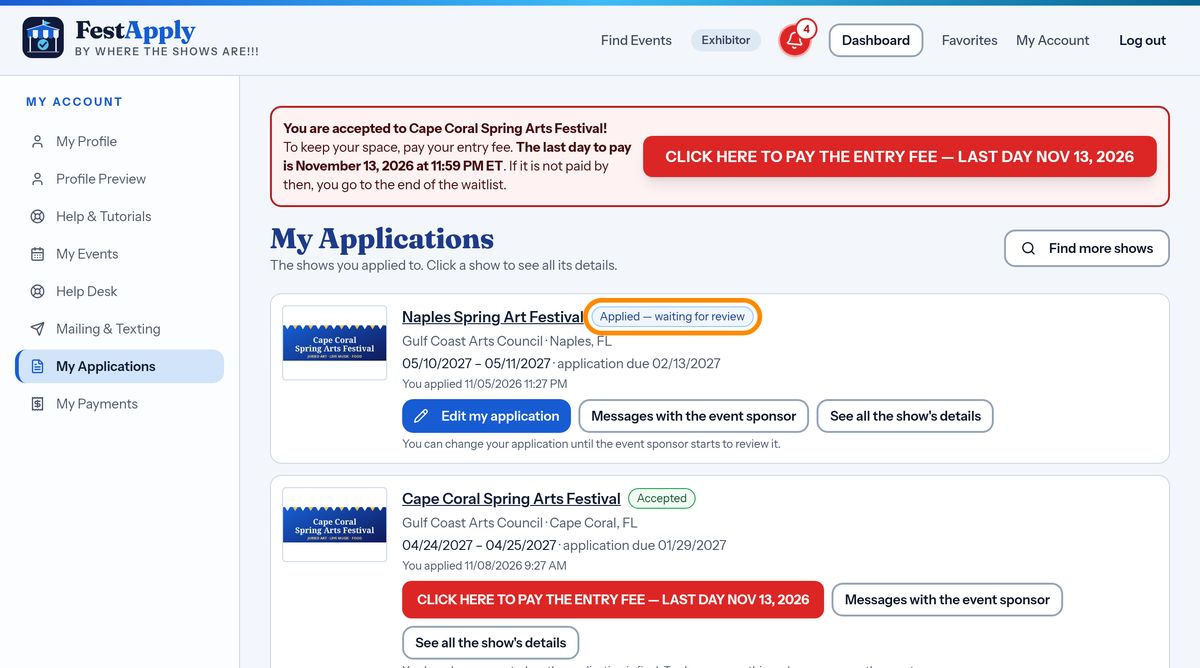
My Applications lists every show you have applied to. Each card tells you the name of the show and its dates, not just a number.
Lesson 8 of 13
Read every card, open the show details again, and change an application until the sponsor starts reviewing.
My Applications lists every show you have applied to. Each card tells you the name of the show and its dates, not just a number.
The name of the show is a link. Under it you see the dates of the show, and the application deadline.
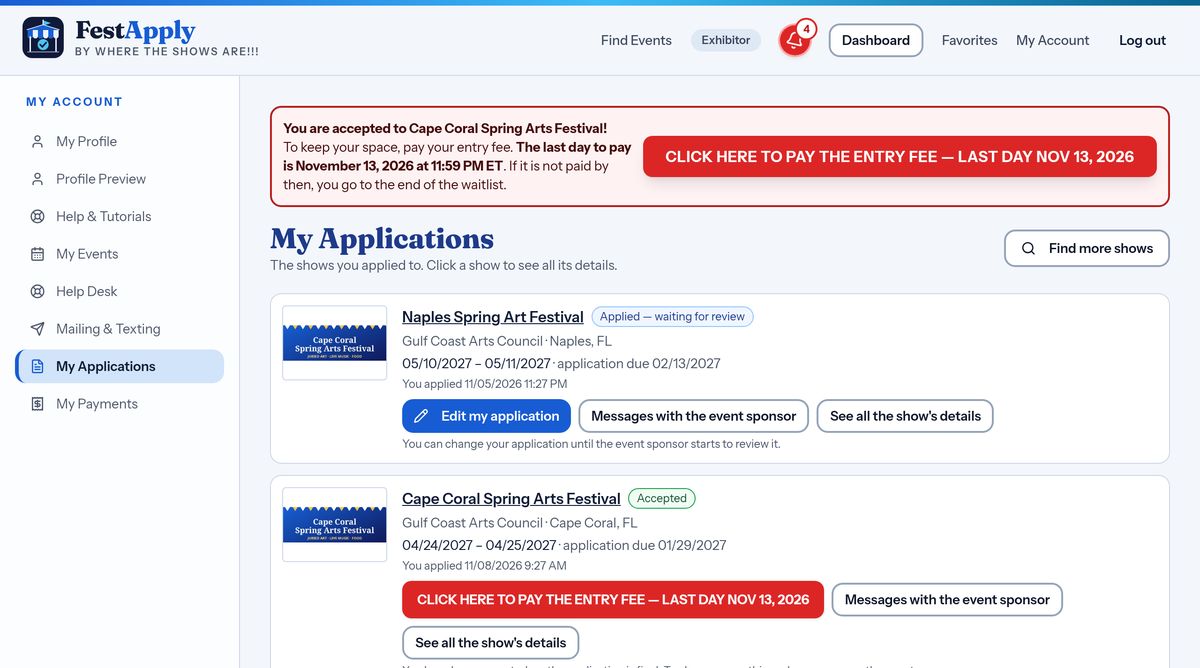
A badge shows where you stand. Applied, waiting for review. Accepted. Waitlisted. Or Declined. It changes by itself as the sponsor decides.
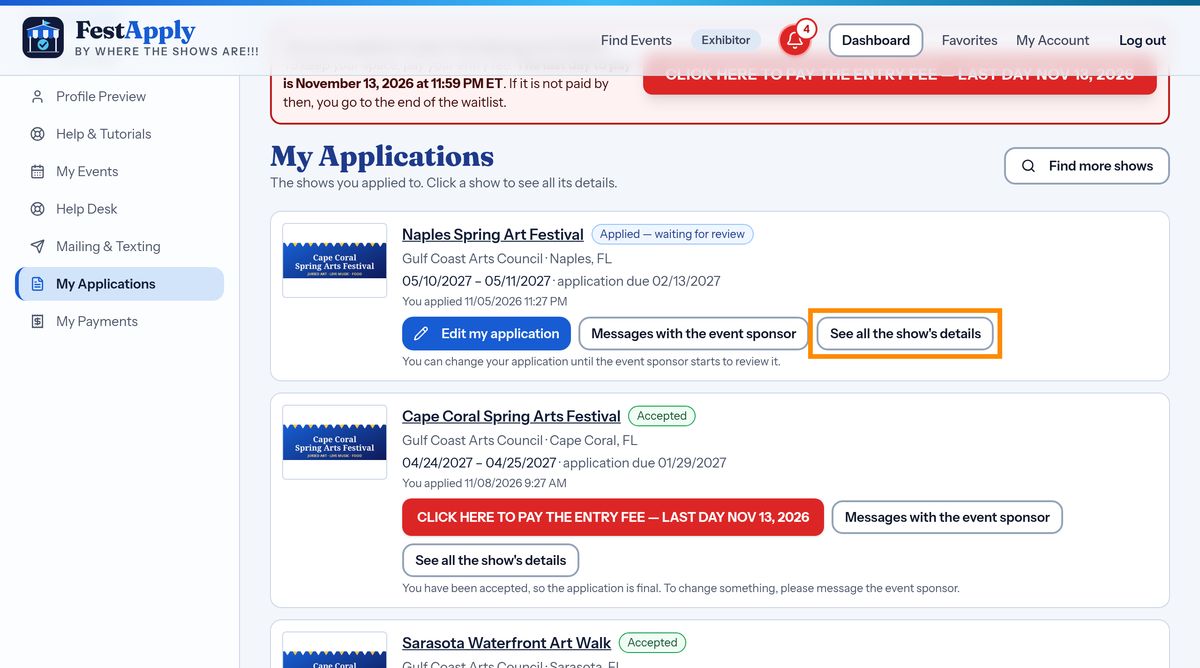
Press See all the show details to open the show's page again, with its rules, its load-in times, and its contacts. It is handy when you are packing.
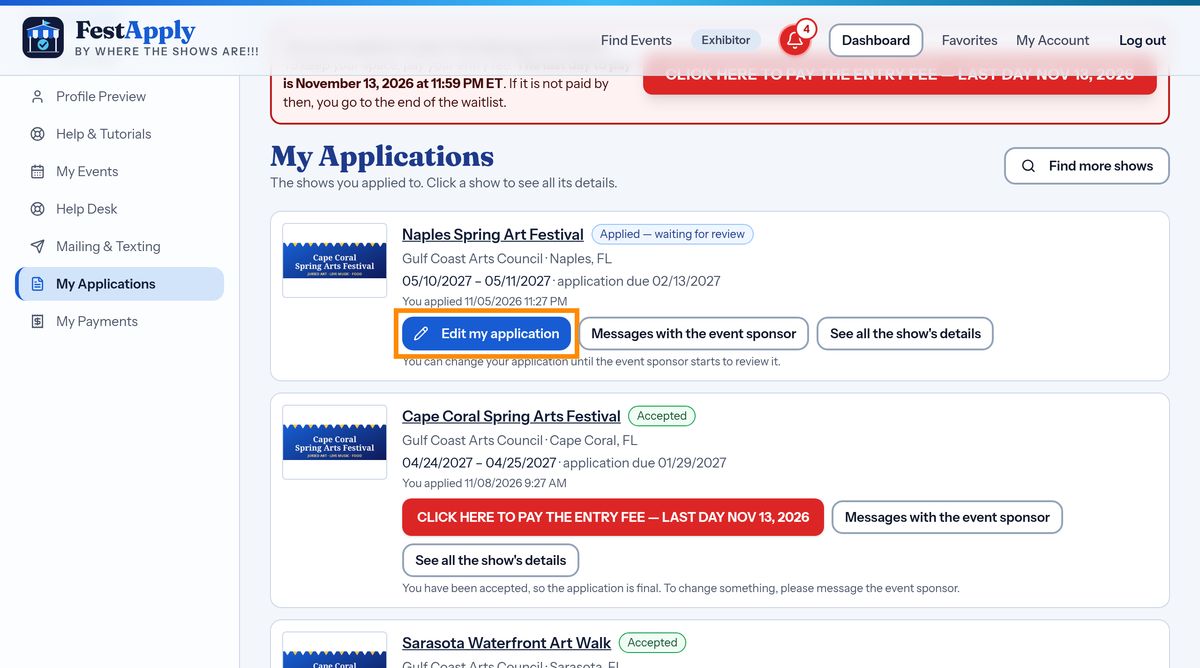
Changed your mind about a picture? Until the sponsor starts reviewing your application, you can change it. Press Edit my application.
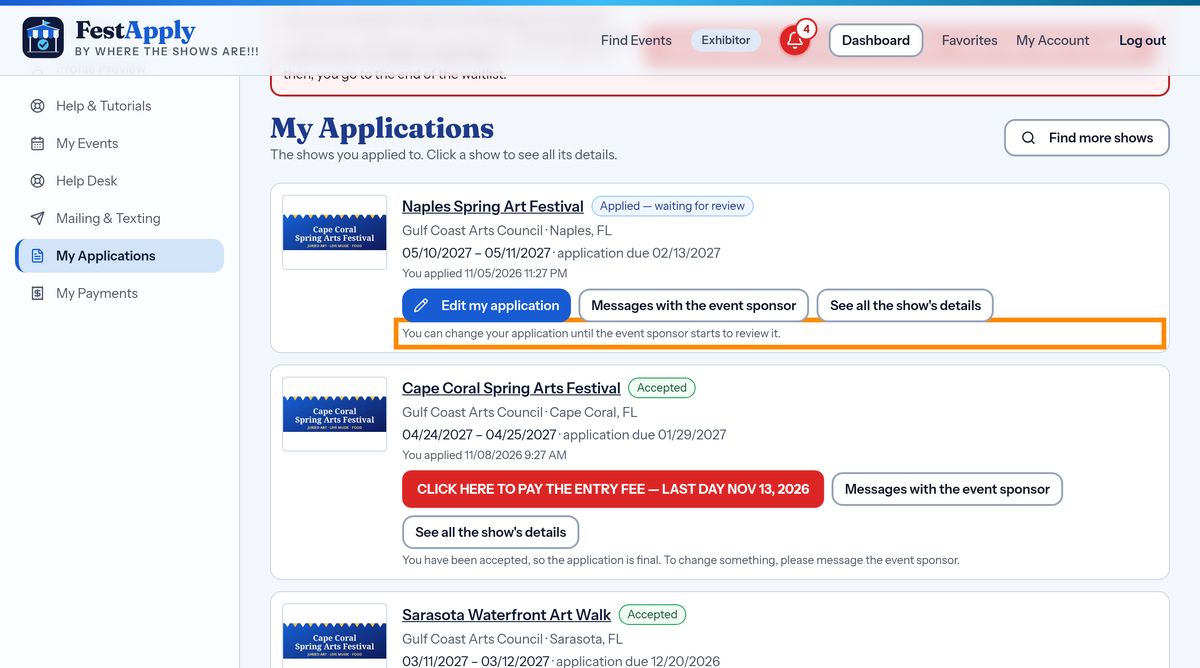
A note on the card tells you how long you can edit. Once review has started, your application is locked, so the jury sees what you sent.
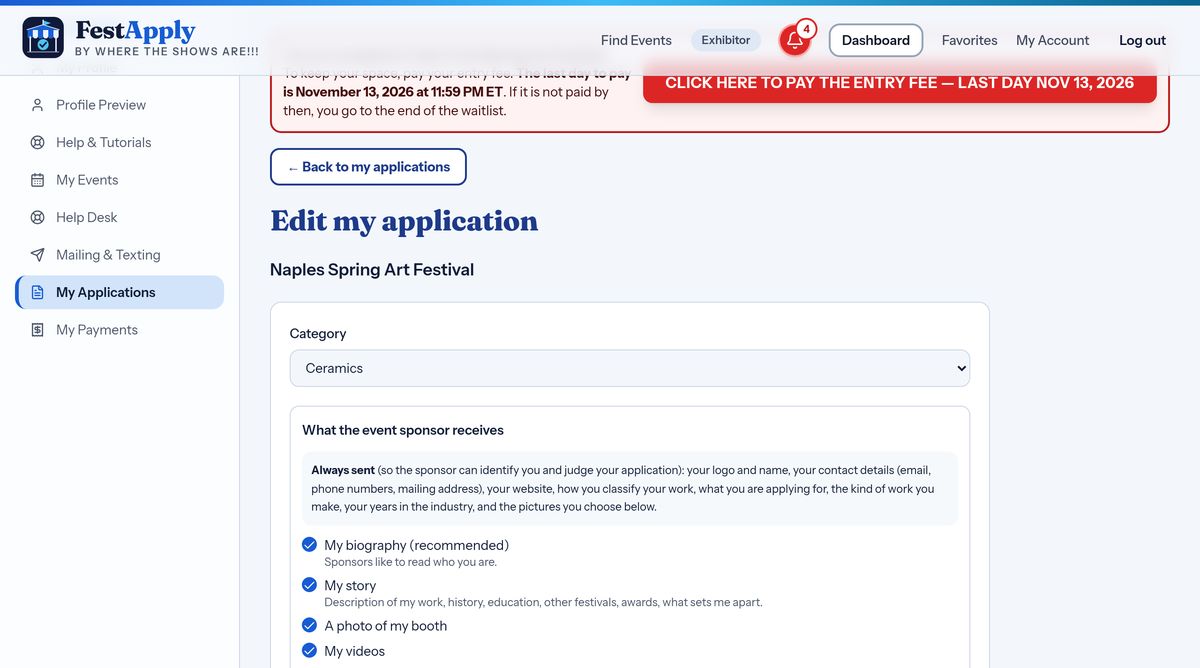
The edit page shows your application as you sent it. Change what you need.
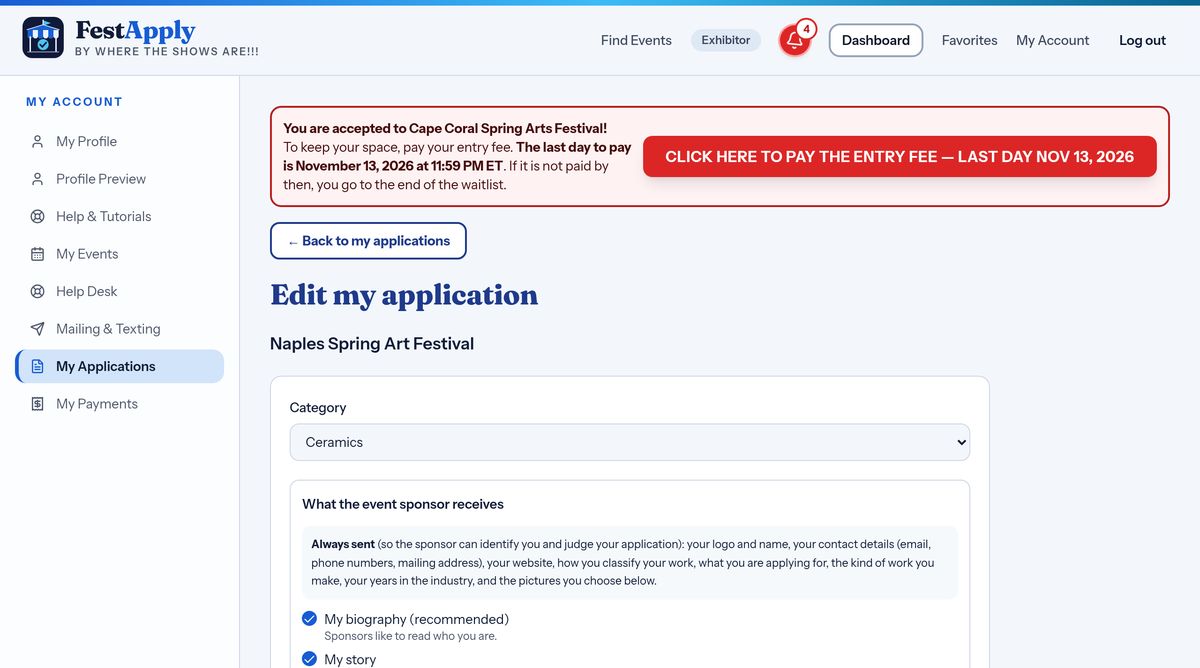
You can change your category, if the show has more than one that fits.
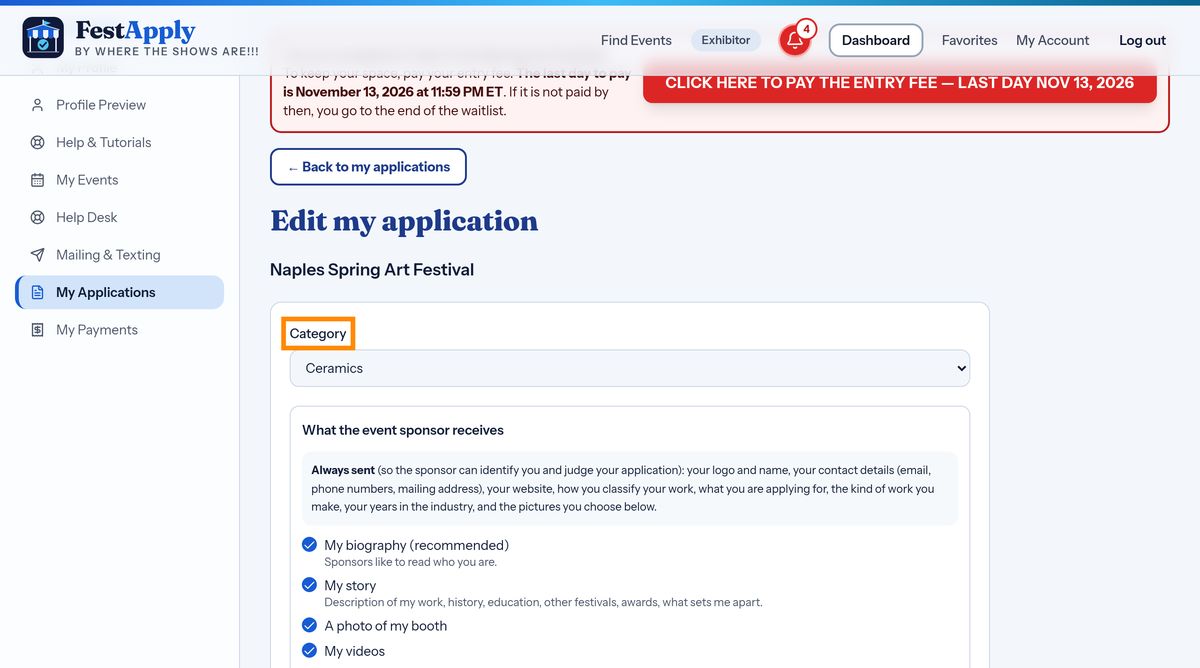
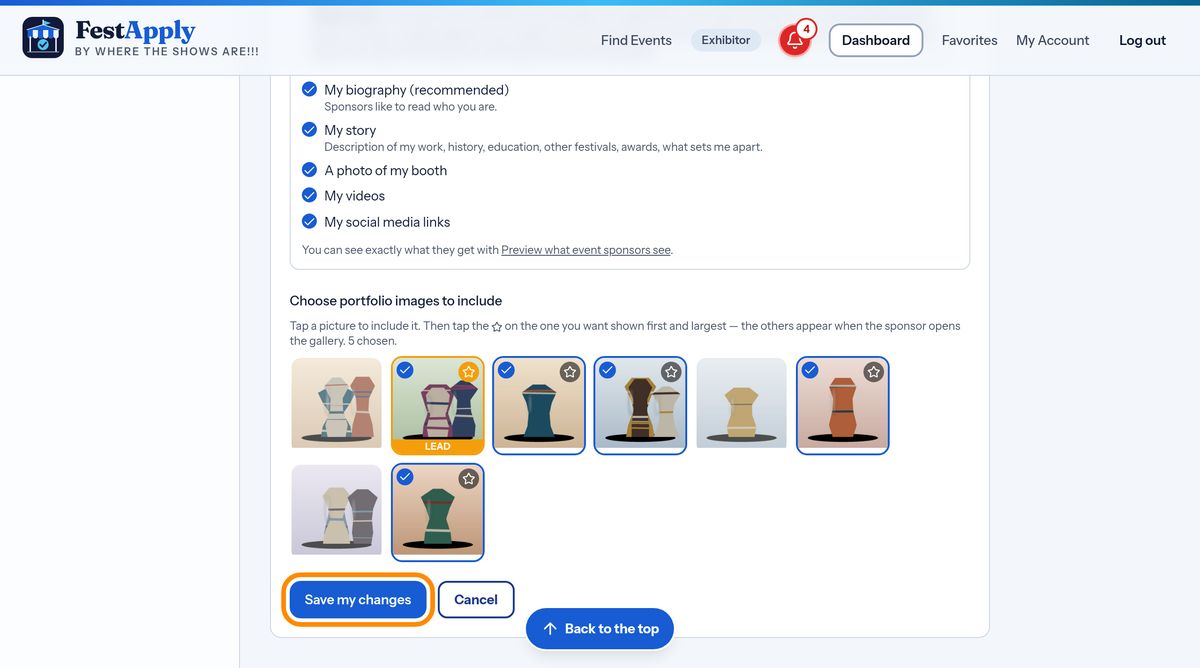
Choose different pictures, or put them in a different order.
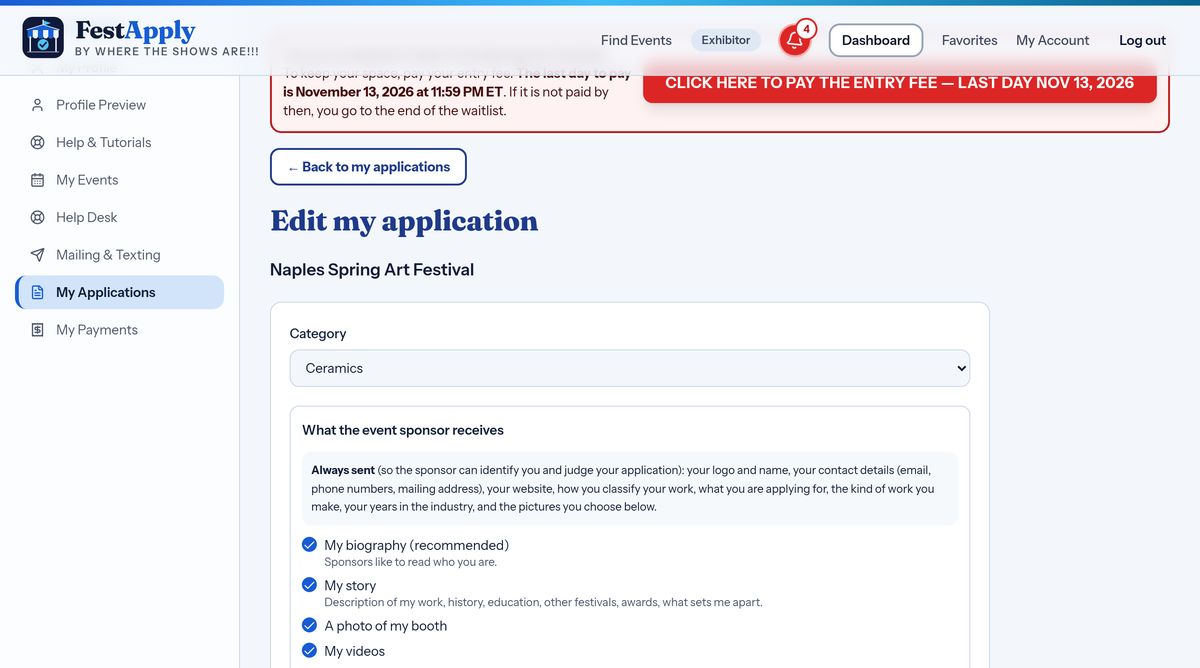
Choose which parts of your profile the sponsor receives. The things you share are shown in bold.
Press Save my changes. Your application is updated, and the sponsor sees the new version.
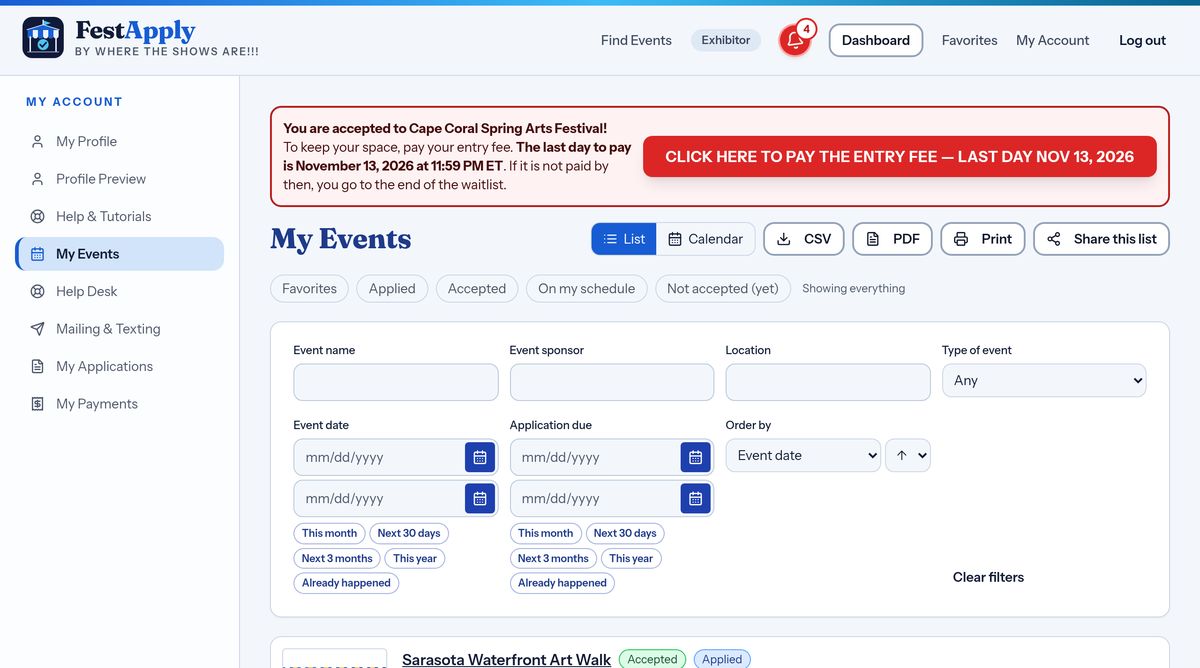
My Events is a second way to see your shows. Each row has the show, its dates, and buttons for whatever you need to do next.
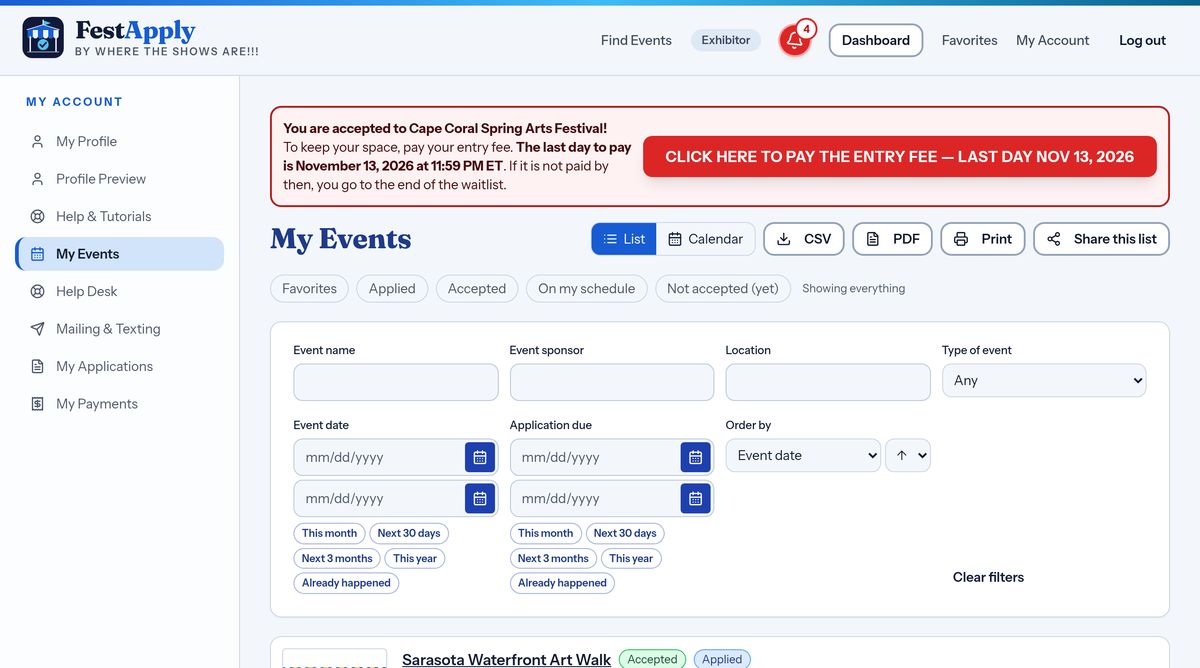
Pay an entry fee, read your messages, or open the show, all from the same row.