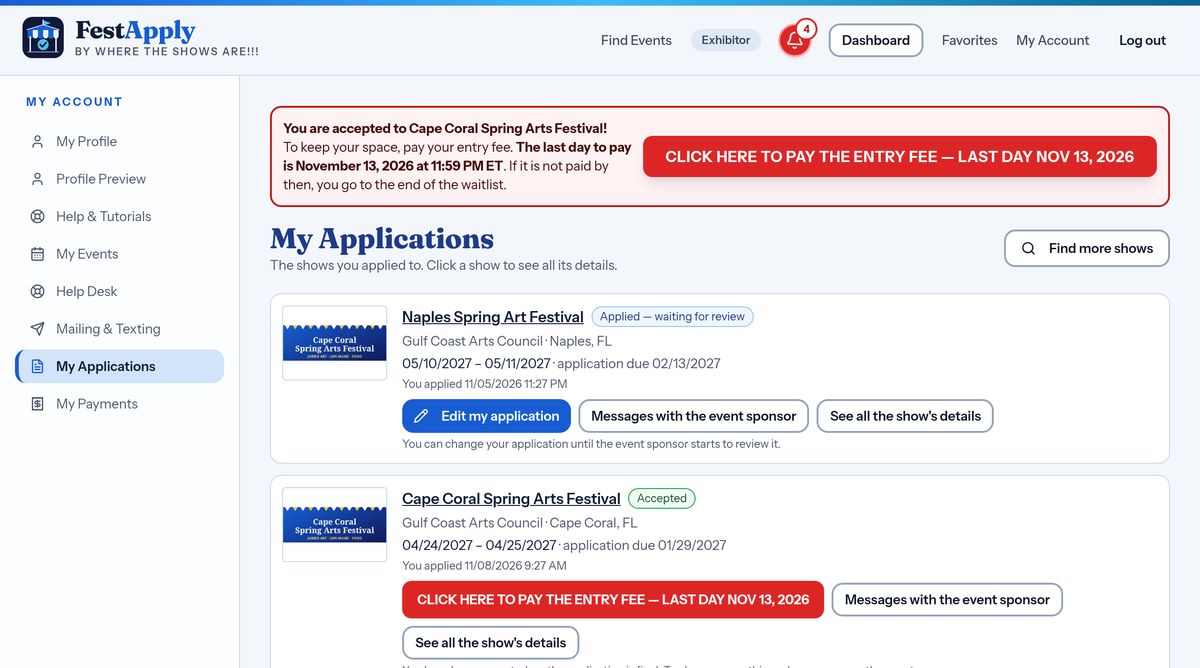
1Choose your category
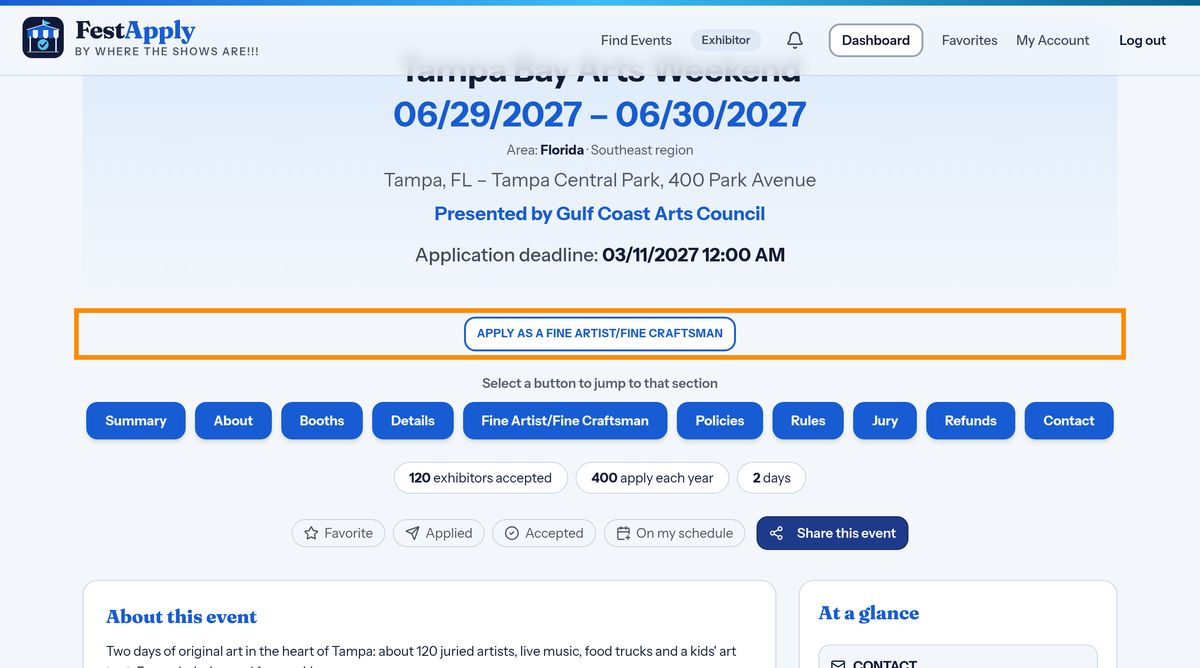
Open the show and press the Apply button for your kind of work. Each show tells you what its categories are, and what they require.
Lesson 7 of 13
What happens when you press Submit, and what to do if you leave before paying.
Open the show and press the Apply button for your kind of work. Each show tells you what its categories are, and what they require.
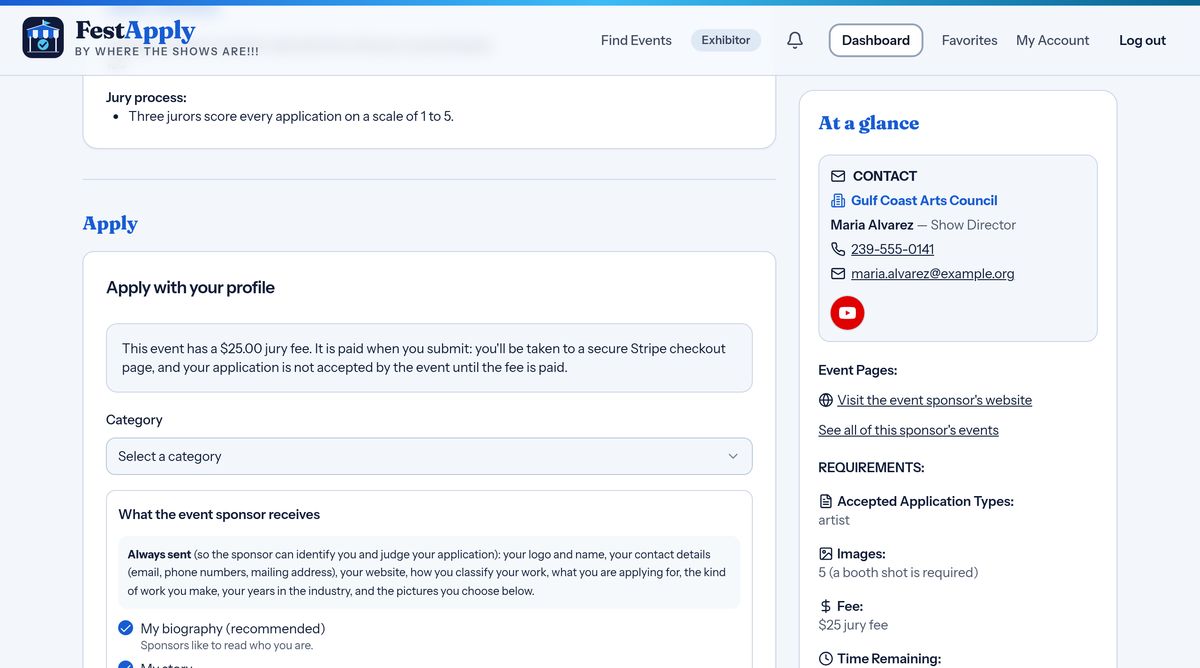
The form uses your profile, so you do not retype your story. First check that your category is the right one.
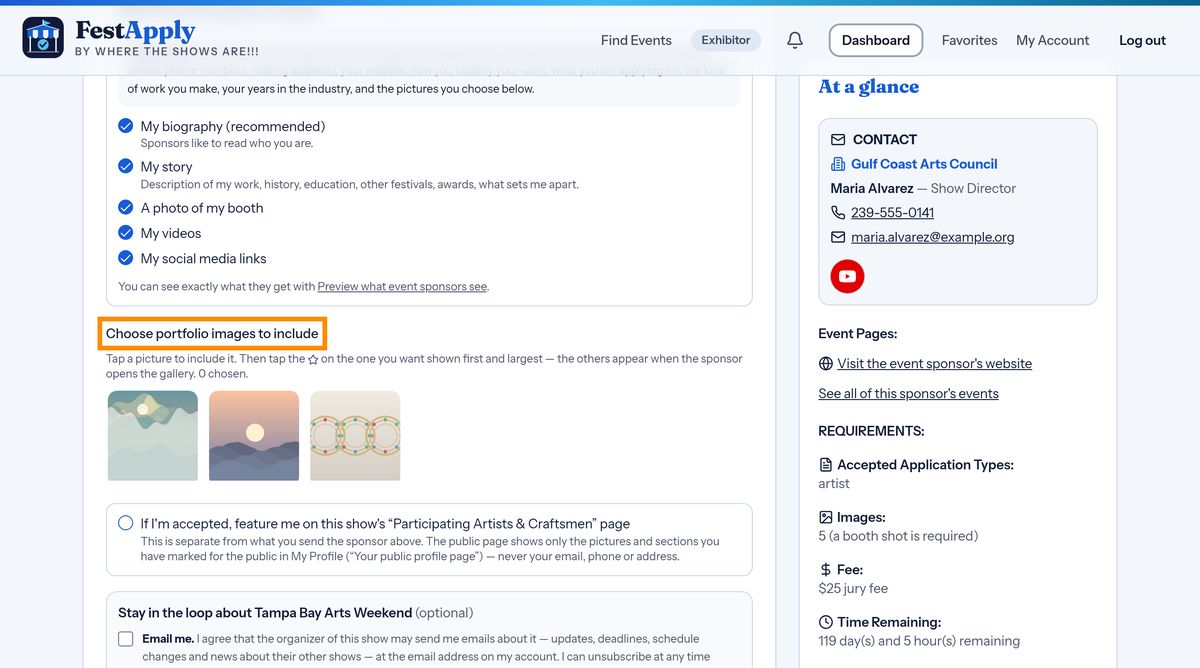
Choose the pictures to send. Pick your very best work, and check how many pictures the show asks for.
If the show charges a jury fee, you pay it at the very moment you submit. Your application is not submitted, and the jury does not see it, until the fee is paid.
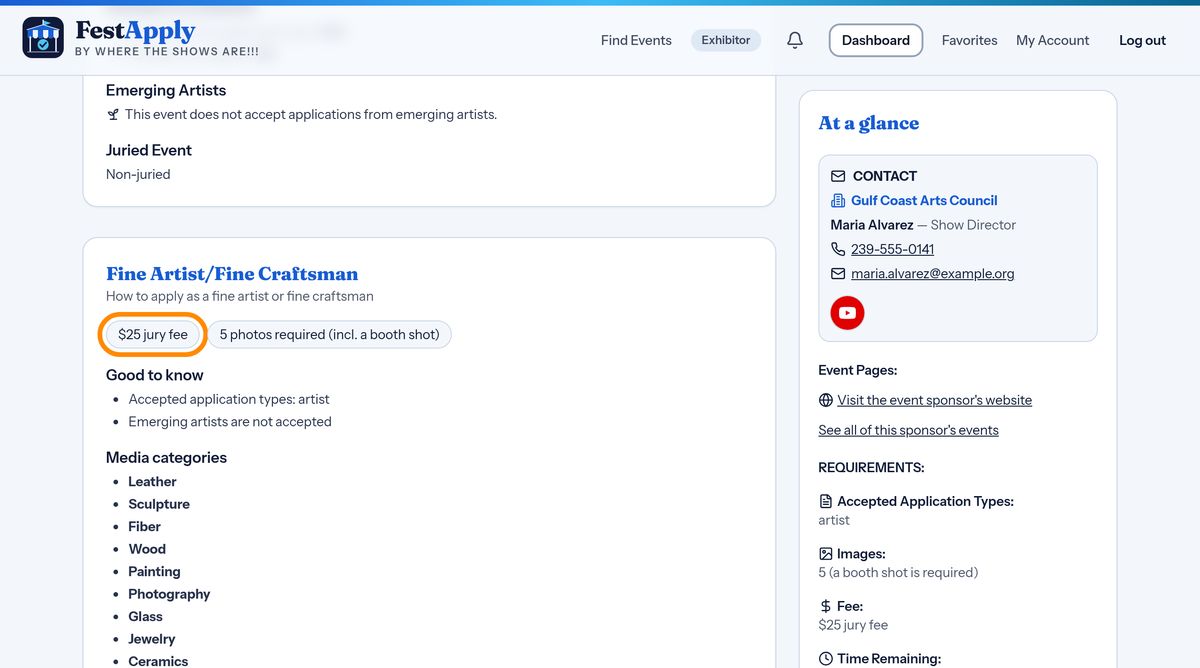
Tick the box to confirm that you have read the rules and the participation agreement. Your agreement is recorded with the date and time, and you receive a copy.
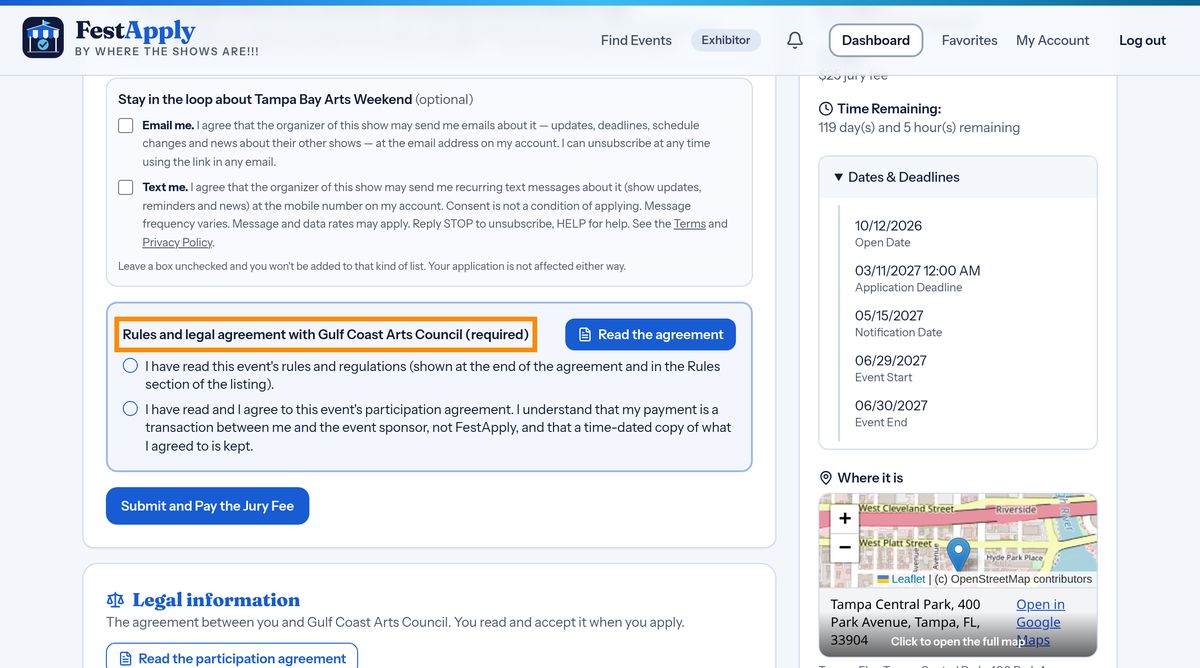
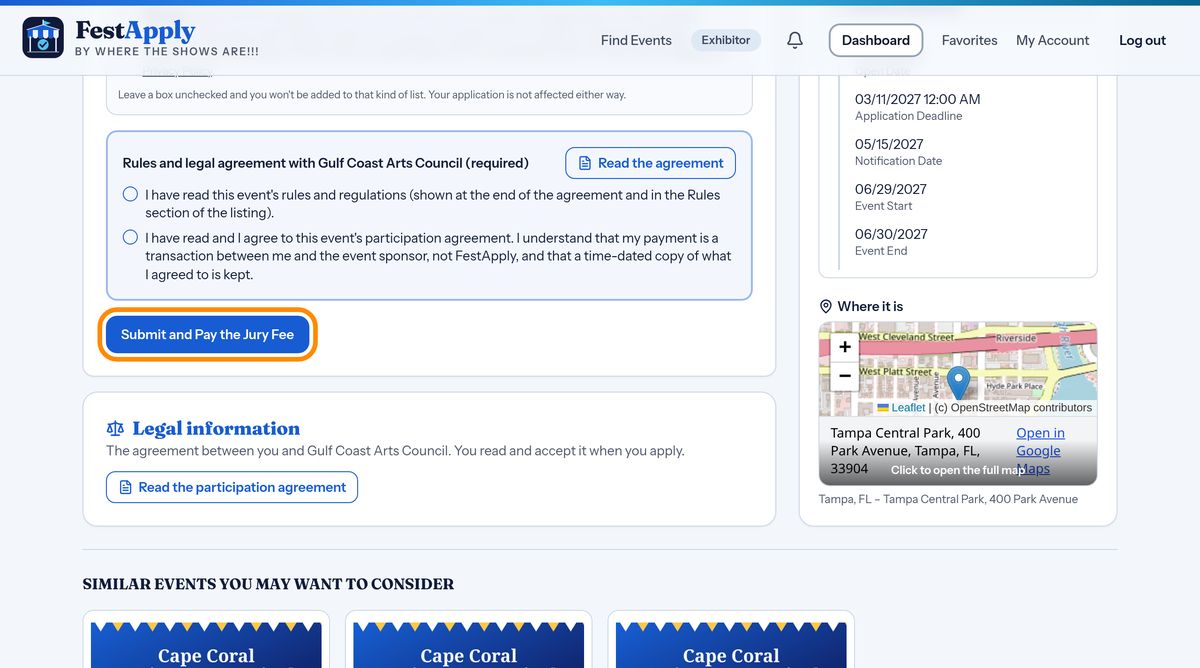
Press Submit and Pay the Jury Fee. A secure payment page opens. When you have paid, you are returned to FestApply, and your application is submitted. If a show has no jury fee, the button simply says Submit Application.
If you close the page before paying, nothing is lost. Your application waits, marked Not submitted yet, with a red button to pay the jury fee and submit. The event sponsor does not see it until you do.