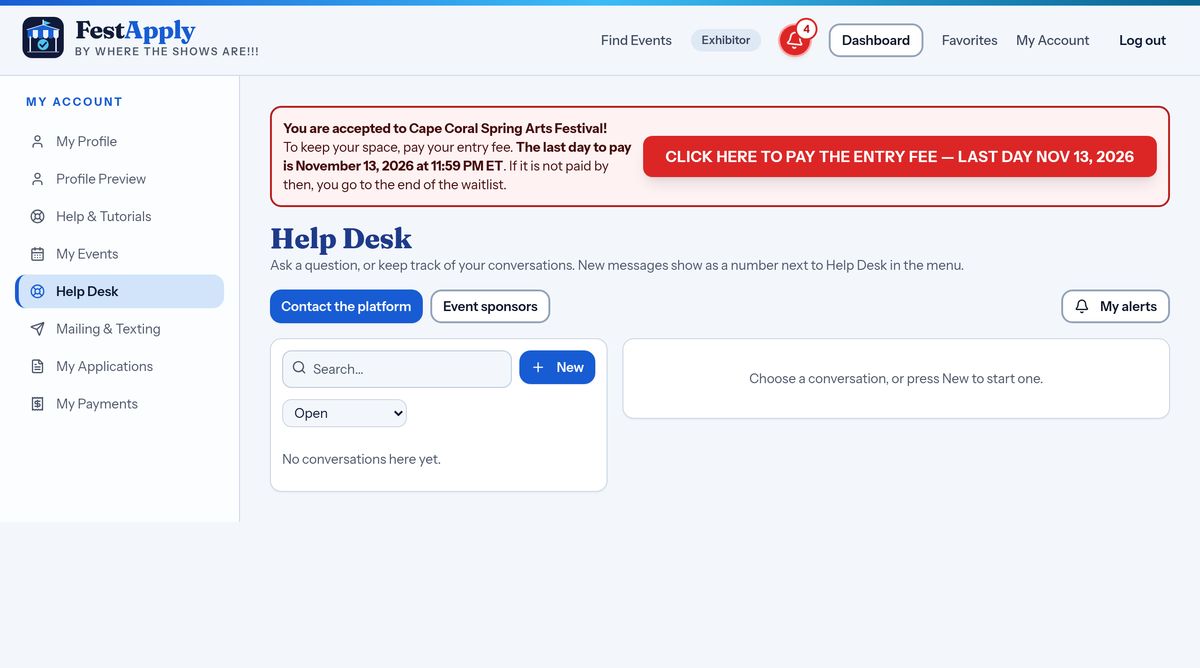
1Open your messages
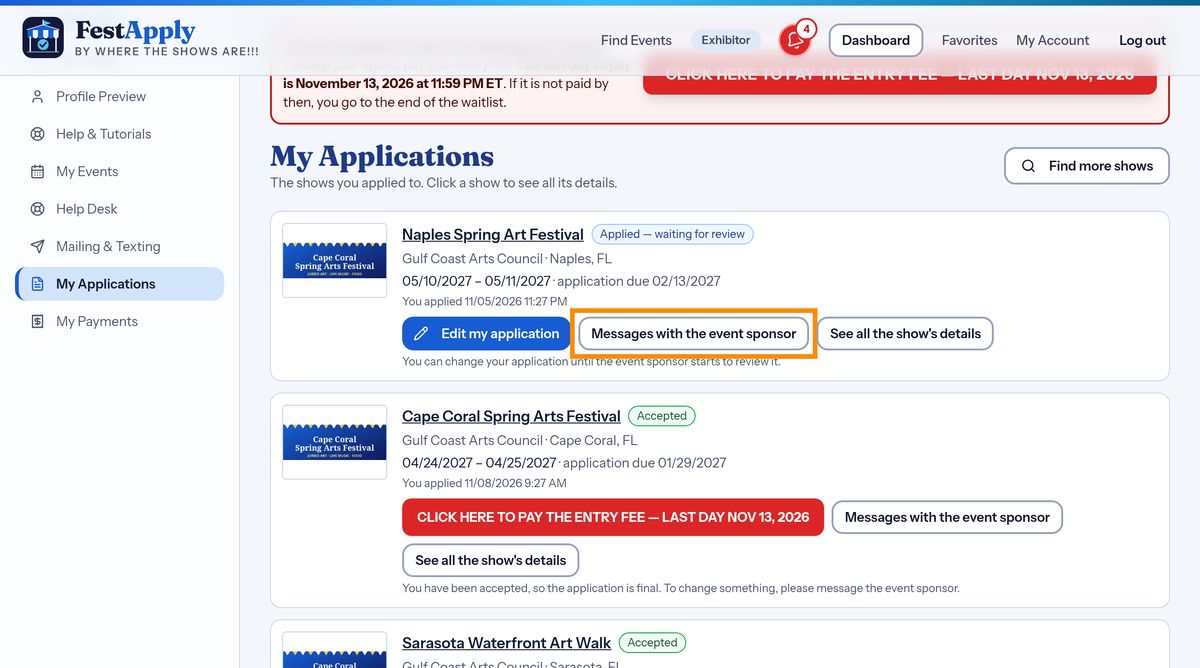
On My Applications, press Messages with the event sponsor, to open every message about that show in one place.
Lesson 10 of 13
Read everything a sponsor sent you, and answer, all in one place for each show.
On My Applications, press Messages with the event sponsor, to open every message about that show in one place.
Everything the sponsor sent you about this show, and everything you answered, is kept together on one page, so nothing gets lost in your inbox.
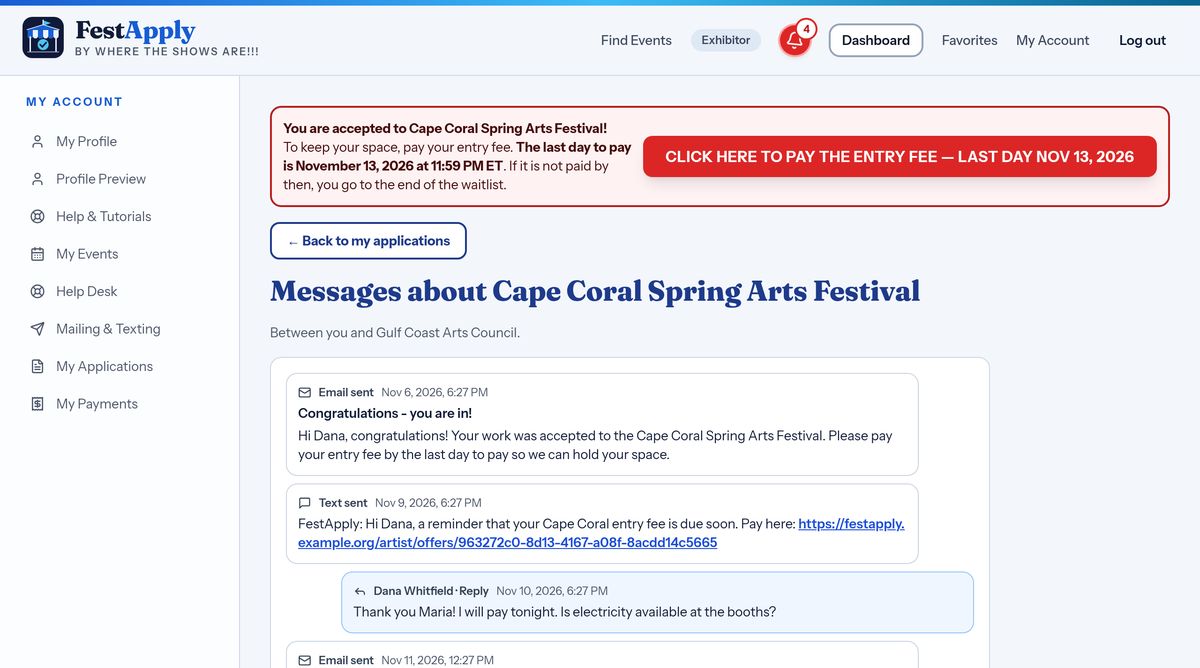
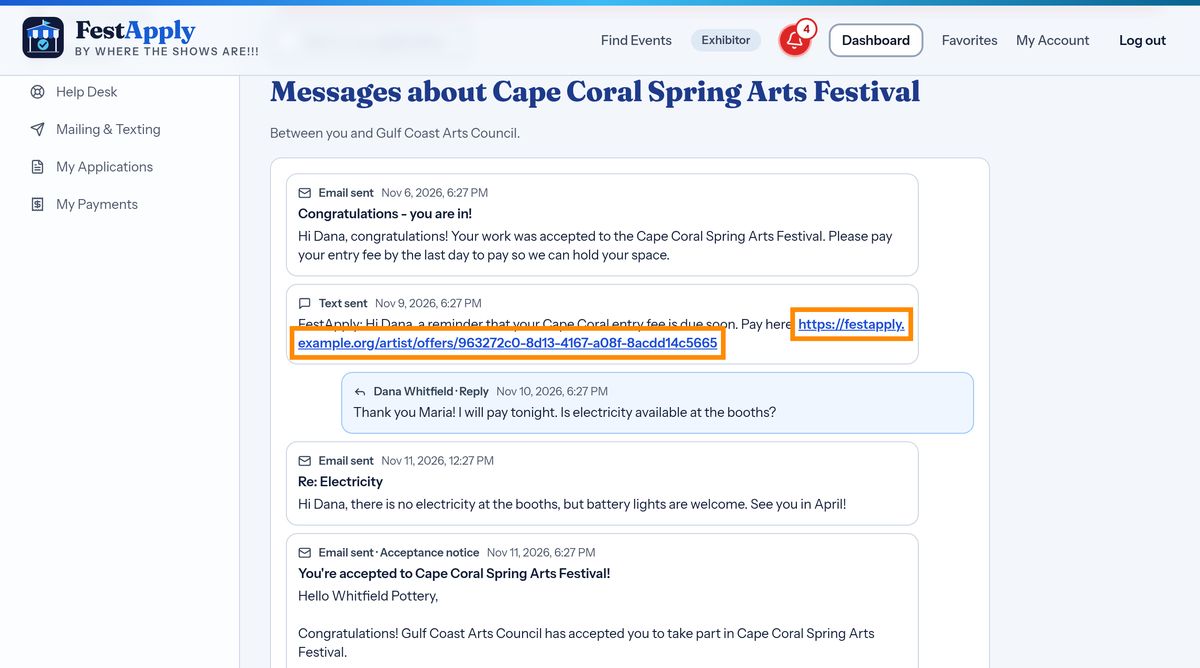
Each message shows the date, whether it came as an email or a text, and who wrote it.
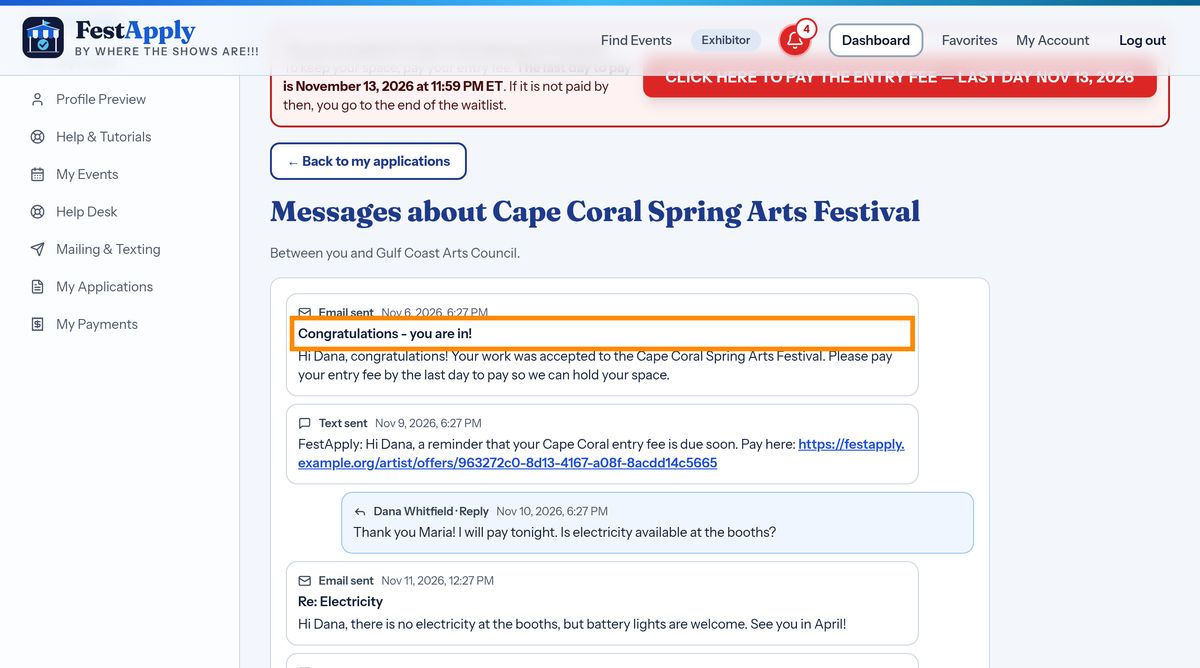
Web addresses in messages are clickable, for example the link to pay your entry fee. Just click it.
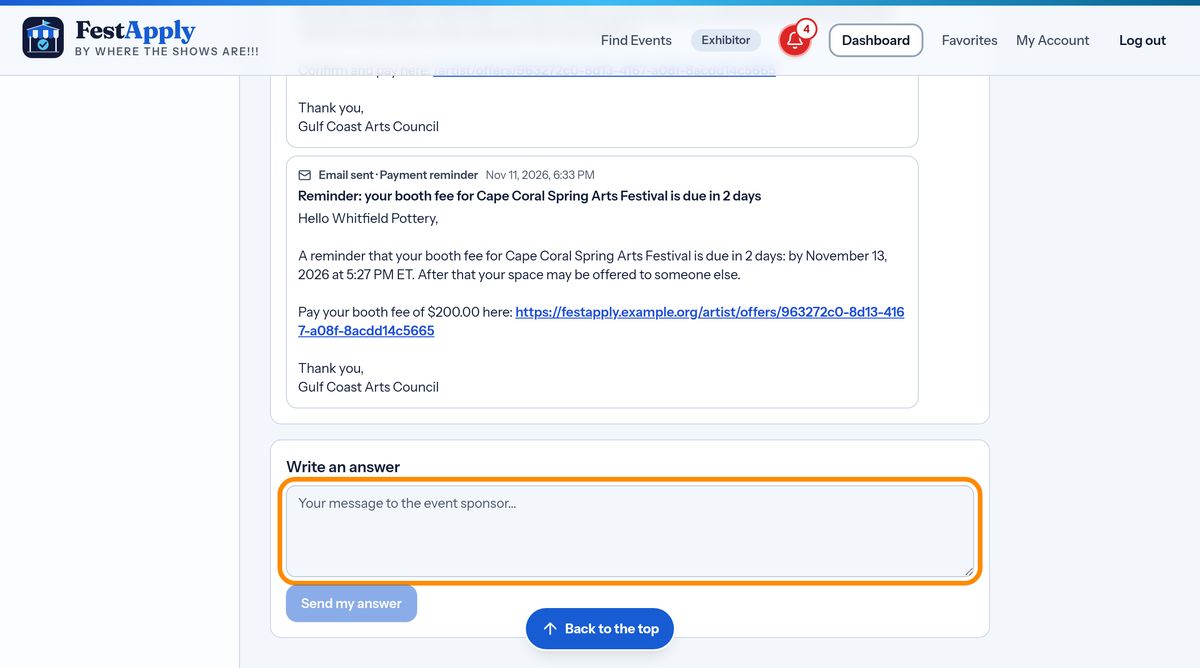
To answer, type in the reply box and send it. Your reply goes to the event sponsor, and is saved in the same record.
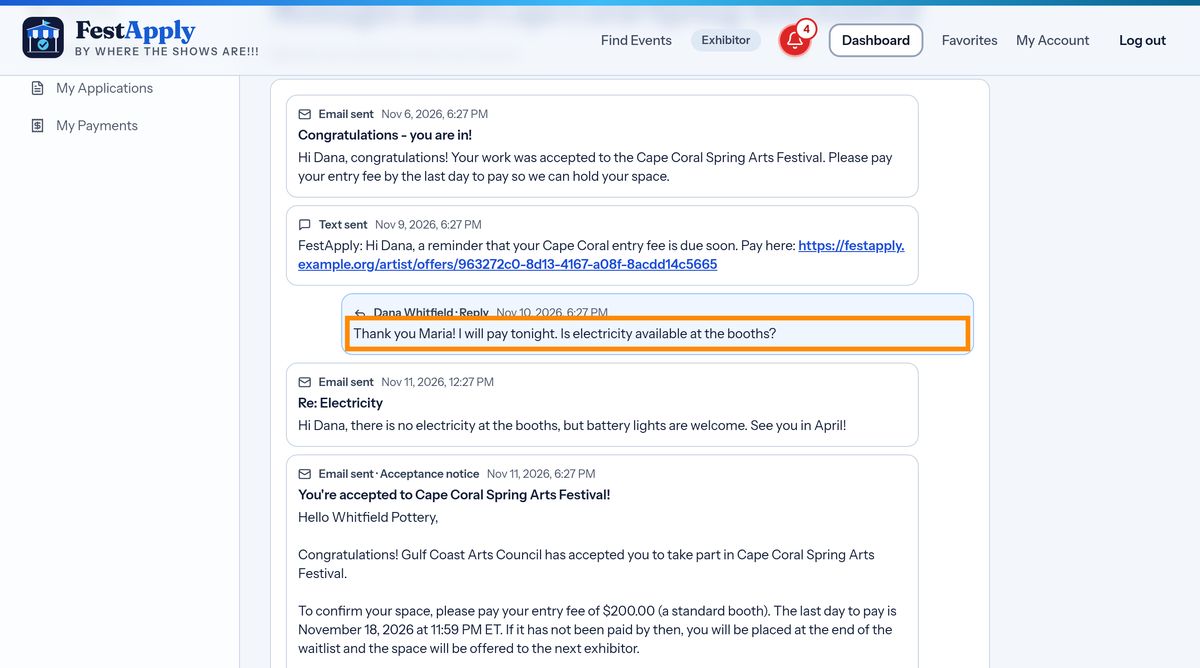
Your replies appear in the conversation, in order, so you can always see what you said and when.
For questions about FestApply itself, rather than a show, use the Help Desk.