1Artists and craftsmen
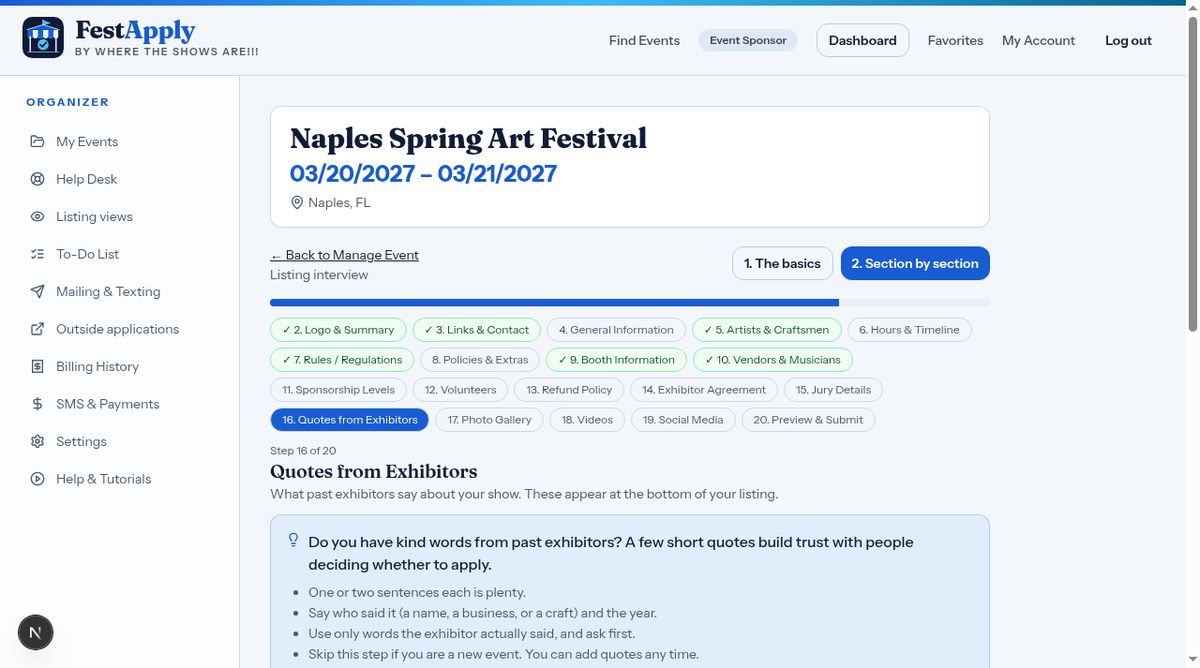
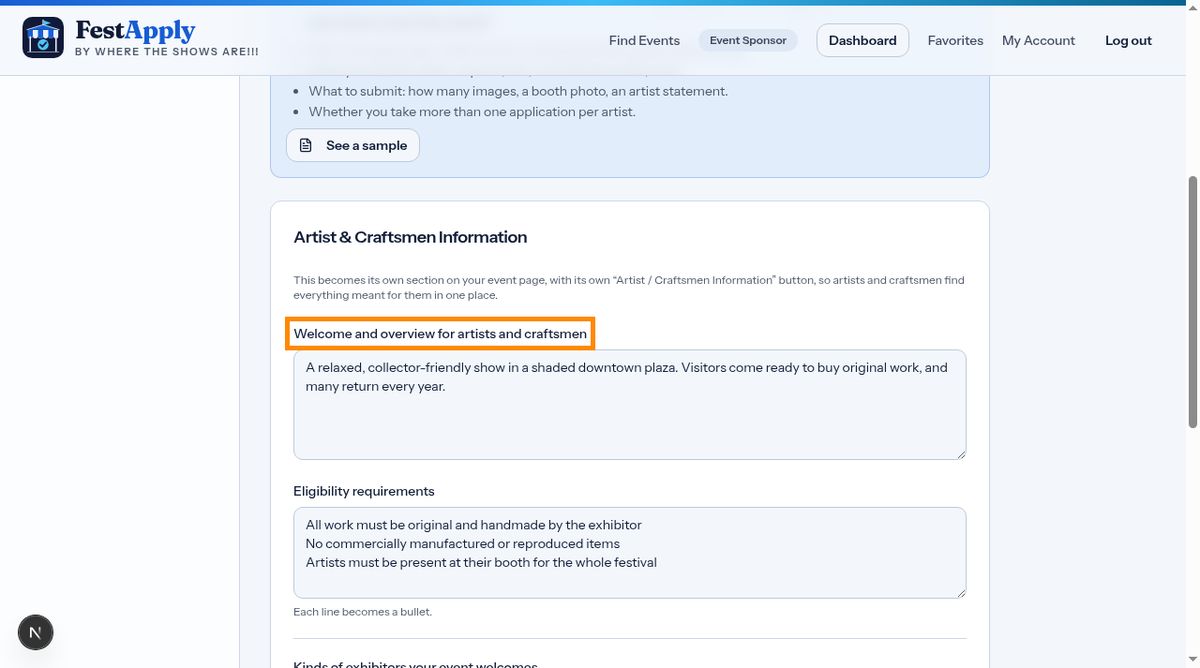
The Artists and Craftsmen section controls your application. Start with a welcome message that artists read before they apply.
Lesson 3 of 11
Choose who may apply, set your hours, add your rules and policies.
The Artists and Craftsmen section controls your application. Start with a welcome message that artists read before they apply.
Write who may apply, one requirement per line. Craftsmen, musicians, commercial vendors and food vendors are each shown the same requirements by default. Untick a box when a kind of exhibitor needs different rules.
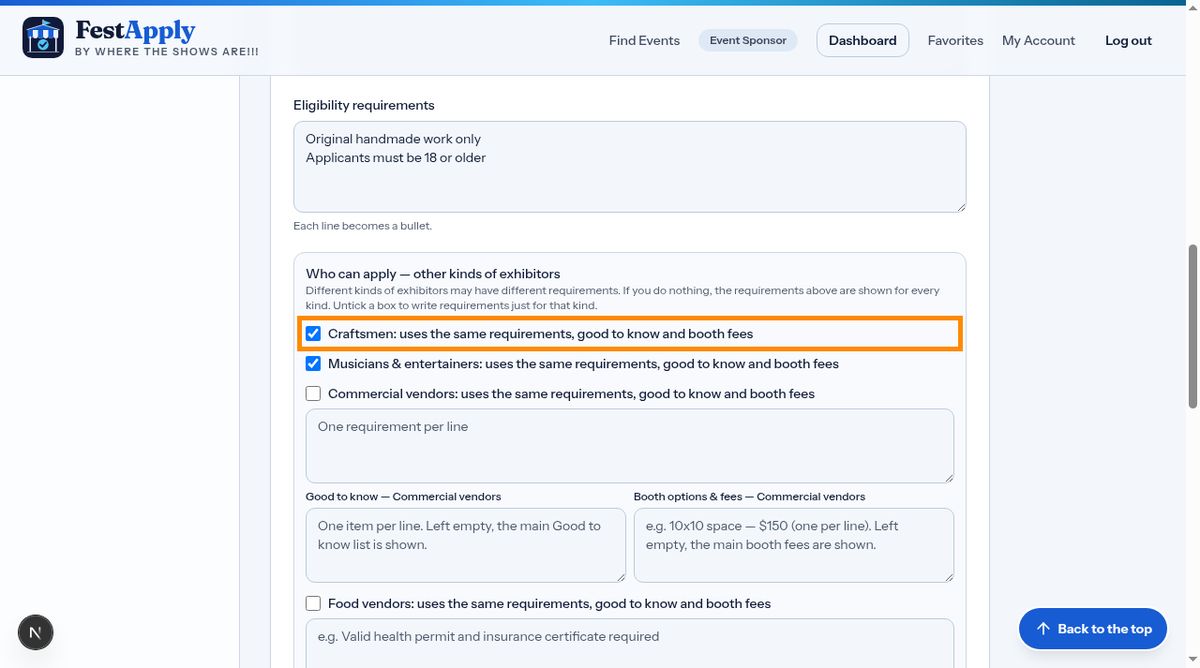
Untick uses the same requirements for a kind of exhibitor, and boxes appear for that kind. Write its own requirements, what is good to know, and its own booth fees. Anything you leave empty falls back to the main information, so nothing is ever blank.
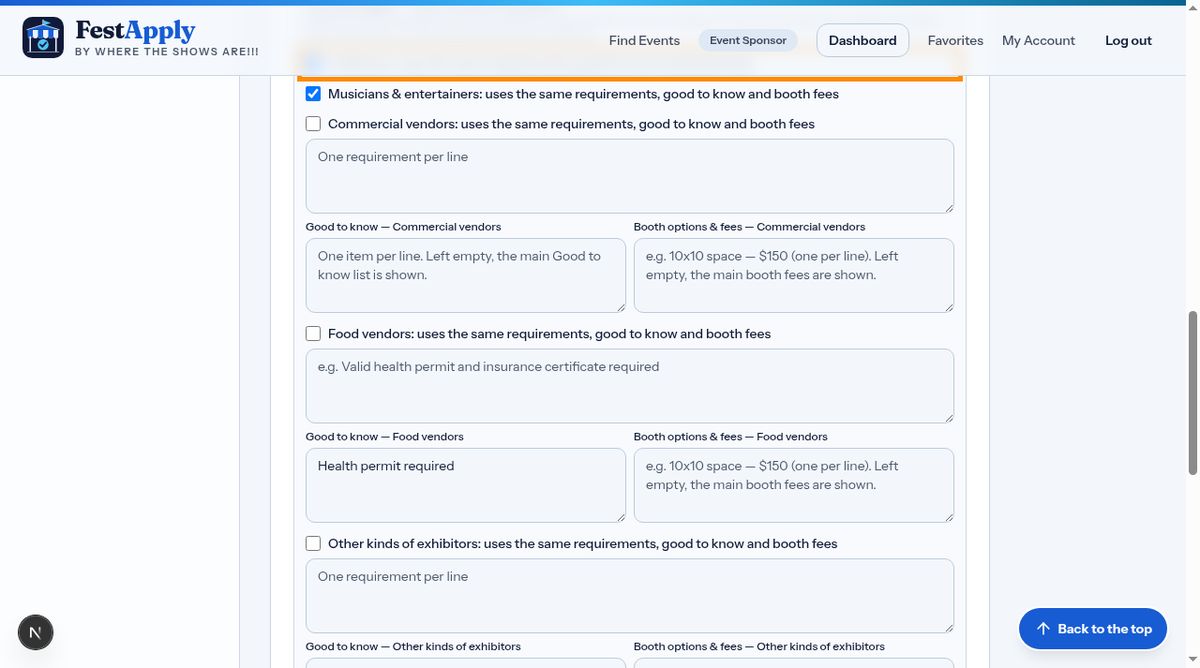
Tick every kind of exhibitor you welcome. Only those sections appear on your listing. If you do not welcome food vendors, for example, the food section does not exist for visitors.
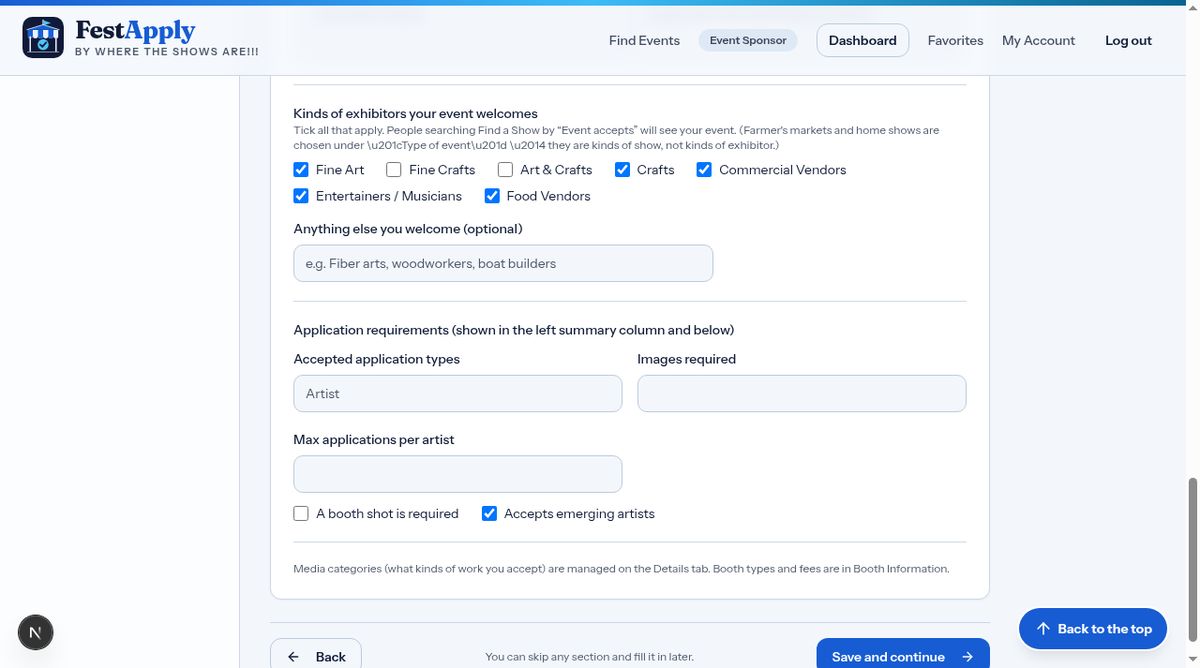
Choose how many images you need, and whether a booth photo is required.
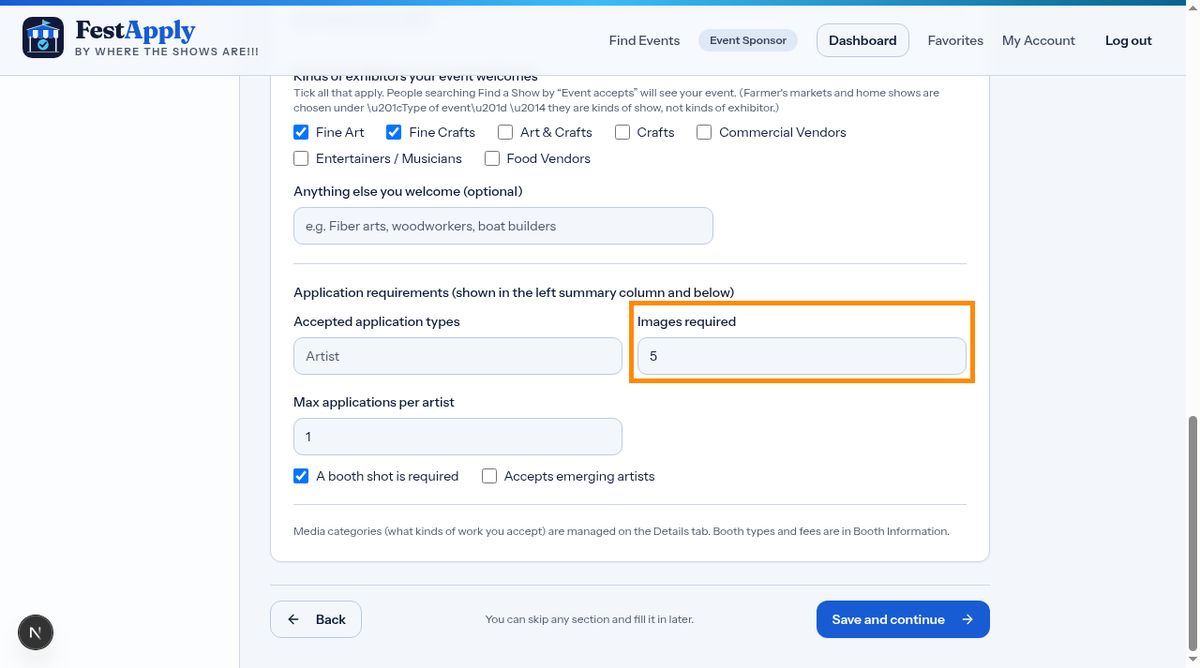
In Hours and Timeline, add your public festival hours, and the artist check-in, set-up and load-out times. Use the same day label to group items.
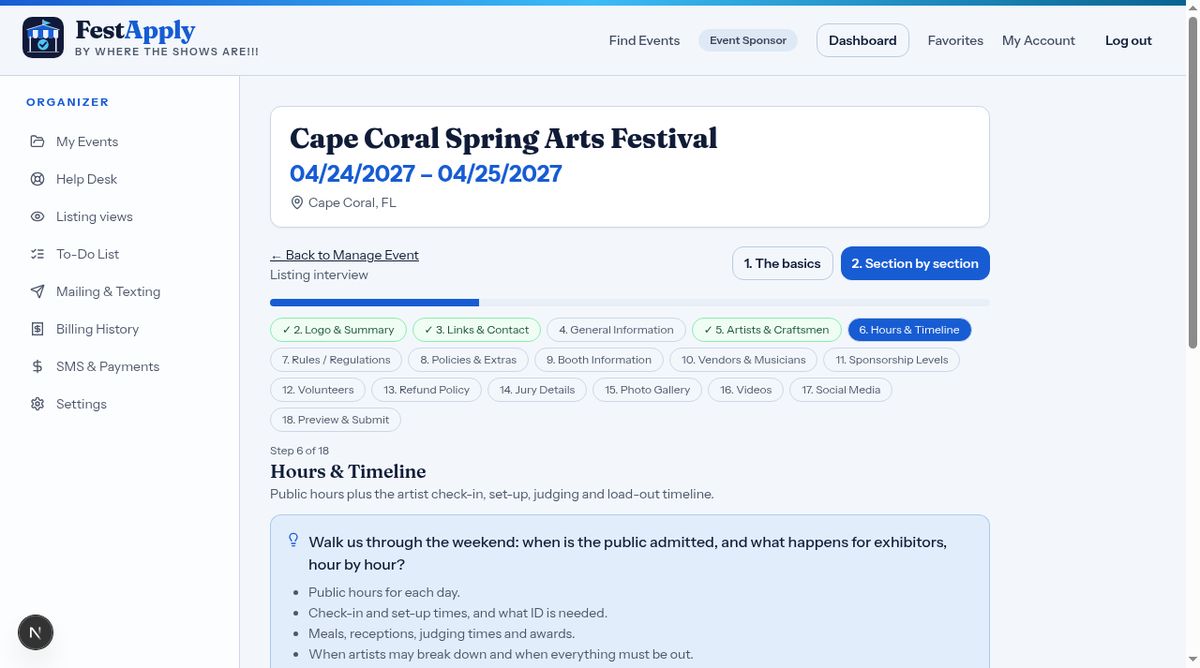
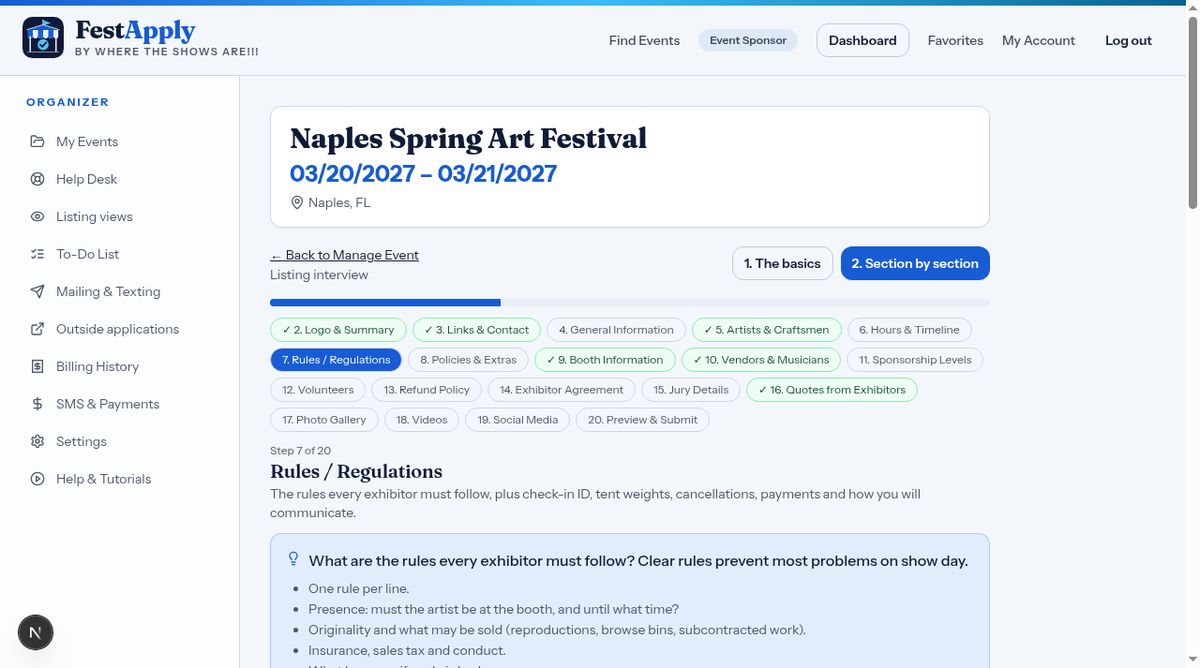
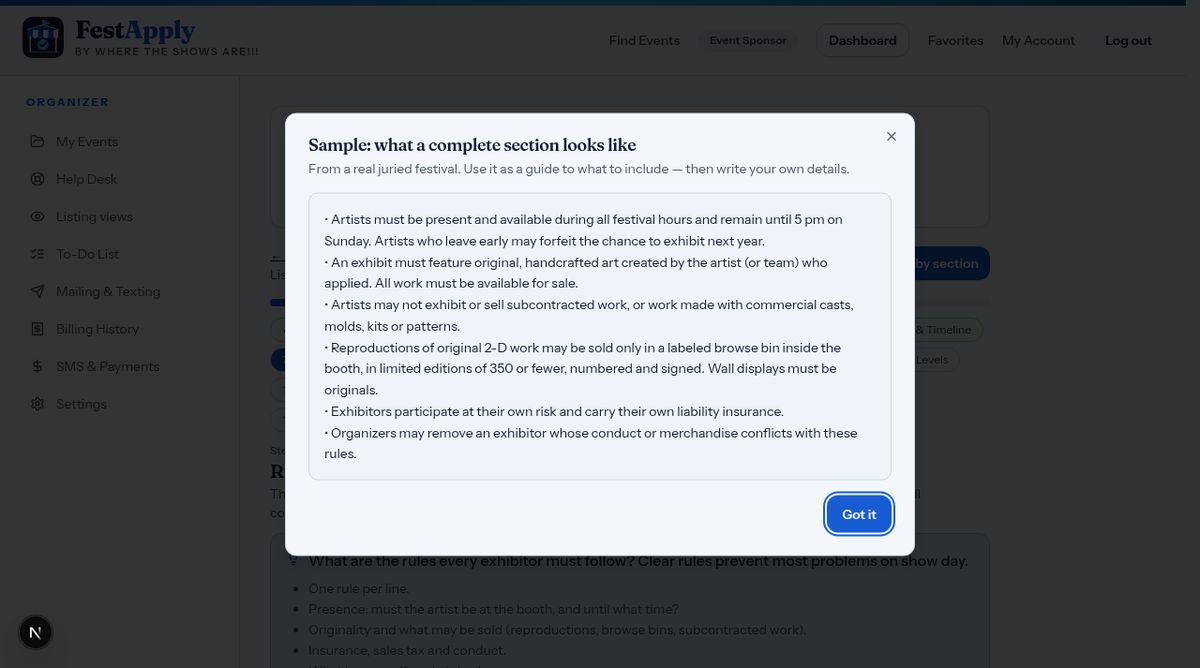
Type your rules, one per line. On your listing they sit in a section that exhibitors click to open, so a long list does not fill the page. Exhibitors must confirm they have read the rules before they apply.
Not sure what to say? Click See a sample to view a finished section, then adapt it.
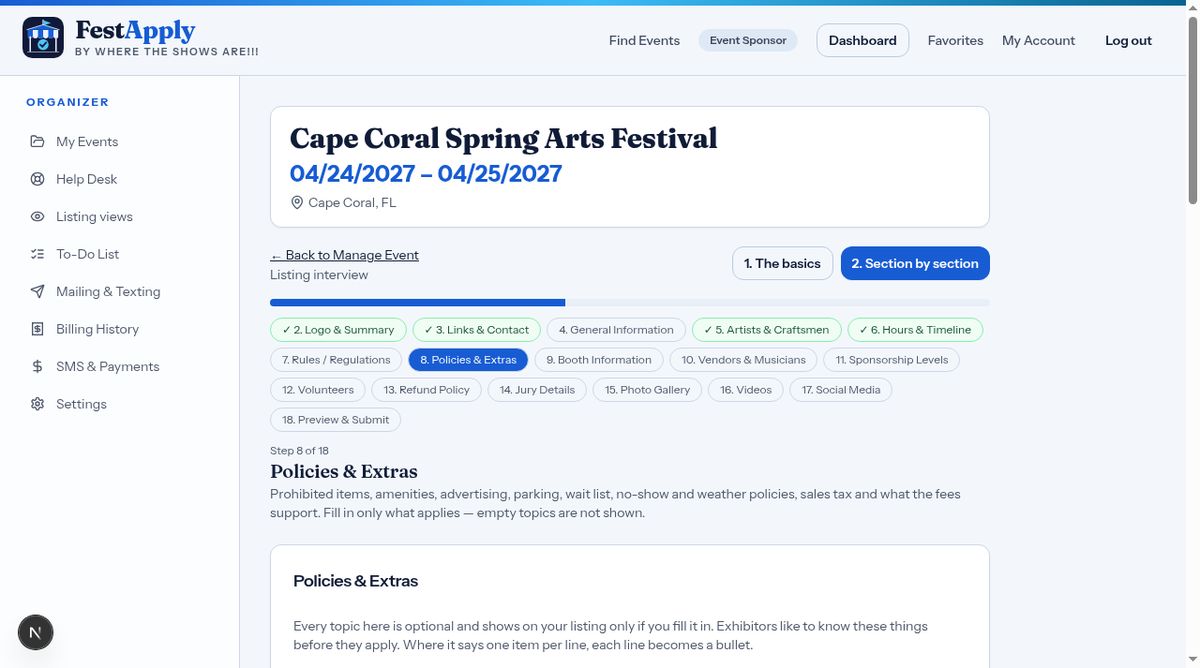
Policies cover prohibited items, amenities, parking, the wait list, no-shows, rain or shine, sales tax, and how the fees are used.
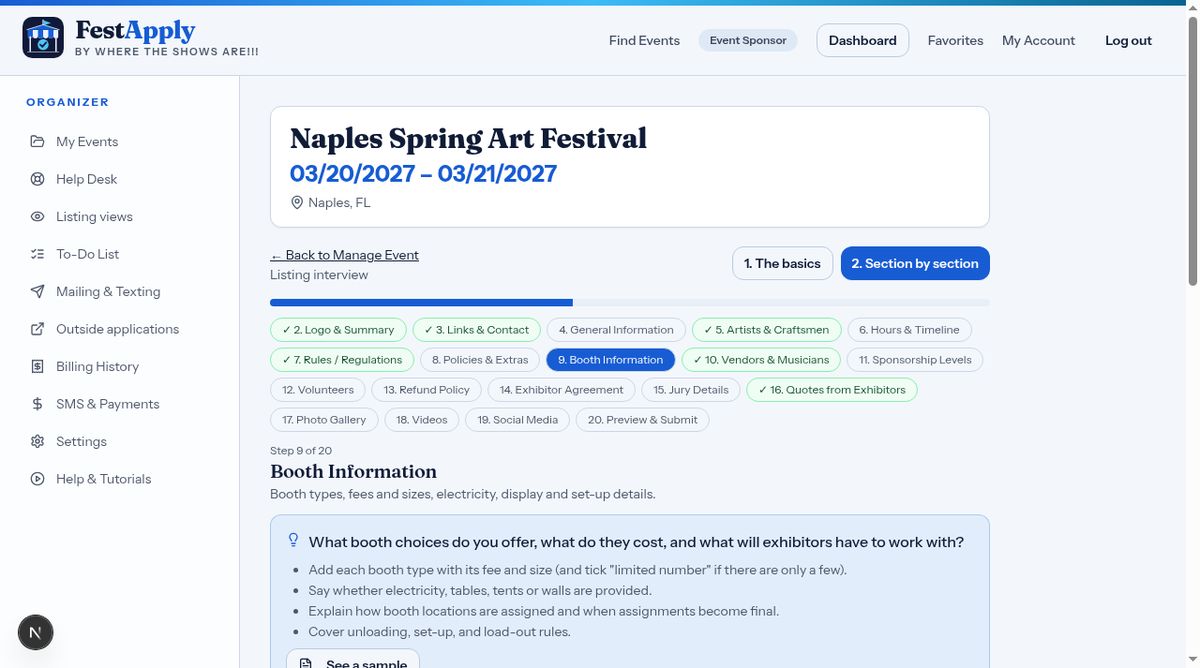
Describe the booth space, display needs, and set-up details.
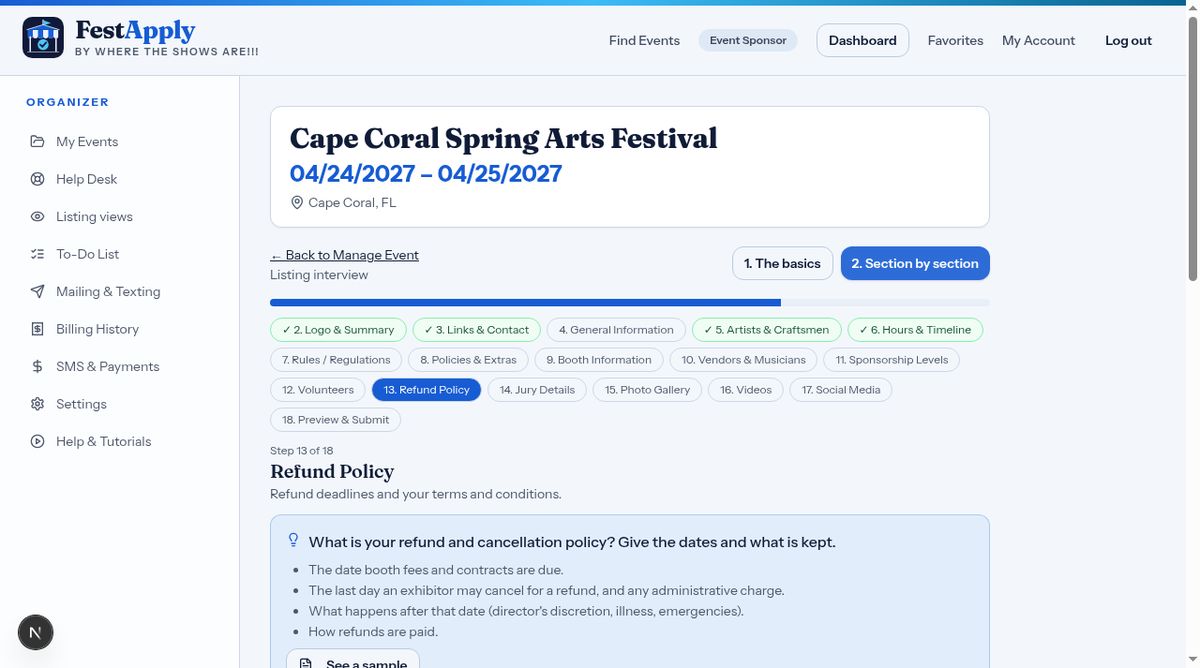
State your refund policy clearly, so there are no surprises.
The Exhibitor Agreement is the legal agreement between you and each exhibitor. It appears under the Legal information button at the bottom of your listing. Exhibitors accept it when they apply, and a dated copy is stored for both of you.
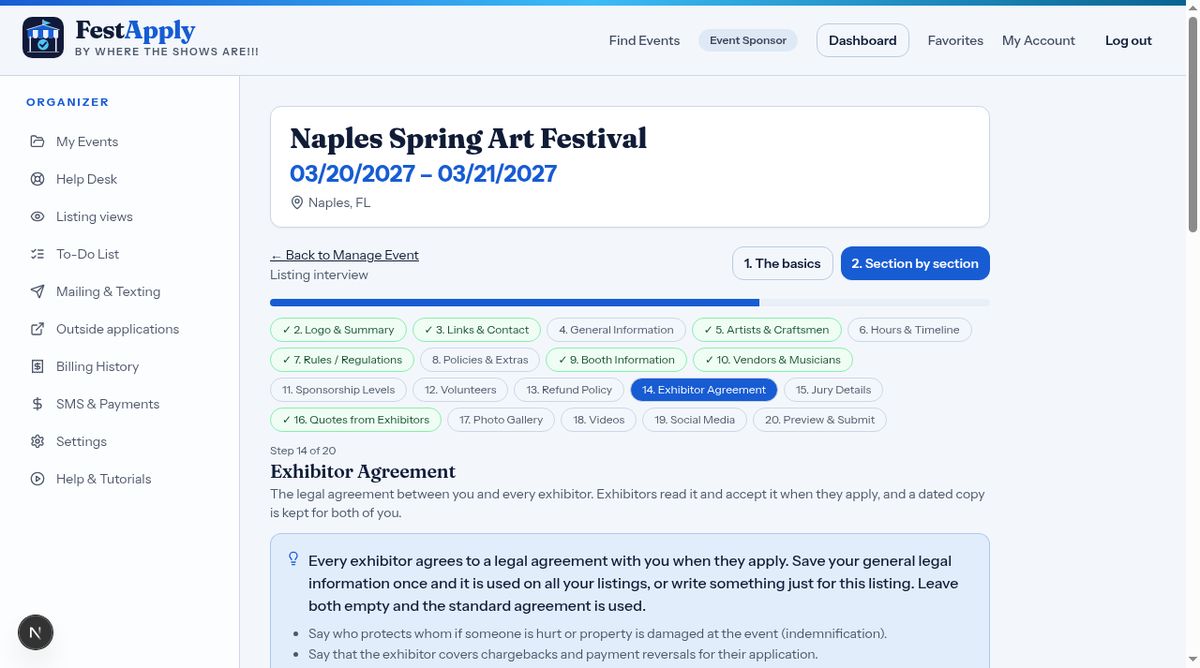
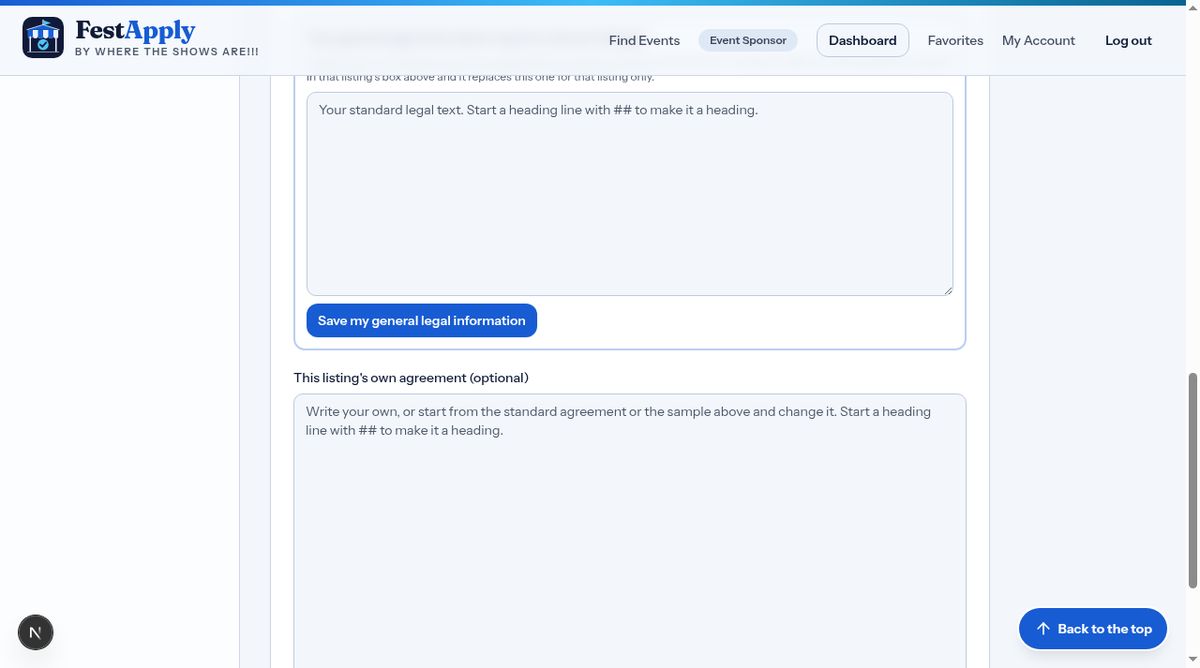
Write your general legal information once, and it is used on all your listings. If one listing needs something different, type it in that listing's own box, and it replaces the general text for that listing only. Leave both empty, and a standard agreement is used. Have an attorney review whatever you use.
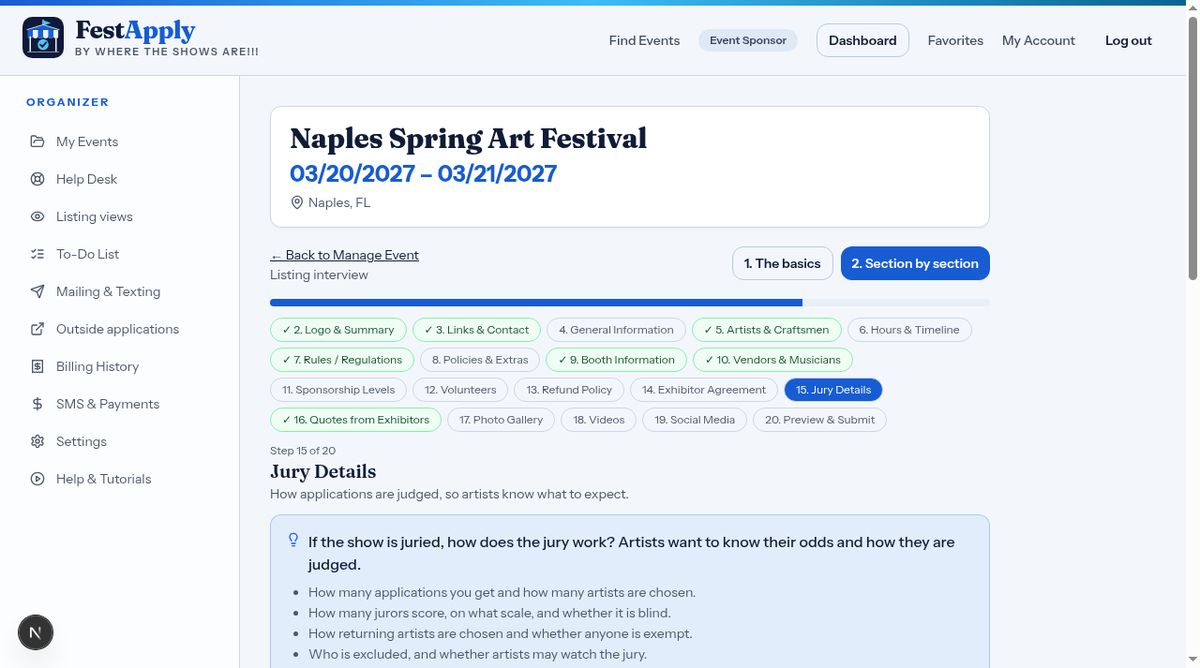
If your show is juried, explain how the jury works, how many jurors score, and how artists are selected.
If past exhibitors have said kind things about your show, add them here, with their name and the year. They appear at the bottom of your listing, under What past exhibitors say. Only use words the exhibitor really said.