All event sponsor tutorials

Lesson 4 of 11

Preview, Submit and Reuse

Preview your page, submit it for approval, and duplicate it next year.

Prefer to read? The steps

1Preview your listing

Preview shows your listing exactly as exhibitors will see it. Your organization's name appears in blue under the location, as Presented by. Your contact details are at the top of the right column, the booth fees come next, and the Legal information button is at the bottom.
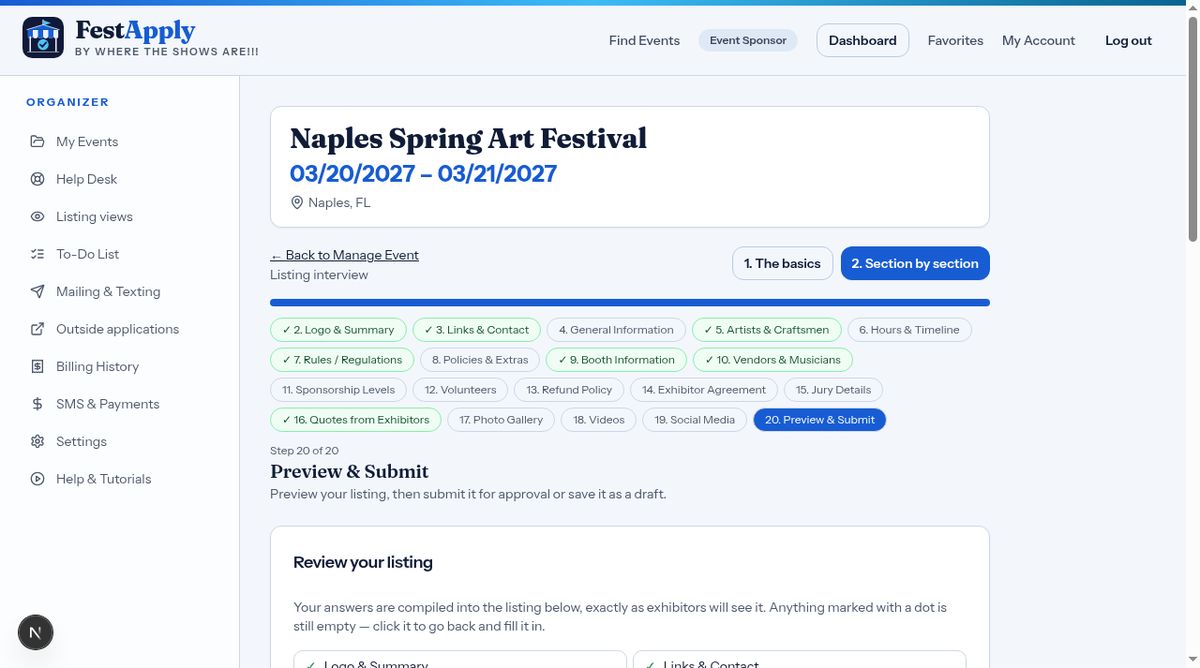
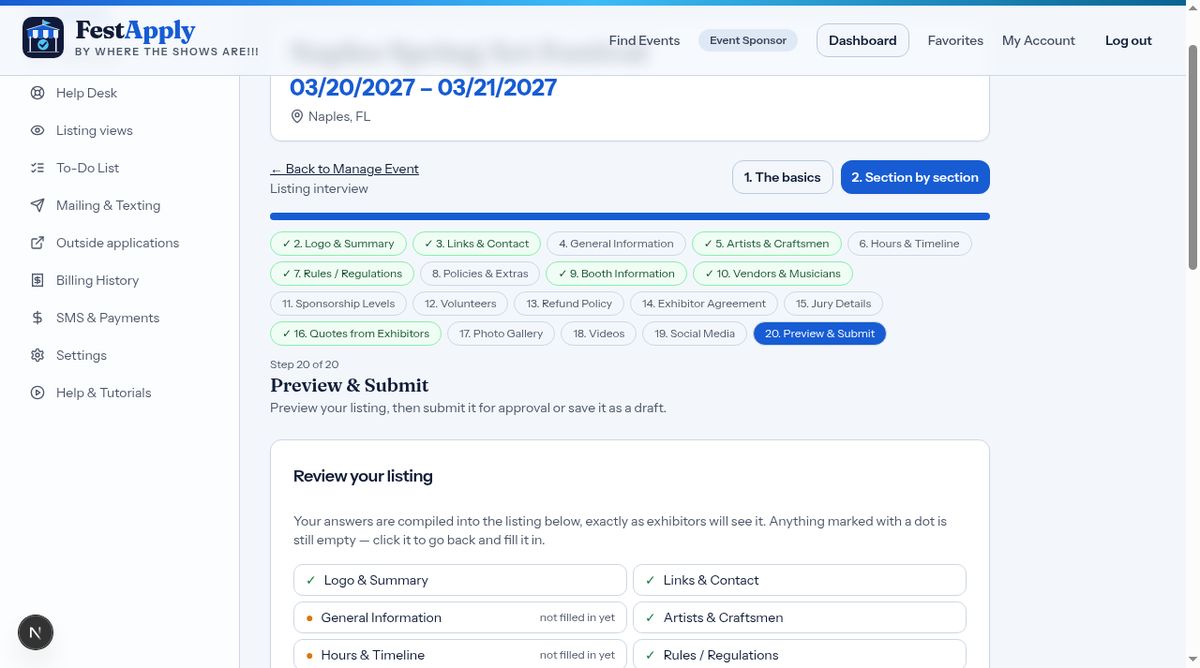
Preview your listing

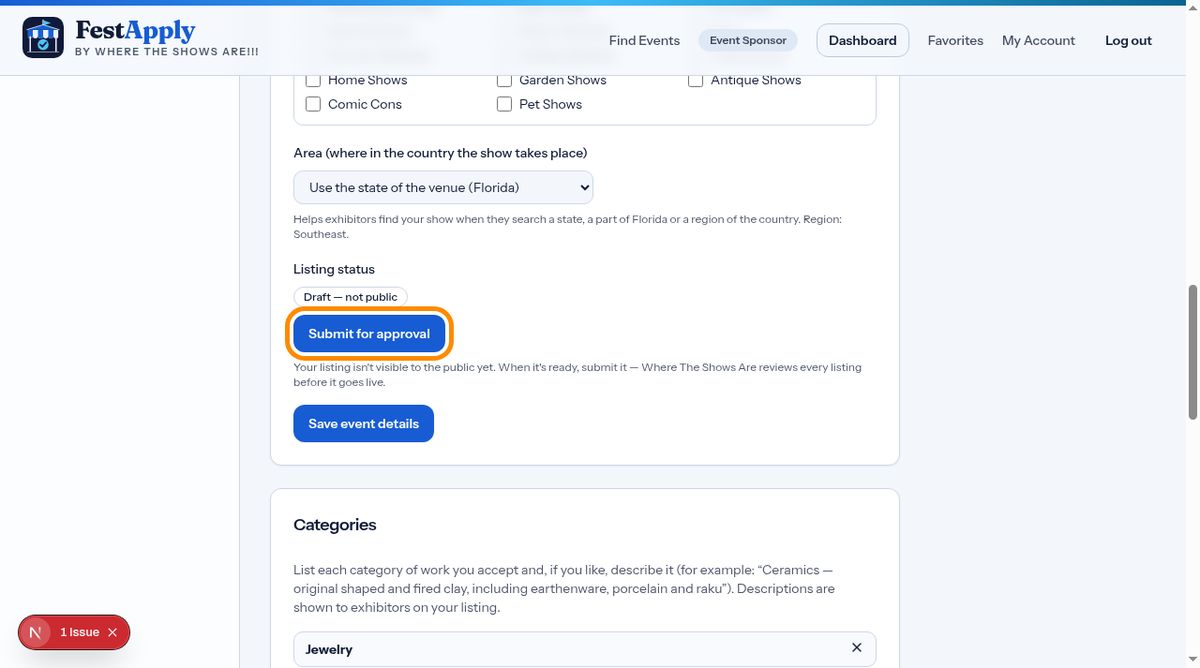
2Submit for approval

When it looks right, click Submit for approval. The FestApply team reviews your listing and publishes it. Or save it as a draft and return any time.

Submit for approval

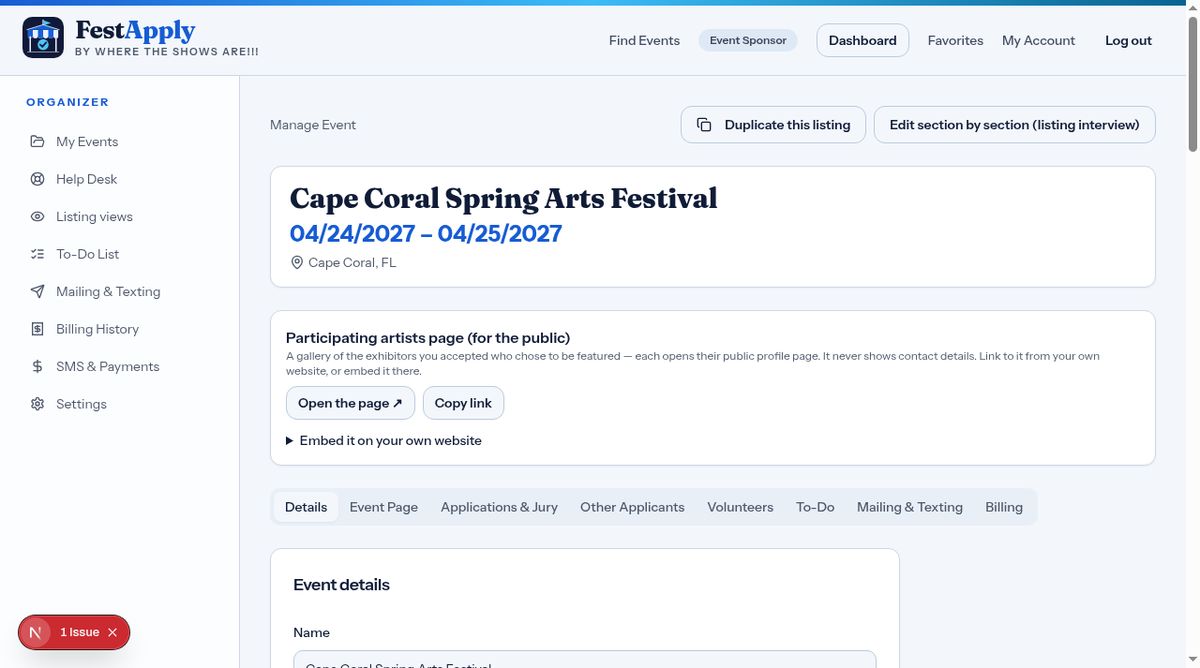
3Manage Event

Every event has a Manage Event page, with tabs for details, the event page, applications, volunteers, to-dos, mailing, and billing.

Manage Event

4Submit from here too

You can also submit for approval from the top of the Manage Event page.

Submit from here too

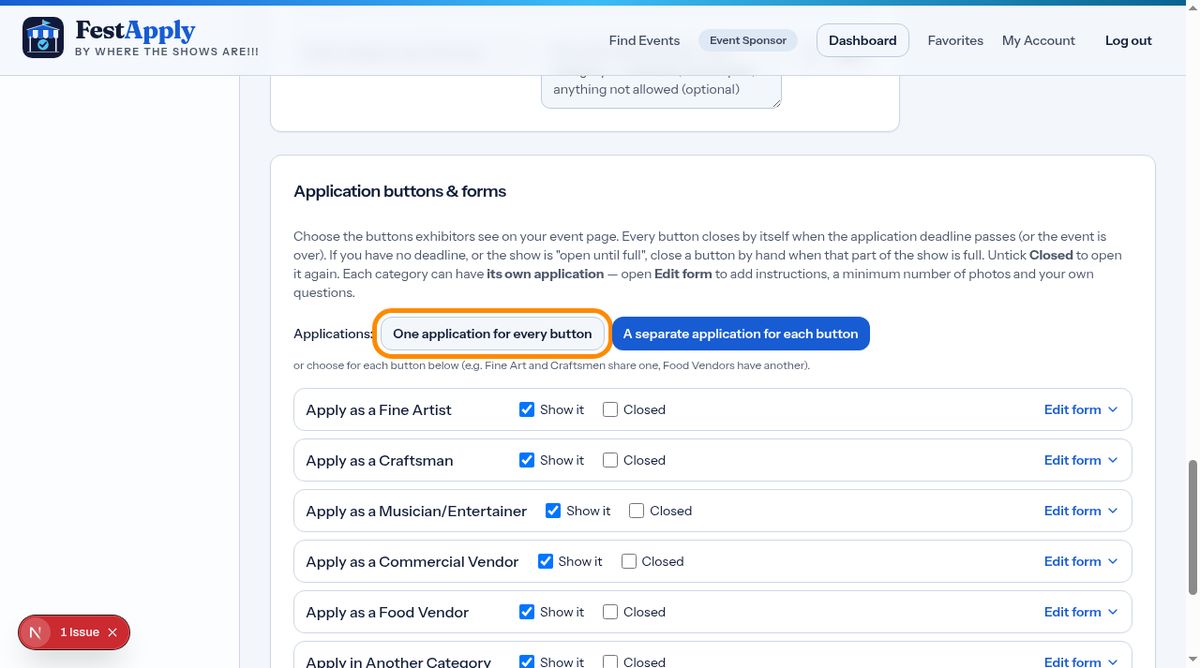
5Applications and buttons

Choose whether one application covers every button, or each button has its own application.

Applications and buttons

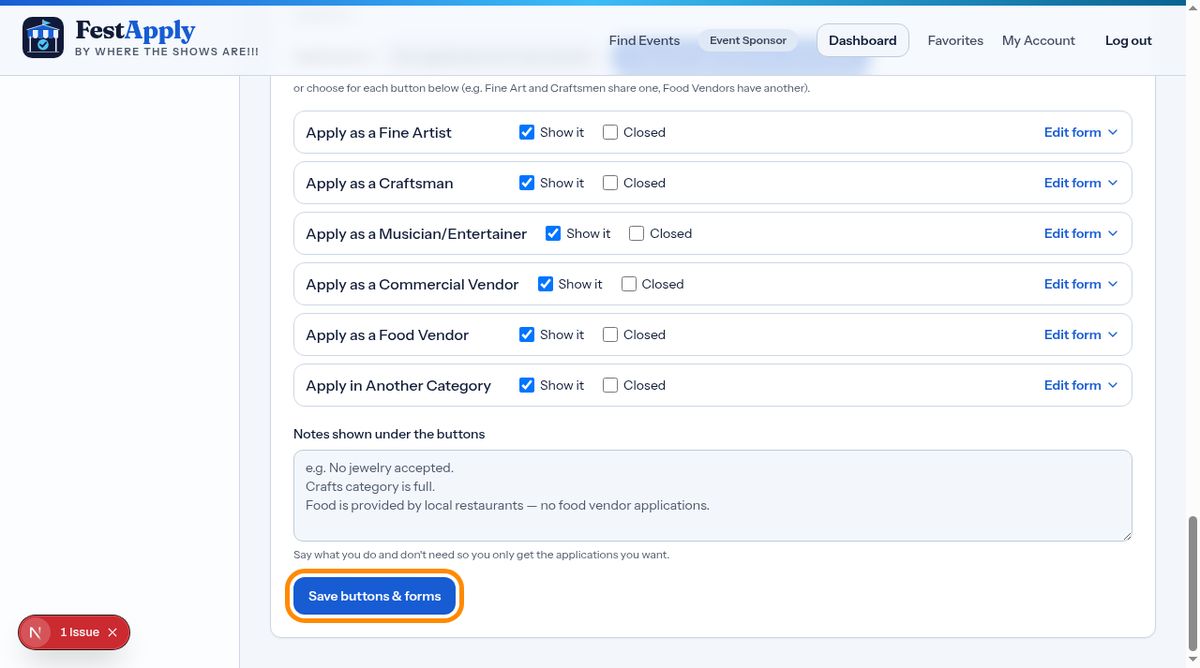
6Edit your forms

Use Edit form to adjust each application form, and Save when you are done.

Edit your forms

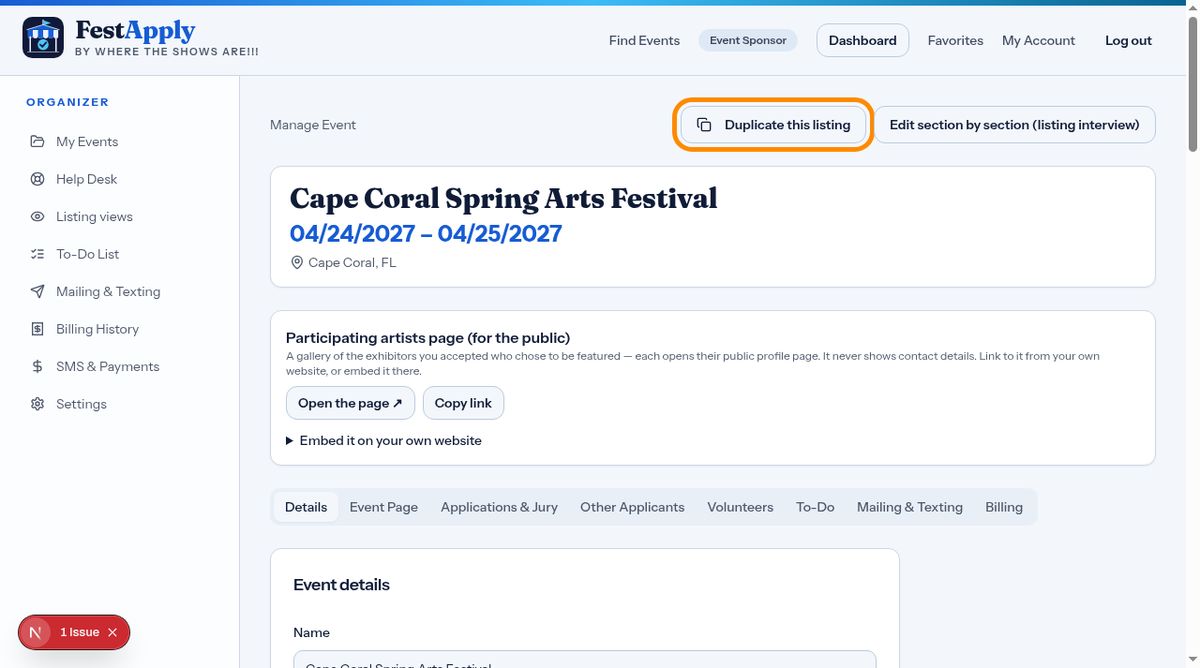
7Duplicate last year's listing

Running the show again? Click Duplicate this listing to copy it. Then only change the dates and any details that changed.

Duplicate last year's listing