1Applications and Jury
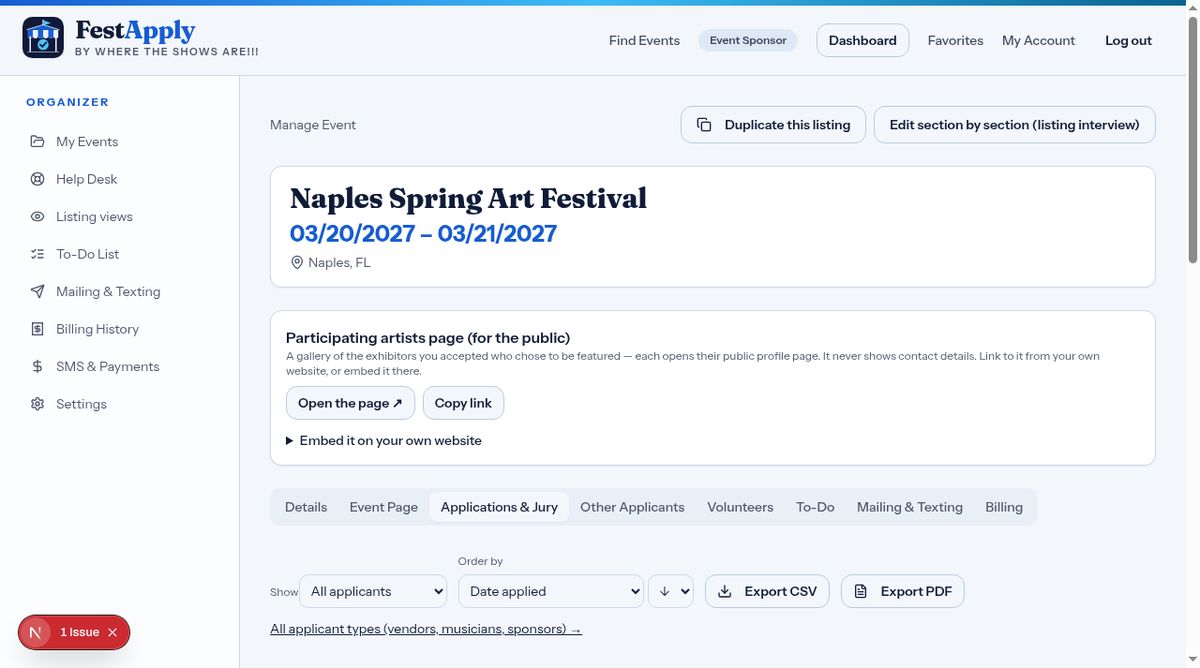
Open the Applications and Jury tab. Here are all the artists who applied. Filter, sort, or export the list.
Lesson 5 of 11
See applicants, view their profiles, score the work, and accept, waitlist or decline.
Open the Applications and Jury tab. Here are all the artists who applied. Filter, sort, or export the list.
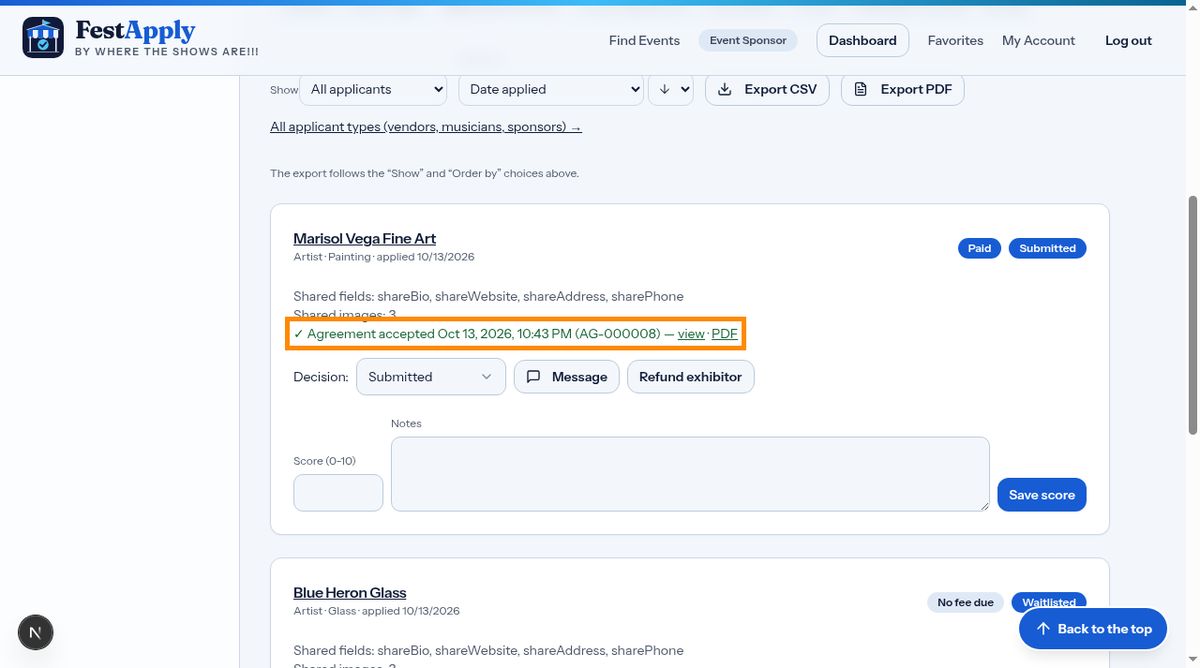
Each applicant has a card. It shows the category, the payment, and whether they accepted your agreement, with a dated reference number you can open as a web page or a PDF. If you need to give money back, the Refund exhibitor button is here.
Click a name to open the profile. You see what the exhibitor chose to share with your event.
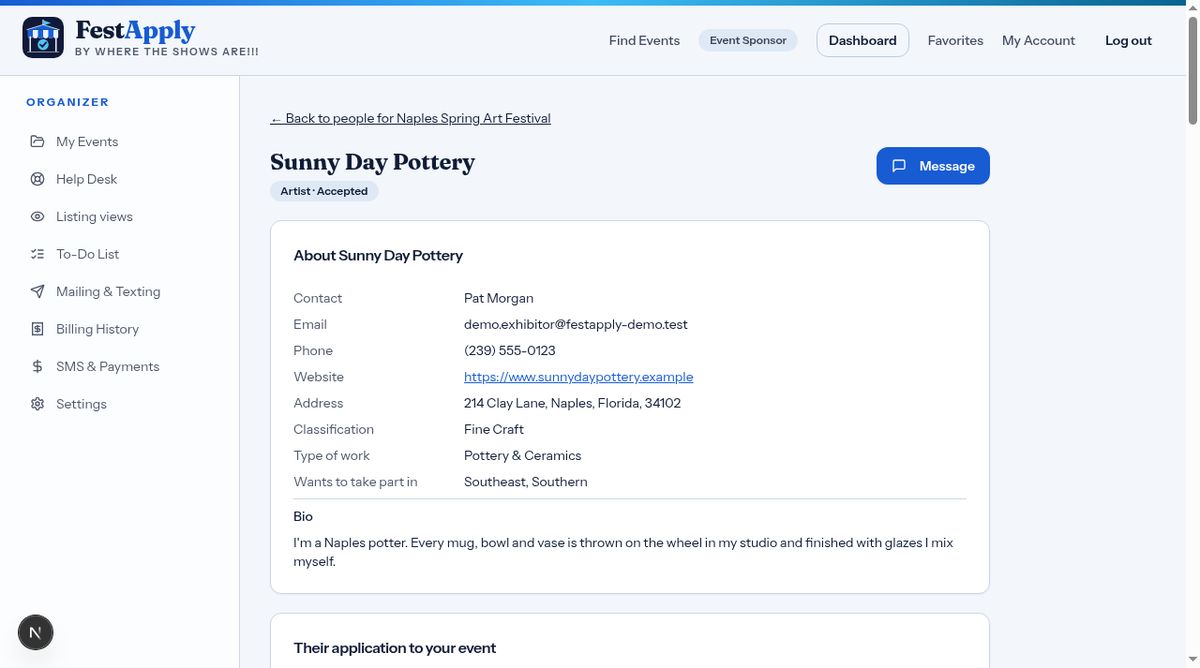
Contact details appear here, as the exhibitor chose to share them.

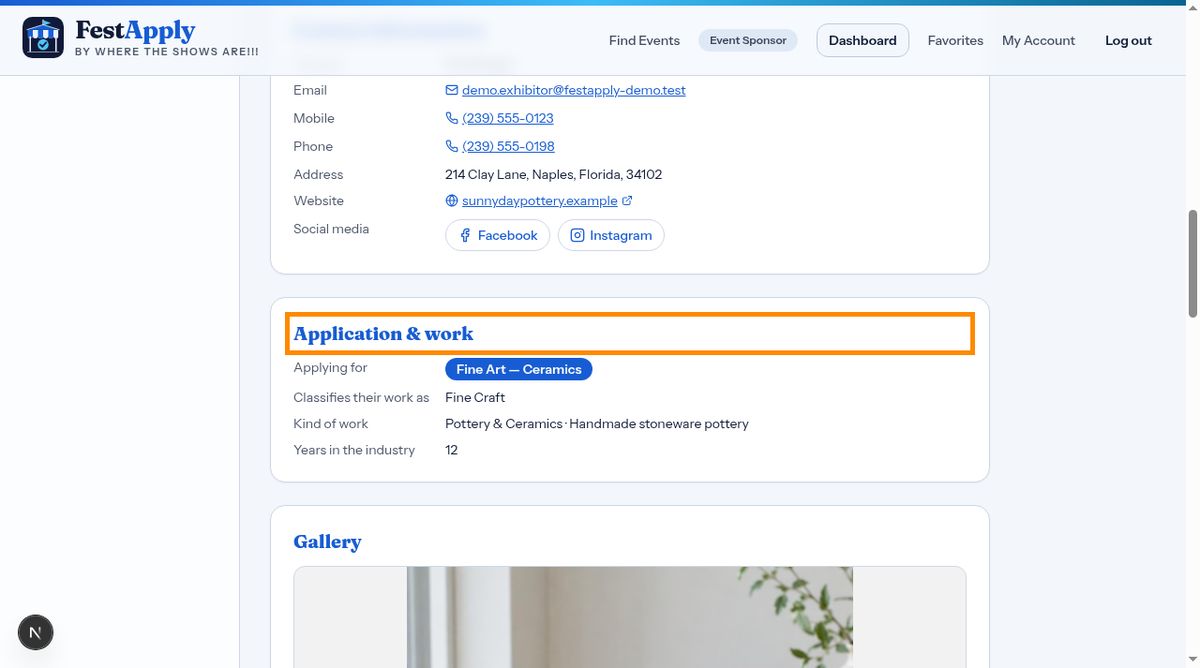
This section shows their application answers, and their story.
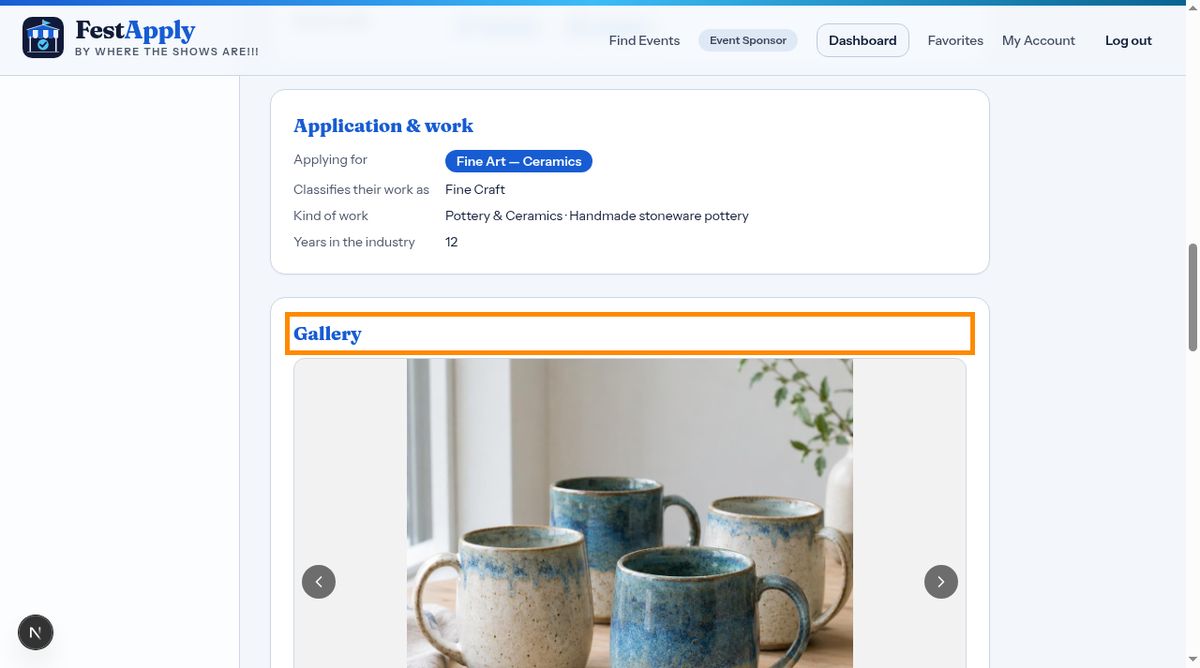
Click any photo in the gallery to view it large, and move through the images.
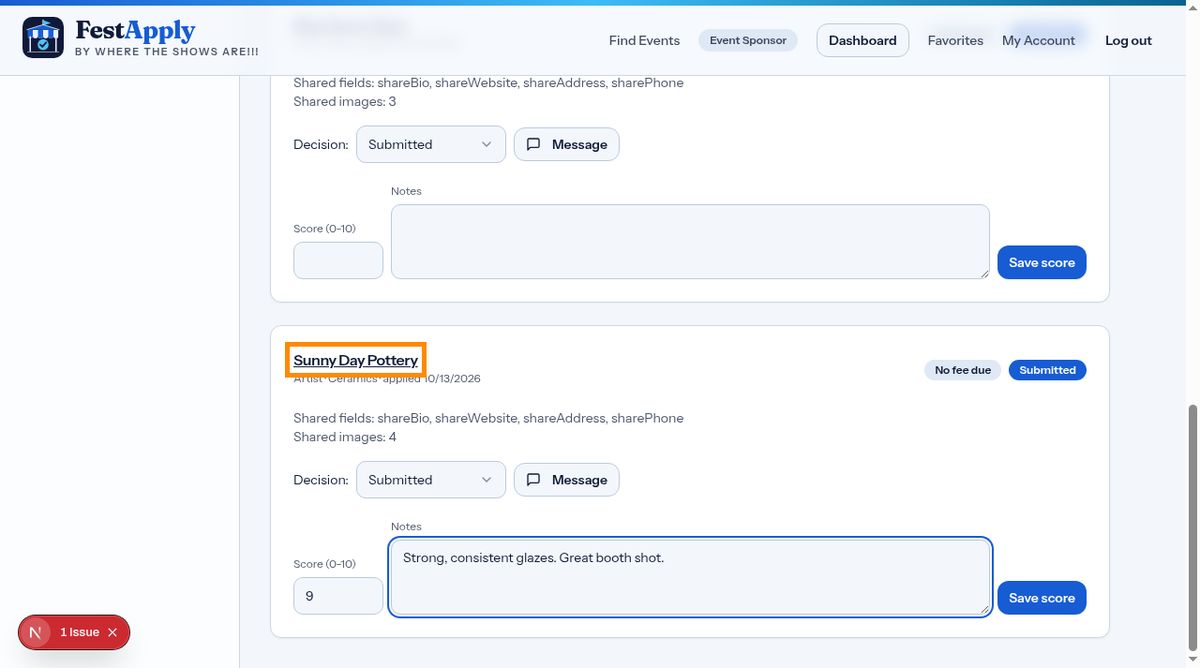
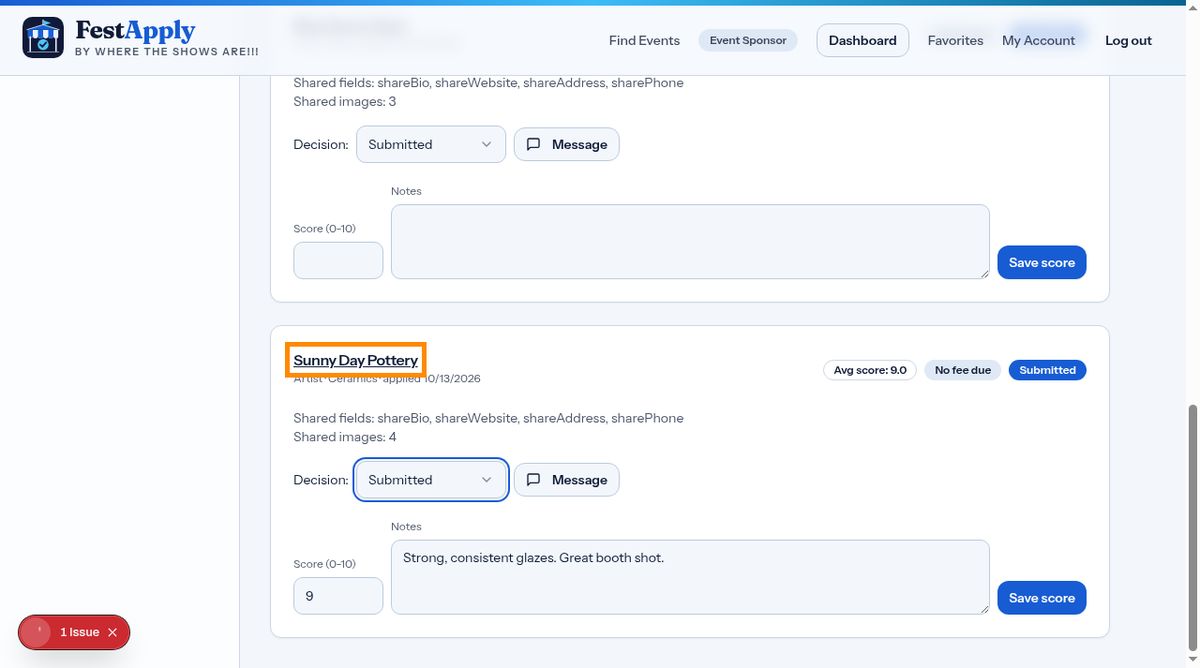
Jurors enter a score from zero to ten, and notes.
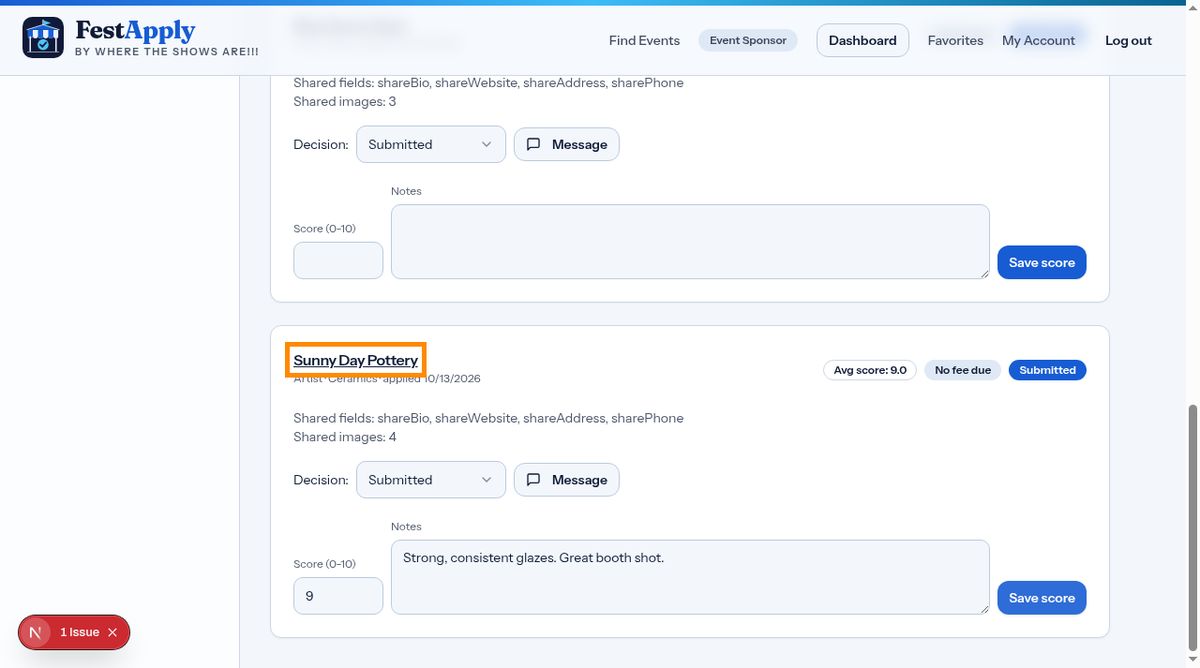
Click Save score. The average score appears on the card.
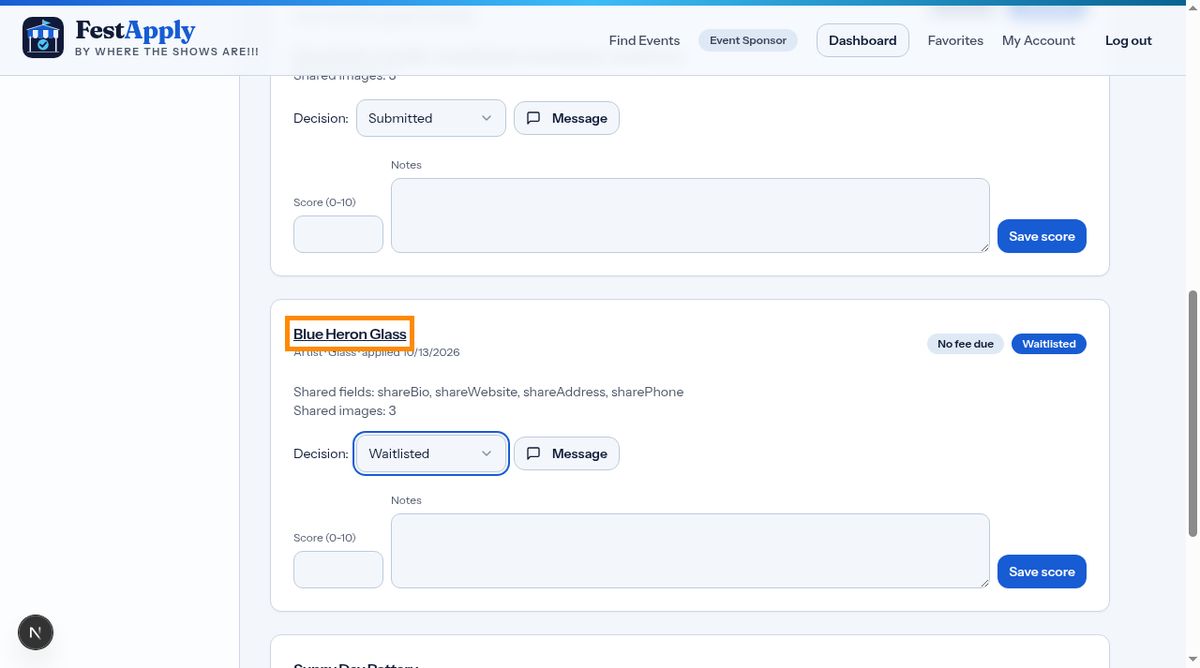
Use the Decision menu to accept, waitlist, or decline.
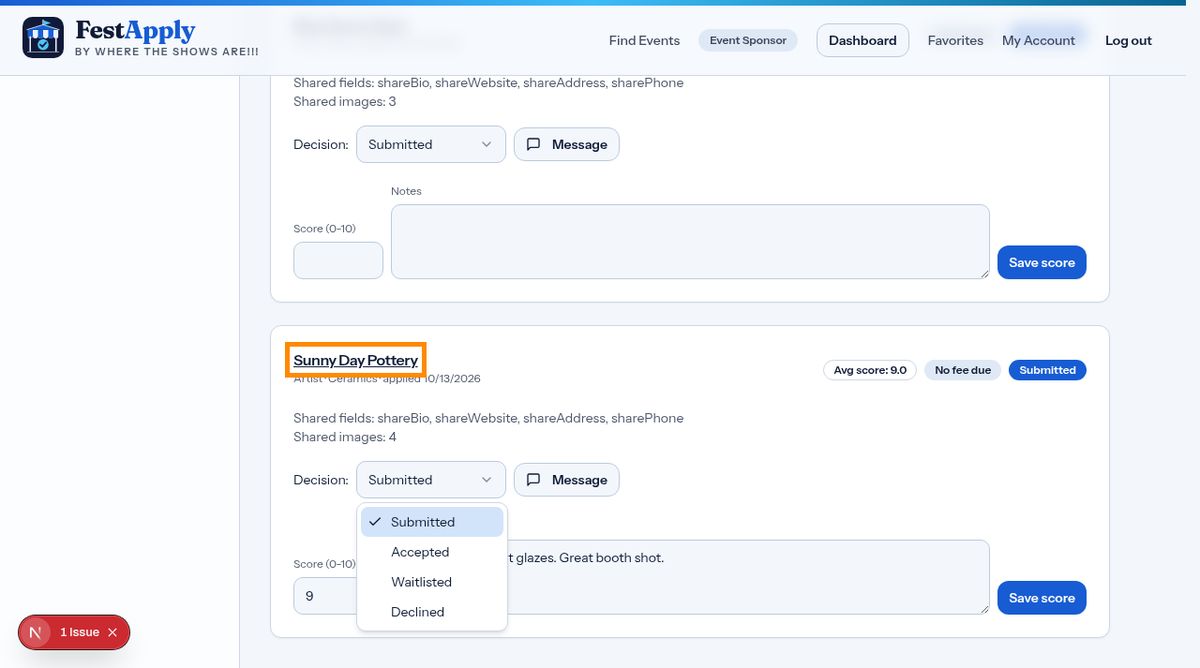
The applicant is now accepted, and can be featured on your participating artists page.
Waitlisted applicants stay on file, ready if a space opens.