1Message one applicant
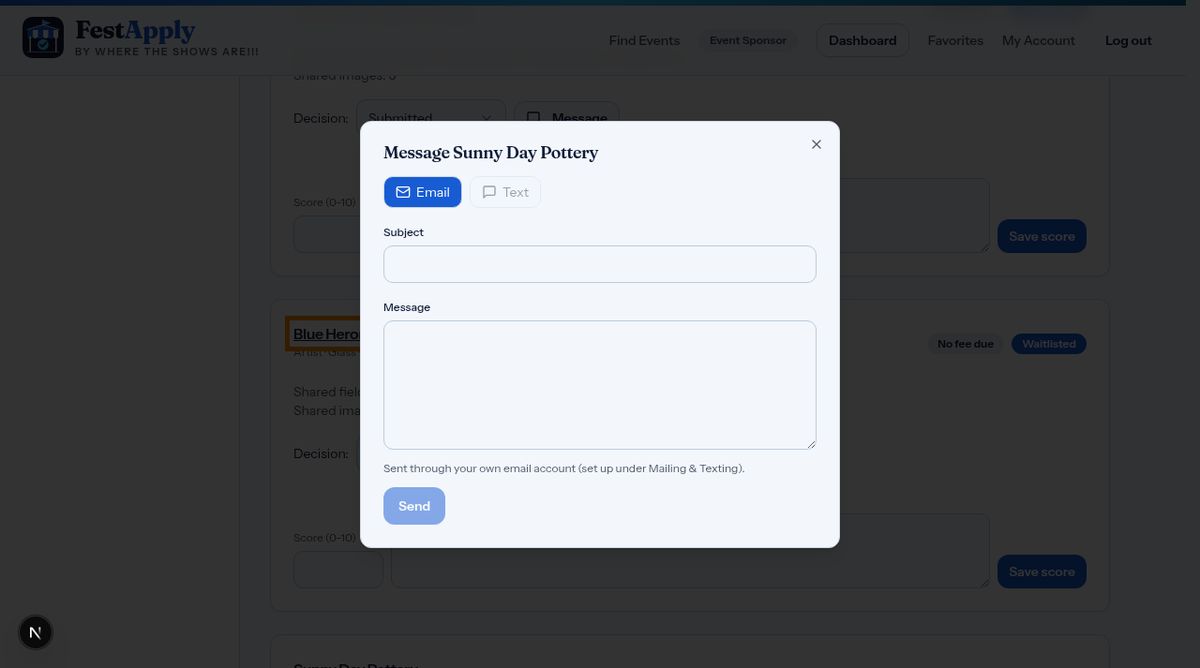
On any applicant, click Message. Choose email or text, and write your note.
Lesson 6 of 11
Send a quick message, set up your mailing and texting, and create a newsletter.
On any applicant, click Message. Choose email or text, and write your note.
Type a subject and a message, then click Send. It goes from your own account.
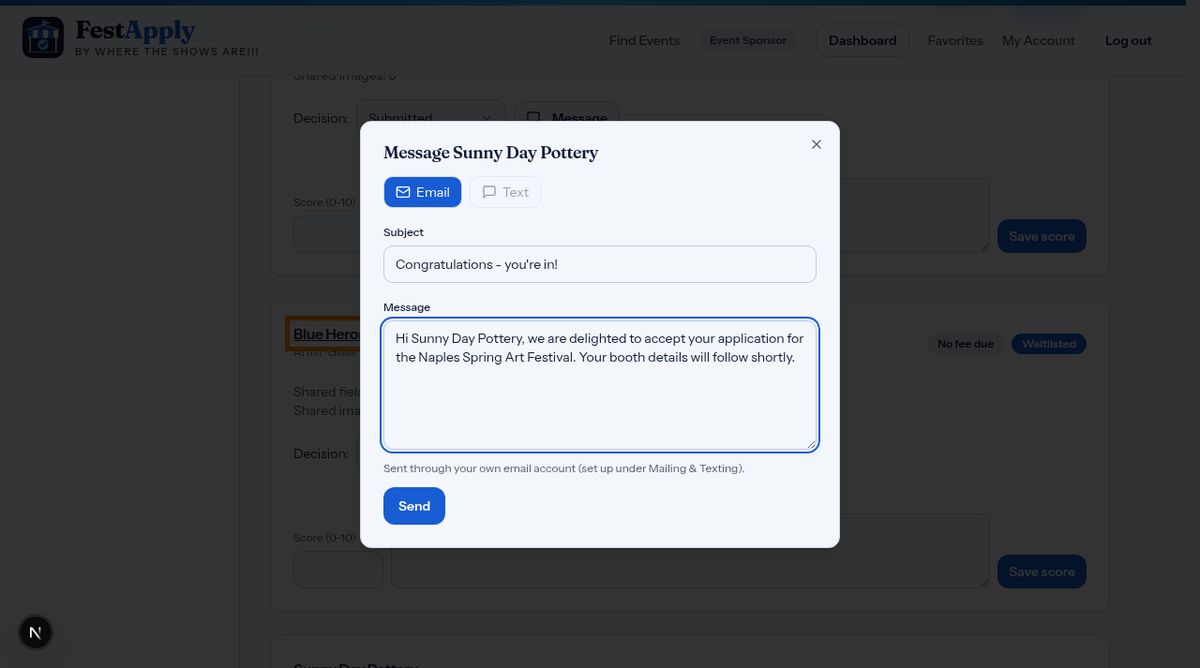
To send to groups, open Mailing and Texting. These services are add-ons you turn on for your account.
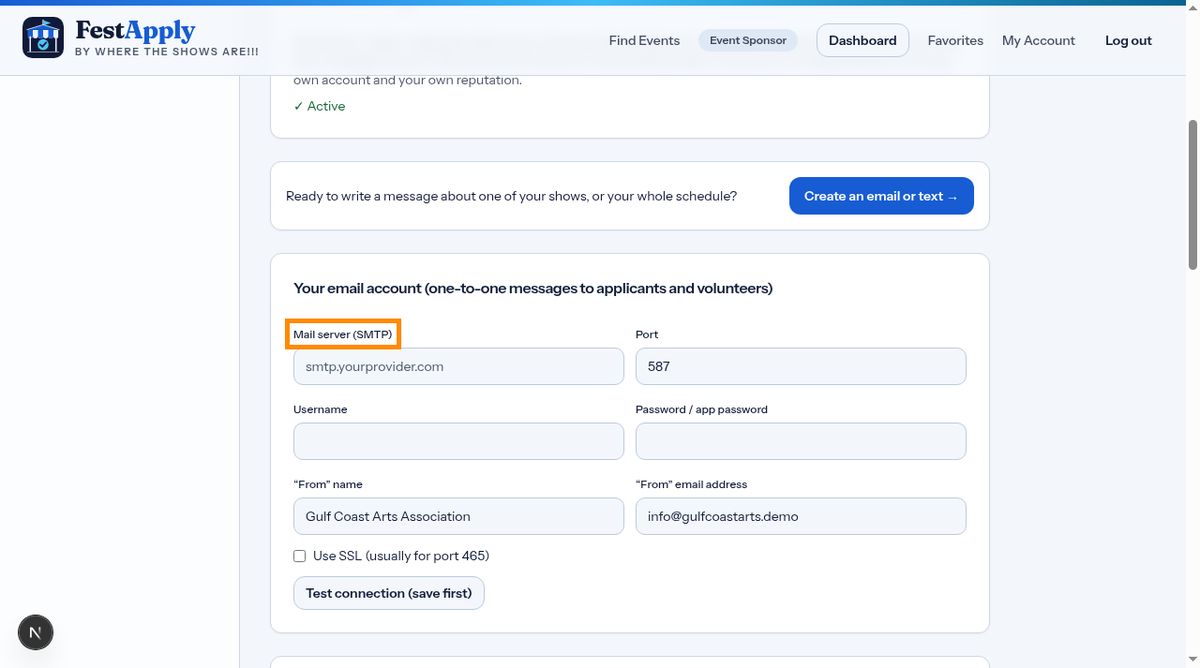
Enter your email server details and the name and address your messages come from.
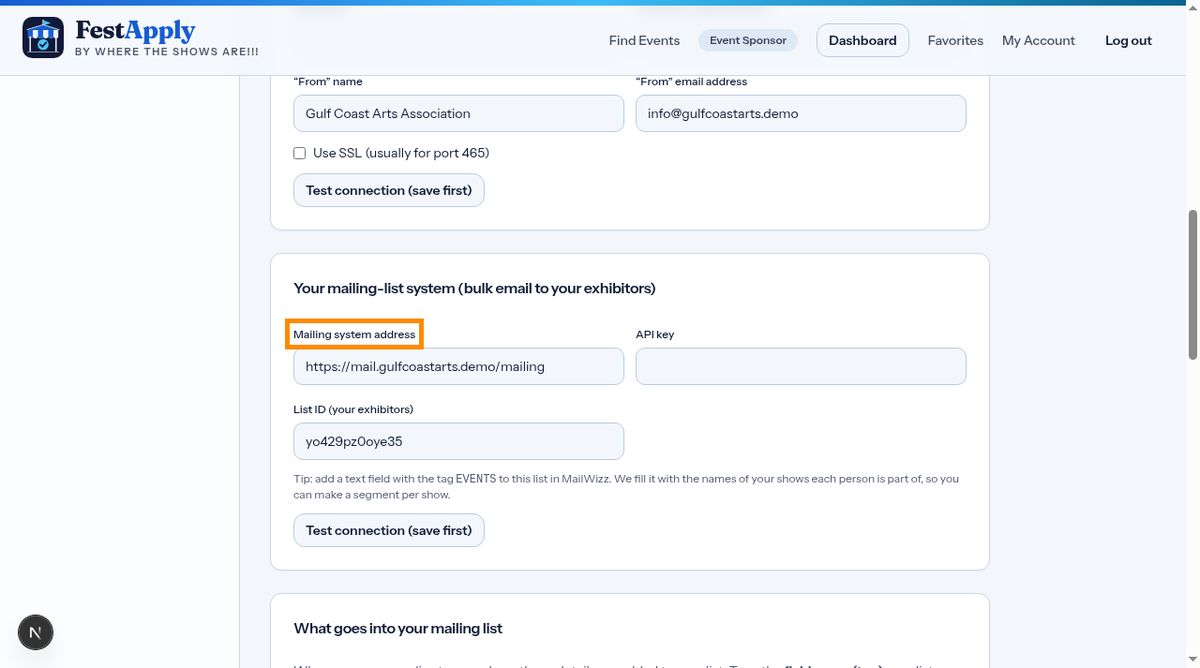
If you use a mailing system, enter its address, your key, and the list for your exhibitors.
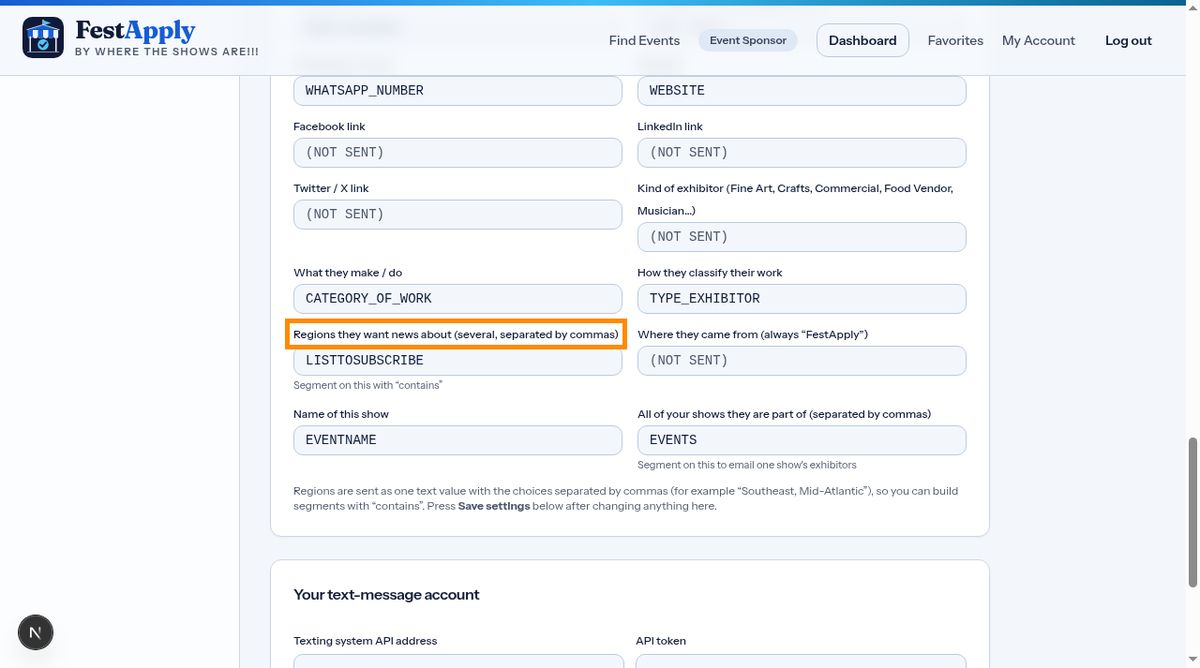
Match each exhibitor detail to a field in your list. FestApply only shares people from your own shows who agreed to hear from you.
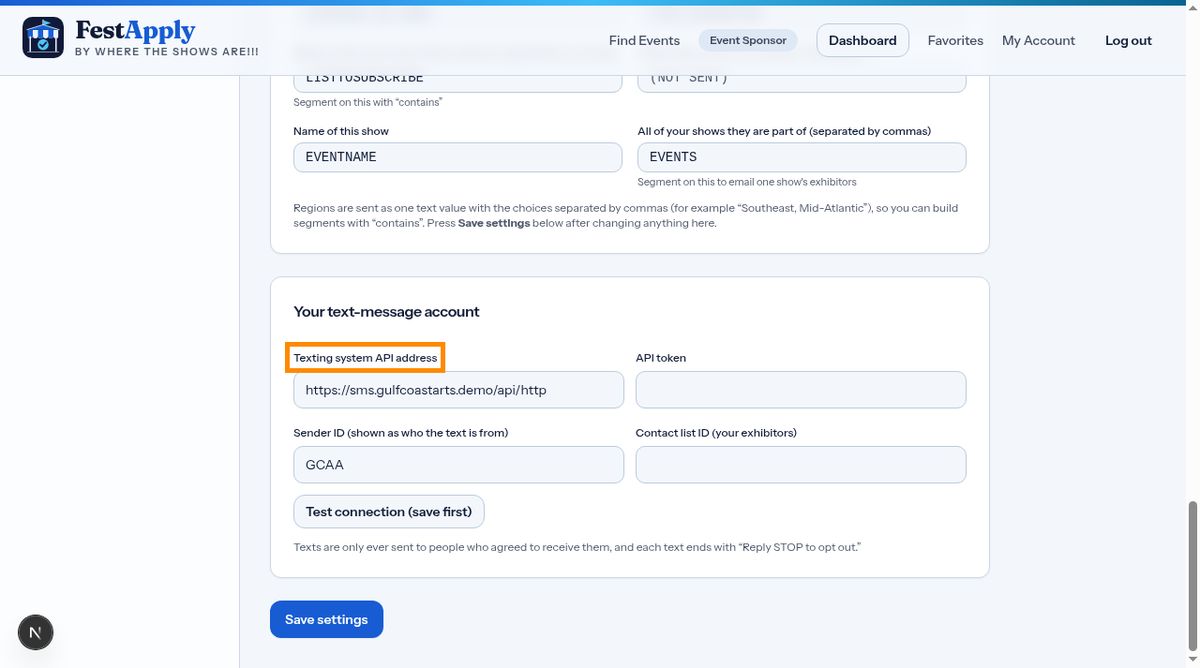
For text messages, add your texting service details. Only exhibitors who opted in will receive texts.
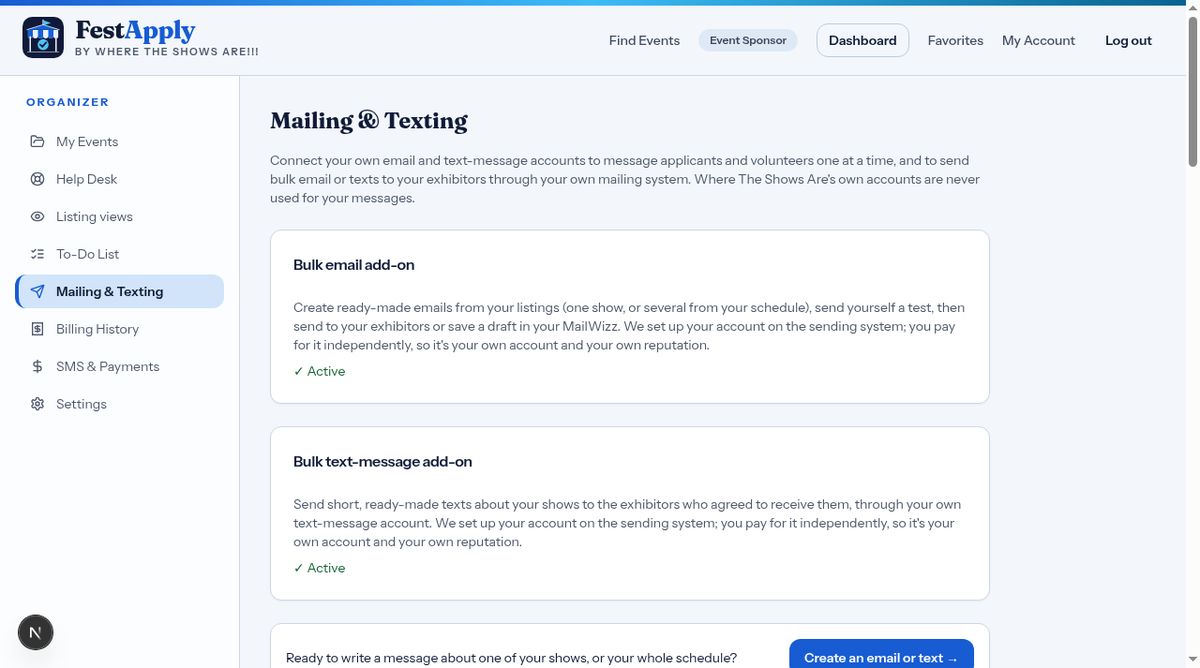
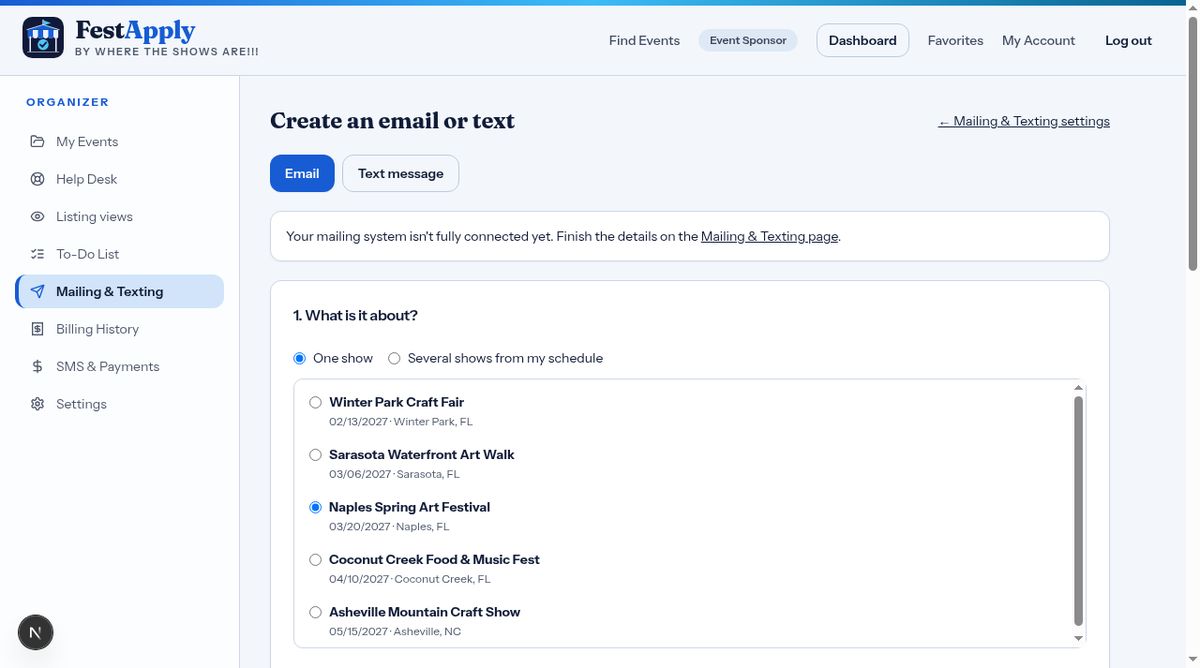
Now choose Create an email or text. Pick one show, or several shows from your schedule.
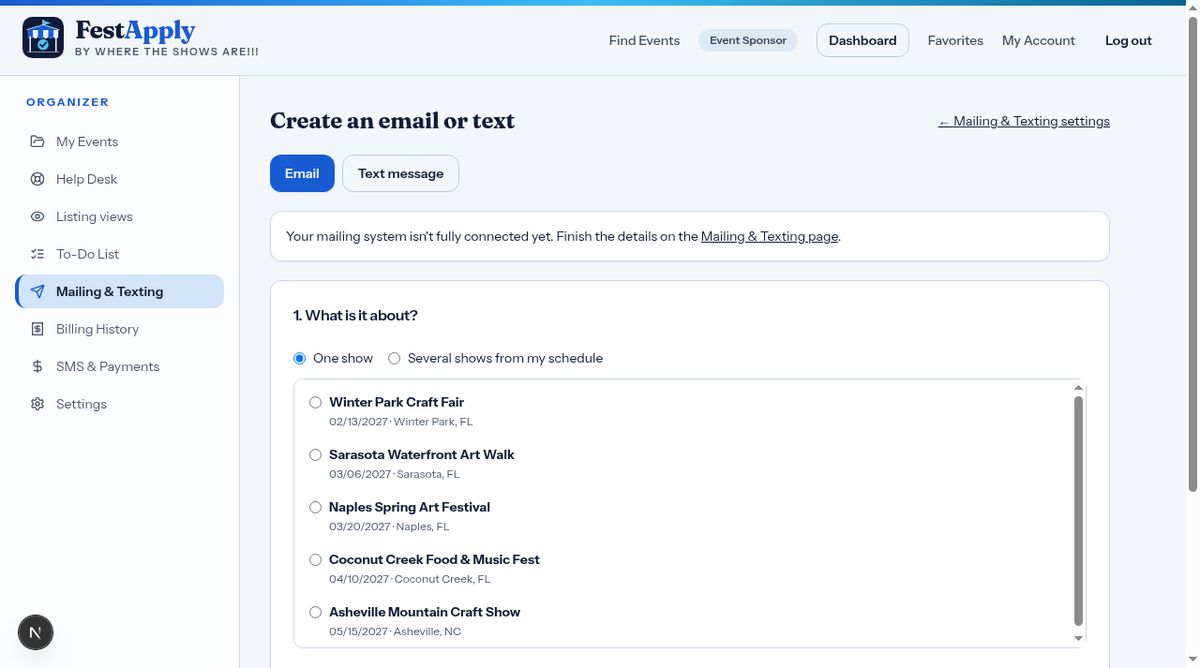
Add a personal note at the top, and choose to include photos from the listing.
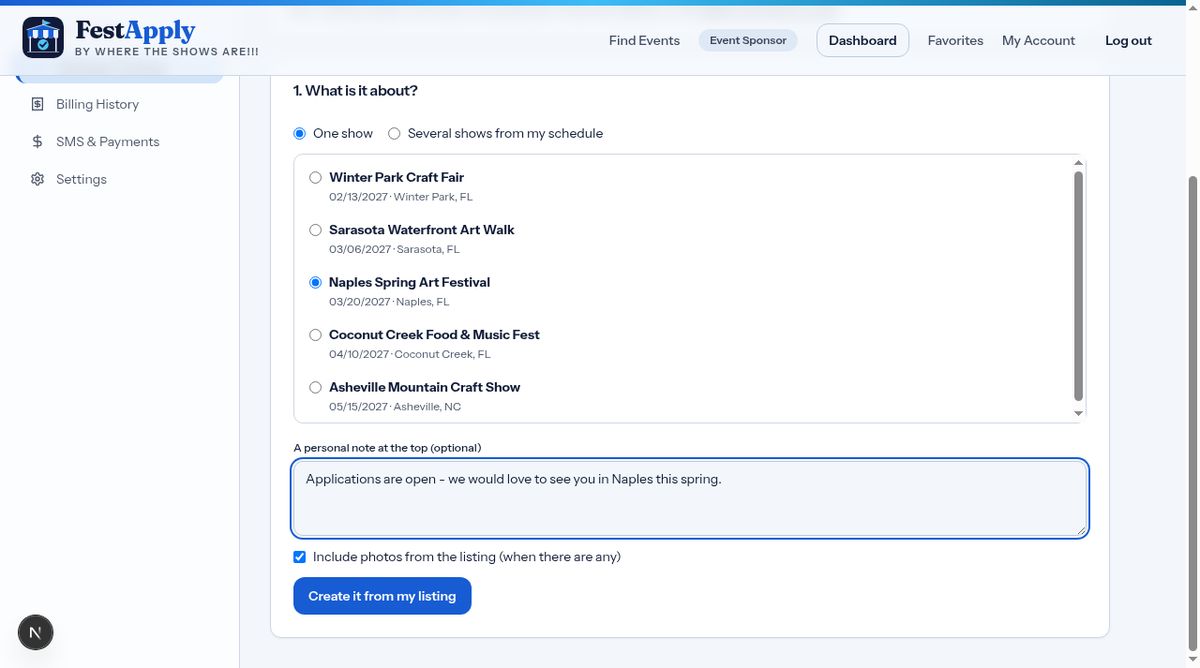
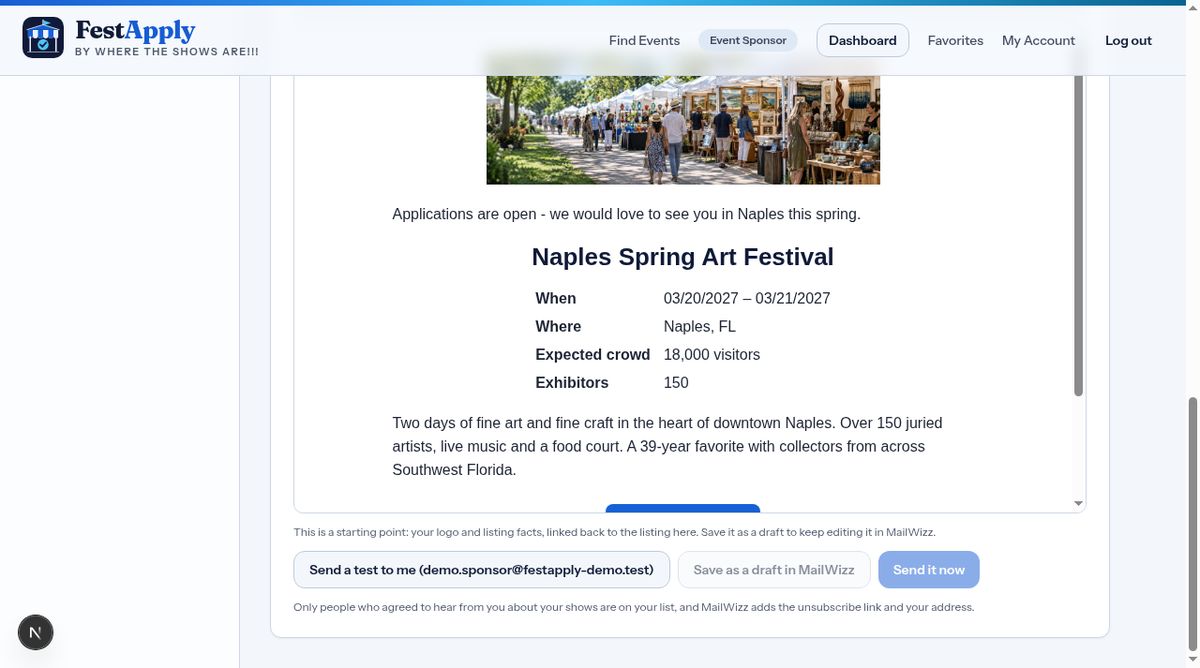
FestApply builds the message from your listing.
Save it as a draft in your mailing system to review there, or send it now.