1Your event page
On the Event Page tab you see how your page looks to the public.
Lesson 7 of 11
Share your participating artists page and track how many people view your listing.
On the Event Page tab you see how your page looks to the public.
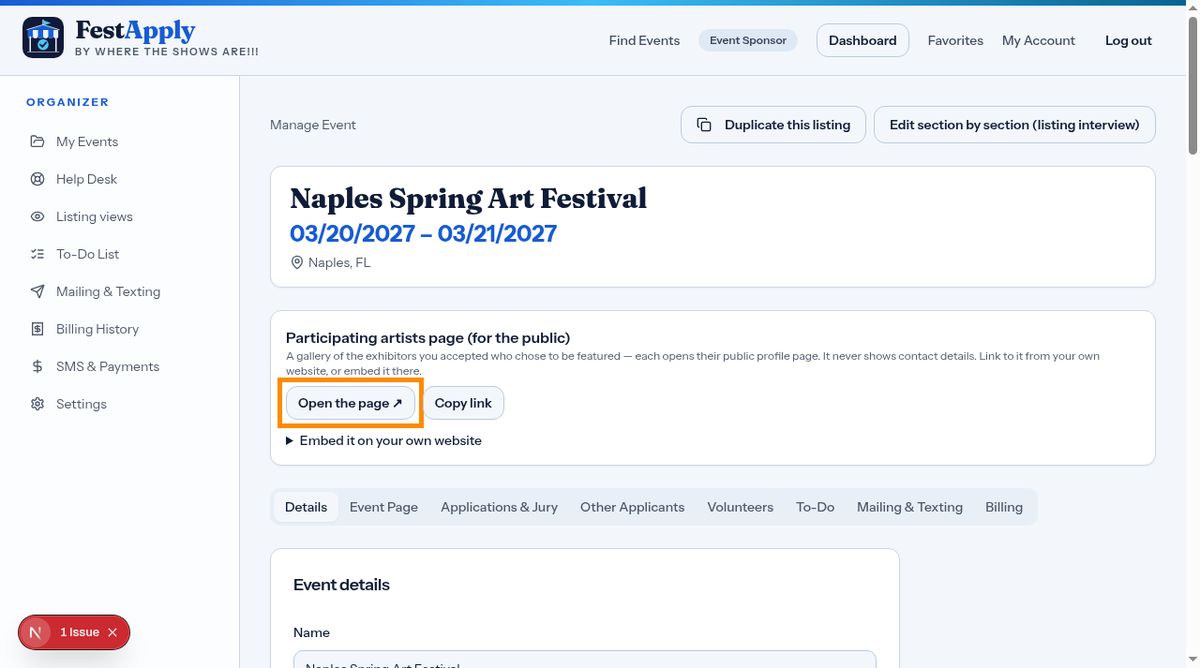
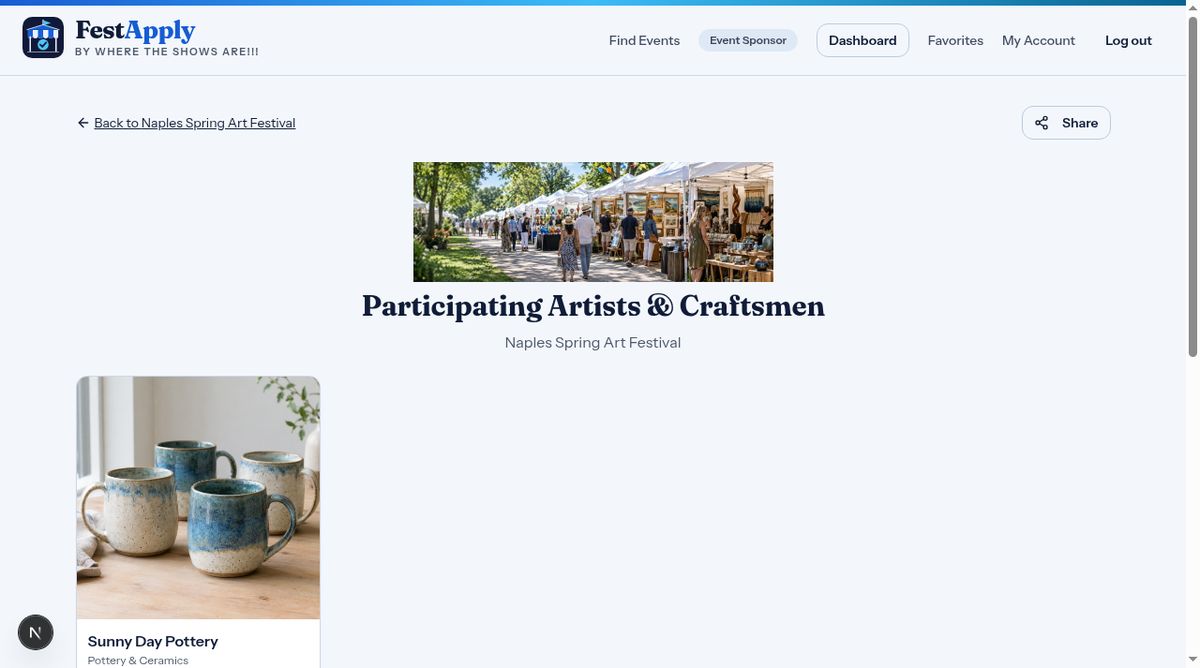
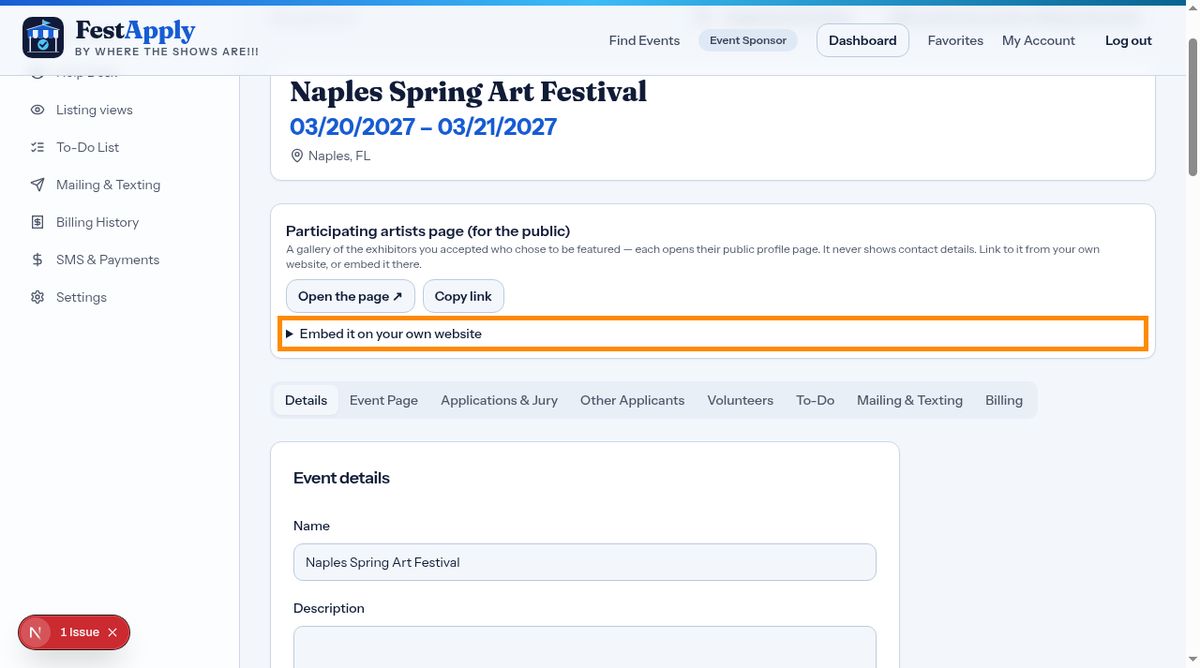
FestApply builds a page of the accepted exhibitors who chose to be featured. Click Open the page to see it.
Each artist opens their public profile. It never shows contact details.
Copy the embed code and paste it into your website, and your artists appear there too.
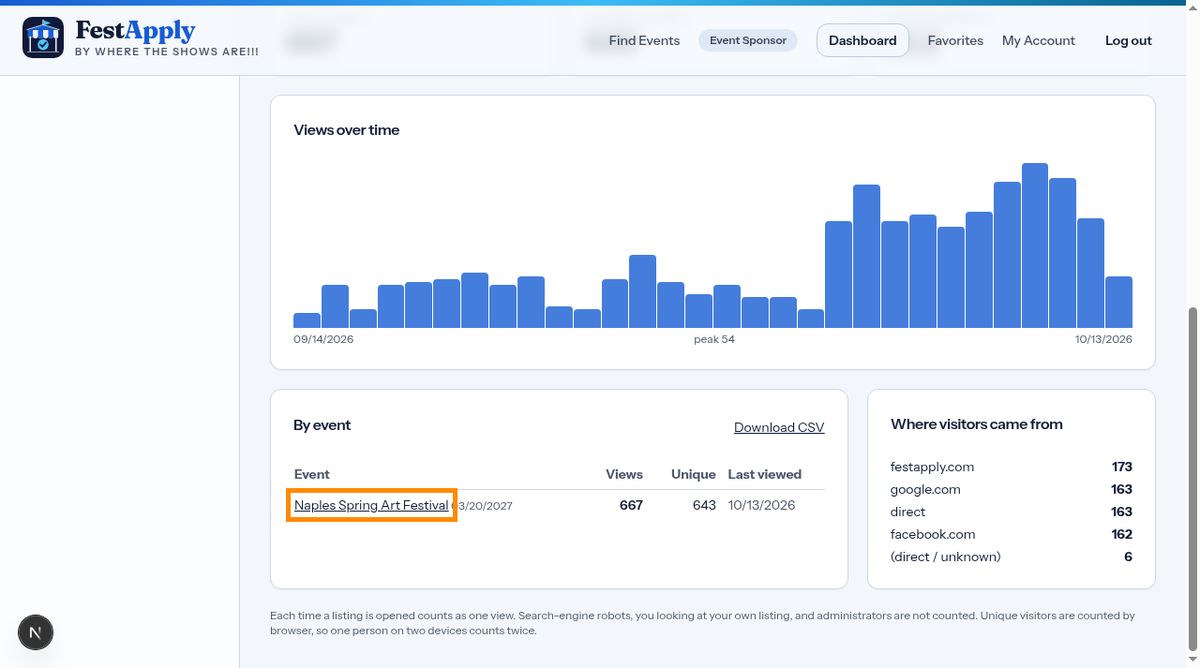
Open Listing views from the menu, to see how many people looked at your events.
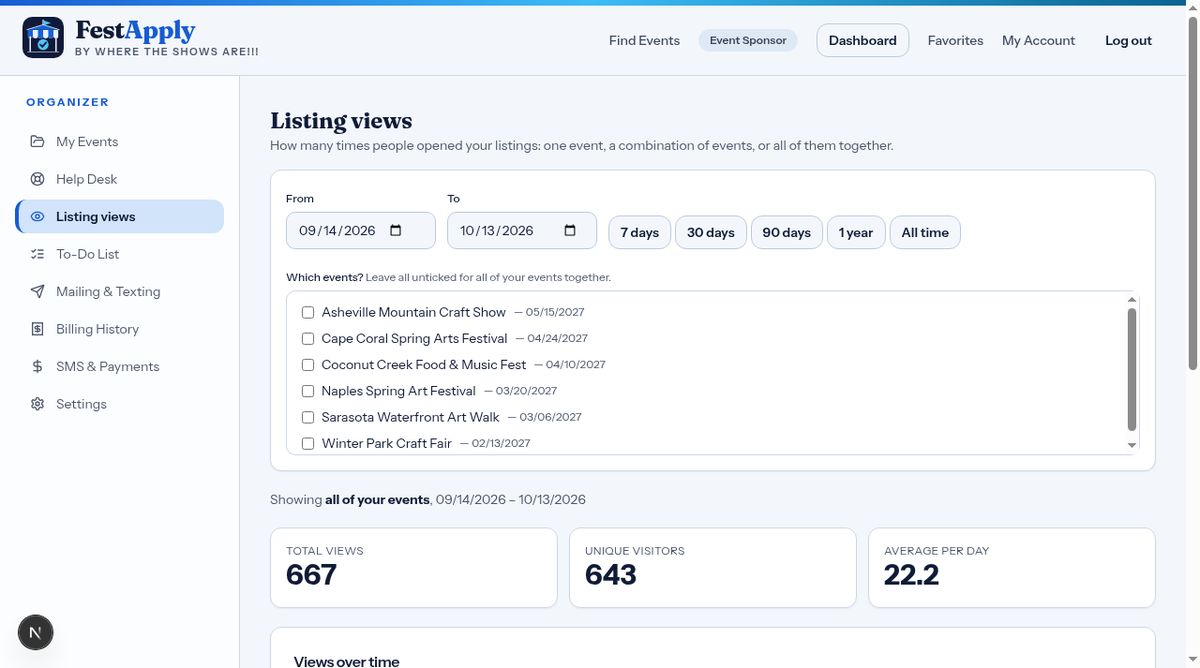
Choose a date range, and pick one event, several, or leave all unticked for a combined total.
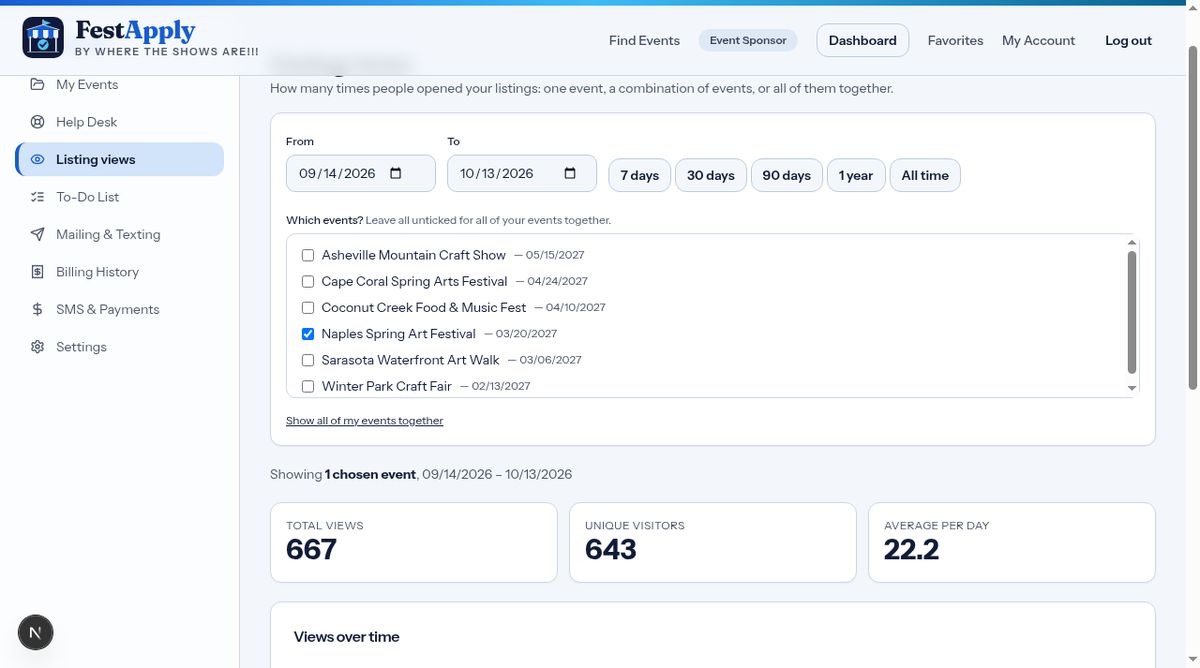
The report shows views by day, so you can tell what your promotion is doing.