1Back to the dashboard
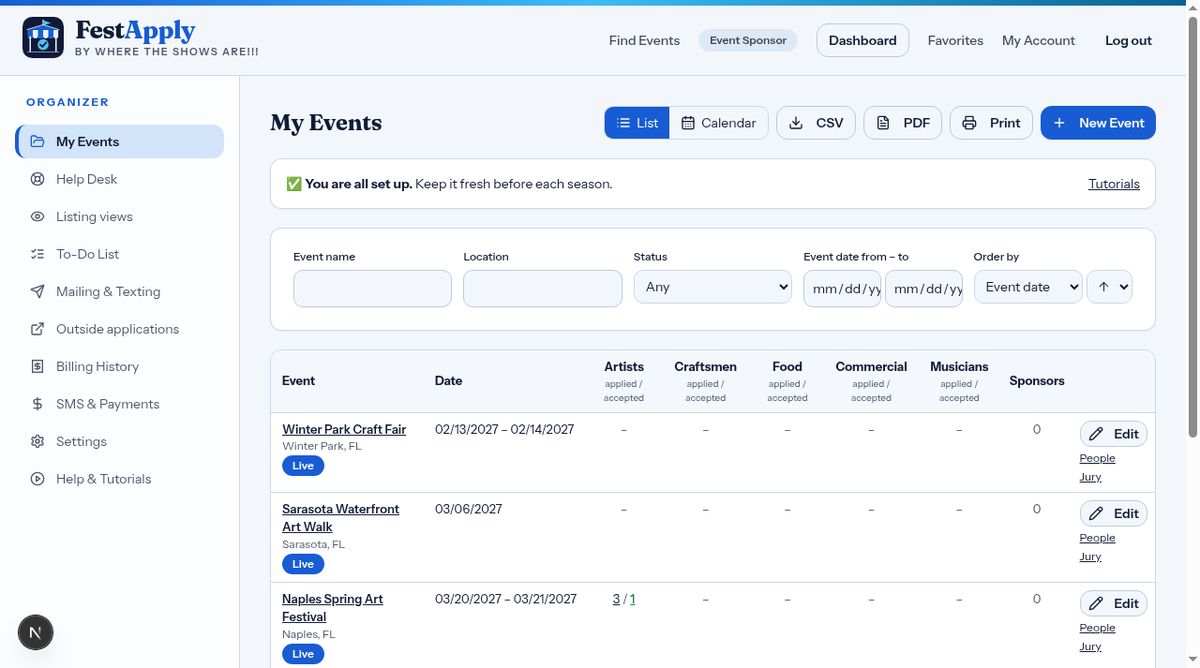
Your dashboard gathers your events and the tools that keep them running.
Lesson 8 of 11
Use the Help Desk, To-Do list, billing history, and settings.
Your dashboard gathers your events and the tools that keep them running.
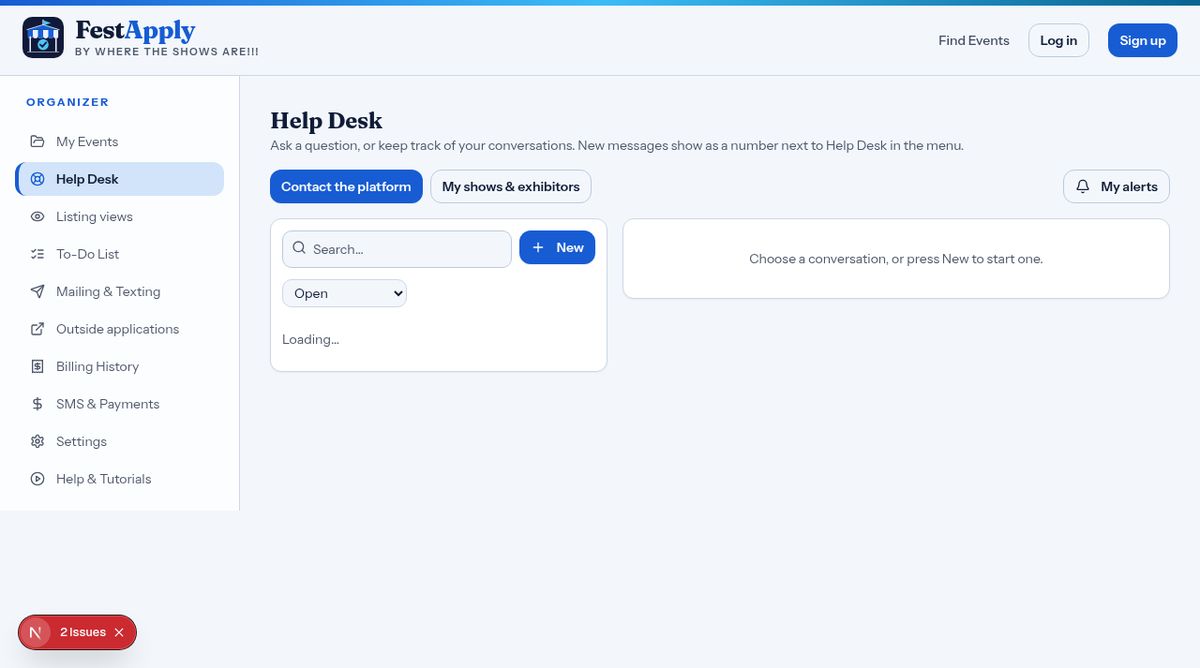
Need help? Open a ticket in the Help Desk, and follow the conversation here.
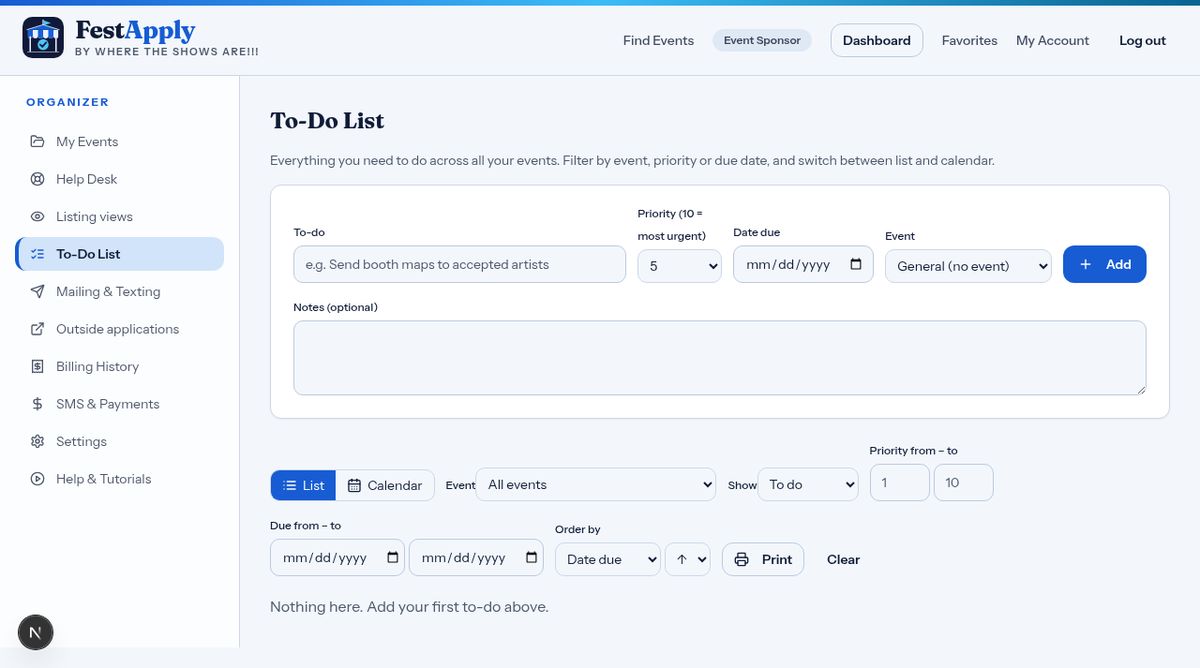
The To-Do list keeps track of what remains for each event.
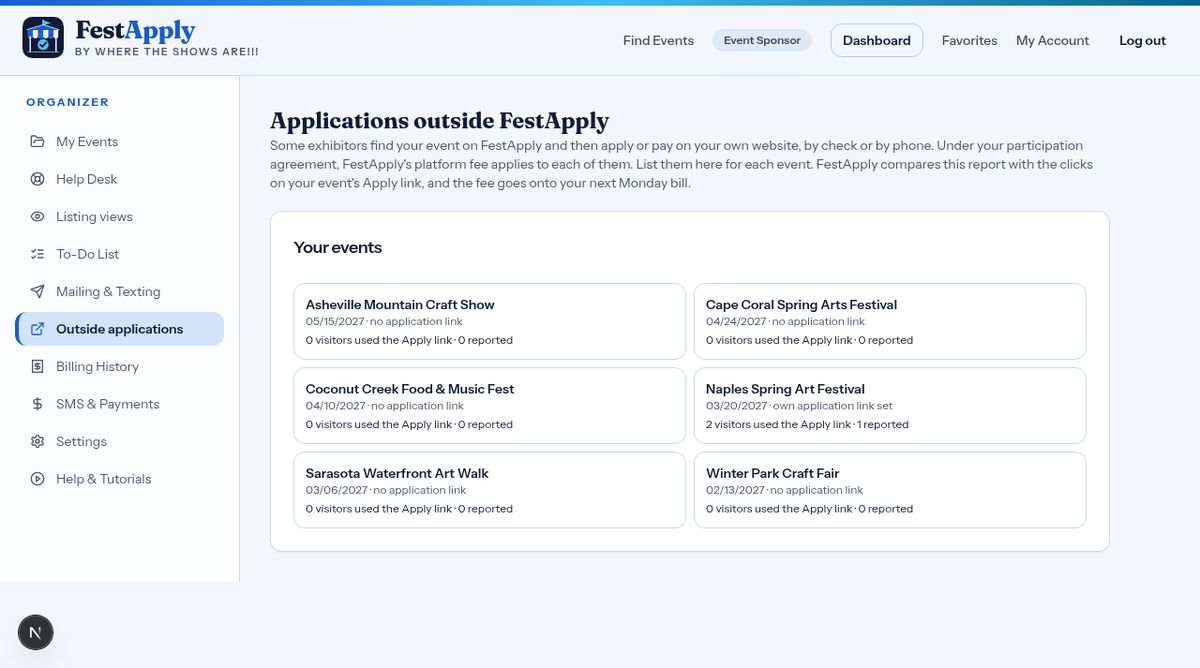
Outside applications is where you report exhibitors who found you through FestApply but applied or paid somewhere else. The Outside Applications lesson explains why this matters.
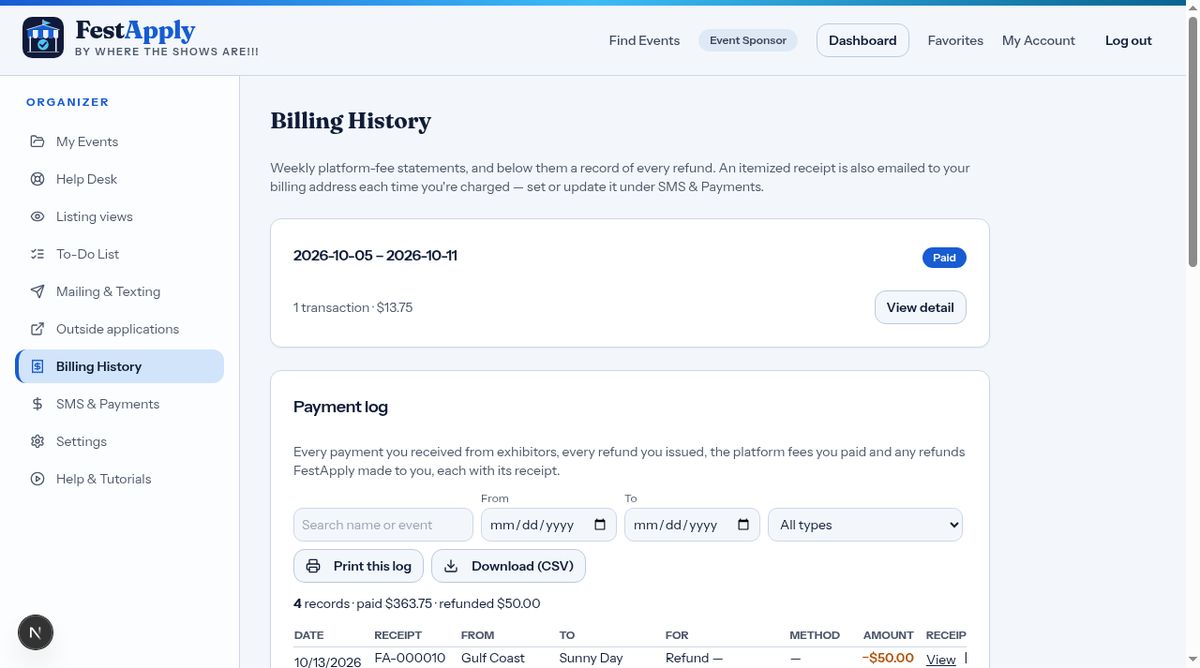
Billing History holds your weekly platform statements, your payment log, your refund history and the platform fee record. The Getting Paid lesson explains each one.
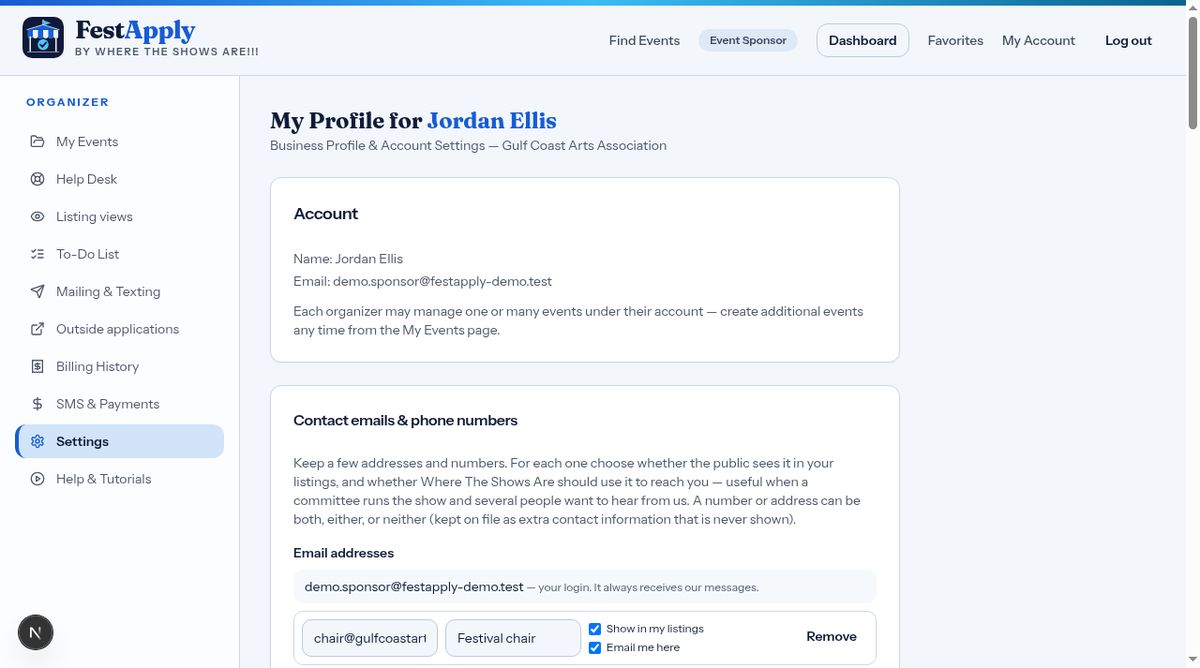
In Settings, update your account and notification choices.
Help and Tutorials, at the bottom of your menu, brings you back to these lessons whenever you need them. Thanks for watching.