1The new event form
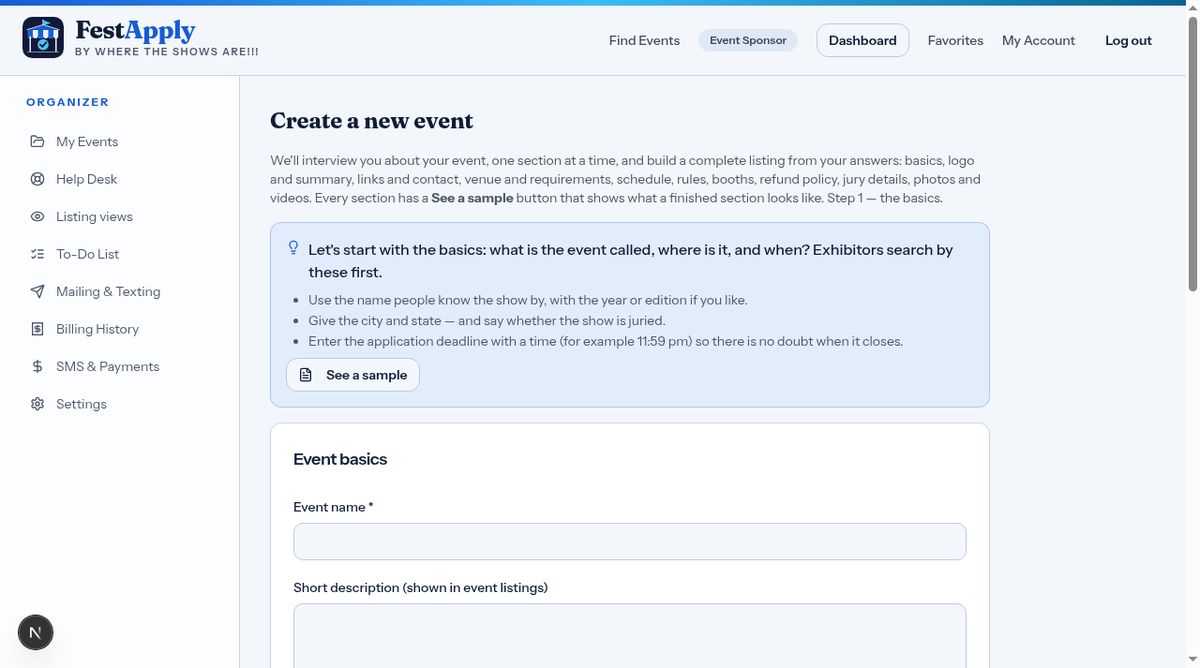
Click New event. Start with the basics.
Lesson 2 of 11
Walk through the listing interview: logo, summary, links, general information and requirements.
Click New event. Start with the basics.
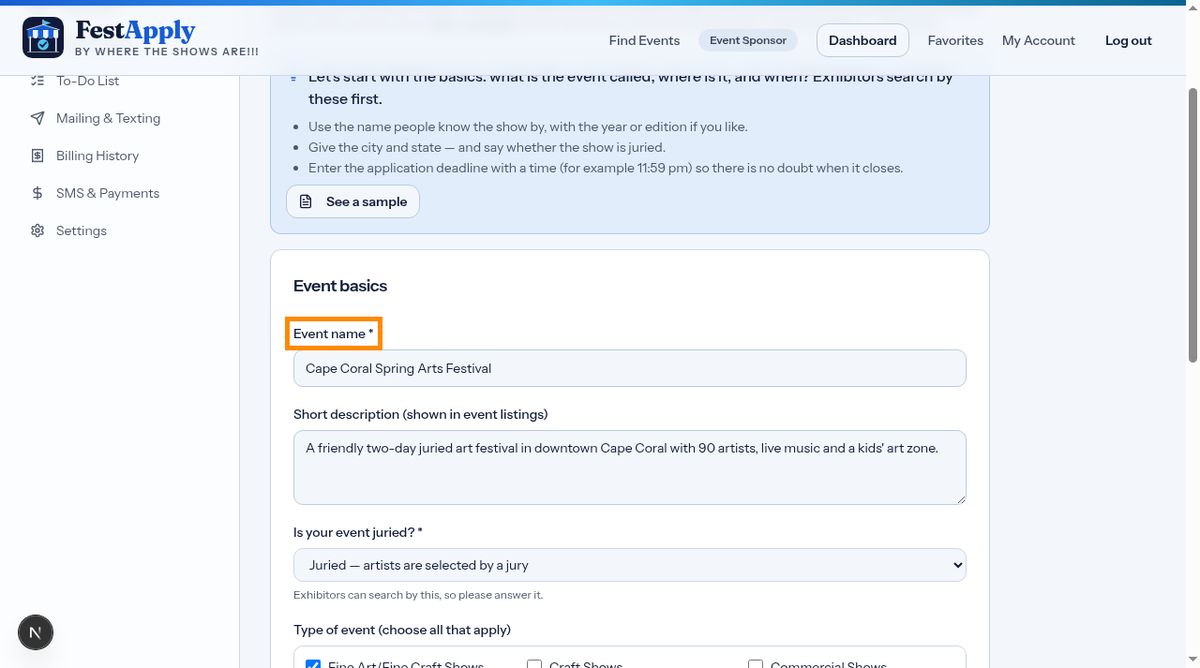
Type the name of your event, a short description, and the location.
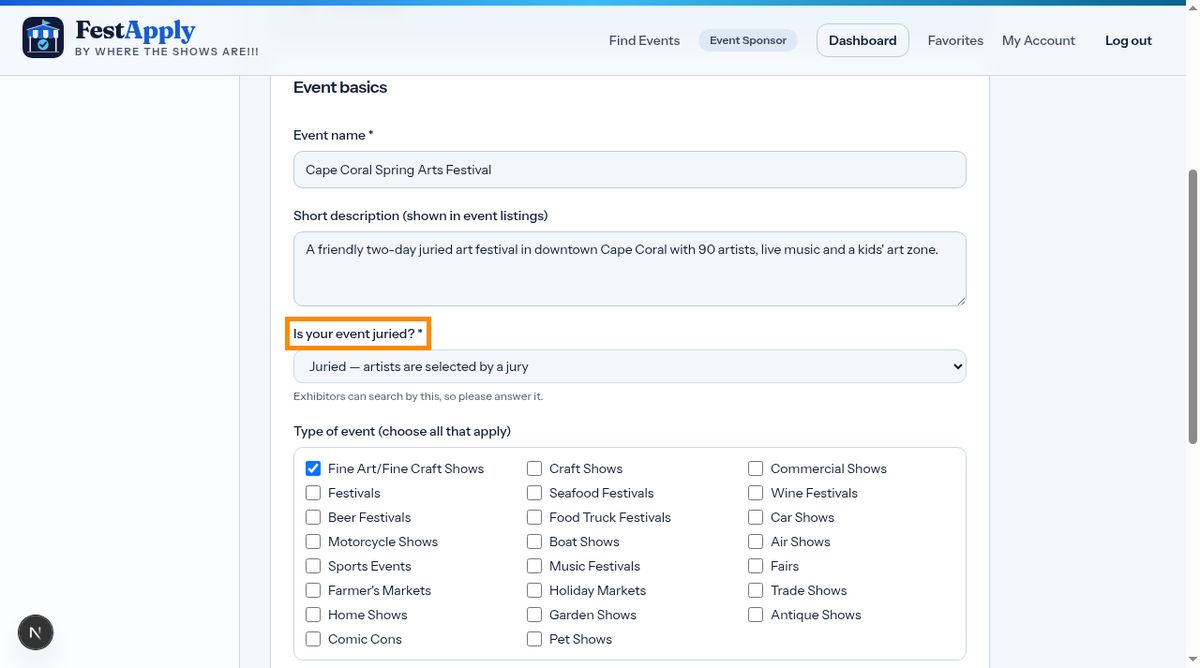
Tick every type that describes your show. Fine art, craft, festival, and many more.
Enter your start and end dates, the application deadline, the application fee and the booth fee.
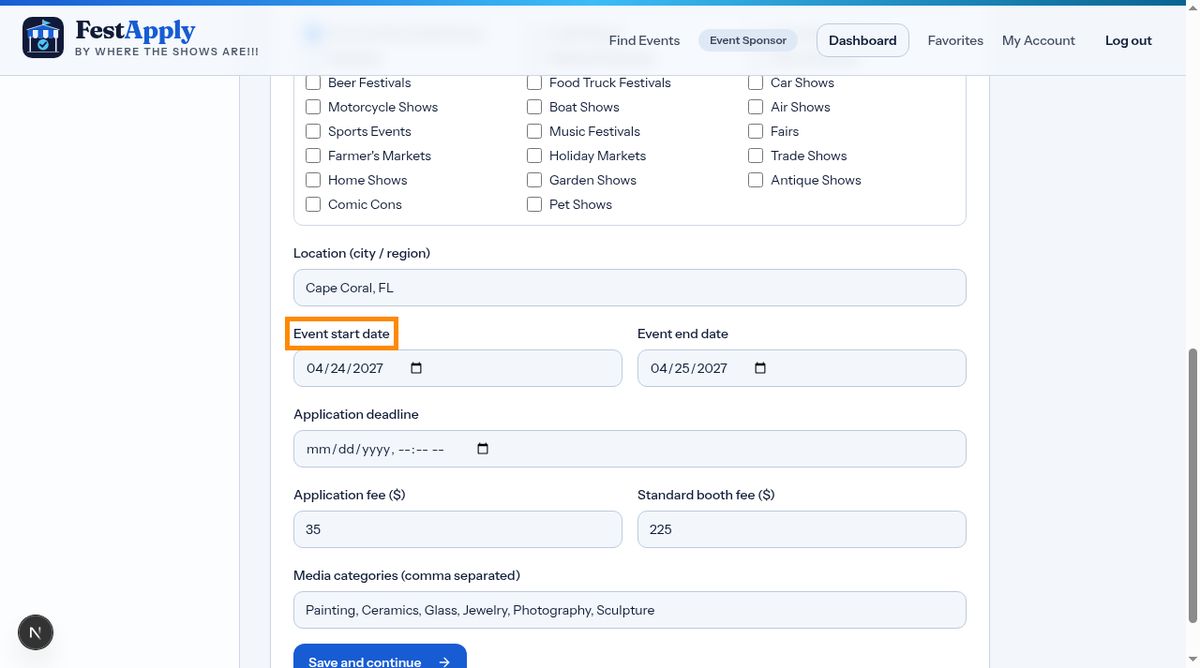
Click Save and continue. This opens the listing interview, a guided, section by section way to build your page.
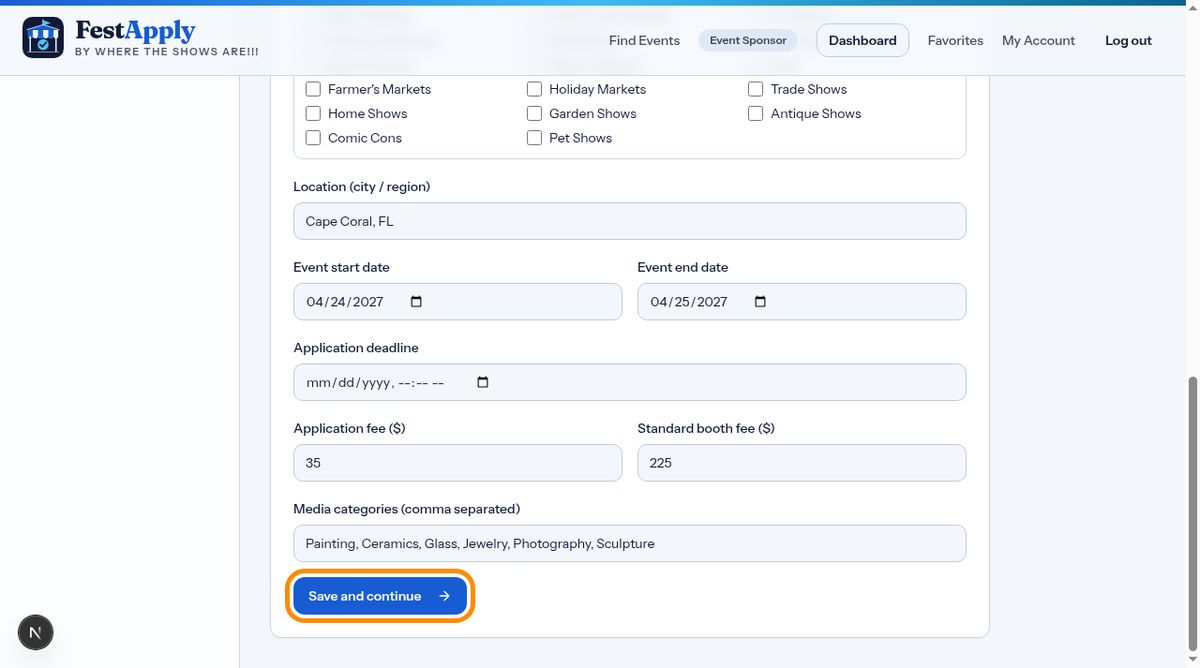
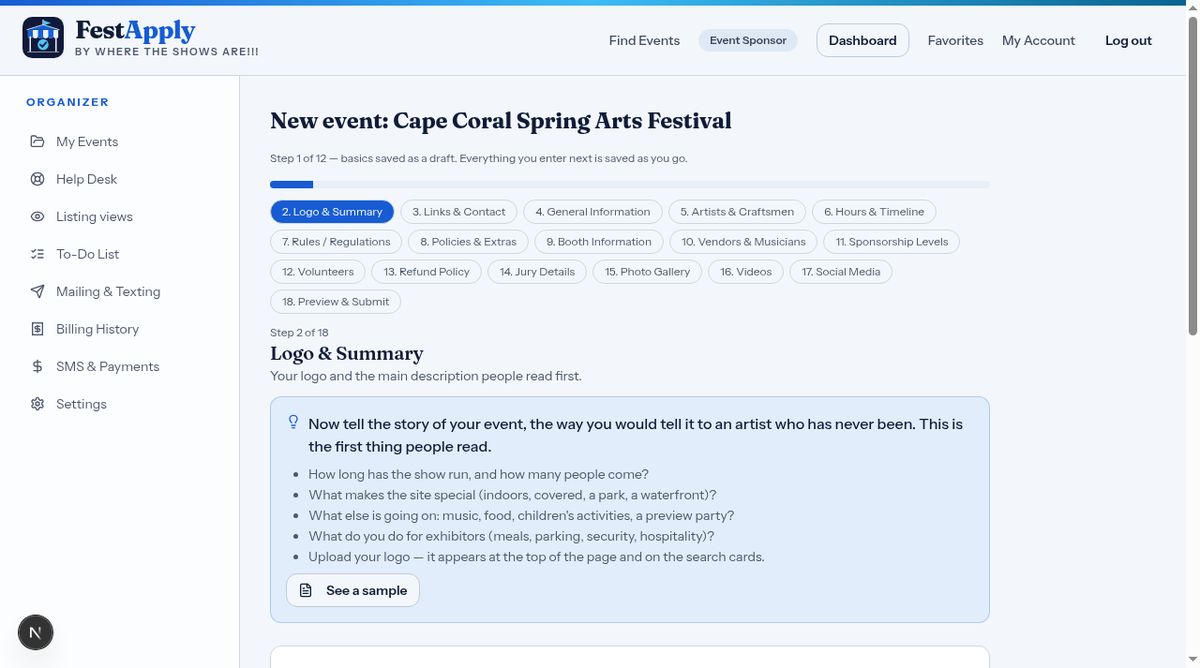
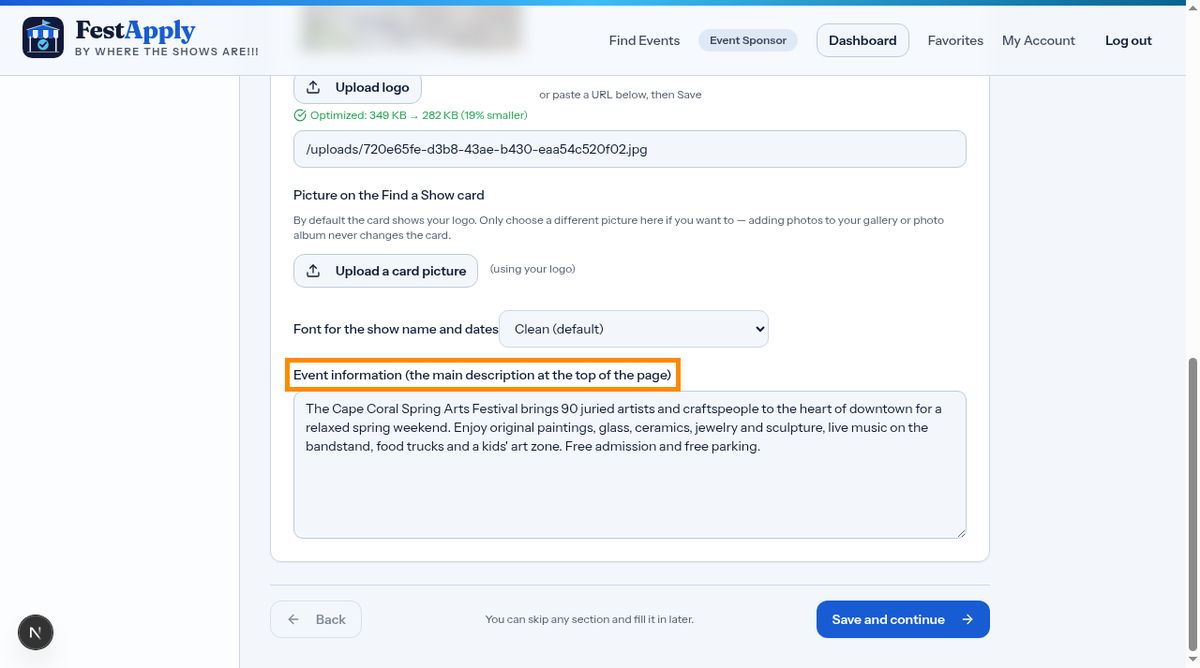
The first section is your logo and a summary. A good logo is the first thing exhibitors see.
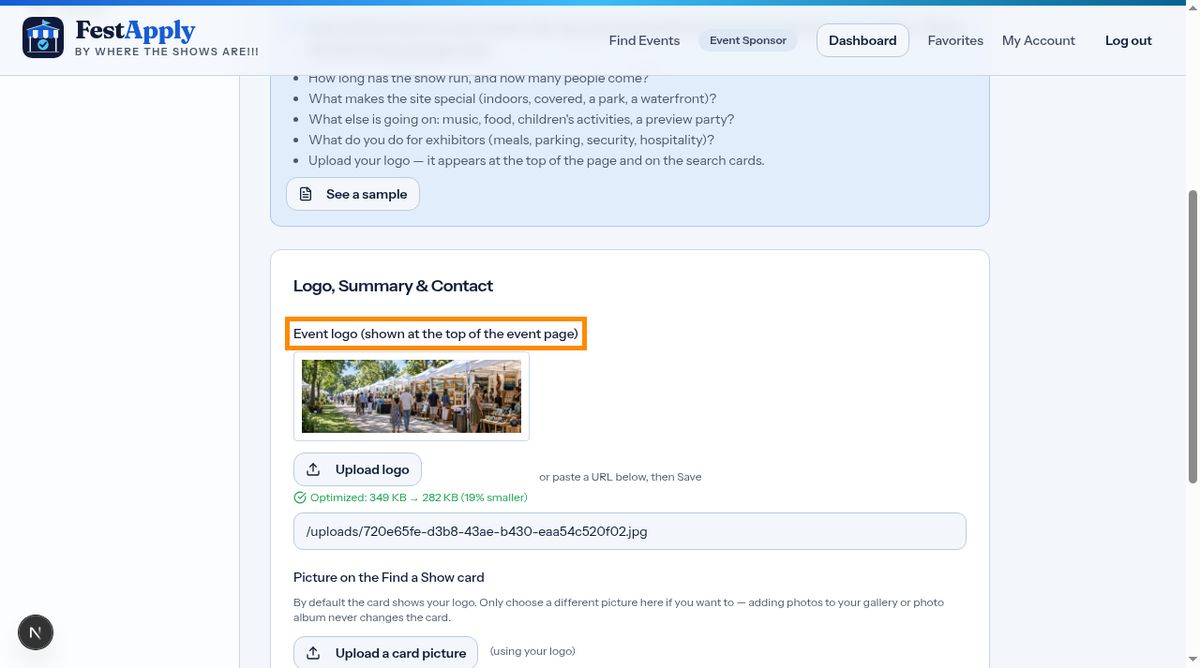
Choose your logo file. It also becomes the default picture on your listing card.
Write two or three friendly sentences. Say what makes your show special.
Next are your website, social links and contact details.
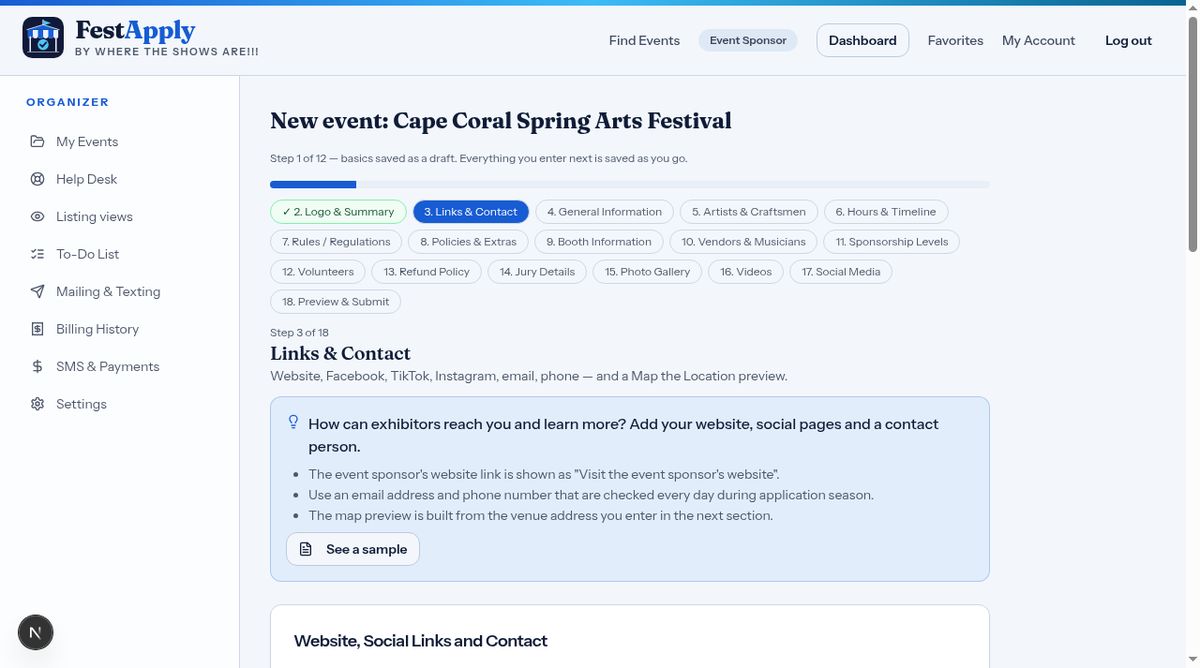
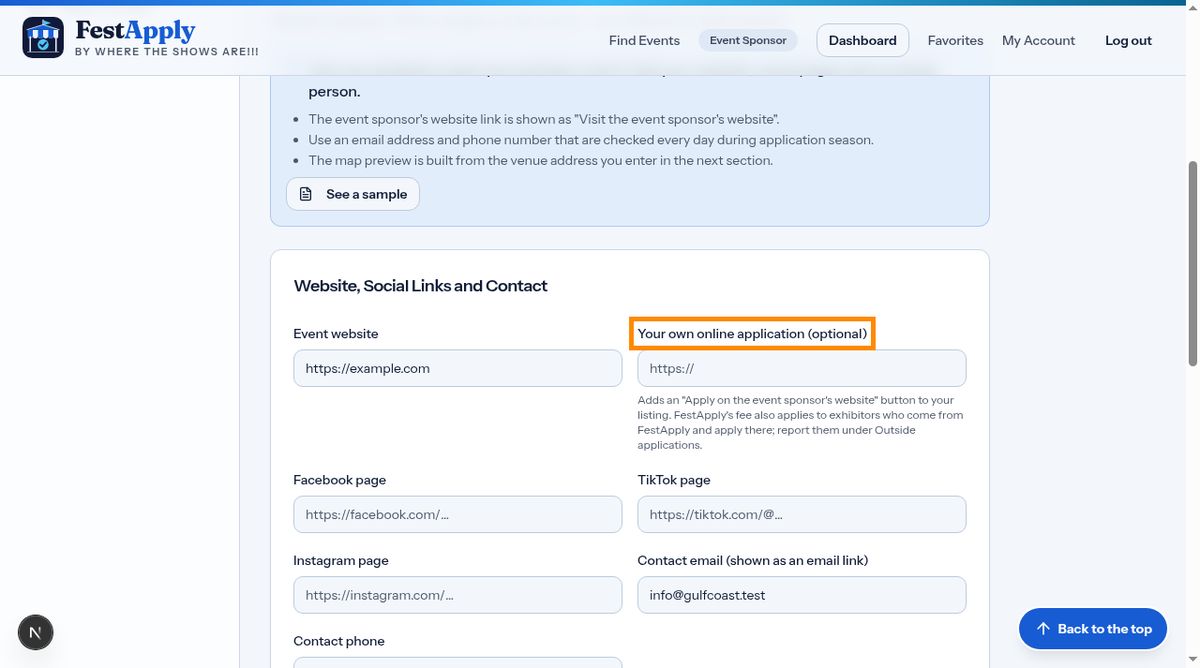
Paste the full web address, starting with https. If you take applications on your own website too, paste that link in the box called Your own online application. Your listing then shows an Apply on the event sponsor's website button. Another lesson explains how to report exhibitors who use it.
General information holds the facts exhibitors look for first, such as important dates, hours, attendance, and the number of exhibitors.
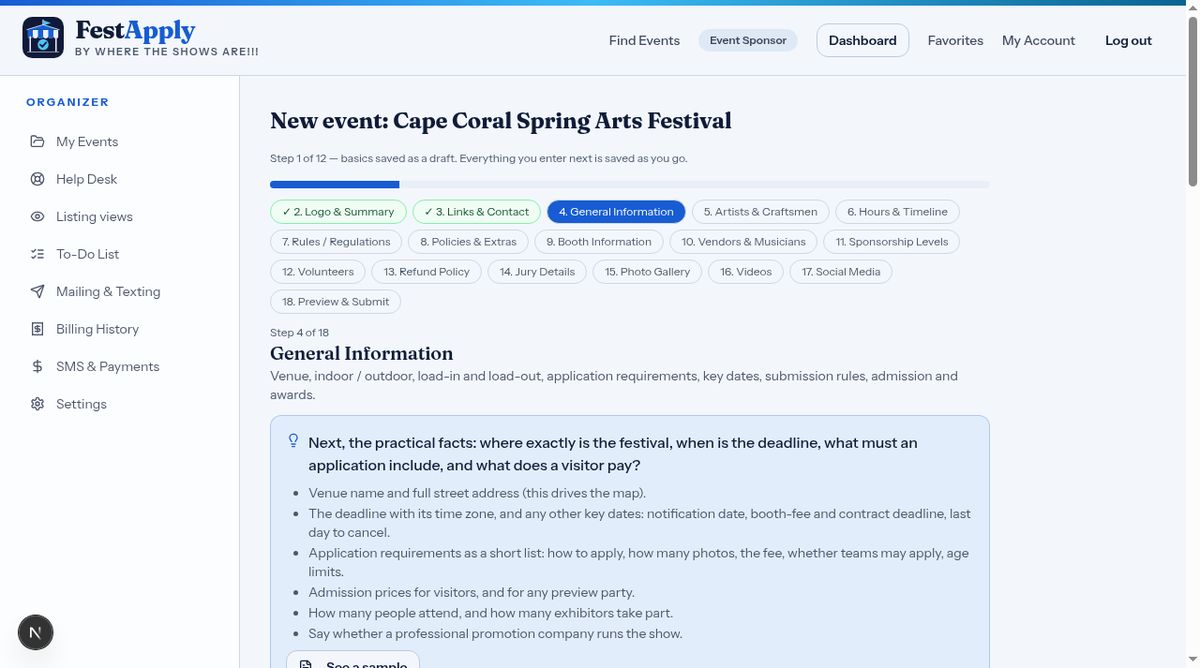
Enter the venue name and address, so artists can plan their trip.
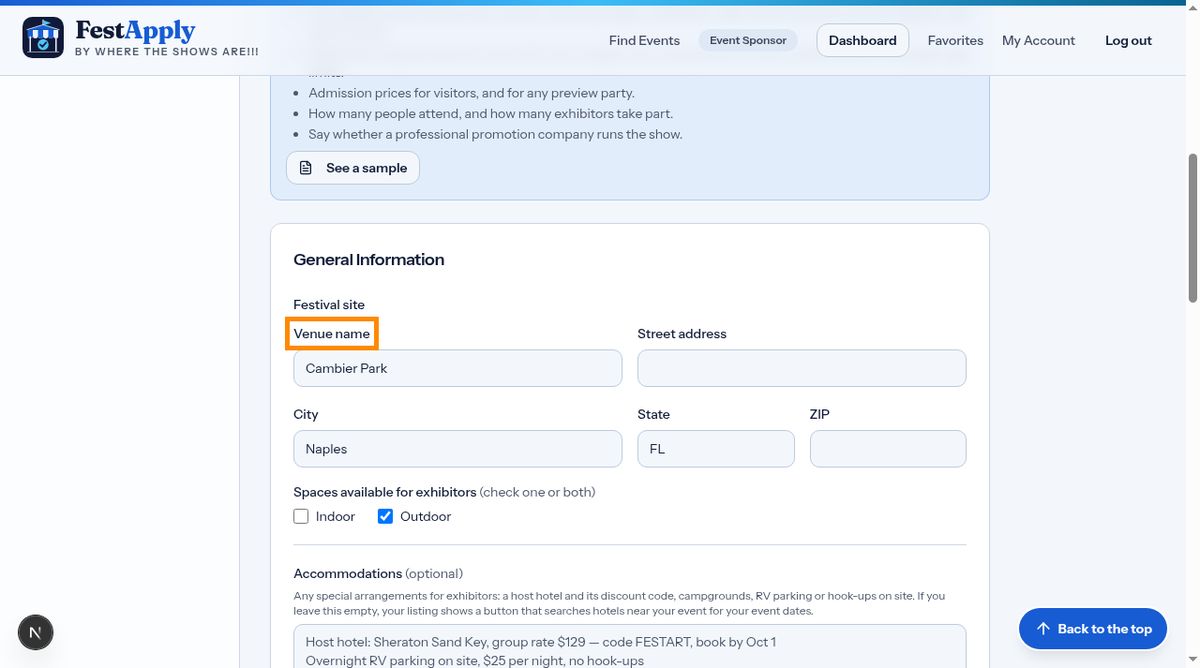
Tell artists whether your show is indoors, outdoors, or both. Tick one or both.
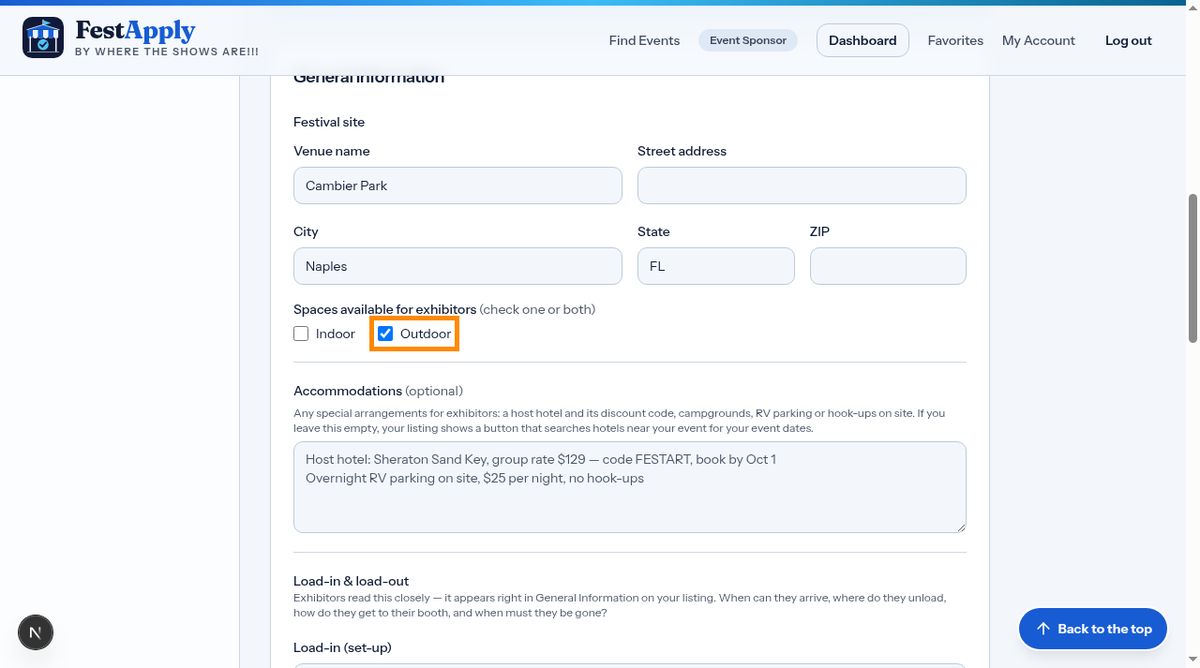
Under About the show, tell exhibitors how many apply each year, and how many you accept. Both numbers appear in General Information, so people can judge their chances.
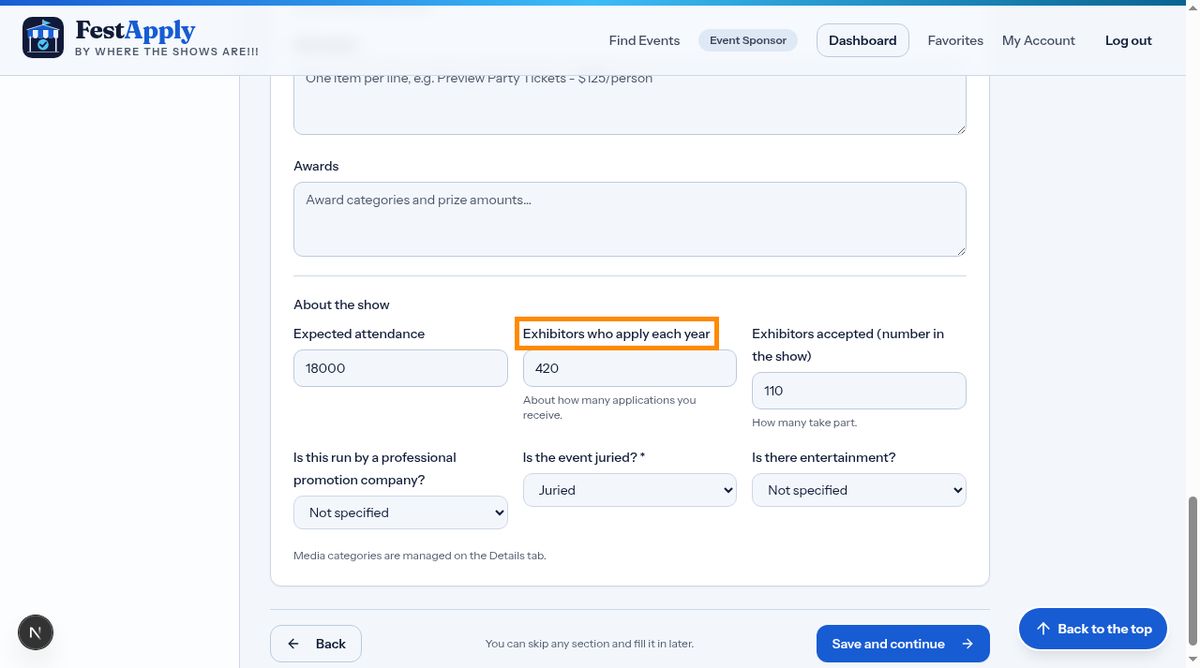
Tell exhibitors about hotels, campgrounds and RV parking, including any discount codes. If you leave this empty, your listing shows buttons that search for hotels and campgrounds near your event, for the dates of your show.
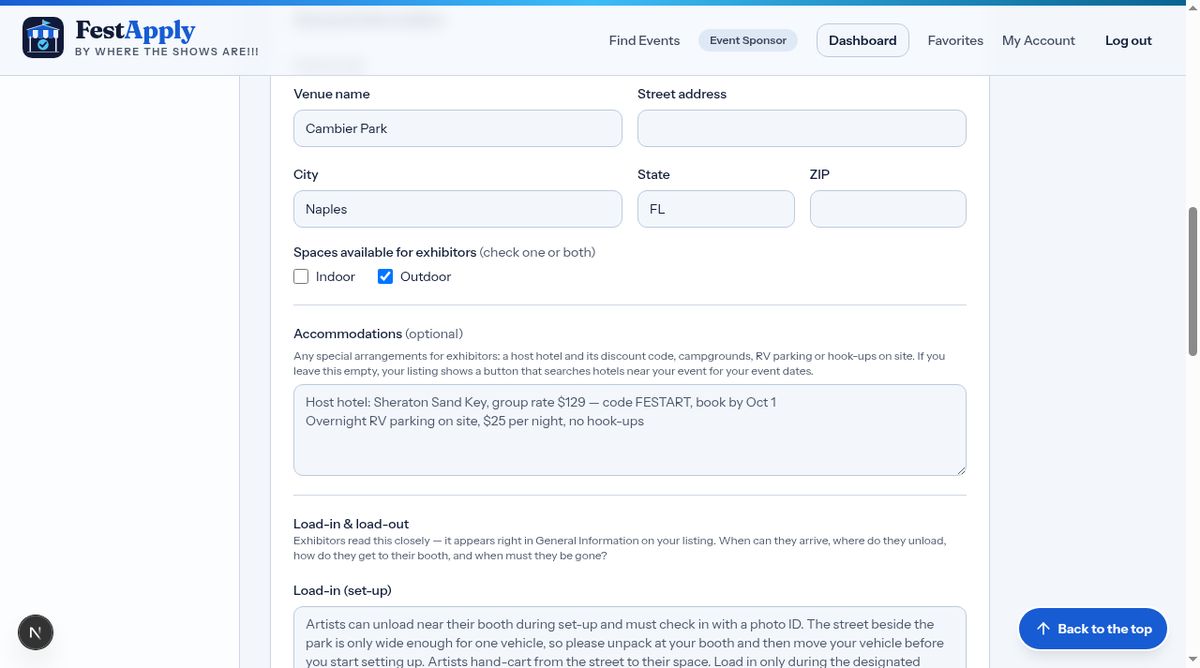
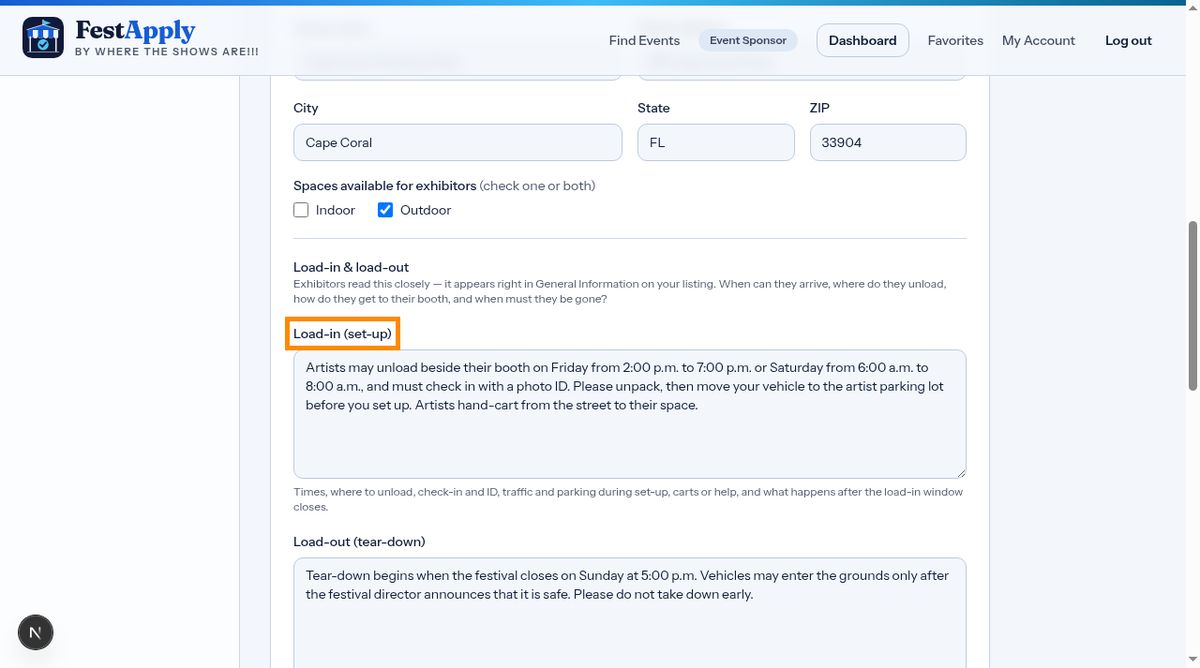
Explain when and where exhibitors load in.
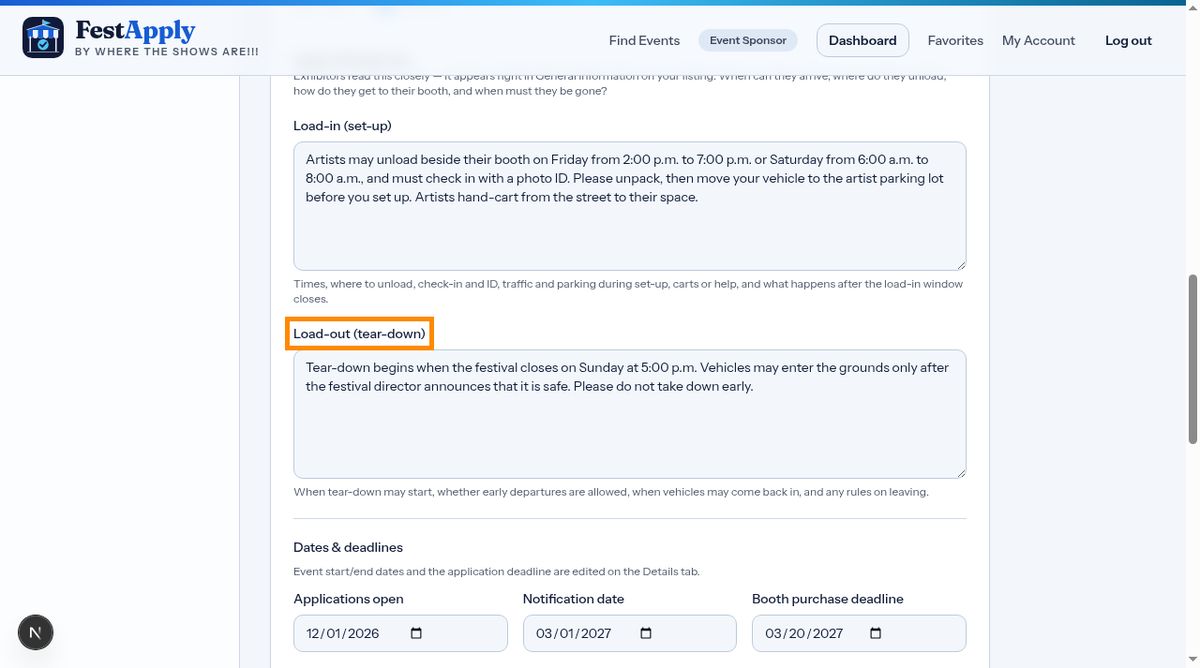
And the same for load-out, including any rules for when vehicles may enter.
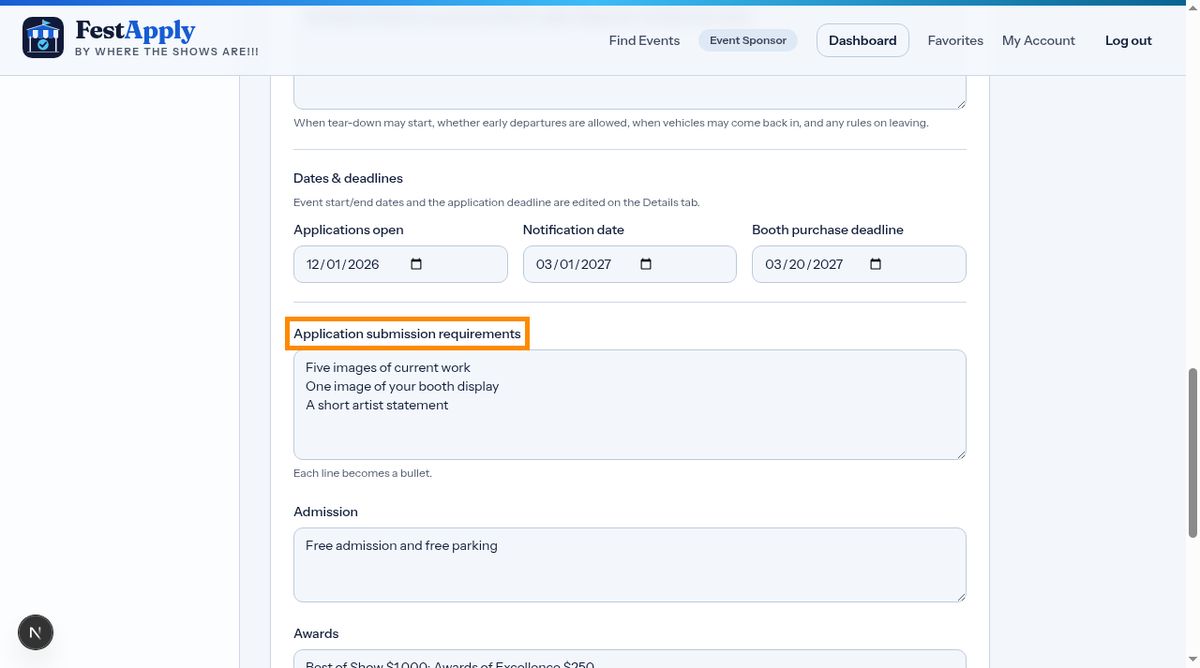
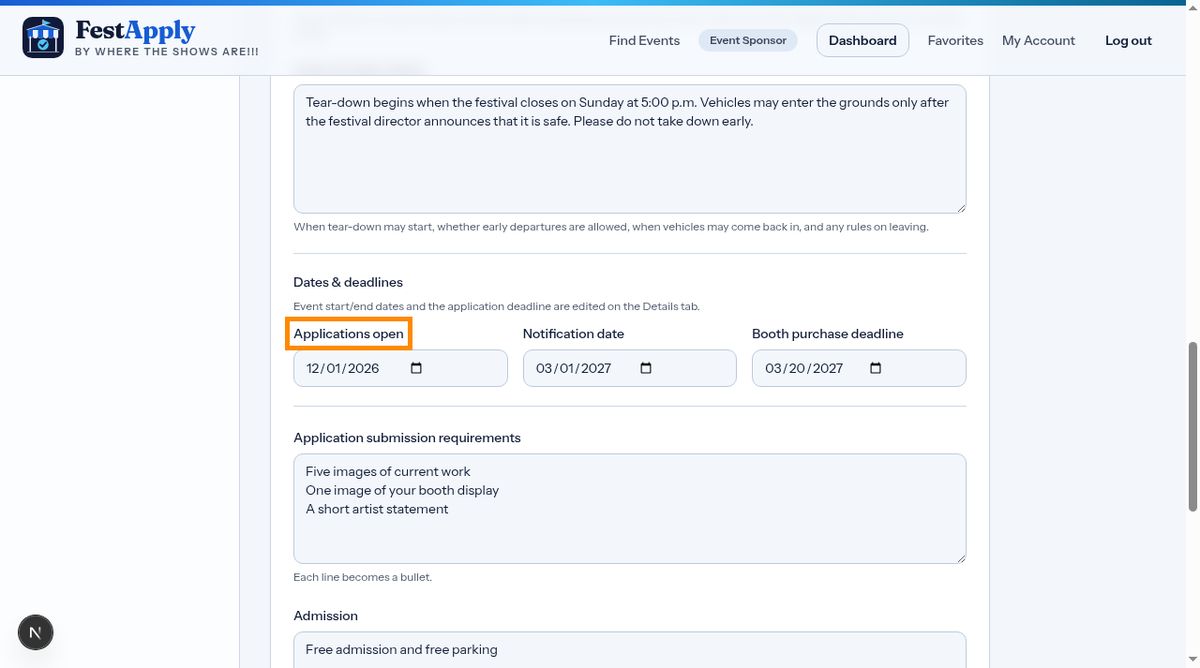
List the important dates, such as the deadline and notification date.
Describe anything exhibitors must bring, like insurance, a tent, or a business license.