1Why contacts matter
A show has many jobs. A food vendor needs your food coordinator, and an artist needs your show director. This lesson shows you how to set up contacts for your event, so the right person is shown, and the right person is told.
Lesson 7 of 21
Show the right person to the right exhibitors, and tell the right person about the right news.
A show has many jobs. A food vendor needs your food coordinator, and an artist needs your show director. This lesson shows you how to set up contacts for your event, so the right person is shown, and the right person is told.
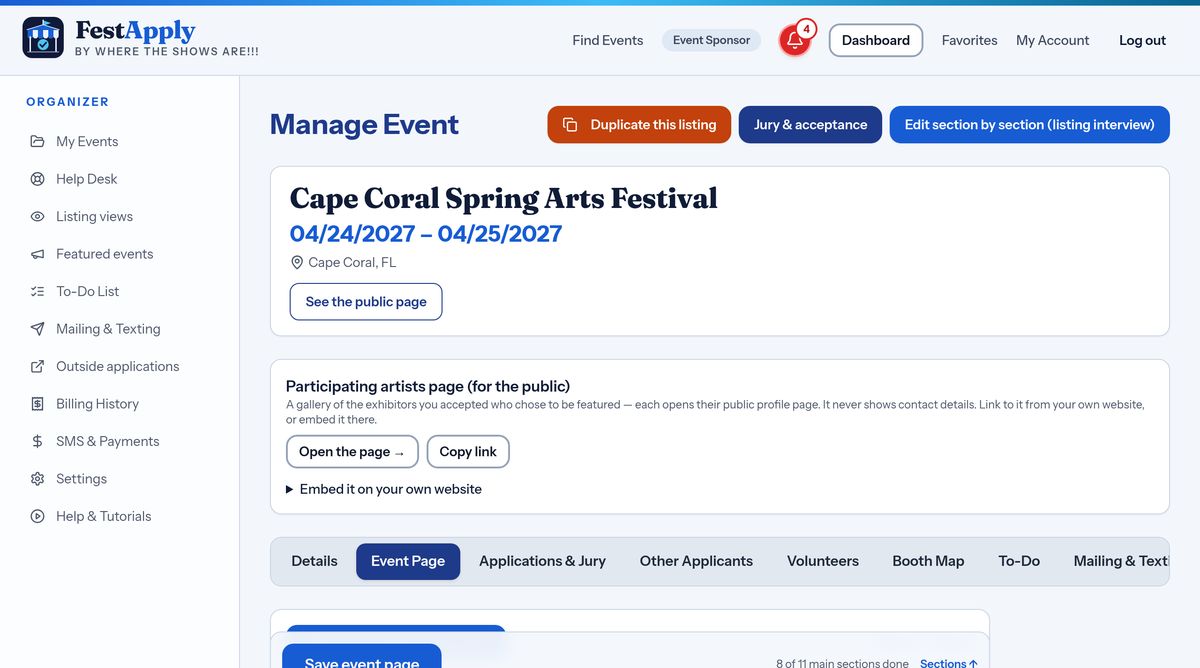
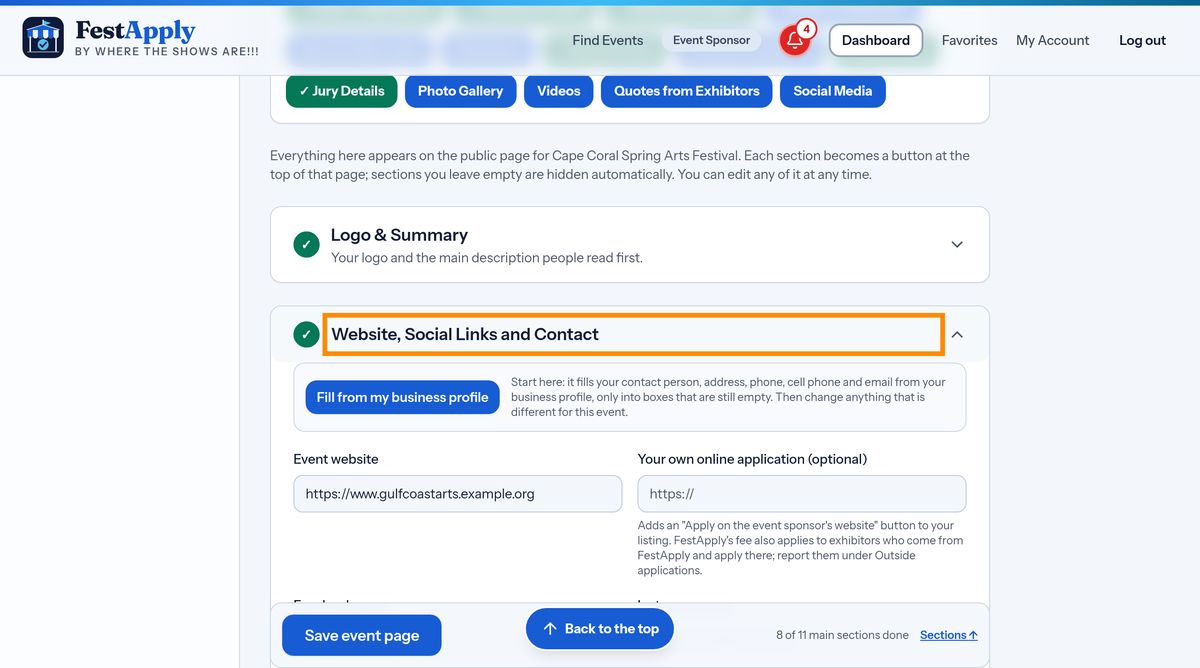
Open Manage Event, choose the Event Page tab, and open the section called Website, Social Links and Contact. The contacts for your event are at the bottom of that section.
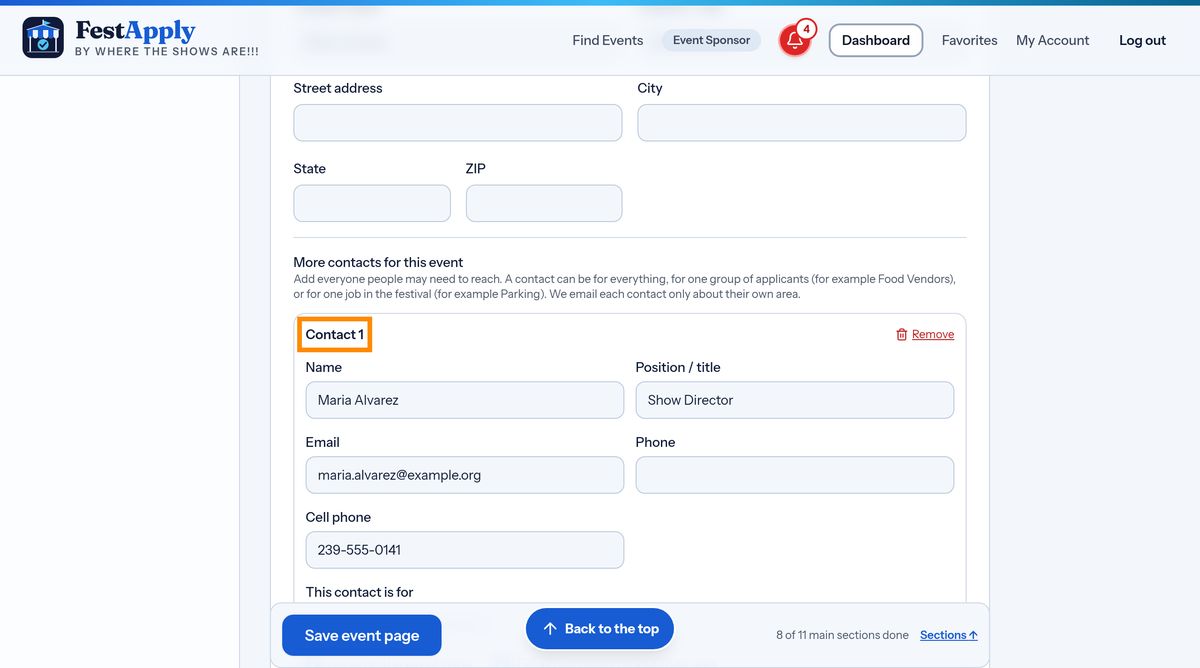
Each contact has a name, a position, an email, a phone and a cell phone. Start with the show director, the person who can answer anything.
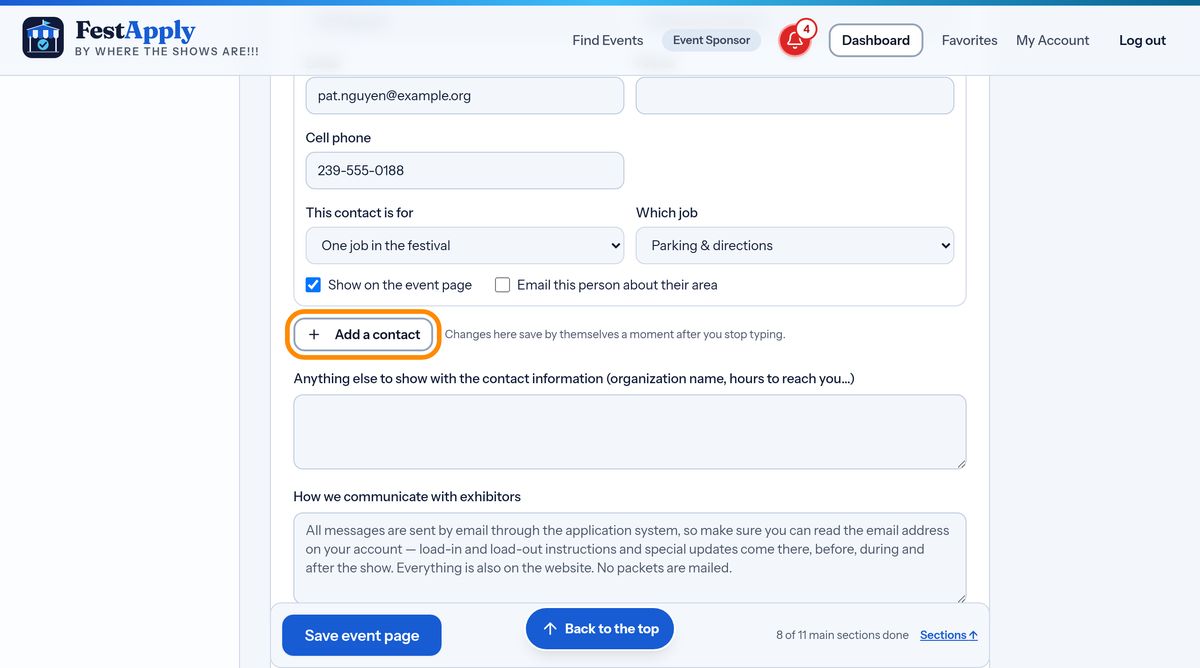
Then choose what this person is for. They can handle everything about the event, one group of applicants, or one job in the festival.
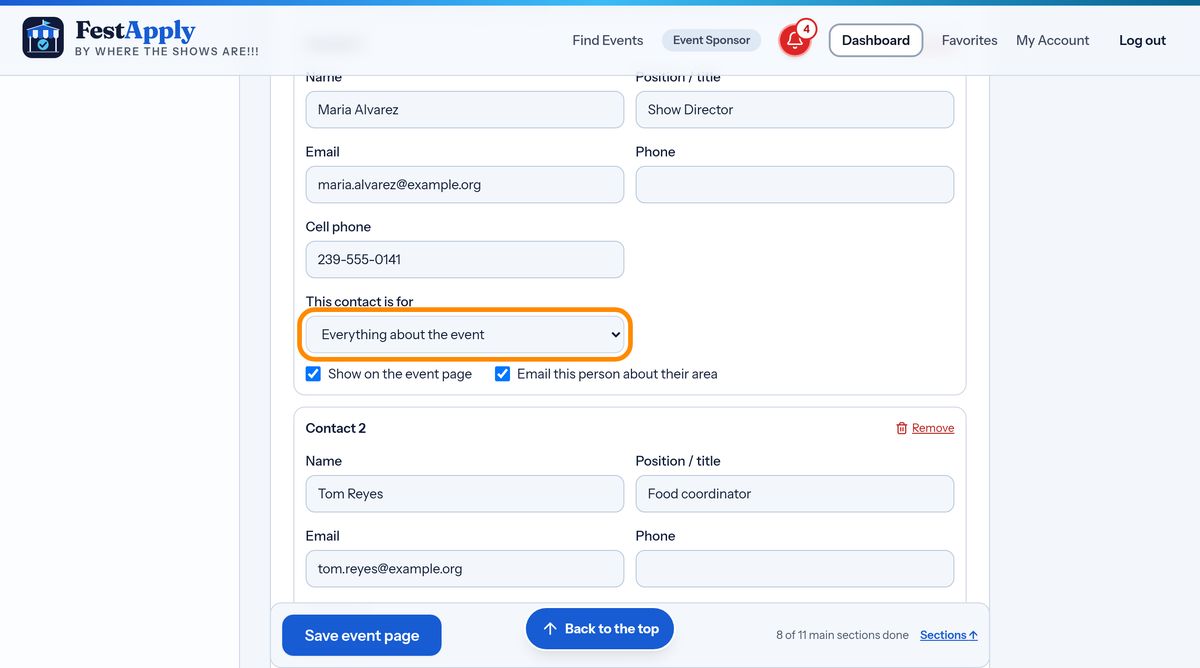
Choose one group, such as food vendors, and this person is shown only to food vendors, and is told only about food vendor applications. Your food coordinator never has to read about fine art.
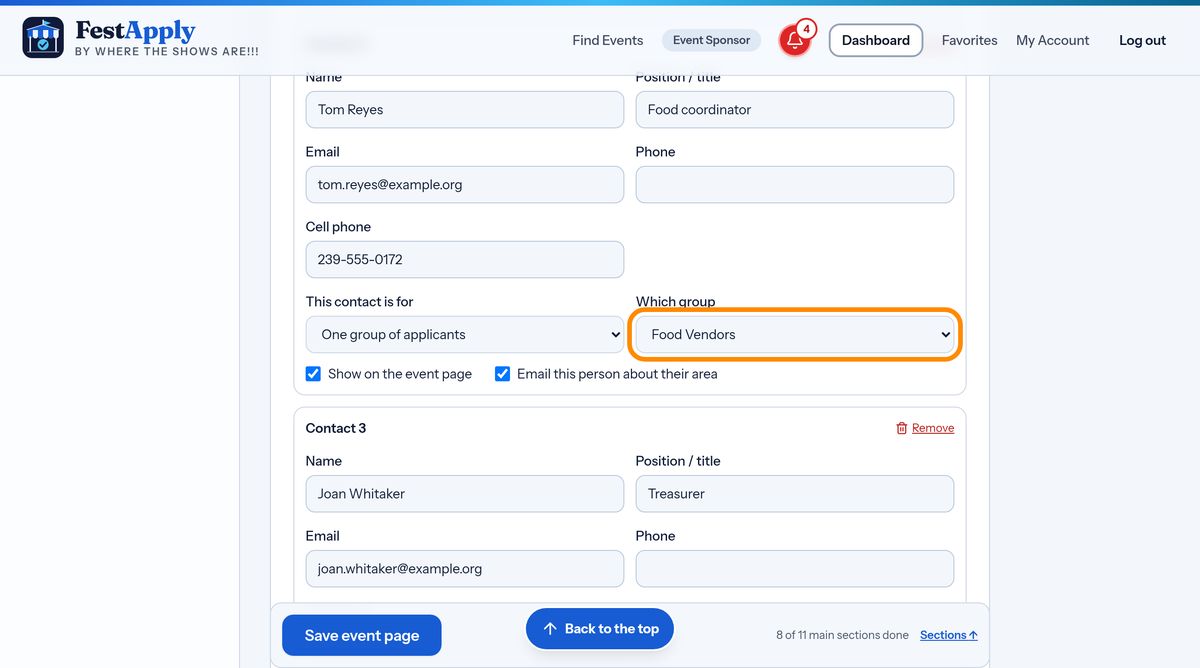
Or choose one job, like parking, payments or load-in, and that person becomes the contact for that job. If your job is not on the list, choose Something else and type it, for example silent auction.
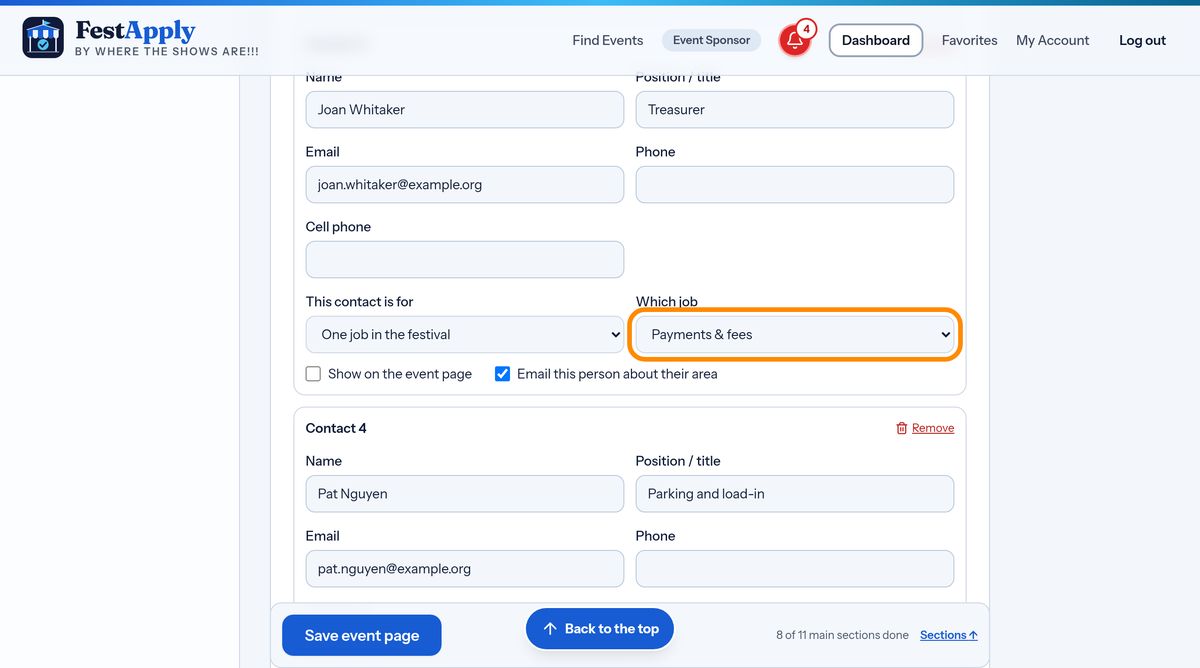
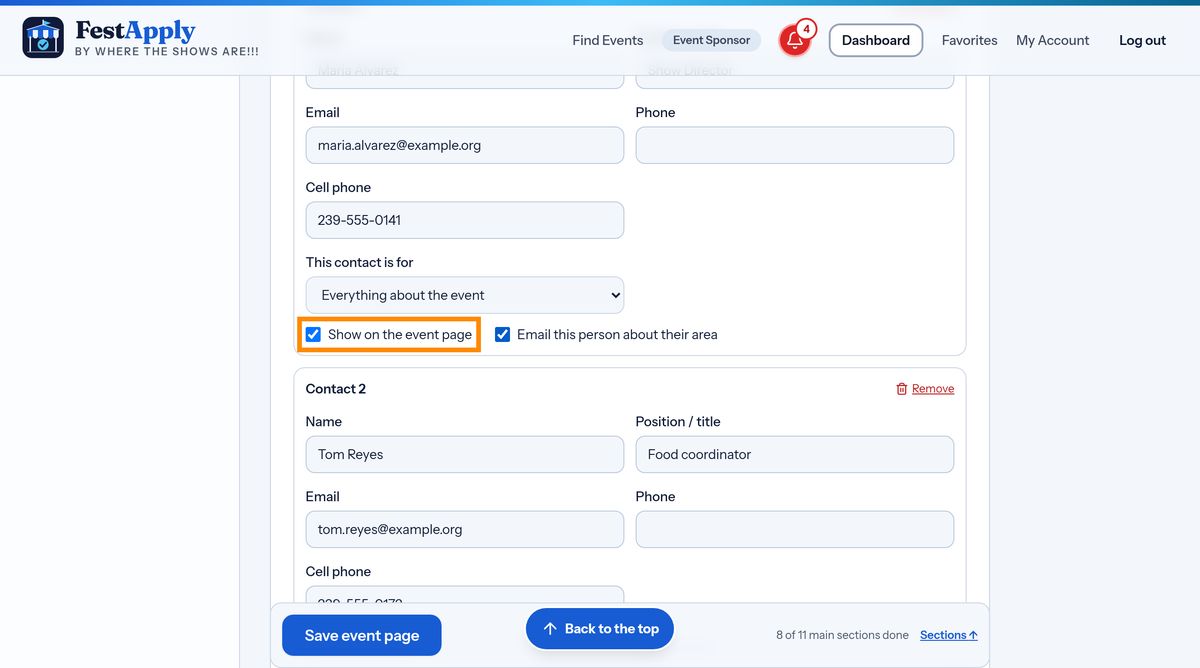
Two boxes decide what happens. Show on the event page puts the person on your public page. Email this person about their area sends them the notices for their group or job. A private treasurer can be told about payments without ever being shown to the public.
Press Add a contact for each person. Your changes save themselves as you go, and you can remove a person at any time.
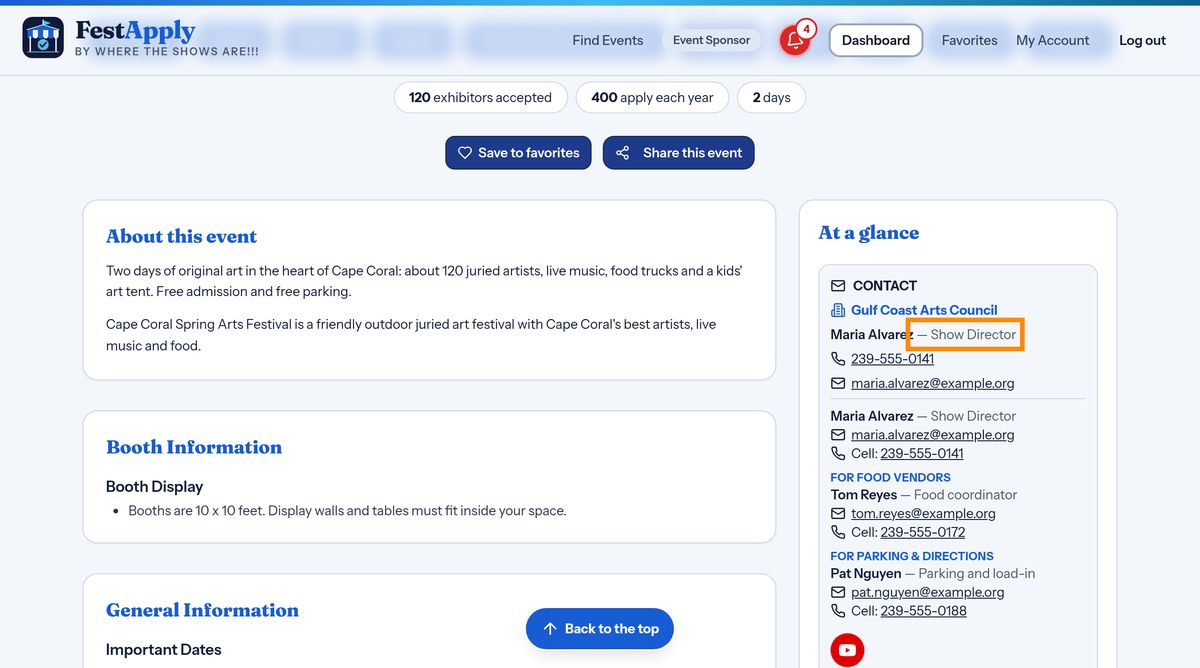
This is what exhibitors see on your public page: only the contacts you chose to show, each with the job they handle. Exhibitors know exactly who to call.