1Open Jury and acceptance
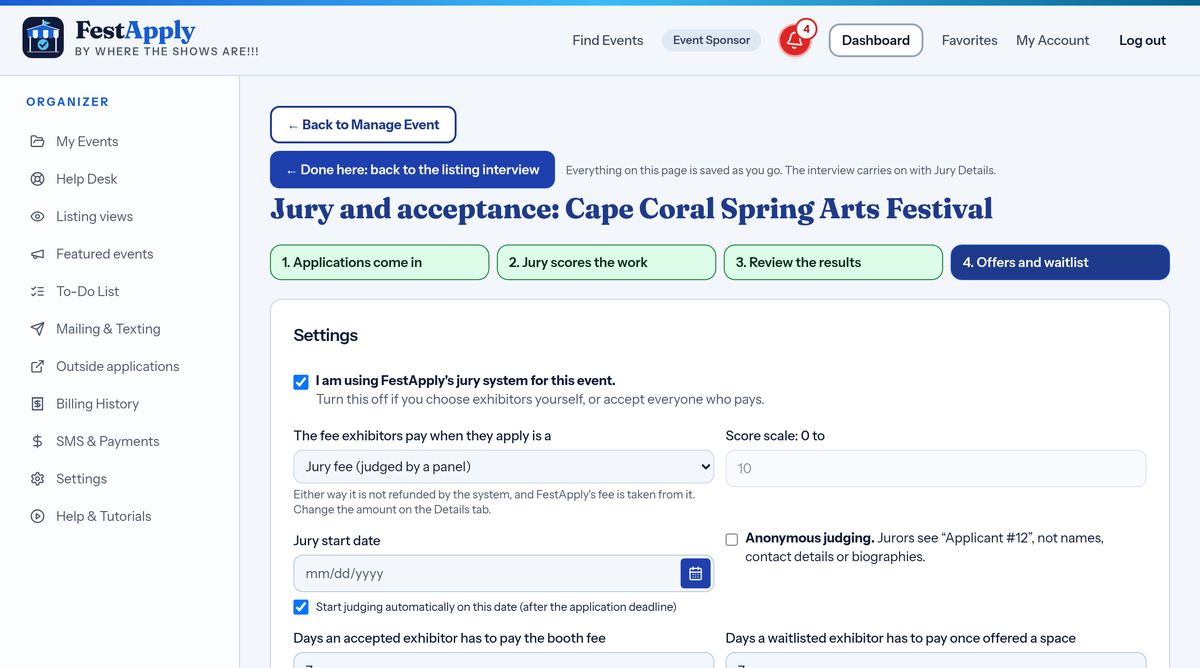
Open Jury and acceptance from the Manage Event page. Everything on this page saves as you go. The four boxes at the top show which stage you are in.
Lesson 11 of 21
Set up your jury, accept exhibitors, collect the entry fee by a last day, and use the waitlist.
Open Jury and acceptance from the Manage Event page. Everything on this page saves as you go. The four boxes at the top show which stage you are in.
First, choose the fee exhibitors pay when they apply. Most shows charge a jury fee. It is paid when the exhibitor submits, so every application you see is already paid for.
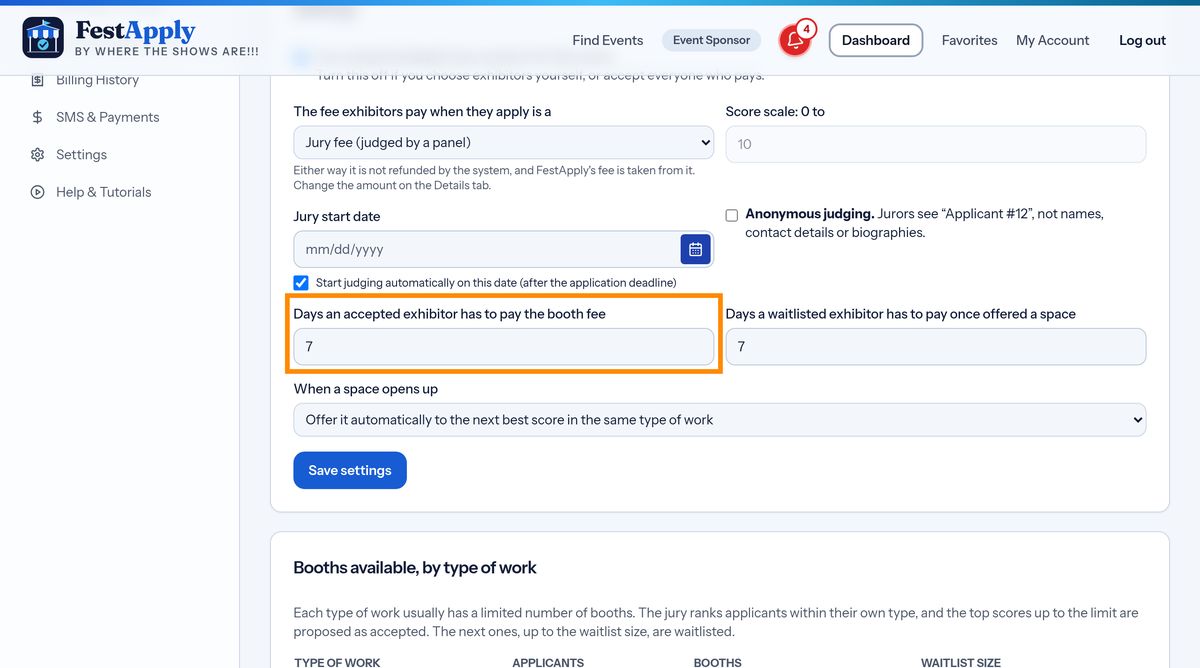
Next, set how many days an accepted exhibitor has to pay the entry fee, also called the booth fee. The last day to pay is the whole last day, until 11:59 PM Eastern time.
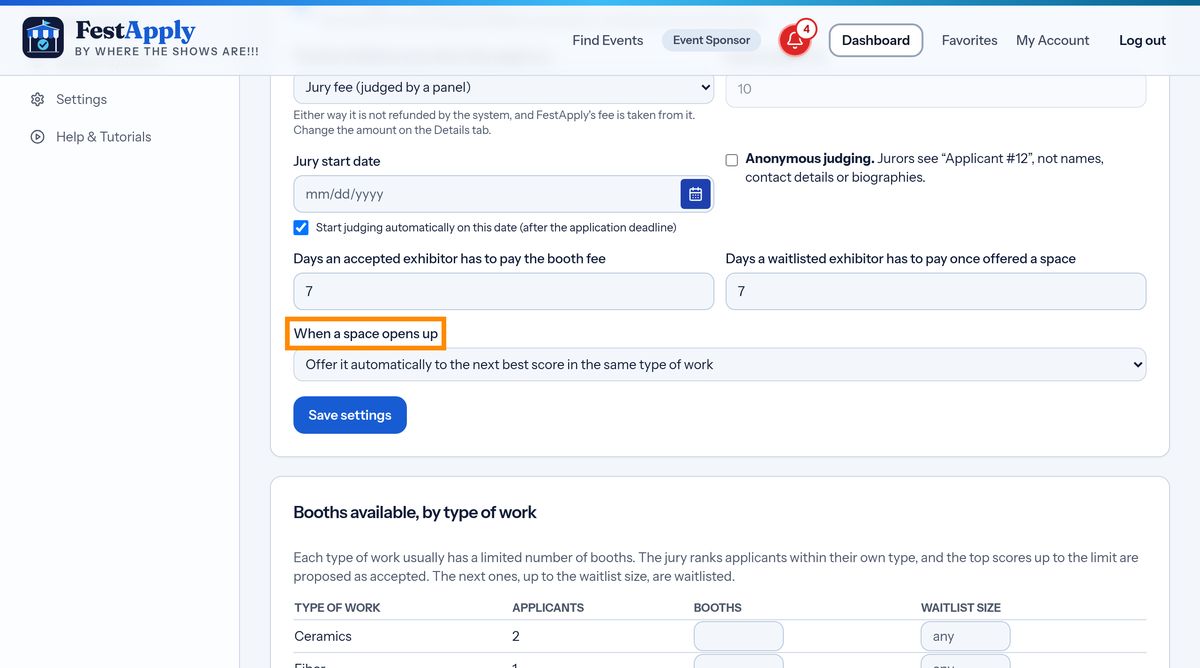
Now choose what happens when someone misses that last day. In automatic mode, the space goes to the next artist on your waitlist right away. In manual mode, FestApply tells you, and you choose who gets the space. Either way, the person who did not pay goes to the end of the waitlist.
When your jury has finished, accept, waitlist or decline each applicant. When you accept someone, FestApply creates their entry fee offer, and tells them by email and text, with a link that goes straight to the payment page.
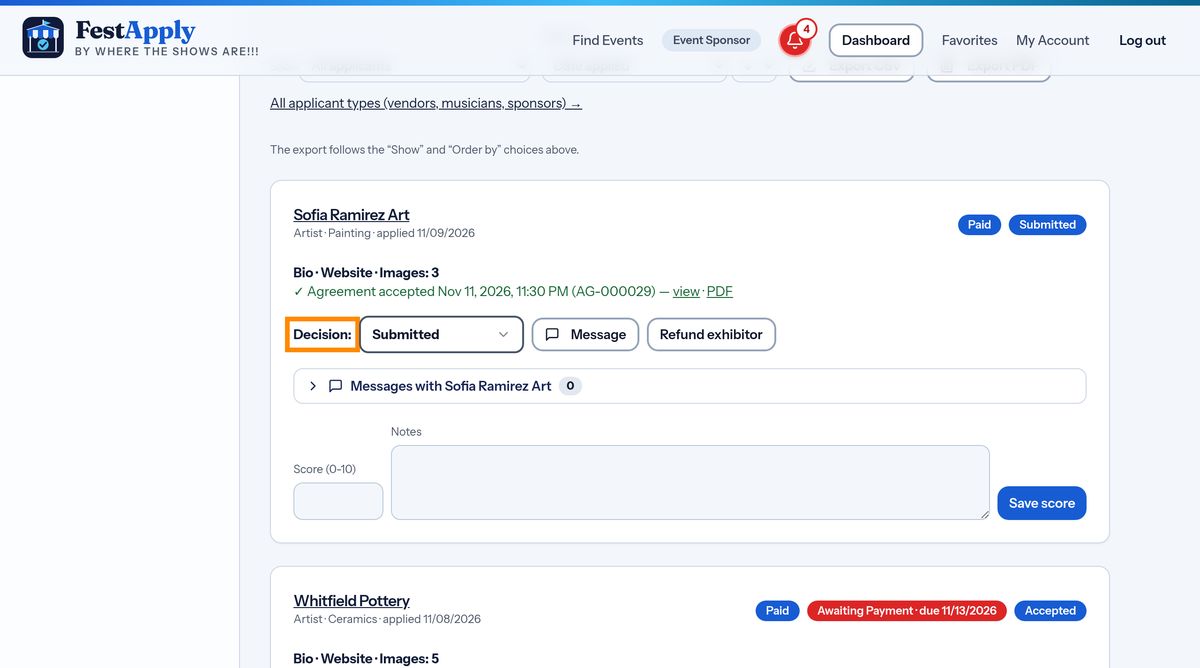
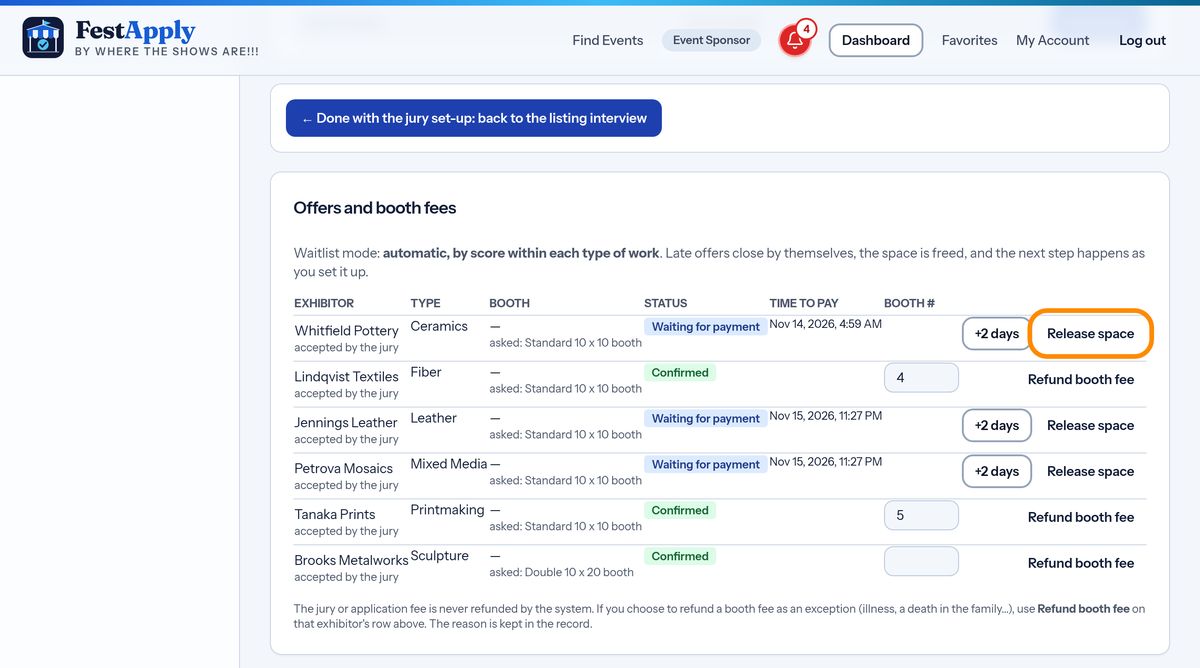
The offers table lists every accepted exhibitor with their fee, their last day to pay, and whether they have paid.
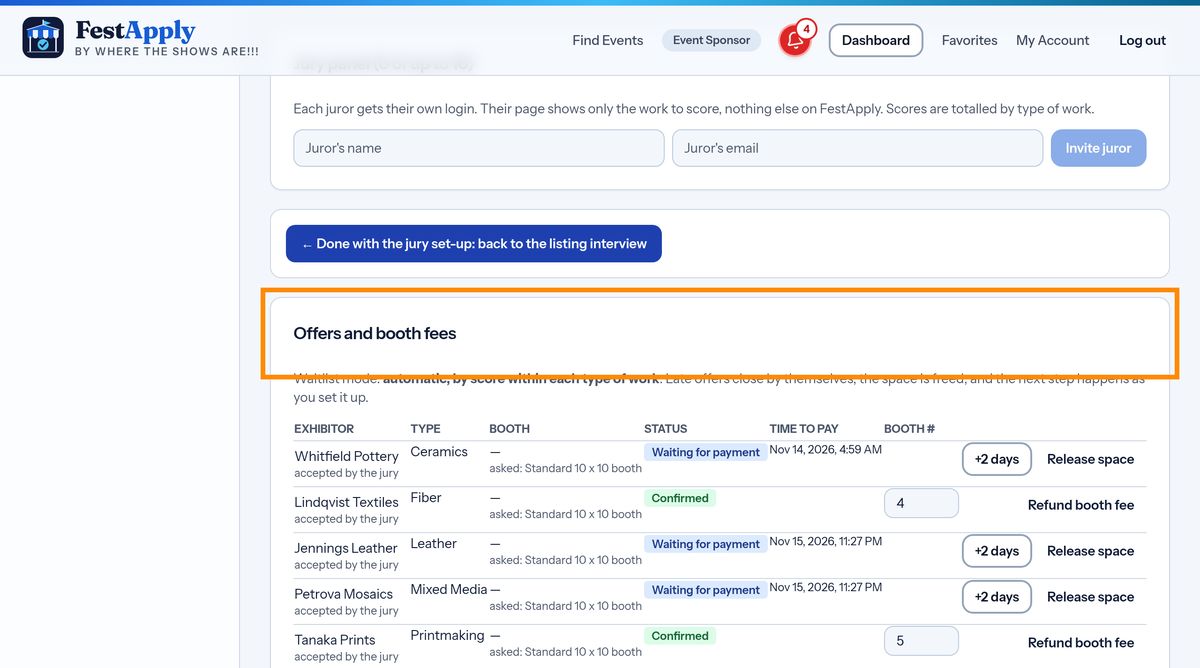
You do not have to chase anyone. Exhibitors who have not paid are reminded three days before, one day before, and on the last day. Their pay button turns red, and flashes in the last day or two.
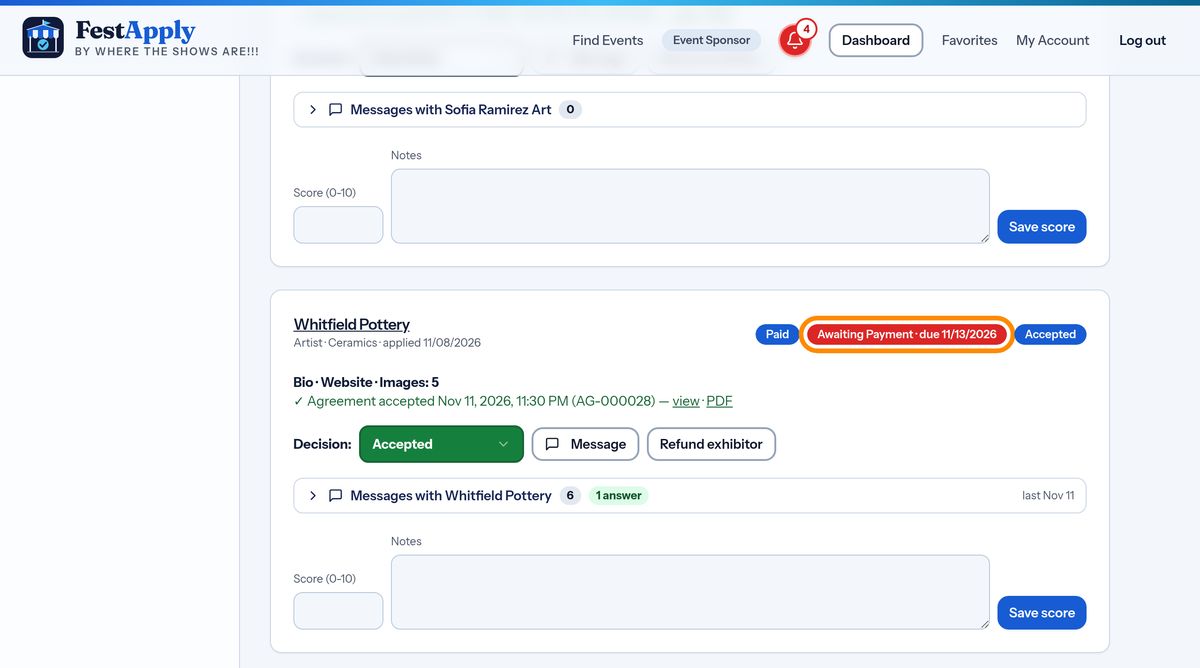
If an exhibitor asks for more time, extend their last day to pay by a few days.
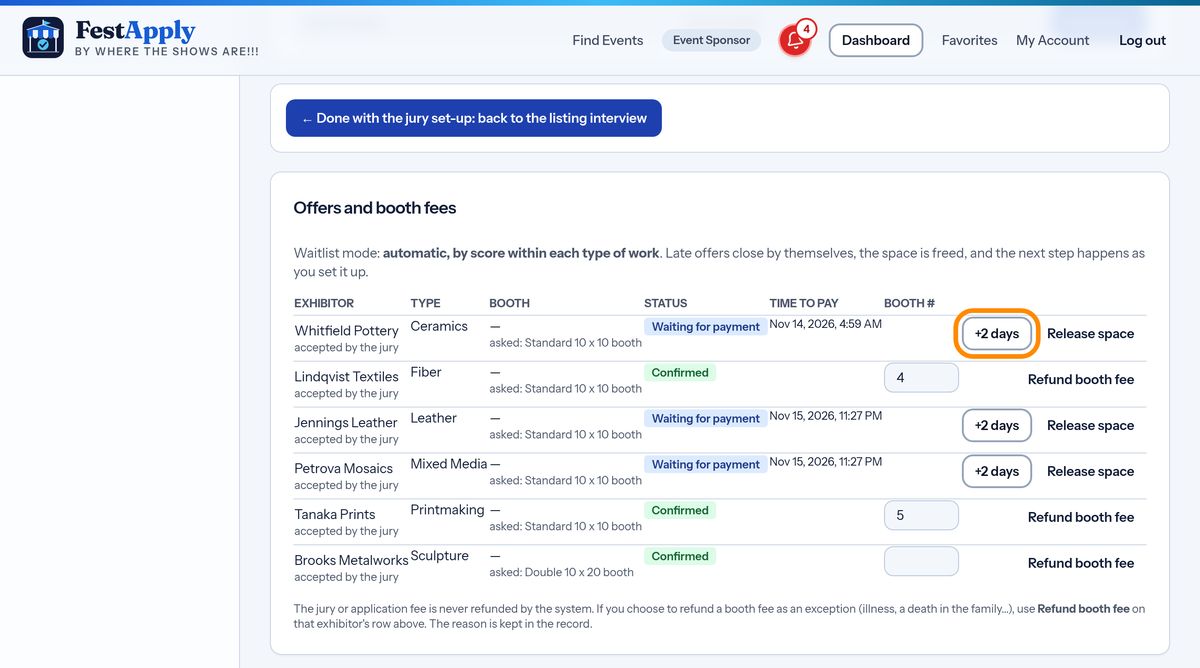
Or release the space yourself. The exhibitor goes to the end of the waitlist and the space is offered to the next person.
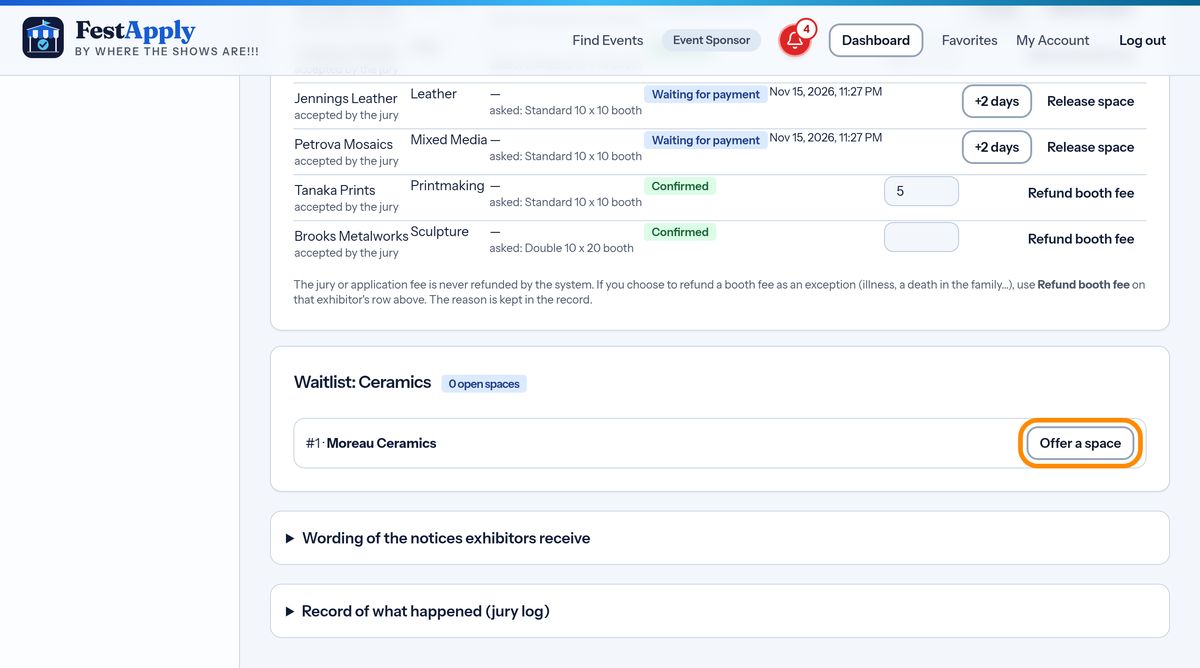
In manual mode, the waitlist shows who is next. Press Offer a space beside the person you choose. In automatic mode, FestApply does this for you.
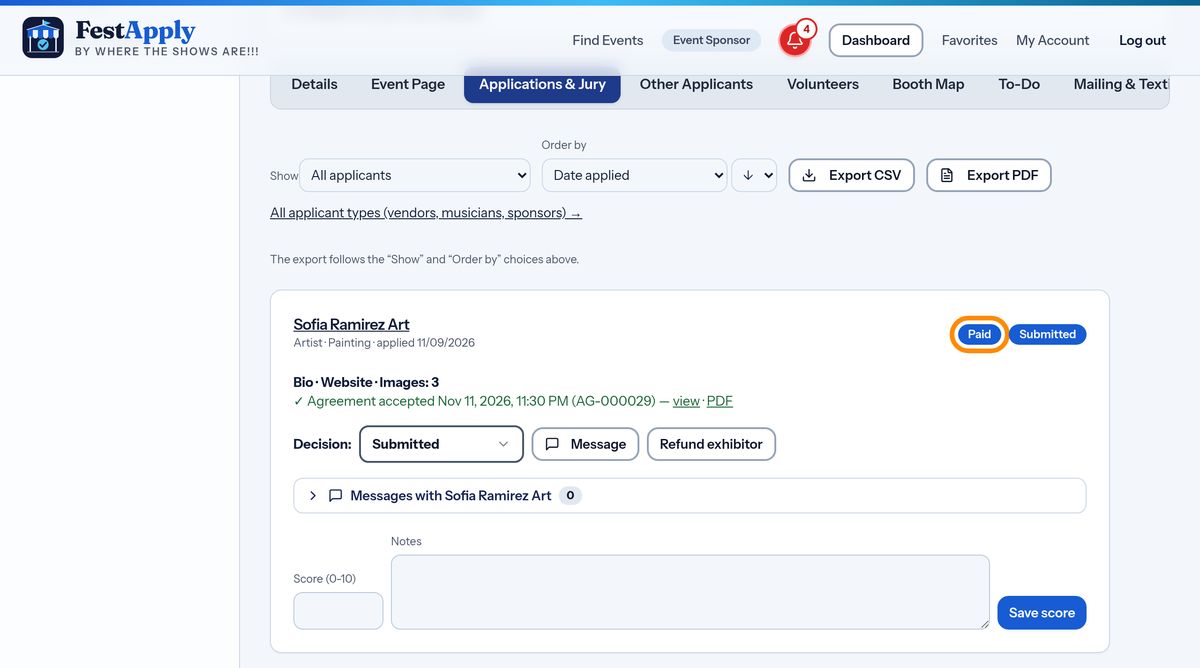
When an exhibitor pays, FestApply records it, shows a green Paid badge beside their name, and gives them an Entry Fee Paid button, so they can reprint their letter of acceptance and their receipt.