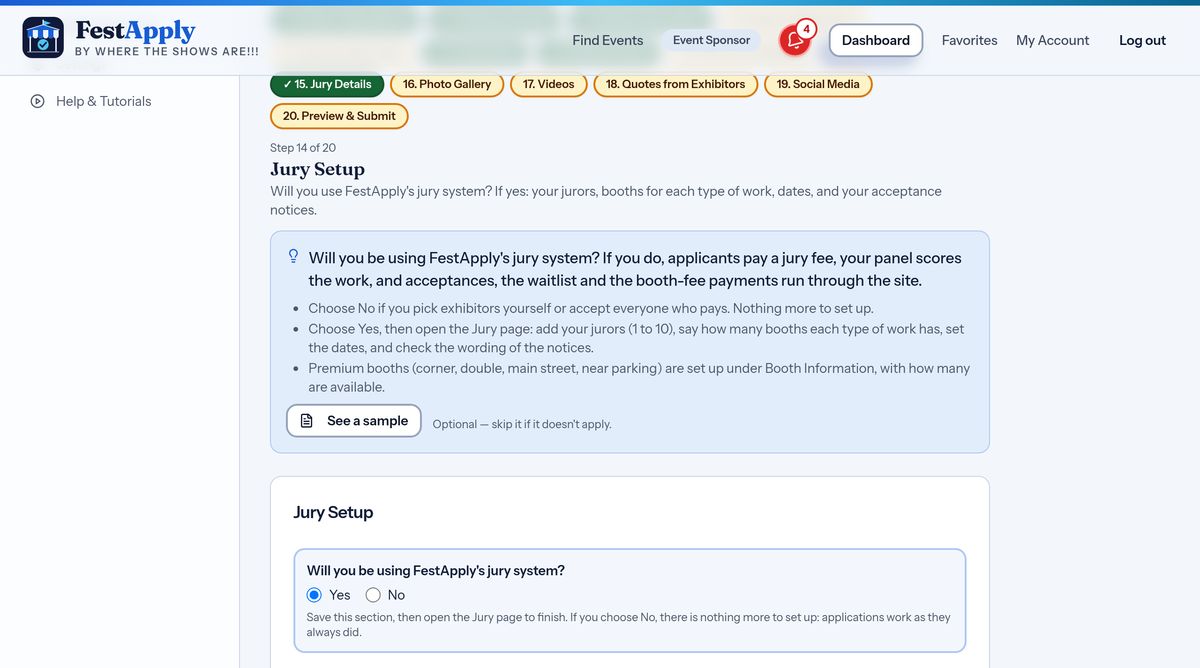
1Will you use the jury system?
Will you use FestApply's jury system? Choose yes if you have jurors score the work. FestApply then handles the scoring, the acceptances, the waitlist and the entry fee payments. Choose no if you decide yourself.
Lesson 10 of 21
Decide whether to use the FestApply jury, tell artists how it works, and invite your jurors.
Will you use FestApply's jury system? Choose yes if you have jurors score the work. FestApply then handles the scoring, the acceptances, the waitlist and the entry fee payments. Choose no if you decide yourself.
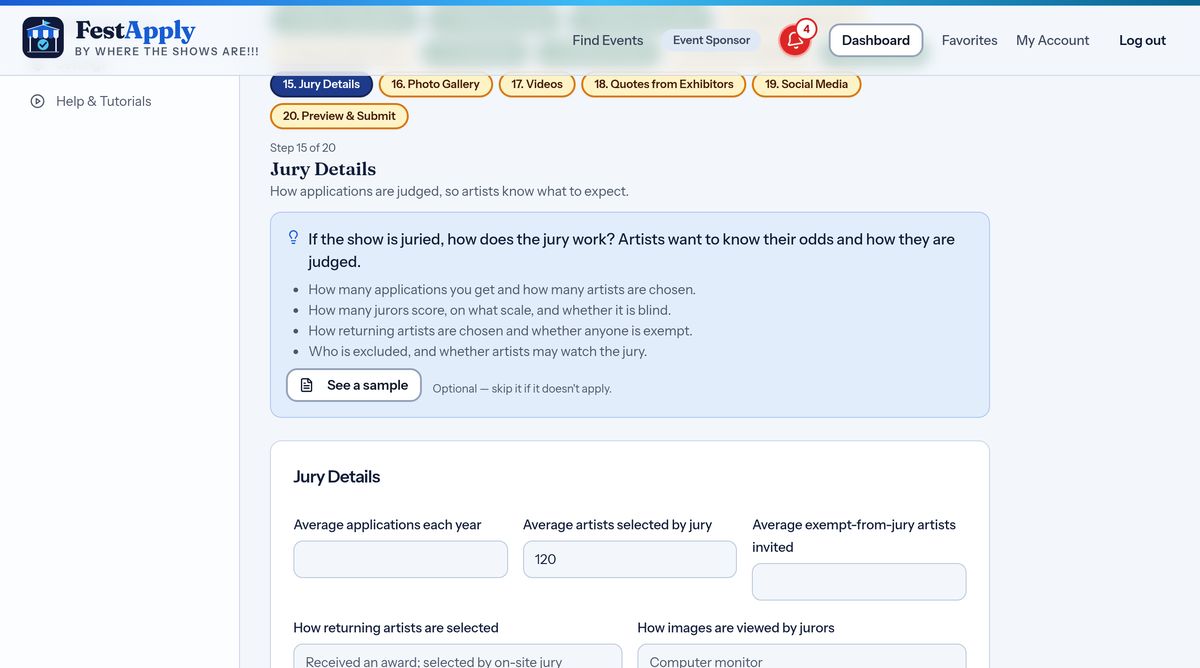
Jury Details is where you tell artists how your jury works: how many applications you get each year, how many are chosen, how returning artists are selected, and how the images are viewed. Artists read this before they decide to apply.
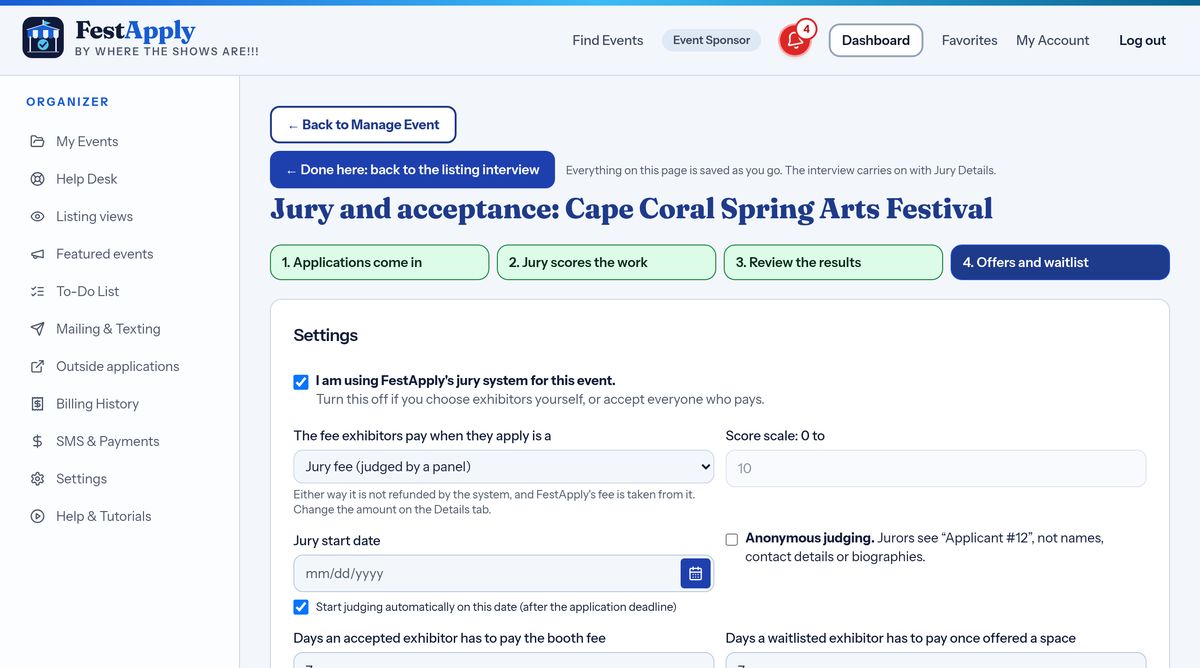
Open Jury and acceptance. Here you choose the fee exhibitors pay to apply, the score scale, and the date judging starts. You can also turn on anonymous judging, so jurors see only an applicant number, not names or biographies.
Set how many booths you have for each kind of work, and how long the waitlist for each can be. The jury results fill these places.
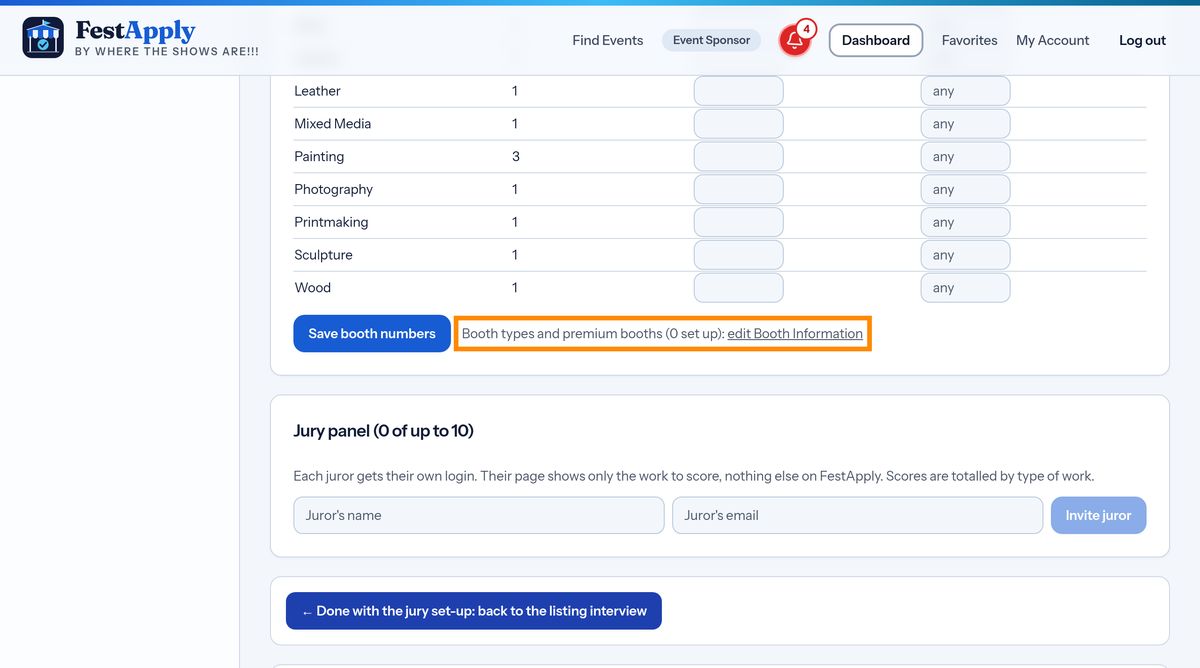
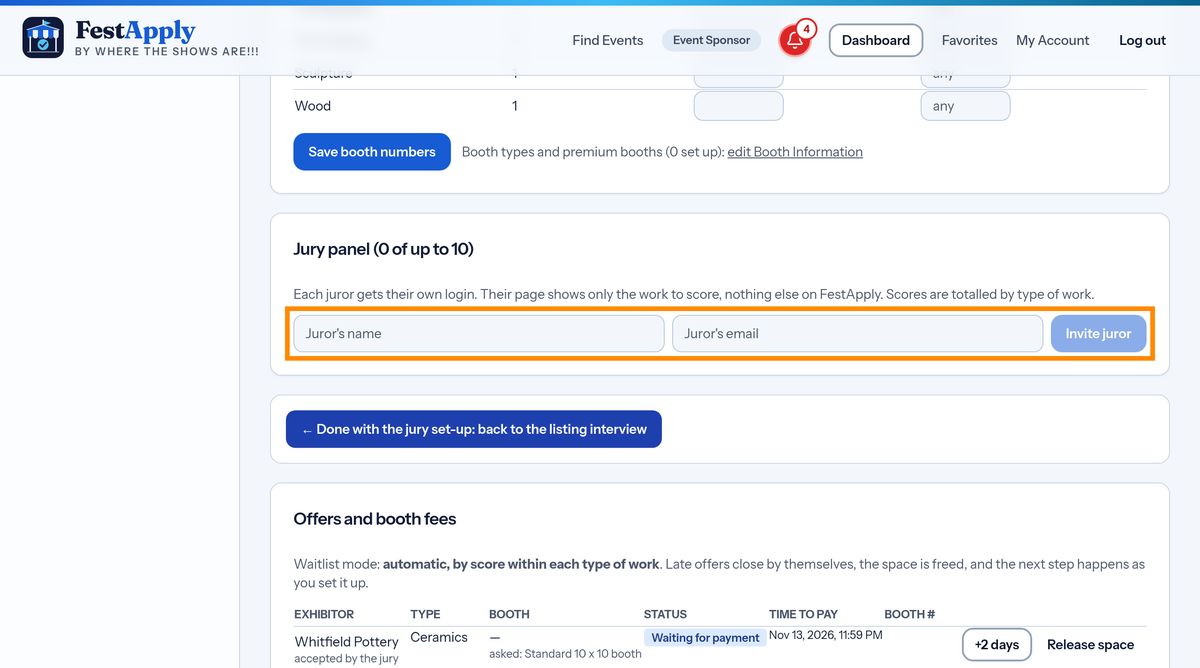
Invite your jurors by name and email. Each juror gets their own login, and a page that shows only the work to score, nothing else on FestApply.
When applications close, press Start the jury now, or let judging begin by itself on your start date. The jurors are told. Scores come in, and then you review the results in stage three.